

$0.99
FREE
100% Off
Mawaz Yellow – Icon Pack
Panoto Gomo



About the App
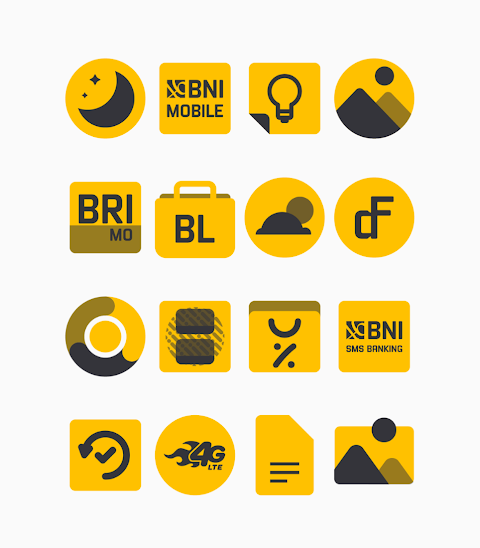
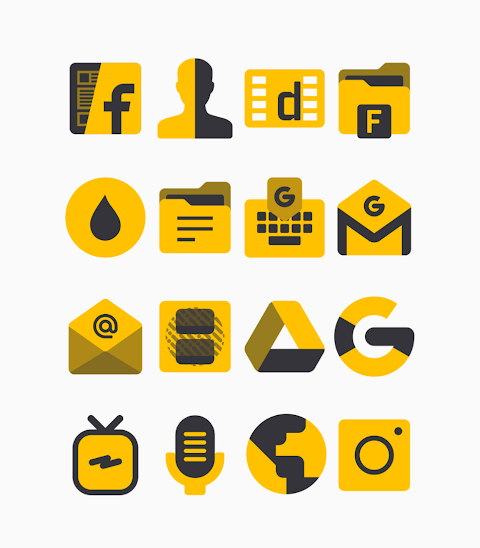
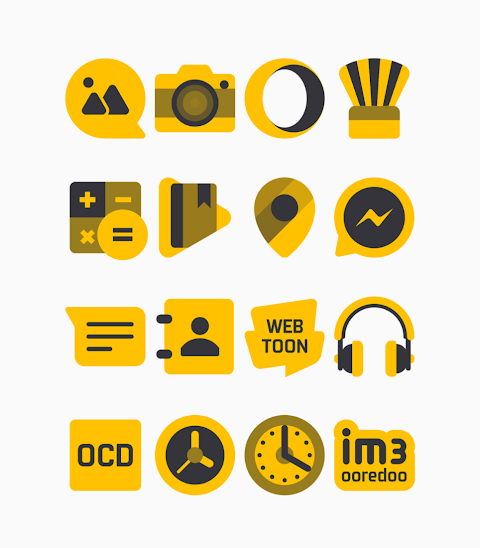
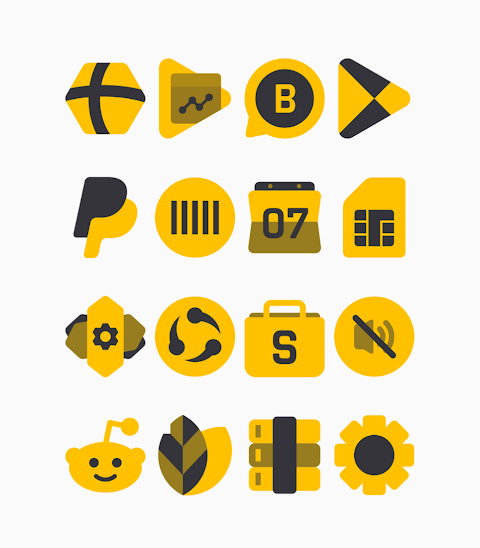
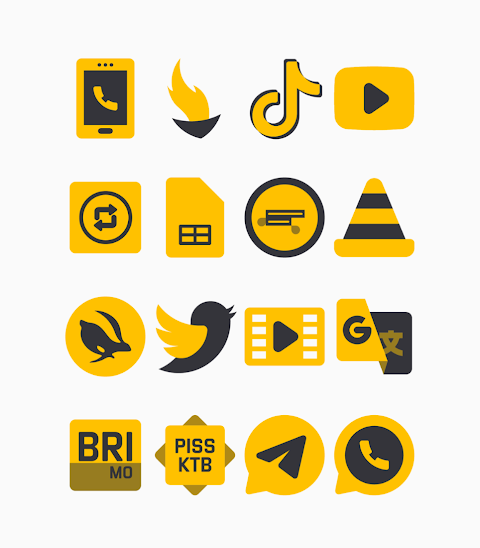
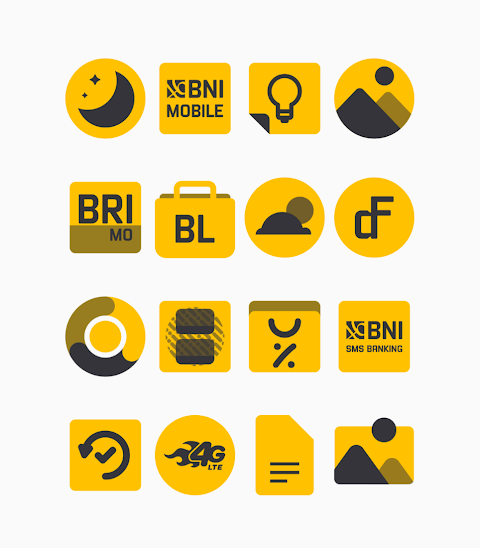
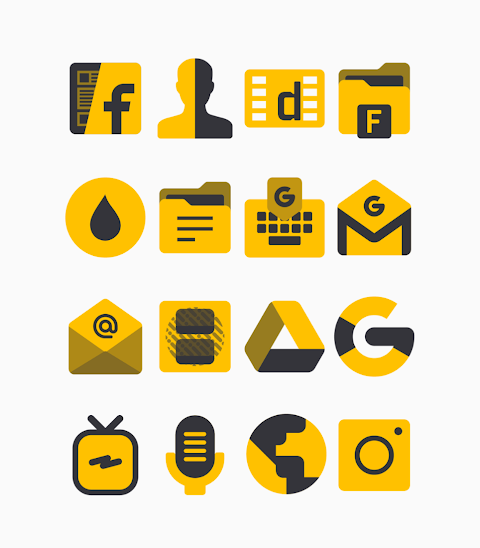
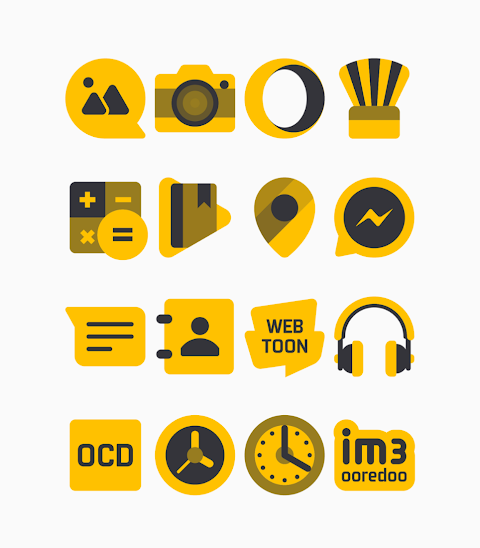
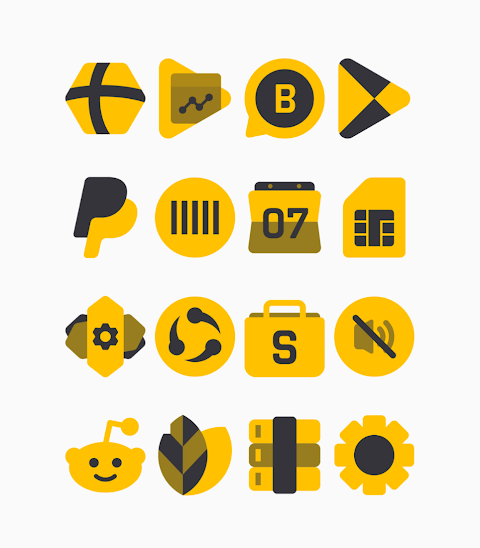
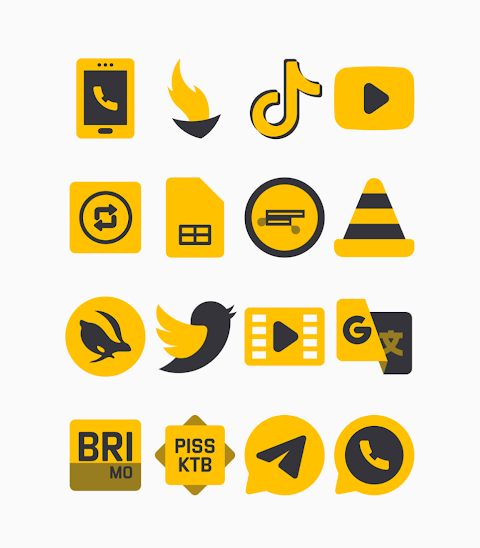
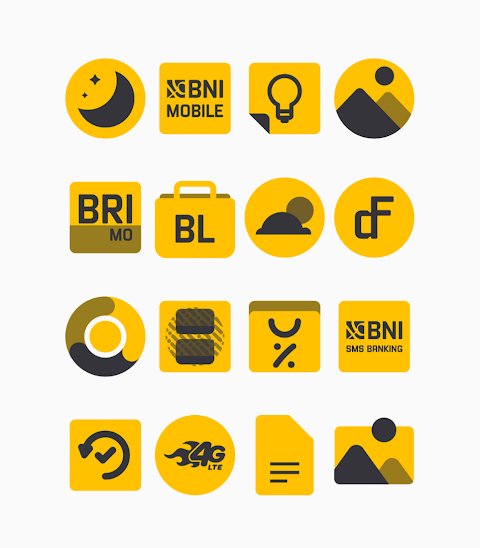
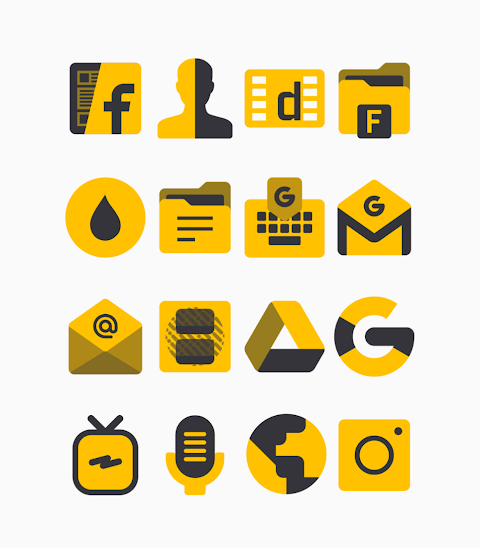
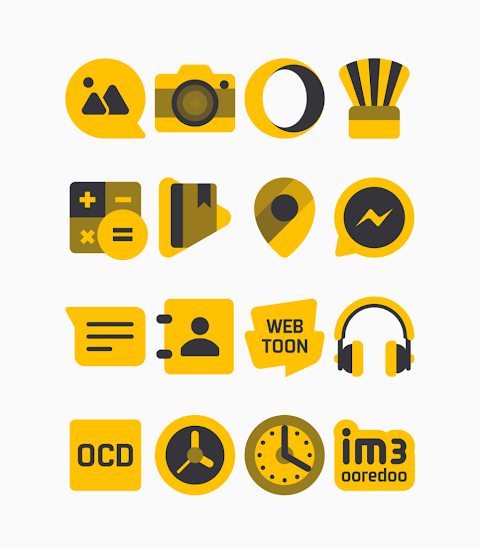
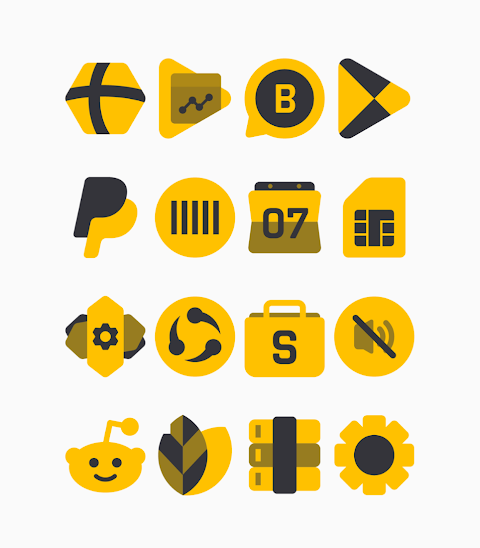
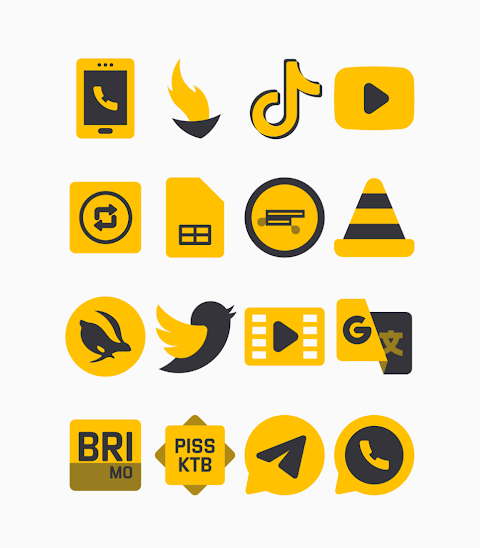
Mawaz Yellow - Icon Pack brings a bold new look to your device with its bright yellow and black theme. This shapeless icons collection is perfect for anyone looking to customize their screen and make it stand out. The pack currently includes over 3000 icons, and it keeps growing, allowing you to refresh your device's appearance anytime you like.
One of the highlights of Mawaz is its HD icon resolution, ensuring that each icon looks sharp and clear on your screen. In addition to icons, this pack also offers custom wallpapers, letting you choose a backdrop that complements your icons beautifully. If you're looking for a specific icon that isn't included, the icon request feature allows you to ask for new designs.
Using the Mawaz Yellow icon pack is easy, especially since it supports popular launchers like Nova Launcher and Evie Launcher. To apply the icons, simply follow these steps:
1. Open the Mawaz Yellow icon Pack app on your device.
2. Go to the Apply Icon Pack screen.
3. You’ll see a list of supported launchers, including Nova Launcher. Select the one you have installed.
4. The app will automatically apply the new icons from the Mawaz Yellow icon pack.
If your launcher isn’t showing up when you try to apply the icons directly from the app, you can still apply Mawaz Yellow via the launcher itself.
For Sony Xperia users, there are specific settings to follow. Although the Sony Xperia Home Launcher may not appear in the app, you can still apply the Mawaz Yellow icon pack with the following steps:
1. Long press on your main screen.
2. Open the settings.
3. Scroll down to the appearance icon setting.
4. Choose the Mawaz Yellow icon pack from the options.
5. Your icons will now be set!
Keep in mind that the icon pack is supported on Sony Xperia Home Launcher version 10.0.A.0.8 or newer.
Mawaz Yellow is designed to integrate seamlessly with various launchers, including Apex Launcher, ADW Launcher, ABC Launcher, Next Launcher, Holo Launcher, Lucid Launcher, M Launcher, Action Launcher, Aviate Launcher, Smart Launcher, Go Launcher, and Zero Launcher. However, note that Go and Zero launchers have some icon masking limitations, which means certain icons may not appear as intended in those environments.
With Mawaz Yellow, you can easily customize your device look with creative icon designs and enhance your user experience with various mobile personalization tools. Whether you want a bold screen appearance or simply enjoy mobile UI customization, this design-focused icon pack meets your needs.
Stay updated on new designs and improvements by following Mawaz on social media. You can find more information and updates on platforms like Google+, Instagram, and Twitter. Special thanks to Dani Mahardika for the Candybar Dashboard, which helps make all of this possible.
Mawaz Yellow - Icon Pack is here to help you personalize your mobile experience and give your device the unique flair it deserves.
One of the highlights of Mawaz is its HD icon resolution, ensuring that each icon looks sharp and clear on your screen. In addition to icons, this pack also offers custom wallpapers, letting you choose a backdrop that complements your icons beautifully. If you're looking for a specific icon that isn't included, the icon request feature allows you to ask for new designs.
Using the Mawaz Yellow icon pack is easy, especially since it supports popular launchers like Nova Launcher and Evie Launcher. To apply the icons, simply follow these steps:
1. Open the Mawaz Yellow icon Pack app on your device.
2. Go to the Apply Icon Pack screen.
3. You’ll see a list of supported launchers, including Nova Launcher. Select the one you have installed.
4. The app will automatically apply the new icons from the Mawaz Yellow icon pack.
If your launcher isn’t showing up when you try to apply the icons directly from the app, you can still apply Mawaz Yellow via the launcher itself.
For Sony Xperia users, there are specific settings to follow. Although the Sony Xperia Home Launcher may not appear in the app, you can still apply the Mawaz Yellow icon pack with the following steps:
1. Long press on your main screen.
2. Open the settings.
3. Scroll down to the appearance icon setting.
4. Choose the Mawaz Yellow icon pack from the options.
5. Your icons will now be set!
Keep in mind that the icon pack is supported on Sony Xperia Home Launcher version 10.0.A.0.8 or newer.
Mawaz Yellow is designed to integrate seamlessly with various launchers, including Apex Launcher, ADW Launcher, ABC Launcher, Next Launcher, Holo Launcher, Lucid Launcher, M Launcher, Action Launcher, Aviate Launcher, Smart Launcher, Go Launcher, and Zero Launcher. However, note that Go and Zero launchers have some icon masking limitations, which means certain icons may not appear as intended in those environments.
With Mawaz Yellow, you can easily customize your device look with creative icon designs and enhance your user experience with various mobile personalization tools. Whether you want a bold screen appearance or simply enjoy mobile UI customization, this design-focused icon pack meets your needs.
Stay updated on new designs and improvements by following Mawaz on social media. You can find more information and updates on platforms like Google+, Instagram, and Twitter. Special thanks to Dani Mahardika for the Candybar Dashboard, which helps make all of this possible.
Mawaz Yellow - Icon Pack is here to help you personalize your mobile experience and give your device the unique flair it deserves.

Glassify Color Icons
Mahmoud Zadah
$3.49
$1.75
DGT Mod 3 Super digital
WinWatchfaces
$1.29
$0.84
ZKin Watch Mountain Dune
ZKin
$2.99
$1.49