
$1.49
$0.75
50% Off
Material You Style Watch Face
Gadget Liv

About the App
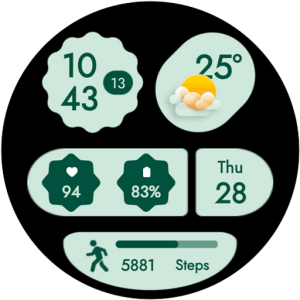
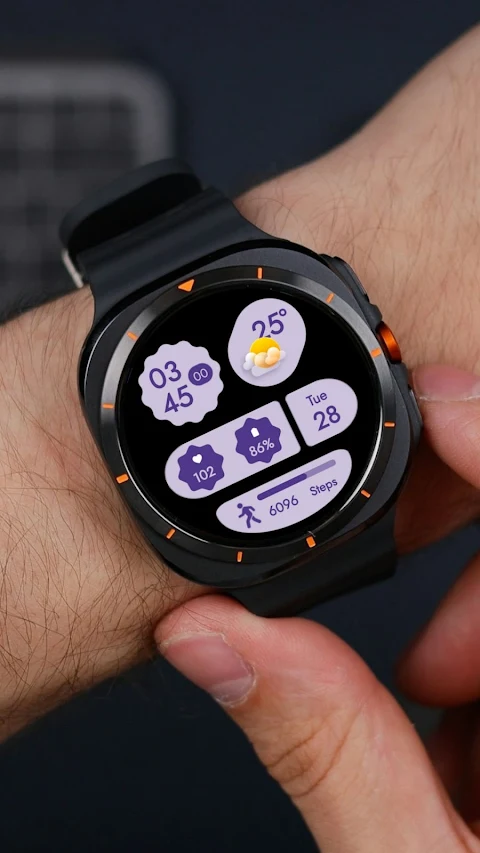
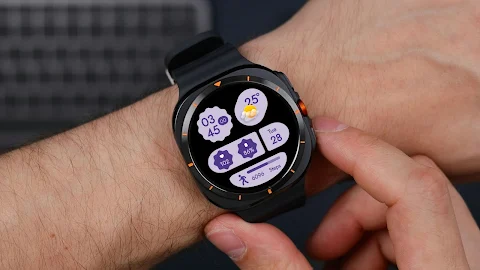
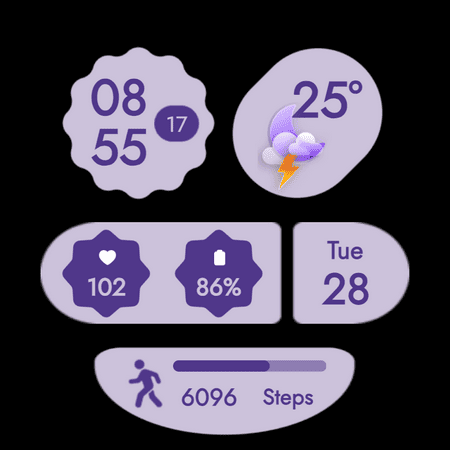
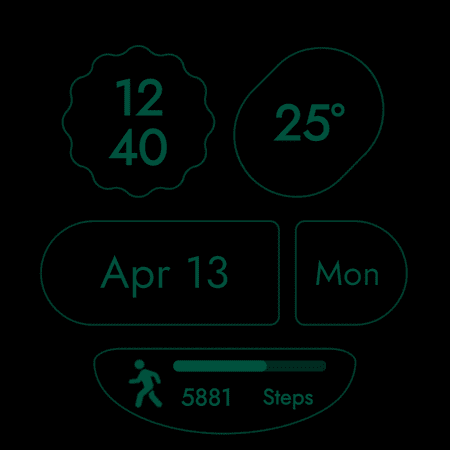
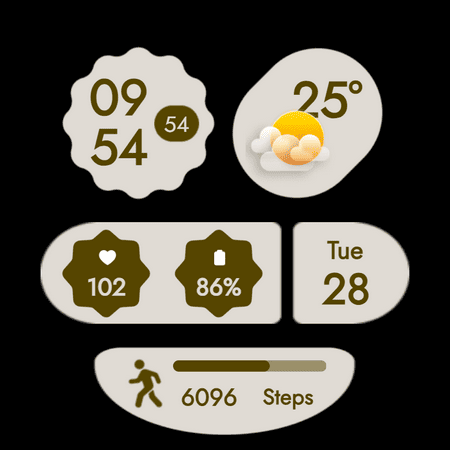
Upgrade your Wear OS smartwatch with the Material You Style Watch Face, a clean and modern digital watch face inspired by Material You design. This watch face emphasizes simplicity and features soft color palettes that create a calm layout, making it easy to read throughout the day.
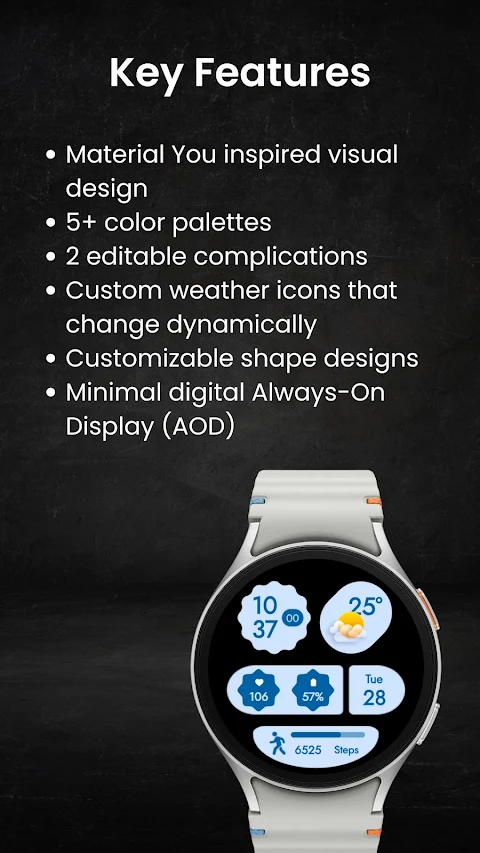
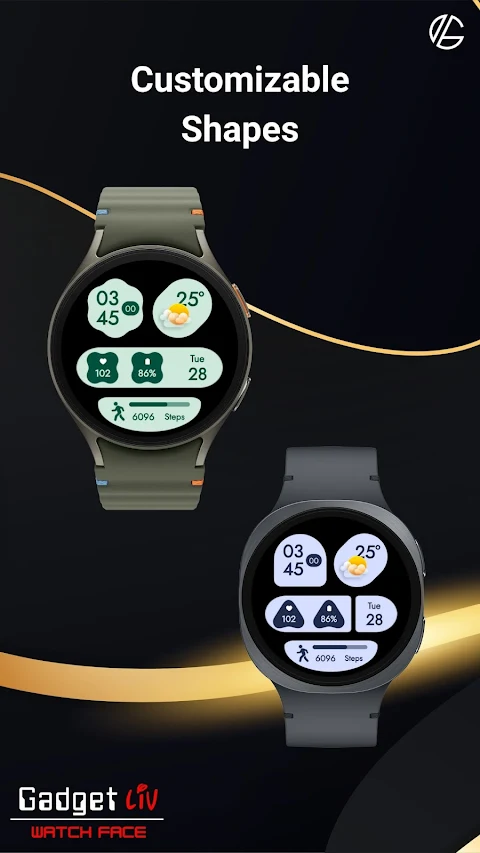
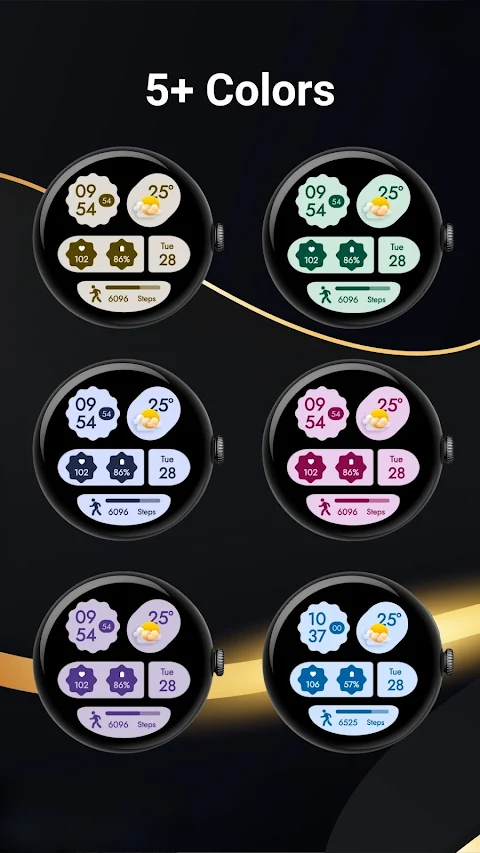
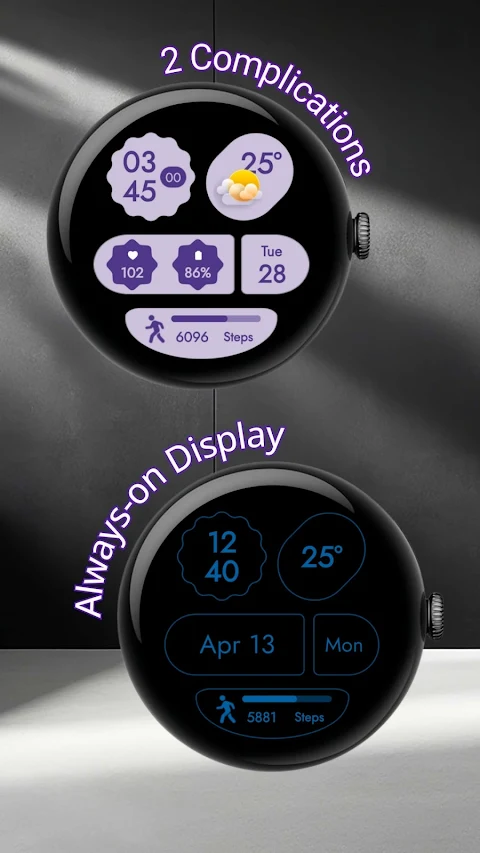
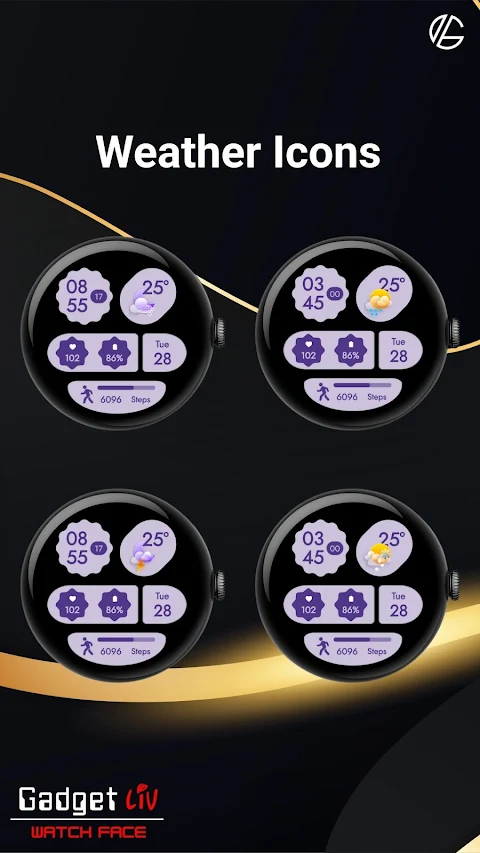
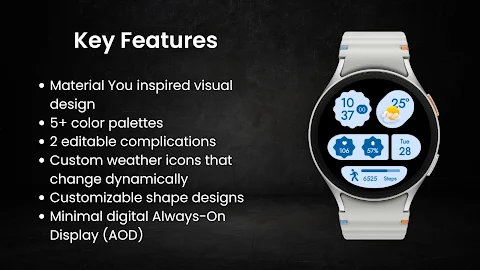
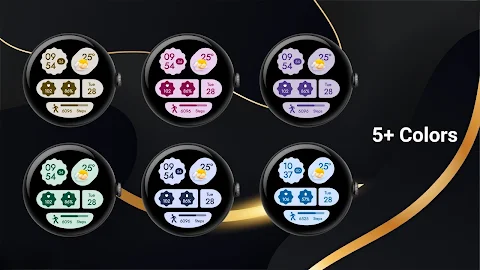
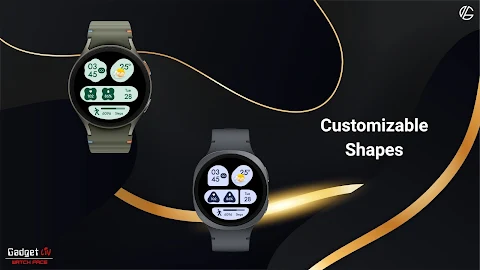
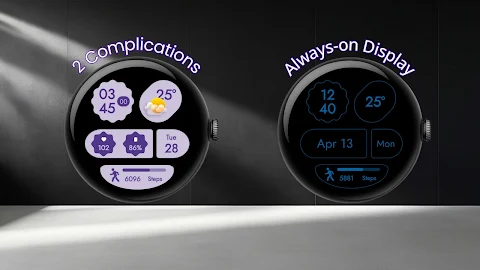
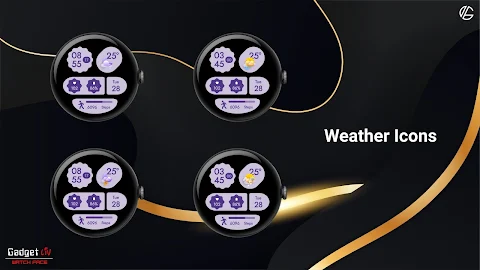
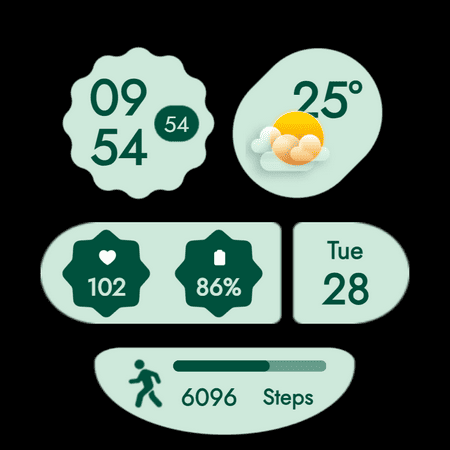
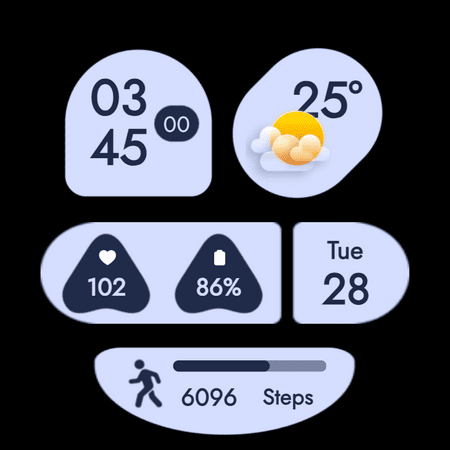
The Material You Style Watch Face comes with several useful features. You can choose from more than five color palettes to suit your style. It also includes two editable complications that let you add essential information right on the watch face. The custom weather icons provide dynamic weather updates, changing to reflect the current conditions. If you like variety, you’ll appreciate the customizable shape designs that allow you to personalize the look even further.
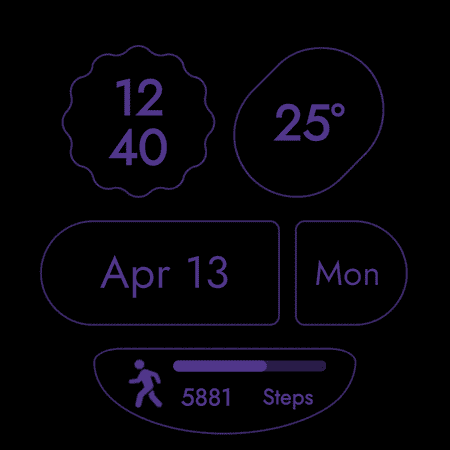
For those who prefer efficiency, this watch face includes a minimal Always-On Display (AOD), which shows key information without draining your battery. It also supports both 12-hour and 24-hour time formats, accommodating whatever you find most comfortable.
If you run into issues with the weather not updating, there are a few steps you can take. You might want to try watch face switching between different designs to reset the connection. Ensure you open the default 'Weather' app on your watch and check your location permission settings. Make sure that location access is set to "Always Allow" for both the watch face and the weather provider. It’s also helpful to verify that Location (GPS) is toggled ON in both your watch and paired smartphone settings. Lastly, of course, turning off battery Power Saving mode can help with background data sync.
The Material You Style Watch Face is designed specifically for smartwatches running Wear OS 5 or higher, featuring the latest Watch Face Format to ensure compatibility with modern devices. Notably, it works well with devices such as the Samsung Galaxy Watch 8 and Google Pixel Watch 4, among others. You can install it on any other smartwatch that runs Wear OS 5 or higher.
If you have questions, feedback, or run into any issues using the watch face, you can contact support for assistance. Don’t hesitate to reach out via email or visit the support website for further help.
Enjoy a user-friendly watch face that combines digital watch customization with a design that prioritizes simplicity and calming aesthetics. With the Material You Style Watch Face, your smartwatch can become a stylish companion that offers dynamic color changes and practical functionality, fitting seamlessly into your daily life.
The Material You Style Watch Face comes with several useful features. You can choose from more than five color palettes to suit your style. It also includes two editable complications that let you add essential information right on the watch face. The custom weather icons provide dynamic weather updates, changing to reflect the current conditions. If you like variety, you’ll appreciate the customizable shape designs that allow you to personalize the look even further.
For those who prefer efficiency, this watch face includes a minimal Always-On Display (AOD), which shows key information without draining your battery. It also supports both 12-hour and 24-hour time formats, accommodating whatever you find most comfortable.
If you run into issues with the weather not updating, there are a few steps you can take. You might want to try watch face switching between different designs to reset the connection. Ensure you open the default 'Weather' app on your watch and check your location permission settings. Make sure that location access is set to "Always Allow" for both the watch face and the weather provider. It’s also helpful to verify that Location (GPS) is toggled ON in both your watch and paired smartphone settings. Lastly, of course, turning off battery Power Saving mode can help with background data sync.
The Material You Style Watch Face is designed specifically for smartwatches running Wear OS 5 or higher, featuring the latest Watch Face Format to ensure compatibility with modern devices. Notably, it works well with devices such as the Samsung Galaxy Watch 8 and Google Pixel Watch 4, among others. You can install it on any other smartwatch that runs Wear OS 5 or higher.
If you have questions, feedback, or run into any issues using the watch face, you can contact support for assistance. Don’t hesitate to reach out via email or visit the support website for further help.
Enjoy a user-friendly watch face that combines digital watch customization with a design that prioritizes simplicity and calming aesthetics. With the Material You Style Watch Face, your smartwatch can become a stylish companion that offers dynamic color changes and practical functionality, fitting seamlessly into your daily life.
Outline 3D – Line icon pack
GomoTheGom
$1.49
$0.29
Retro Dots for Kwgt
makescreens
$0.49
$0.29
S4U Dive – Diver watch face
styles4you
$1.49
$0.39