

$0.99
FREE
100% Off
Marklist – Manage Later Things
思朴 宋

About the App
Marklist is an app designed to help you manage later things in life. It often happens that you suddenly feel inspired or discover something interesting, like an article or a keyword you want to look up. But when you’re busy with other tasks, it’s easy to let those moments slip away. Marklist is here to change that.
This app offers a simple way to store all your later things in one place. You can easily keep track of these items and remind yourself to handle them later. With Marklist, you no longer have to worry about forgetting those bursts of inspiration or losing track of your ideas.
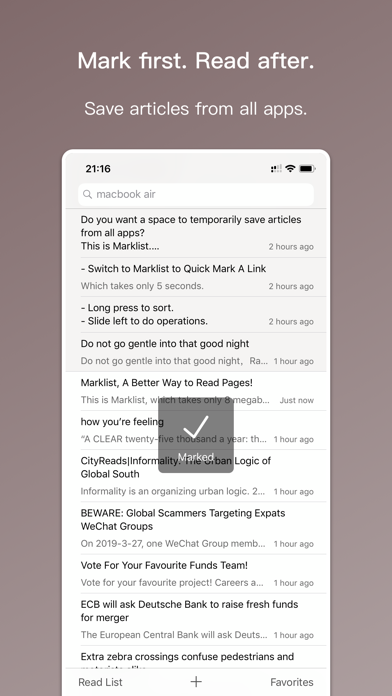
In Marklist, there are three main types of later things you might want to manage. First, you have keywords that you may want to look up with a search engine. Second, there's inspiration or to-do items that you want to record as reminders. Lastly, you might want to save articles from other apps that you haven't finished reading. All of these types of later things are integrated seamlessly into Marklist.
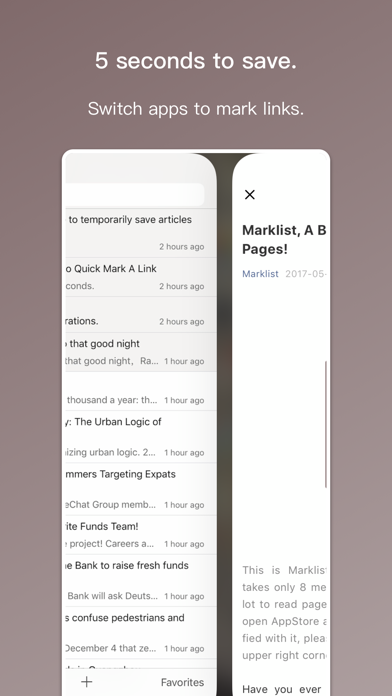
The app features a configurable search engine, allowing you to perform quick search engine lookups. It also has a one-tap note feature that makes inspiration recording easy. Plus, it allows you to auto-mark items just by copying links from other apps and switching to Marklist. This means you can organize your tasks without needing to use multiple tools.
Marklist is not just a single search engine, a basic to-do list, or a simple read-it-later tool. Instead, it consolidates all your later things into a single list. This way, you can always maintain focus and manage your tasks efficiently. Once you've dealt with a later thing, you can move it to the completed list. This keeps your main interface clean and clutter-free, so you don’t need to worry about losing track of anything.
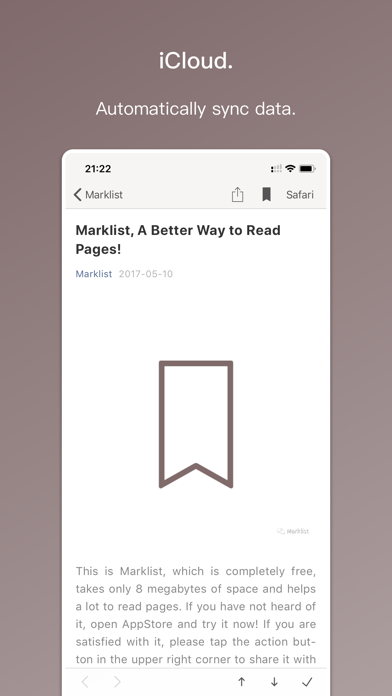
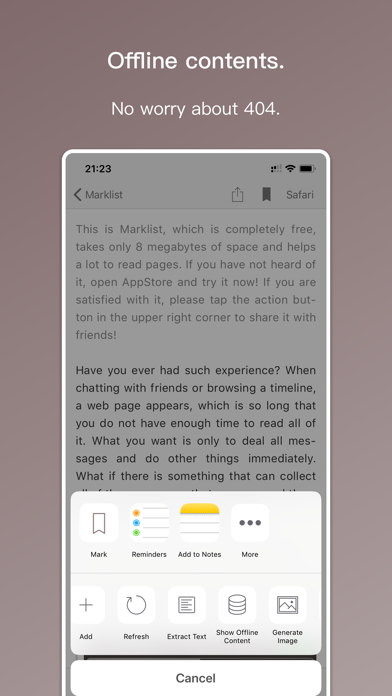
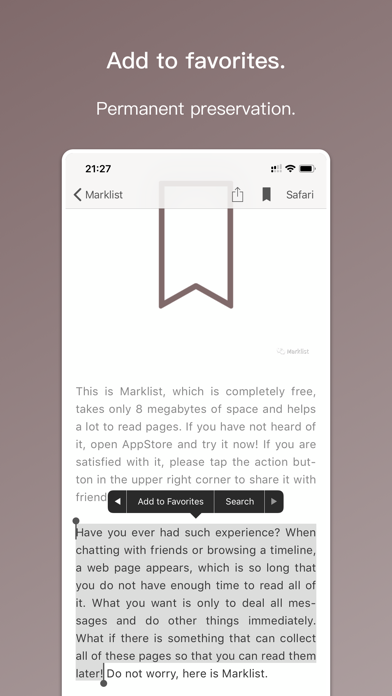
In addition to the core features, Marklist also offers several other useful tools. You can use favorites grouping to organize important items and make them easier to find. The app supports free web page snapshots, giving you a quick reference to the articles you've saved. With real-time iCloud backup, your data is always safe. You won’t have to stress about data loss, as everything syncs automatically across devices.
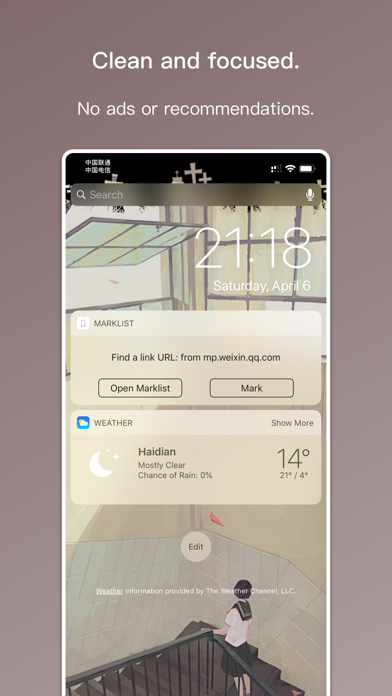
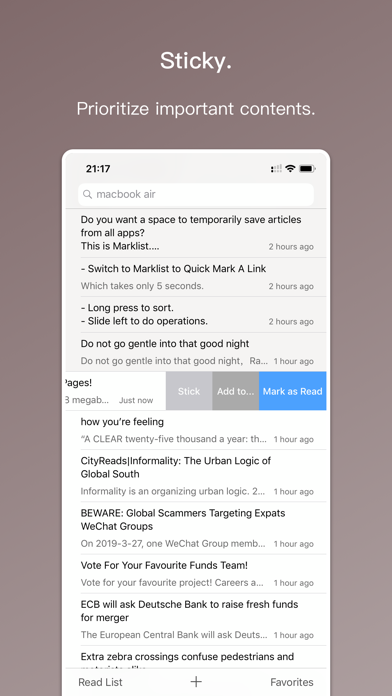
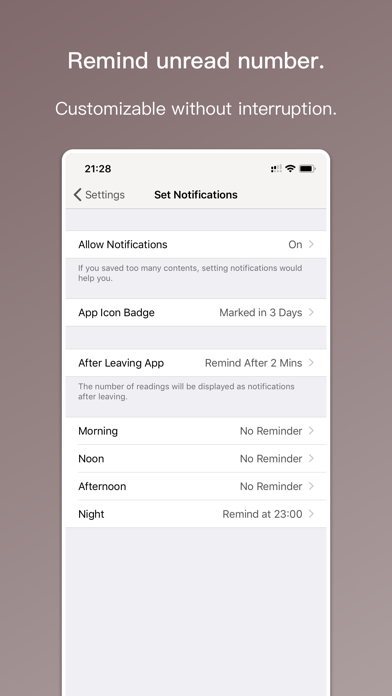
Marklist includes sticky and sorting features, allowing for content prioritization among your later things. You can also customize notifications and set up reminder widgets based on your preferences. This ensures that you are notified about your recorded later things when it matters most. The flexible search and filter options help you quickly locate specific items, making task management even easier.
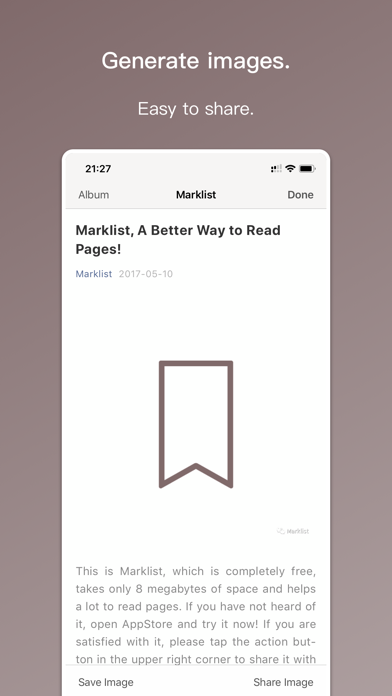
Additionally, Marklist supports QR code scanning for content from your computer, and offers long screenshots for all kinds of content. Daily and weekly statistics give you insightful data on how you are managing your tasks.
For Mac users, Marklist is also available on the Mac App Store. You can install it on your Mac and enjoy cross-device syncing, ensuring your data stays consistent no matter where you access it.
As a developer, my goal is to create a user-friendly interface that is easy to use, stable, and powerful. I believe Marklist achieves these aims. If you find it helpful, I would appreciate a 5-star review or recommendations to your friends. If you have suggestions for improvement, please feel free to reach out to me via email.
Thank you for using Marklist!
This app offers a simple way to store all your later things in one place. You can easily keep track of these items and remind yourself to handle them later. With Marklist, you no longer have to worry about forgetting those bursts of inspiration or losing track of your ideas.
In Marklist, there are three main types of later things you might want to manage. First, you have keywords that you may want to look up with a search engine. Second, there's inspiration or to-do items that you want to record as reminders. Lastly, you might want to save articles from other apps that you haven't finished reading. All of these types of later things are integrated seamlessly into Marklist.
The app features a configurable search engine, allowing you to perform quick search engine lookups. It also has a one-tap note feature that makes inspiration recording easy. Plus, it allows you to auto-mark items just by copying links from other apps and switching to Marklist. This means you can organize your tasks without needing to use multiple tools.
Marklist is not just a single search engine, a basic to-do list, or a simple read-it-later tool. Instead, it consolidates all your later things into a single list. This way, you can always maintain focus and manage your tasks efficiently. Once you've dealt with a later thing, you can move it to the completed list. This keeps your main interface clean and clutter-free, so you don’t need to worry about losing track of anything.
In addition to the core features, Marklist also offers several other useful tools. You can use favorites grouping to organize important items and make them easier to find. The app supports free web page snapshots, giving you a quick reference to the articles you've saved. With real-time iCloud backup, your data is always safe. You won’t have to stress about data loss, as everything syncs automatically across devices.
Marklist includes sticky and sorting features, allowing for content prioritization among your later things. You can also customize notifications and set up reminder widgets based on your preferences. This ensures that you are notified about your recorded later things when it matters most. The flexible search and filter options help you quickly locate specific items, making task management even easier.
Additionally, Marklist supports QR code scanning for content from your computer, and offers long screenshots for all kinds of content. Daily and weekly statistics give you insightful data on how you are managing your tasks.
For Mac users, Marklist is also available on the Mac App Store. You can install it on your Mac and enjoy cross-device syncing, ensuring your data stays consistent no matter where you access it.
As a developer, my goal is to create a user-friendly interface that is easy to use, stable, and powerful. I believe Marklist achieves these aims. If you find it helpful, I would appreciate a 5-star review or recommendations to your friends. If you have suggestions for improvement, please feel free to reach out to me via email.
Thank you for using Marklist!

1Contact Pro: Clean & Backup
Roxwin Vietnam Technologies Company Limited
$1.99

Telcoo – Cable Pair Tool
Buknal Enterprise LLC
$4.99

InfoBlock Watch Face
amoledwatchfaces™
$1.49
FREE