
$0.99
FREE
100% Off
Live Photo Wallpaper Maker+
Voros Innovation

About the App
With the Live Photo Wallpaper Maker+, you can easily turn any video into a Live Photo wallpaper. You also have the option to choose from hundreds of ready-made Live Photo wallpapers. It’s a fun way to personalize your device. Simply trim a one-second clip from your videos, crop it to fit your Lock Screen, and save it as a Live Photo. To see your creation come to life, just press and hold your Lock Screen.
The Live Photo Maker feature lets you select any video from your Photos. You can drag to choose the specific second you want. While longer clips up to 10 seconds are supported, using a 1 second video clip is best for Lock Screen wallpapers. The app allows for portrait cropping, ensuring that your wallpaper fits perfectly on your screen. Once you’ve saved your creation as a Live Photo, you can set it as your Lock Screen wallpaper through your Settings or Photos.
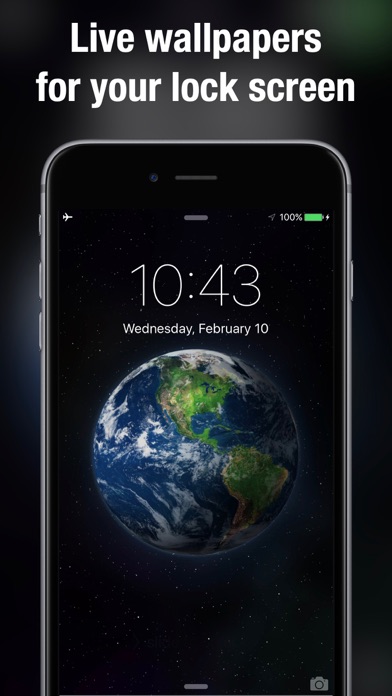
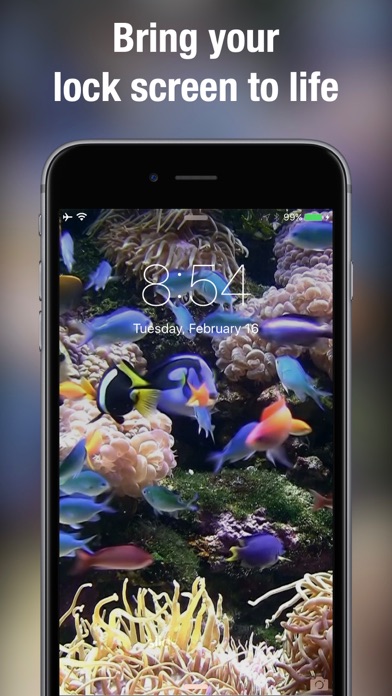
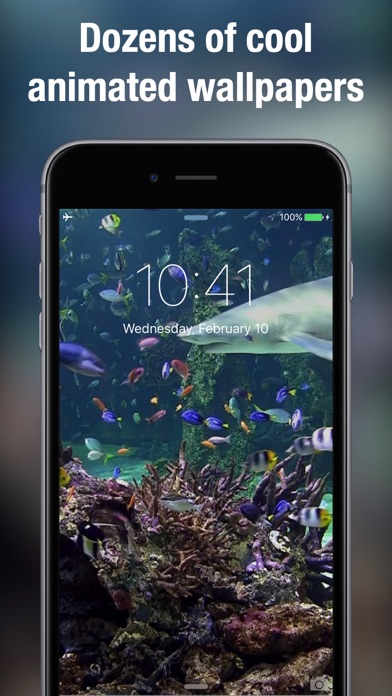
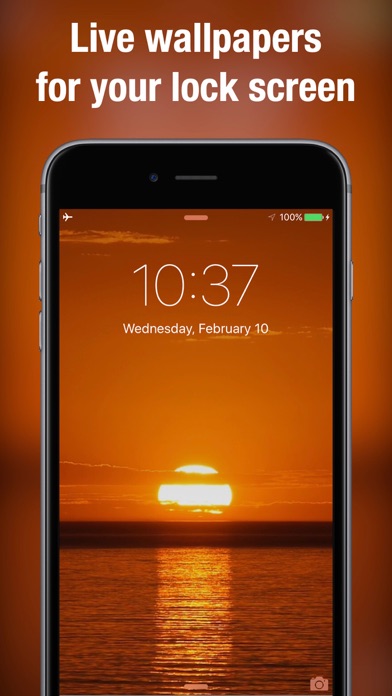
If you prefer ready-made Live Photo wallpapers, you’ll find a vast collection for every mood. Enjoy flickering fireplaces wallpaper, aquarium Live Photos, or soothing ocean waves Live Photos. For those who love nature, there are coral reefs wallpapers featuring shark animations, as well as beautiful forest Live Photo wallpapers. If you want something more cosmic, check out the galaxies wallpaper. During special occasions, festive Christmas scenes are also available. You can browse new arrivals, check out the popular wallpapers, or save your favorites for easy access later. If you know what you’re looking for, a tag-based wallpaper search helps you find it quickly.
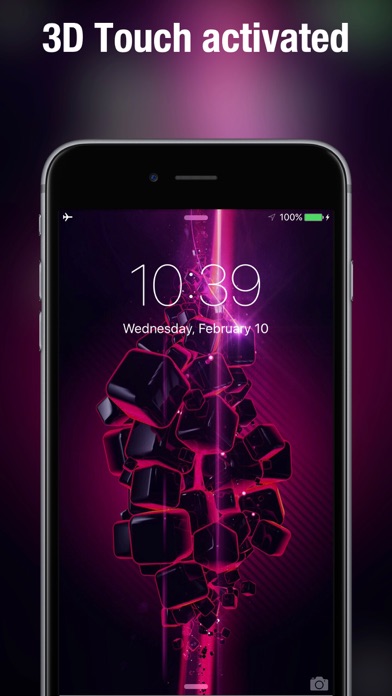
Setting up a Live Wallpaper is simple. You can touch to preview wallpaper animation before saving it. Just tap the save button to add your chosen wallpaper to your camera roll. Then, in Settings or Photos, you can set the saved Live Photo as your Lock Screen wallpaper. When you want to see your wallpaper come alive, just press and hold the Lock Screen.
The Live Photo Wallpaper Maker+ is also available on Apple Vision, enhancing your experience with animated wallpaper features. Its dynamic Lock Screen will surely impress. You can create a personalized wallpaper collection that reflects your style. With both 1 second video clips and 10 seconds video support, the options for customization are vast. Enjoy seamless photos integration as you express yourself with mood-based Live Photos and interactive wallpaper options.
The Live Photo Maker feature lets you select any video from your Photos. You can drag to choose the specific second you want. While longer clips up to 10 seconds are supported, using a 1 second video clip is best for Lock Screen wallpapers. The app allows for portrait cropping, ensuring that your wallpaper fits perfectly on your screen. Once you’ve saved your creation as a Live Photo, you can set it as your Lock Screen wallpaper through your Settings or Photos.
If you prefer ready-made Live Photo wallpapers, you’ll find a vast collection for every mood. Enjoy flickering fireplaces wallpaper, aquarium Live Photos, or soothing ocean waves Live Photos. For those who love nature, there are coral reefs wallpapers featuring shark animations, as well as beautiful forest Live Photo wallpapers. If you want something more cosmic, check out the galaxies wallpaper. During special occasions, festive Christmas scenes are also available. You can browse new arrivals, check out the popular wallpapers, or save your favorites for easy access later. If you know what you’re looking for, a tag-based wallpaper search helps you find it quickly.
Setting up a Live Wallpaper is simple. You can touch to preview wallpaper animation before saving it. Just tap the save button to add your chosen wallpaper to your camera roll. Then, in Settings or Photos, you can set the saved Live Photo as your Lock Screen wallpaper. When you want to see your wallpaper come alive, just press and hold the Lock Screen.
The Live Photo Wallpaper Maker+ is also available on Apple Vision, enhancing your experience with animated wallpaper features. Its dynamic Lock Screen will surely impress. You can create a personalized wallpaper collection that reflects your style. With both 1 second video clips and 10 seconds video support, the options for customization are vast. Enjoy seamless photos integration as you express yourself with mood-based Live Photos and interactive wallpaper options.

المؤذن وادوات المسلم
Hany Elmehy
$1.99
Lines Watch Face
amoledwatchfaces™
$0.99
$0.50

Ghost Box: Spirit Radio Pro
IrishCoffeeStudio
$4.99
$1.25