

$0.99
FREE
100% Off
Linios Purple – Icon Pack
Panoto Gomo


About the App
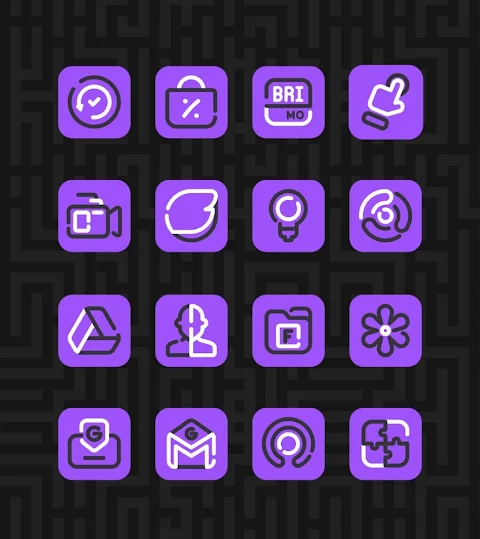
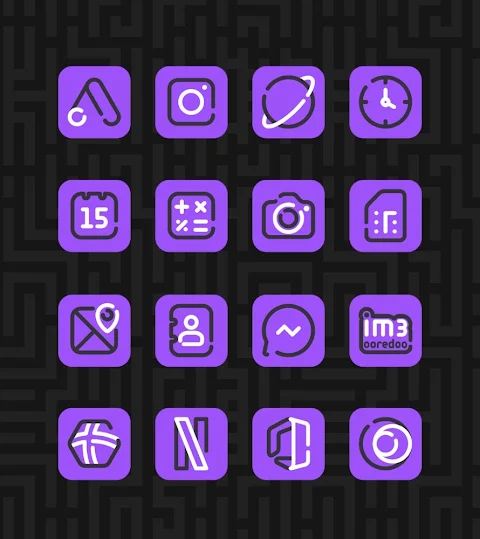
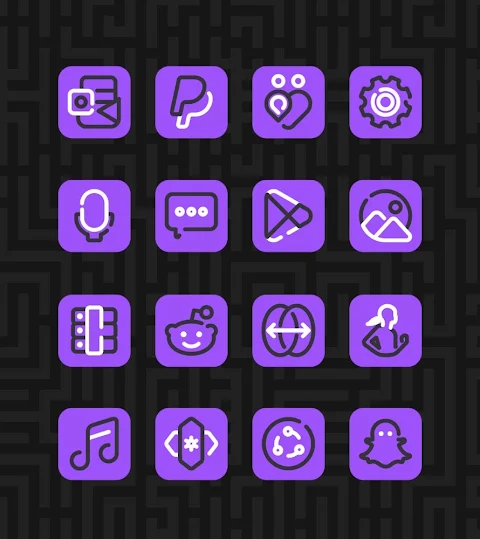
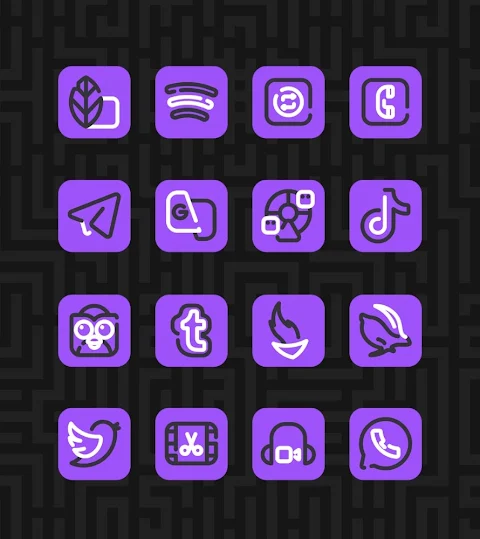
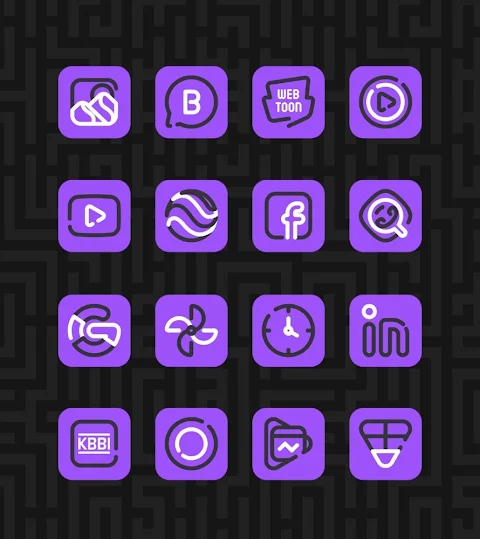
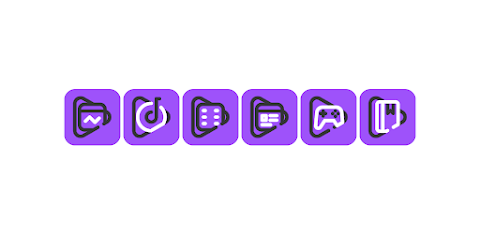
Linios Purple is a vibrant version of the Linios icon pack, designed to give your home screen a fresh and colorful look. With over 3000 icons and counting, this pack is perfect for anyone who loves to customize their Android devices. Each icon has an HD icon resolution of 256x256 pixels, ensuring that your home screen looks sharp and beautiful.
One of the standout features of Linios Purple is the icon request option. If you have specific icons in mind, you can easily request them. This makes it easy for you to create a personalized look that suits your style.
If you want to apply Linios Purple, it works with several popular launchers, including Nova launcher, Evie launcher, and many more. Applying the icon pack is simple. Just follow these steps:
1. Open the Linios Purple app on your device.
2. Go to the "Apply Icon Pack" screen.
3. You will see a list of supported launchers. Select Nova launcher or the one you have installed on your device to apply the icons.
4. The app will automatically apply the Linios Purple icons for your chosen launcher.
If your launcher doesn’t appear while using the app, you can also try applying it directly from the launcher settings.
For users of Sony Xperia Home launcher, you can still enjoy Linios Purple, but there’s a different process involved. Here’s how to do it:
1. Long press on your main screen.
2. Open the settings menu.
3. Scroll down to find the appearance icon settings.
4. Choose Linios Purple from the list.
5. That’s it! Your Sony Xperia will now display the Linios Purple icons.
Do note that this icon pack only supports Sony Xperia Home launcher versions 10.0.A.0.8 and up.
Linios Purple is compatible with various launchers. Along with Nova launcher and Evie launcher, it supports Apex launcher, ADW launcher, ABC launcher, Next launcher, Holo launcher, Lucid launcher, M launcher, Action launcher, Aviate launcher, Smart launcher, Go launcher, and Zero launcher. However, please be aware that Go launcher and Zero launcher do not support icon masking.
This icon pack is part of a broader category of Android icon packs, designed for those who love to customize their devices. With Linios Purple, you get not just icons, but also wallpapers for icons that enhance the overall look of your home screen. The line-based icons offer a unique mobile icon design, making your device stand out.
When it comes to launcher customization, Linios Purple delivers. It’s an excellent choice for anyone looking to refresh their home screen icons. You’ll love how easy it is to install and use, whether you’re a first-timer in using icon changers for Android or an experienced user.
For more design inspiration, you can follow Linios Purple on social media. Find additional information on platforms like Google+, Instagram, and Twitter.
Try Linios Purple today and transform your home screen with stunning icons and a fresh look! Special thanks to Dani Mahardika for the Candybar Dashboard, which contributes to the user-friendly experience of this icon pack.
One of the standout features of Linios Purple is the icon request option. If you have specific icons in mind, you can easily request them. This makes it easy for you to create a personalized look that suits your style.
If you want to apply Linios Purple, it works with several popular launchers, including Nova launcher, Evie launcher, and many more. Applying the icon pack is simple. Just follow these steps:
1. Open the Linios Purple app on your device.
2. Go to the "Apply Icon Pack" screen.
3. You will see a list of supported launchers. Select Nova launcher or the one you have installed on your device to apply the icons.
4. The app will automatically apply the Linios Purple icons for your chosen launcher.
If your launcher doesn’t appear while using the app, you can also try applying it directly from the launcher settings.
For users of Sony Xperia Home launcher, you can still enjoy Linios Purple, but there’s a different process involved. Here’s how to do it:
1. Long press on your main screen.
2. Open the settings menu.
3. Scroll down to find the appearance icon settings.
4. Choose Linios Purple from the list.
5. That’s it! Your Sony Xperia will now display the Linios Purple icons.
Do note that this icon pack only supports Sony Xperia Home launcher versions 10.0.A.0.8 and up.
Linios Purple is compatible with various launchers. Along with Nova launcher and Evie launcher, it supports Apex launcher, ADW launcher, ABC launcher, Next launcher, Holo launcher, Lucid launcher, M launcher, Action launcher, Aviate launcher, Smart launcher, Go launcher, and Zero launcher. However, please be aware that Go launcher and Zero launcher do not support icon masking.
This icon pack is part of a broader category of Android icon packs, designed for those who love to customize their devices. With Linios Purple, you get not just icons, but also wallpapers for icons that enhance the overall look of your home screen. The line-based icons offer a unique mobile icon design, making your device stand out.
When it comes to launcher customization, Linios Purple delivers. It’s an excellent choice for anyone looking to refresh their home screen icons. You’ll love how easy it is to install and use, whether you’re a first-timer in using icon changers for Android or an experienced user.
For more design inspiration, you can follow Linios Purple on social media. Find additional information on platforms like Google+, Instagram, and Twitter.
Try Linios Purple today and transform your home screen with stunning icons and a fresh look! Special thanks to Dani Mahardika for the Candybar Dashboard, which contributes to the user-friendly experience of this icon pack.

OneYou Three Accent Icons
PashaPuma Design
$1.49
$1.00

LineBula White – Icon Pack
GomoTheGom
$1.49
FREE

Gummy – Icon Pack
Panoto Gomo
$0.99
$0.49