
$1.49
FREE
100% Off
Lines Circle – Neon Icon Pack
GomoTheGom

About the App
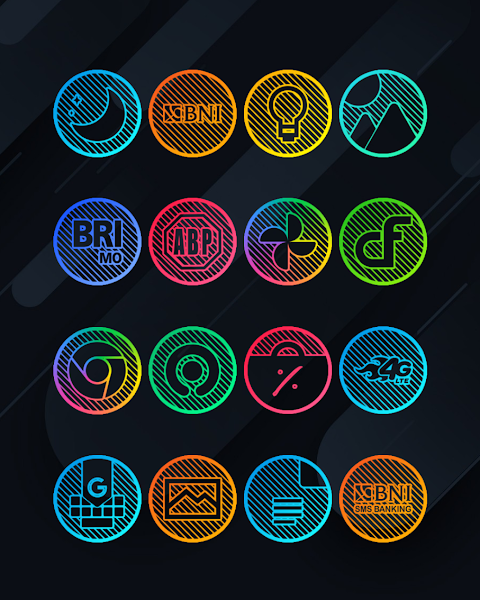
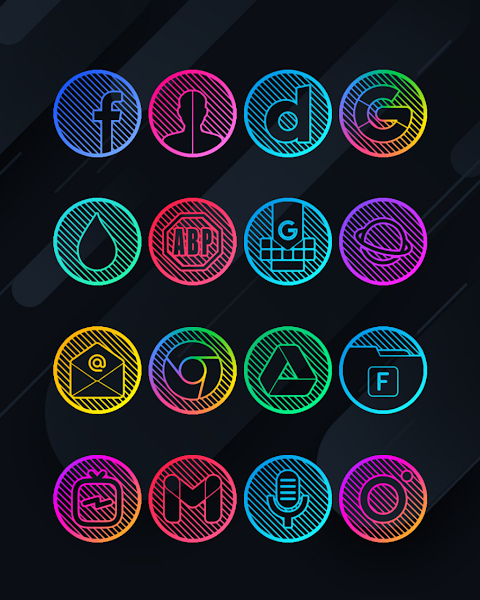
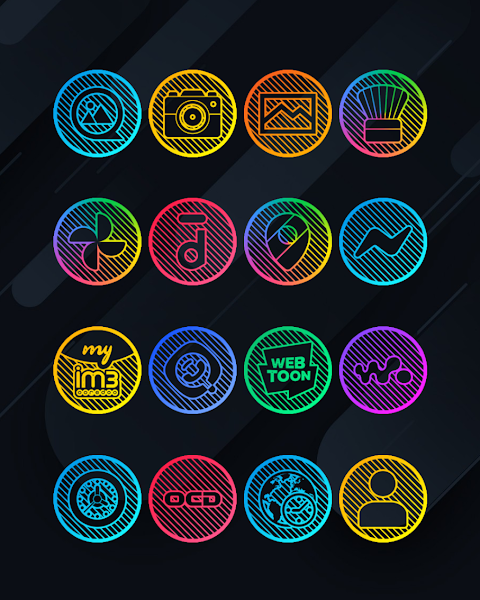
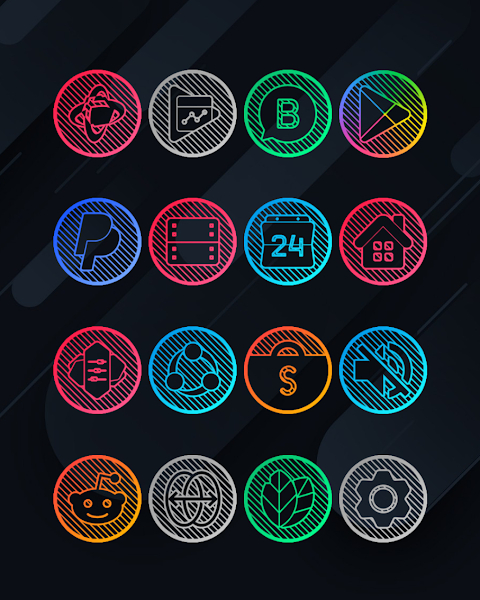
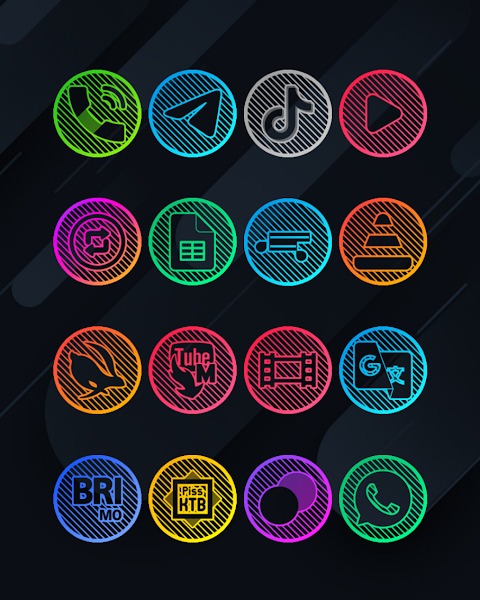
Lines Circle - Neon Icon Pack is a vibrant icon pack designed for users who love customization. Whether you are using nova launcher, evie launcher, or other popular launchers, this icon changer offers a unique way to refresh your device's look.
With over 7000 icons and counting, Lines Circle - Neon provides plenty of choices to give your apps a fresh appearance. Each icon is designed in high definition, with a resolution of 192x192px, ensuring that they look sharp and attractive on your screen. If you encounter any unthemed icons, you can use the icon back feature to ensure consistency in your design.
Lines Circle - Neon also includes HD wallpapers that can complement your new icons beautifully. Alternately, for those who want even more choices, you have the option to request custom icons. This way, you can create an interface that perfectly reflects your personal style.
To apply Lines Circle - Neon Icon Pack, simply follow these easy steps. First, open the app and navigate to the "Apply Icon Pack" screen. You will see a list of supported launchers, including popular ones like nova launcher and evie launcher. Select the nova launcher that you have installed on your device, and the app will automatically apply the icons from this pack.
If your launcher doesn’t appear when you try to apply the icon pack, you can always apply it directly from the launcher itself. For those using Sony Xperia Home Launcher, you can still make use of this icon pack, but you will need to follow a different set of steps to complete the process.
For Sony Xperia users, start by long-pressing on the main screen. From there, open your settings and find the appearance icon setting. Once you've done that, choose Lines Circle - Neon Icon Pack, and your customization will be all set! Just make sure that you are using Sony Xperia Home Launcher version 10.0.A.0.8 or newer for compatibility.
Lines Circle - Neon Icon Pack supports a variety of other launchers, including ADW Launcher, Action Launcher, Apex Launcher, Lucid Launcher, M Launcher, N Launcher, Blur Launcher, and Trebuchet Launcher, among others. This provides you with many options for launcher compatibility, allowing you to pick what best fits your needs.
If your stock launcher does not support icon packs, you might need a third party launcher to use Lines Circle - Neon effectively. You can also utilize icon customization apps like Awesome Icons or Unicon for additional icon changes without needing a third-party launcher.
With Lines Circle - Neon, you can bring your user interface design to life with stylish and unique icon themes. The app not only allows for great visual customization but also ensures accessibility options are in place for a better user experience. Explore various custom icon styles and enhance your device's appearance today with this versatile icon pack!
With over 7000 icons and counting, Lines Circle - Neon provides plenty of choices to give your apps a fresh appearance. Each icon is designed in high definition, with a resolution of 192x192px, ensuring that they look sharp and attractive on your screen. If you encounter any unthemed icons, you can use the icon back feature to ensure consistency in your design.
Lines Circle - Neon also includes HD wallpapers that can complement your new icons beautifully. Alternately, for those who want even more choices, you have the option to request custom icons. This way, you can create an interface that perfectly reflects your personal style.
To apply Lines Circle - Neon Icon Pack, simply follow these easy steps. First, open the app and navigate to the "Apply Icon Pack" screen. You will see a list of supported launchers, including popular ones like nova launcher and evie launcher. Select the nova launcher that you have installed on your device, and the app will automatically apply the icons from this pack.
If your launcher doesn’t appear when you try to apply the icon pack, you can always apply it directly from the launcher itself. For those using Sony Xperia Home Launcher, you can still make use of this icon pack, but you will need to follow a different set of steps to complete the process.
For Sony Xperia users, start by long-pressing on the main screen. From there, open your settings and find the appearance icon setting. Once you've done that, choose Lines Circle - Neon Icon Pack, and your customization will be all set! Just make sure that you are using Sony Xperia Home Launcher version 10.0.A.0.8 or newer for compatibility.
Lines Circle - Neon Icon Pack supports a variety of other launchers, including ADW Launcher, Action Launcher, Apex Launcher, Lucid Launcher, M Launcher, N Launcher, Blur Launcher, and Trebuchet Launcher, among others. This provides you with many options for launcher compatibility, allowing you to pick what best fits your needs.
If your stock launcher does not support icon packs, you might need a third party launcher to use Lines Circle - Neon effectively. You can also utilize icon customization apps like Awesome Icons or Unicon for additional icon changes without needing a third-party launcher.
With Lines Circle - Neon, you can bring your user interface design to life with stylish and unique icon themes. The app not only allows for great visual customization but also ensures accessibility options are in place for a better user experience. Explore various custom icon styles and enhance your device's appearance today with this versatile icon pack!
Prismatic Icon Pack
Creativepixels
$0.49
FREE

Halloween Pumpkin Icon Pack
PizzApp Design
$0.99
$0.69
B.efore midnight tonight
Singular Dials watchfaces
$1.49
FREE