

$1.49
FREE
100% Off
LineBula White – Icon Pack
GomoTheGom

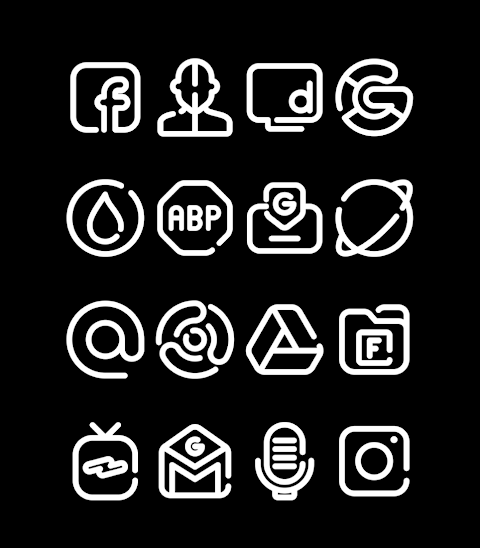
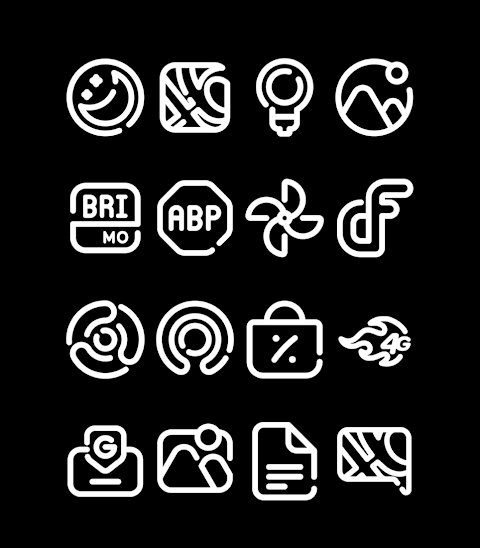
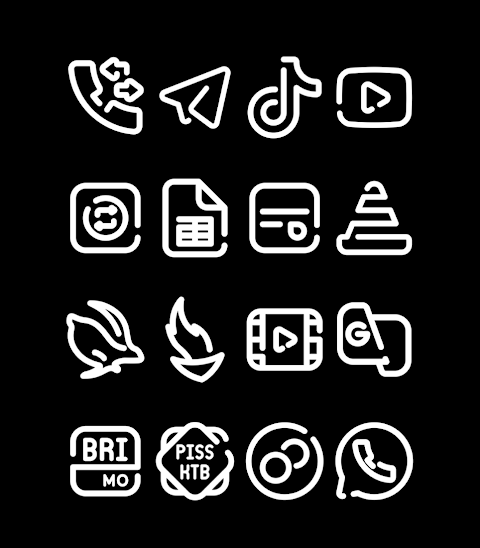
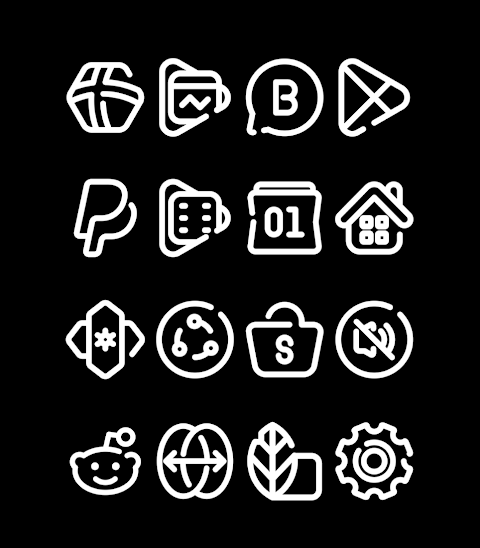
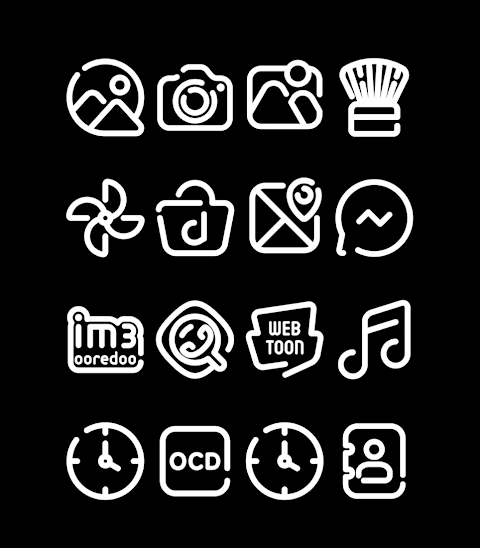
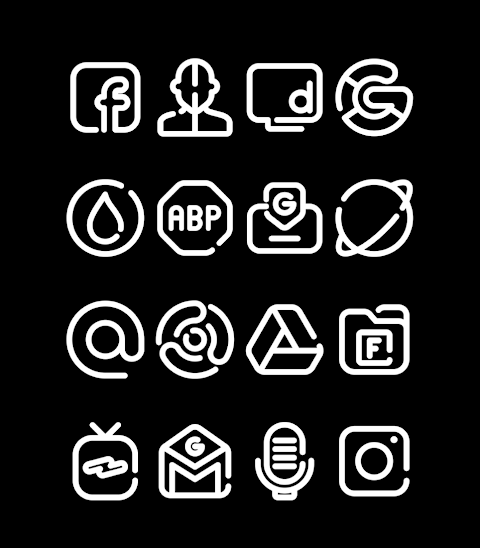
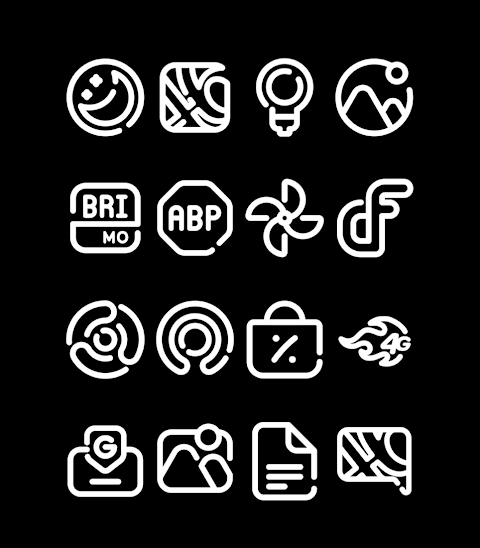


About the App
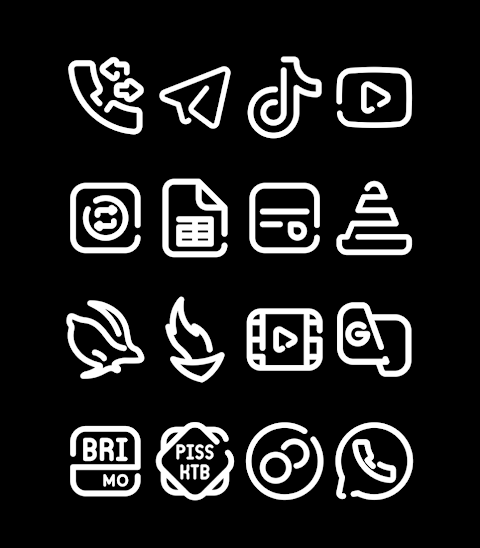
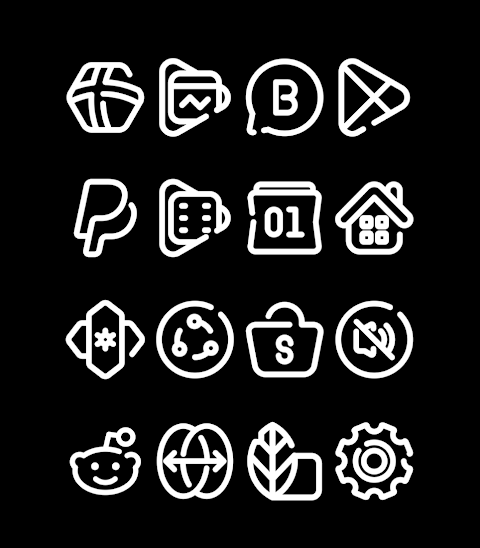
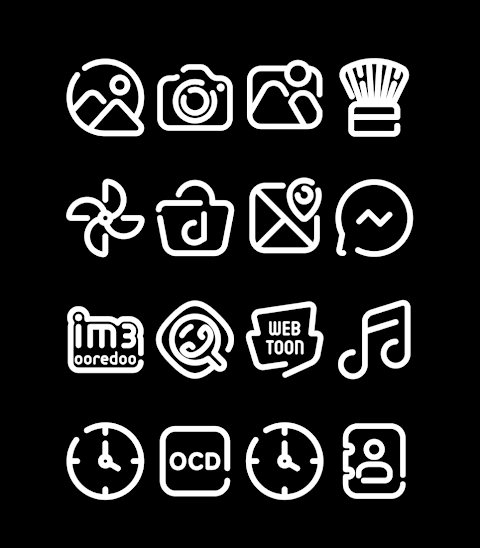
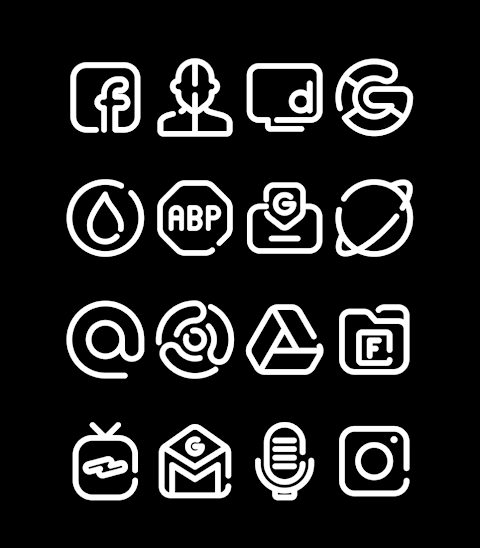
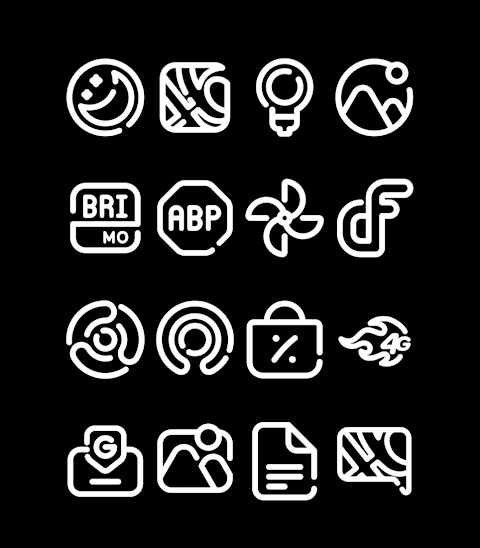
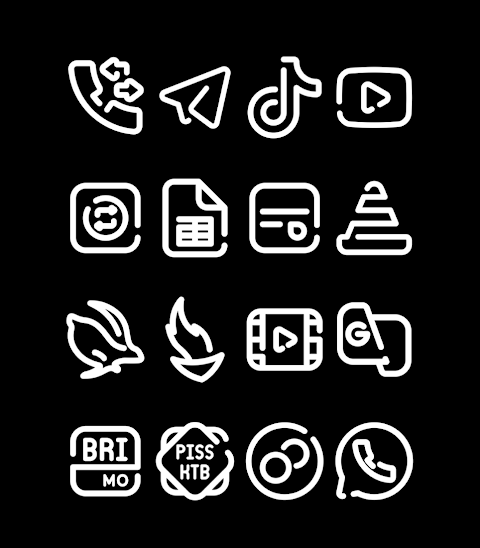
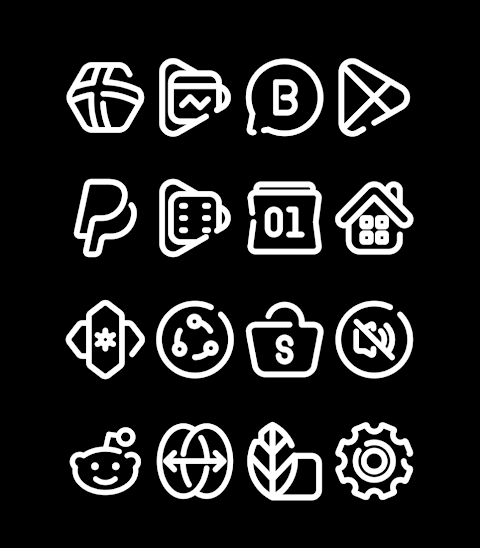
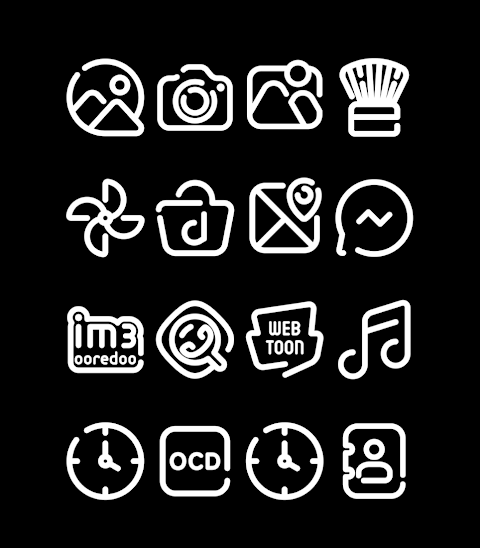
LineBula White is an appealing icon pack that offers a stylish white design of the popular Linebula icons. With over 3000 icons and counting, this pack enhances your device's appearance, giving it a fresh and modern look. Each icon boasts an HD icon resolution of 256x256px, ensuring that your home screen looks sharp and clear.
One standout feature of LineBula White is the dynamic calendar feature. This allows your calendar icon to update automatically to reflect the current date, keeping your home screen both functional and visually engaging. The app receives regular updates, meaning you can expect new icons and improvements to keep your collection fresh.
If you're wondering how to apply the LineBula White icon pack, it's quite simple. The icon pack supports many popular launchers such as Nova Launcher, Evie Launcher, and Apex Launcher. To apply it, follow these steps:
1. Open the LineBula White icon pack app.
2. Go to the "Apply Icon Pack" screen.
3. Here, you will see a list of supported launchers. Select the launcher installed on your phone where you want the icons to be applied.
4. The app will automatically apply the icons from LineBula White for Nova Launcher or your selected launcher.
If you don't see your launcher listed while trying to apply the icon pack, you might need to try applying it directly from the launcher itself.
The LineBula White icon pack is compatible with a variety of launchers, including Holo Launcher, Lucid Launcher, M Launcher, N Launcher, Arrow Launcher, and many others like Action Launcher and Aviate Launcher. However, please note that some launchers, such as Go Launcher and Zero Launcher, do not support icon masking.
It is essential to understand that you might need a third-party launcher to use this icon pack effectively. If your stock launcher does not support icon pack installation, you can use apps like Awesome Icons or Unicon to change your icons without needing a third-party launcher.
For more design inspiration and updates, you can follow LineBula on Google+, Instagram, and Twitter. Enjoy customizing your device with the stylish LineBula White icon pack!
One standout feature of LineBula White is the dynamic calendar feature. This allows your calendar icon to update automatically to reflect the current date, keeping your home screen both functional and visually engaging. The app receives regular updates, meaning you can expect new icons and improvements to keep your collection fresh.
If you're wondering how to apply the LineBula White icon pack, it's quite simple. The icon pack supports many popular launchers such as Nova Launcher, Evie Launcher, and Apex Launcher. To apply it, follow these steps:
1. Open the LineBula White icon pack app.
2. Go to the "Apply Icon Pack" screen.
3. Here, you will see a list of supported launchers. Select the launcher installed on your phone where you want the icons to be applied.
4. The app will automatically apply the icons from LineBula White for Nova Launcher or your selected launcher.
If you don't see your launcher listed while trying to apply the icon pack, you might need to try applying it directly from the launcher itself.
The LineBula White icon pack is compatible with a variety of launchers, including Holo Launcher, Lucid Launcher, M Launcher, N Launcher, Arrow Launcher, and many others like Action Launcher and Aviate Launcher. However, please note that some launchers, such as Go Launcher and Zero Launcher, do not support icon masking.
It is essential to understand that you might need a third-party launcher to use this icon pack effectively. If your stock launcher does not support icon pack installation, you can use apps like Awesome Icons or Unicon to change your icons without needing a third-party launcher.
For more design inspiration and updates, you can follow LineBula on Google+, Instagram, and Twitter. Enjoy customizing your device with the stylish LineBula White icon pack!
Ballozi STEALTH MARINE 3
BALLOZI Watch Faces
$0.99
$0.20
Field Analog Dark Wear OS 5+
OQ Watchfaces
$0.99
$0.49

【Simulation】Emerald
ZKin
$2.99
$0.99