
$1.49
$0.29
81% Off
LineBula Black – Icon Pack
GomoTheGom







About the App
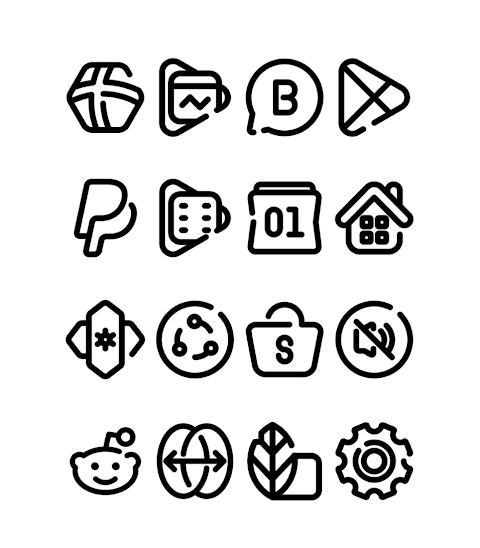
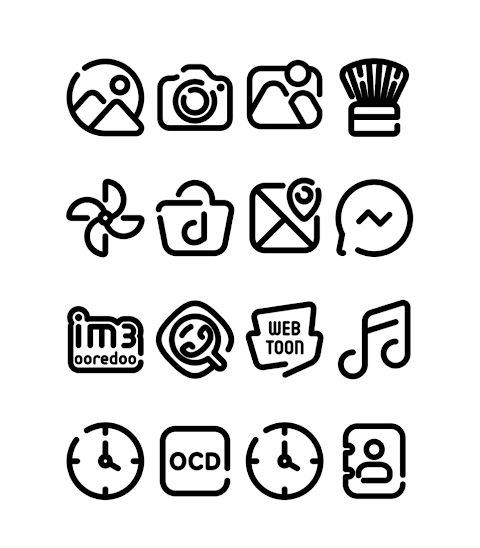
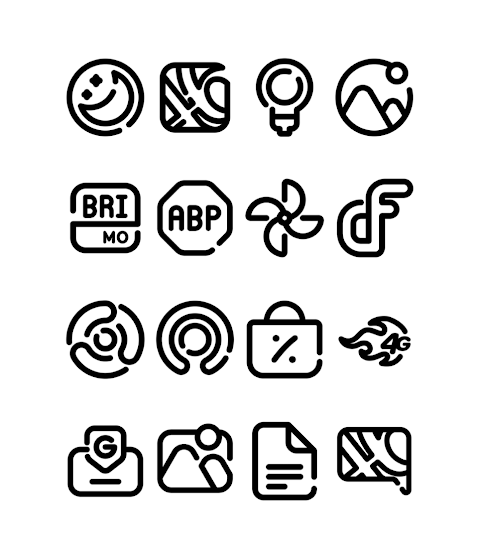
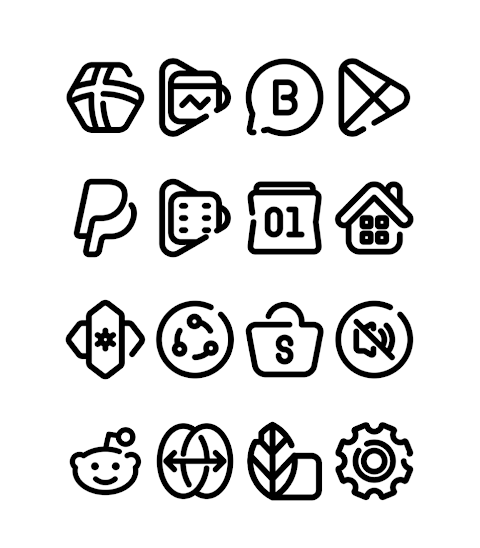
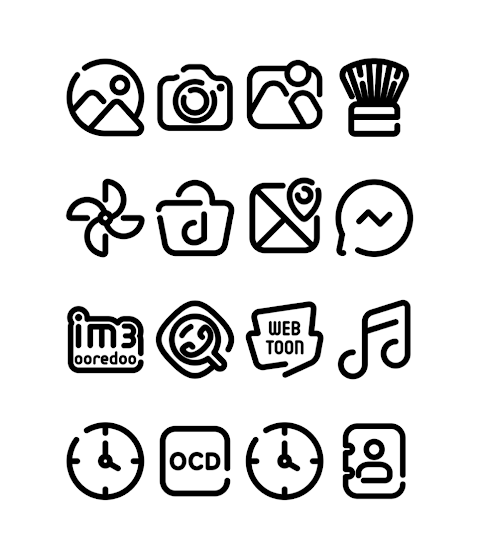
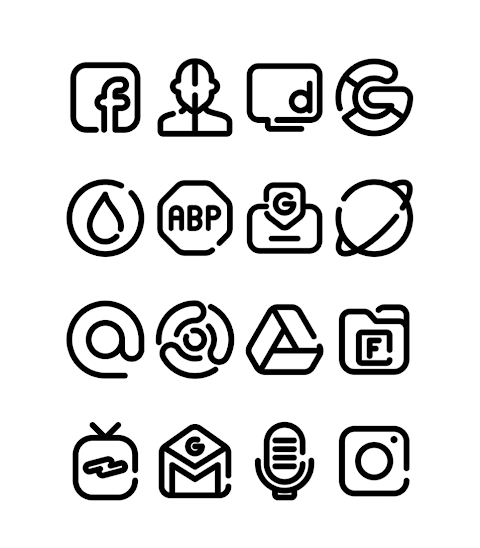
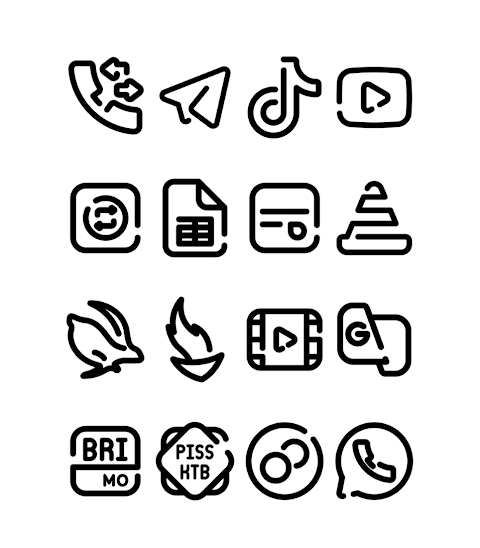
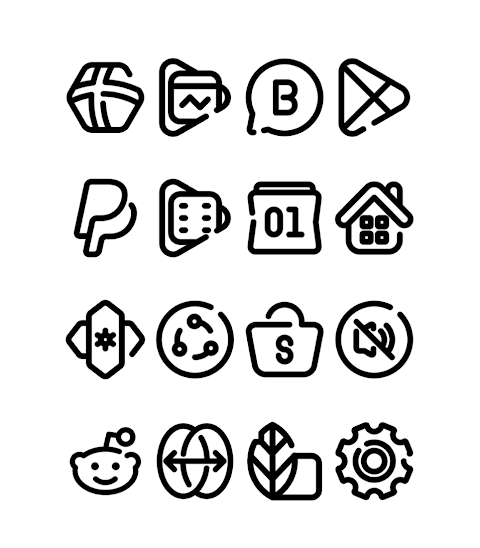
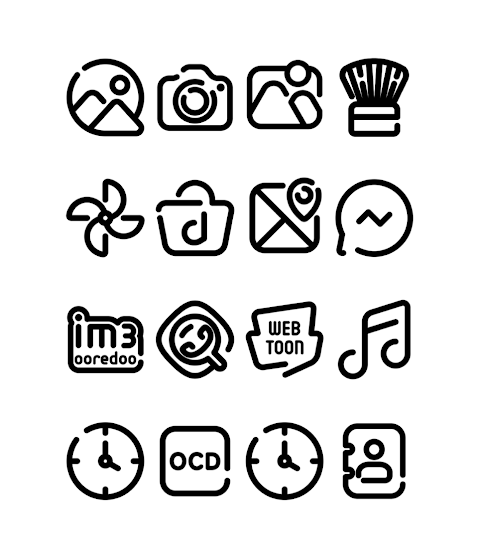
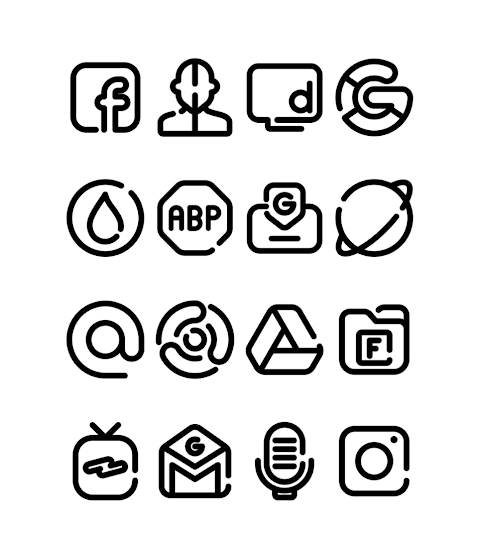
LineBula Black is a stylish black version of the Linebula Icon Pack that offers a fresh look for your device. This app is perfect for anyone wanting to customize their smartphone or tablet with beautiful icons. With over 3000 icons and counting, you’ll find plenty of choices to suit your taste.
One of the standout features of LineBula Black is its HD icon resolution of 256x256 pixels. This ensures your icons look sharp and clear on your screen. The app also includes a Dynamic Calendar option, allowing your calendar icon to change daily to reflect the current date, adding a touch of functionality to your home screen.
LineBula Black supports many popular launchers, making it easy to apply the icon pack you choose. Some of the launchers you can use with LineBula Black include Nova Launcher, Apex Launcher, and Evie Launcher. Each one offers unique features, so you can personalize your experience even more.
To get started with LineBula Black, open the app and navigate to the "Apply Icon Pack" screen. From there, the app will show you a list of supported launchers like Next Launcher, Holo Launcher, and Lucid Launcher. Simply select the launcher installed on your phone to apply the icons from the pack.
If you’re using a launcher that does not appear in the app, you can try applying the icons directly from your launcher settings. Note that some launchers, like Go Launcher and Zero Launcher, do not support icon masking, which means icons may not change as intended.
For best results, you may need to use a 3rd party launcher to apply the icon pack effectively. If your stock launcher doesn’t support icon packs, you can use apps like Awesome Icons or Unicon to customize your icons without needing a separate launcher.
The LineBula Black icon pack benefits from regular updates. This means you will continually receive new icons and improvements, helping to keep your device looking fresh and trendy. Additionally, the customizable options allow users to create a dark theme look, enhancing the overall aesthetic of their home screen.
Whether you’re a tech enthusiast or someone simply looking to enhance your device, LineBula Black provides a practical icon pack installation guide within the app to make the setup process smooth. The app is built with user satisfaction in mind, ensuring that even those new to icon customization can find it easy to apply and enjoy.
For more design information and updates, follow LineBula Black on social media platforms like Google+, Instagram, and Twitter.
With LineBula Black, you have a powerful tool to give your device a modern and sleek look. Start exploring the features it offers and enjoy a personalized experience today.
One of the standout features of LineBula Black is its HD icon resolution of 256x256 pixels. This ensures your icons look sharp and clear on your screen. The app also includes a Dynamic Calendar option, allowing your calendar icon to change daily to reflect the current date, adding a touch of functionality to your home screen.
LineBula Black supports many popular launchers, making it easy to apply the icon pack you choose. Some of the launchers you can use with LineBula Black include Nova Launcher, Apex Launcher, and Evie Launcher. Each one offers unique features, so you can personalize your experience even more.
To get started with LineBula Black, open the app and navigate to the "Apply Icon Pack" screen. From there, the app will show you a list of supported launchers like Next Launcher, Holo Launcher, and Lucid Launcher. Simply select the launcher installed on your phone to apply the icons from the pack.
If you’re using a launcher that does not appear in the app, you can try applying the icons directly from your launcher settings. Note that some launchers, like Go Launcher and Zero Launcher, do not support icon masking, which means icons may not change as intended.
For best results, you may need to use a 3rd party launcher to apply the icon pack effectively. If your stock launcher doesn’t support icon packs, you can use apps like Awesome Icons or Unicon to customize your icons without needing a separate launcher.
The LineBula Black icon pack benefits from regular updates. This means you will continually receive new icons and improvements, helping to keep your device looking fresh and trendy. Additionally, the customizable options allow users to create a dark theme look, enhancing the overall aesthetic of their home screen.
Whether you’re a tech enthusiast or someone simply looking to enhance your device, LineBula Black provides a practical icon pack installation guide within the app to make the setup process smooth. The app is built with user satisfaction in mind, ensuring that even those new to icon customization can find it easy to apply and enjoy.
For more design information and updates, follow LineBula Black on social media platforms like Google+, Instagram, and Twitter.
With LineBula Black, you have a powerful tool to give your device a modern and sleek look. Start exploring the features it offers and enjoy a personalized experience today.

Lineblack – Yellow icon Pack
Panoto Gomo
$0.99
FREE
Animated Sport Watch Face
Comback Watch Faces
$0.99
FREE

Kinetic Watch Face
amoledwatchfaces™
$1.99
$1.00