

$0.99
$0.29
71% Off
Leaf – Icon Pack
Panoto Gomo

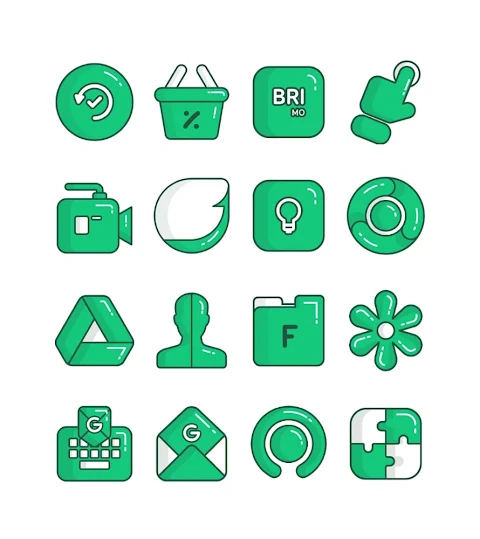
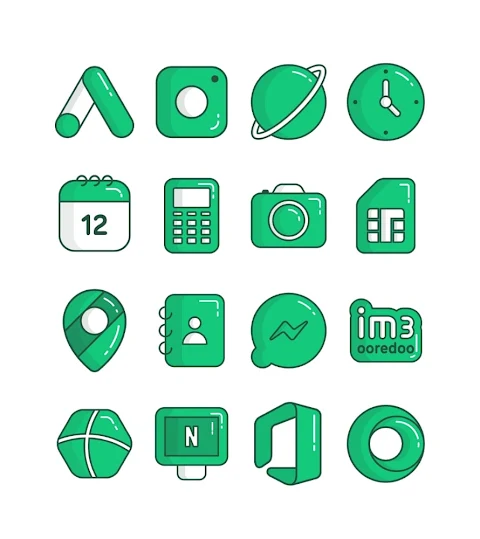
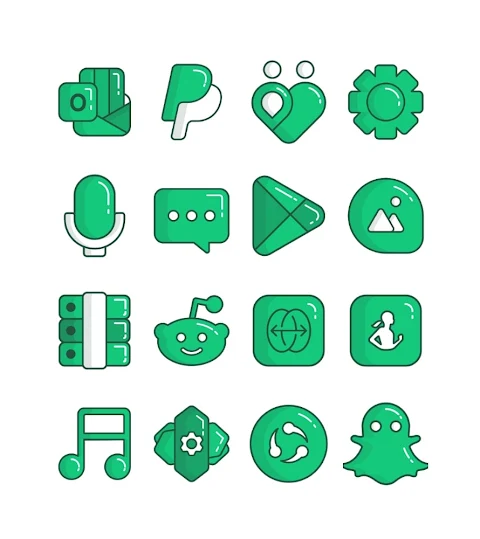
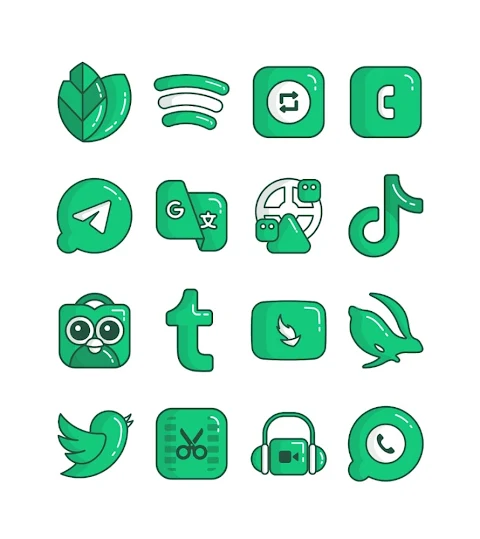

About the App
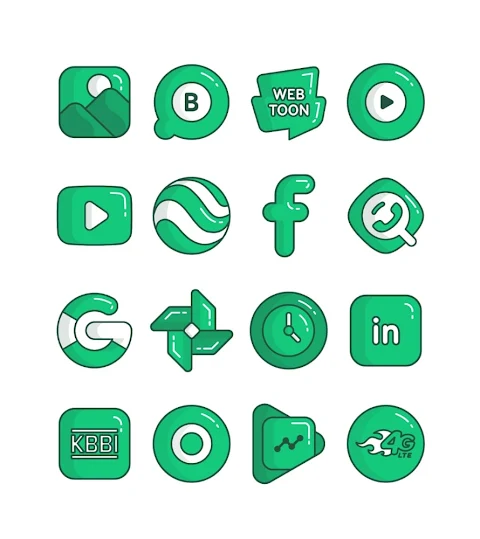
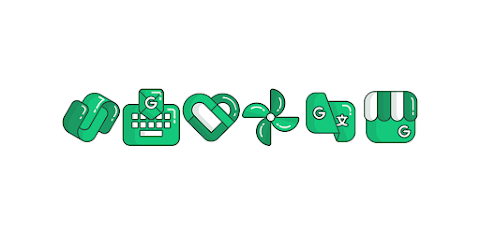
Leaf - Icon Pack is a colorful Green icon pack designed in a fun cartoon style. It offers over 3000 icons, ensuring that you have a wide variety to choose from for customizing your device. Each icon comes in HD icon resolution at 256x256px, making them look sharp and vibrant on your screen.
One of the standout features of Leaf - Icon Pack is the icon request feature. If you cannot find the icons you're looking for, you can easily request them. This will make your experience even more personalized, allowing you to create a unique look for your home screen.
Using Leaf - Icon Pack is simple. It supports many popular launchers like Nova Launcher, Evie Launcher, Apex Launcher, ADW Launcher, ABC Launcher, Next Launcher, Holo Launcher, Lucid Launcher, M Launcher, Action Launcher, Aviate Launcher, Smart Launcher, Go Launcher, and Zero Launcher. This means you can use this icon pack with various setups, making it versatile.
To apply Leaf - Icon Pack to your device, start by opening the app. Navigate to the Apply Icon Pack screen, where you will see a list of compatible launchers. Simply select Nova Launcher, which needs to be installed on your phone, to apply icons from this pack. The app automatically applies your chosen icons for you.
If your launcher does not show up while applying from the Leaf - Icon Pack app, you can still apply it directly from your launcher settings. For users with a Sony Xperia Home Launcher, you won't see this icon pack directly in the app. However, you can apply it using the Leaf - Lines icon pack with a few extra steps. Just long-press on your main screen, open the settings, scroll down to appearance icon settings, and choose Leaf - Icon Pack. This process is important as the icon pack is only supported on Sony Xperia Home Launcher version 10.0.A.0.8 or higher.
In addition to a wide selection of icons, Leaf - Icon Pack includes custom wallpaper options to help you complete your home screen look. The app also considers icon masking limitations with certain launchers, so you can know what to expect when customizing.
If you're interested in more design information about Leaf - Icon Pack, you can find updates and showcases on Google+, Instagram, and Twitter. This way, you can stay connected with the latest designs and features.
Special thanks to Dani Mahardika for creating the Candybar Dashboard, which supports this icon pack. With Leaf - Icon Pack, you’ll enjoy easy customization of your home screen and create a unique aesthetic that reflects your personal style. Whether you're a fan of vibrant colors or cartoon styles, you'll find a lot to love in this package.
One of the standout features of Leaf - Icon Pack is the icon request feature. If you cannot find the icons you're looking for, you can easily request them. This will make your experience even more personalized, allowing you to create a unique look for your home screen.
Using Leaf - Icon Pack is simple. It supports many popular launchers like Nova Launcher, Evie Launcher, Apex Launcher, ADW Launcher, ABC Launcher, Next Launcher, Holo Launcher, Lucid Launcher, M Launcher, Action Launcher, Aviate Launcher, Smart Launcher, Go Launcher, and Zero Launcher. This means you can use this icon pack with various setups, making it versatile.
To apply Leaf - Icon Pack to your device, start by opening the app. Navigate to the Apply Icon Pack screen, where you will see a list of compatible launchers. Simply select Nova Launcher, which needs to be installed on your phone, to apply icons from this pack. The app automatically applies your chosen icons for you.
If your launcher does not show up while applying from the Leaf - Icon Pack app, you can still apply it directly from your launcher settings. For users with a Sony Xperia Home Launcher, you won't see this icon pack directly in the app. However, you can apply it using the Leaf - Lines icon pack with a few extra steps. Just long-press on your main screen, open the settings, scroll down to appearance icon settings, and choose Leaf - Icon Pack. This process is important as the icon pack is only supported on Sony Xperia Home Launcher version 10.0.A.0.8 or higher.
In addition to a wide selection of icons, Leaf - Icon Pack includes custom wallpaper options to help you complete your home screen look. The app also considers icon masking limitations with certain launchers, so you can know what to expect when customizing.
If you're interested in more design information about Leaf - Icon Pack, you can find updates and showcases on Google+, Instagram, and Twitter. This way, you can stay connected with the latest designs and features.
Special thanks to Dani Mahardika for creating the Candybar Dashboard, which supports this icon pack. With Leaf - Icon Pack, you’ll enjoy easy customization of your home screen and create a unique aesthetic that reflects your personal style. Whether you're a fan of vibrant colors or cartoon styles, you'll find a lot to love in this package.
Diver Classic 13 Wear OS 5+
OQ Watchfaces
$1.49
$0.19

TVV Digital 6 Watch Face
ThemeVerse Visuals
$1.49
$0.49
Tag Connected watch face
PiT Watch Faces
$0.99