
$0.99
$0.50
49% Off
KTdL
KocaTurk Watch Faces

About the App
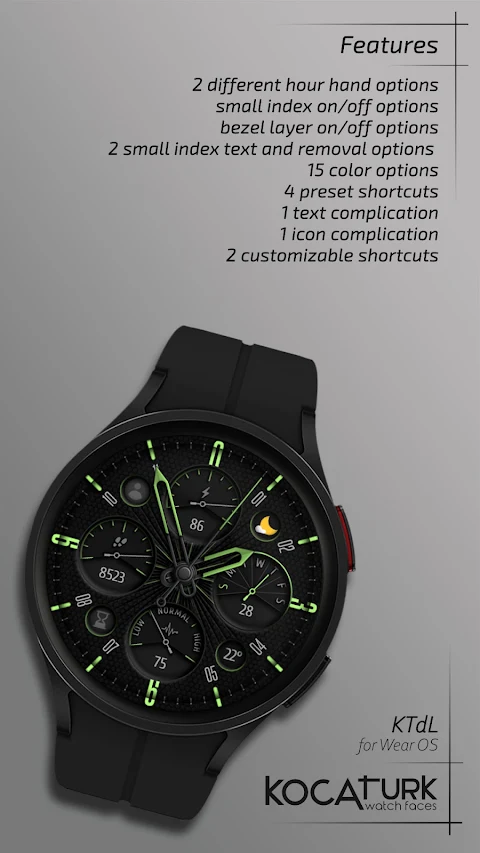
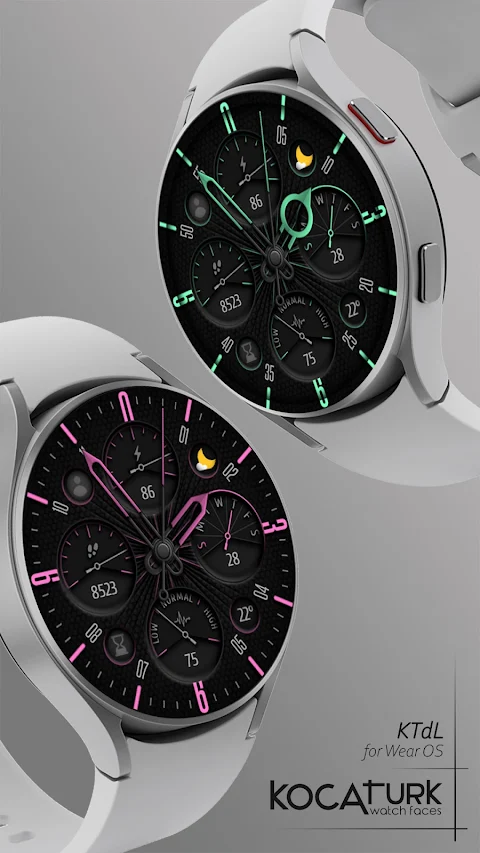
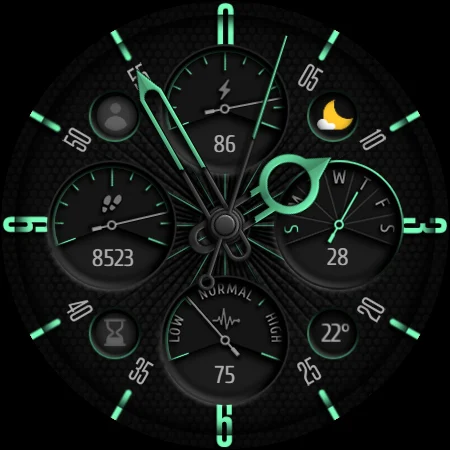
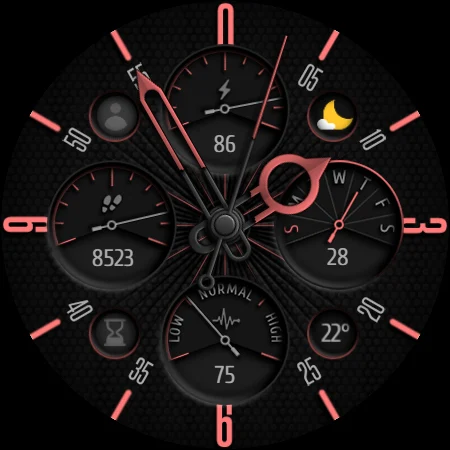
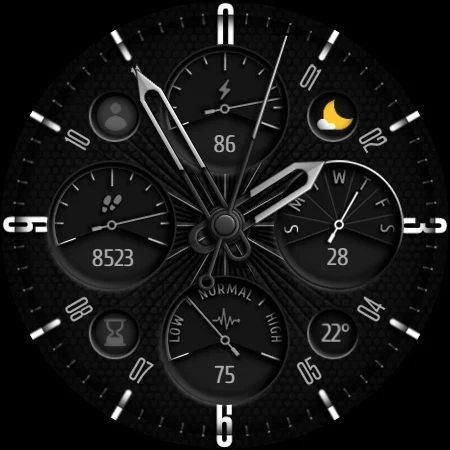
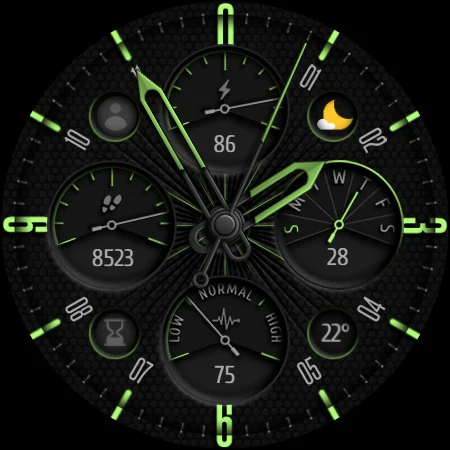
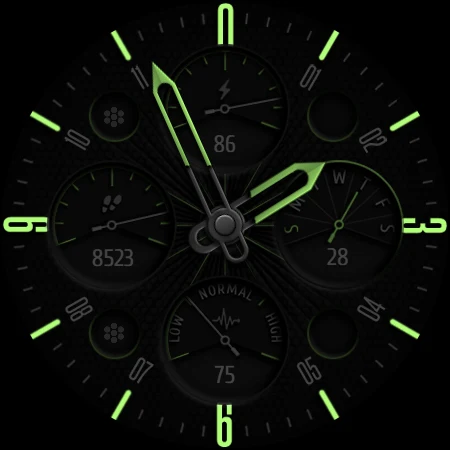
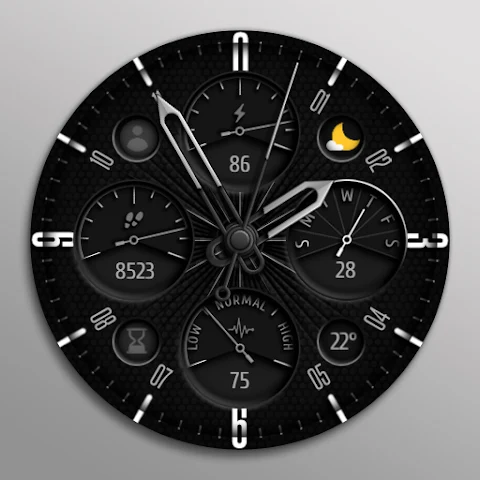
KTdL is an analog watch face designed specifically for Wear OS. This app brings a classic look to your smartwatch while providing essential information at a glance. It displays various data points, including the current time, date, heart rate and its progress in different zones, steps counted, and battery progress.
Users will appreciate the convenient preset shortcuts available for battery, steps, heart rate, and even calendar access. With KTdL, you can check your activity levels without needing to dig through app menus.
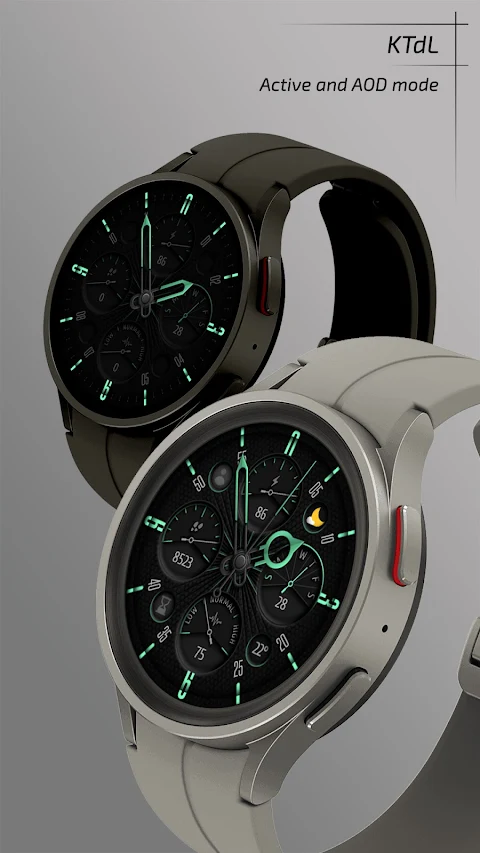
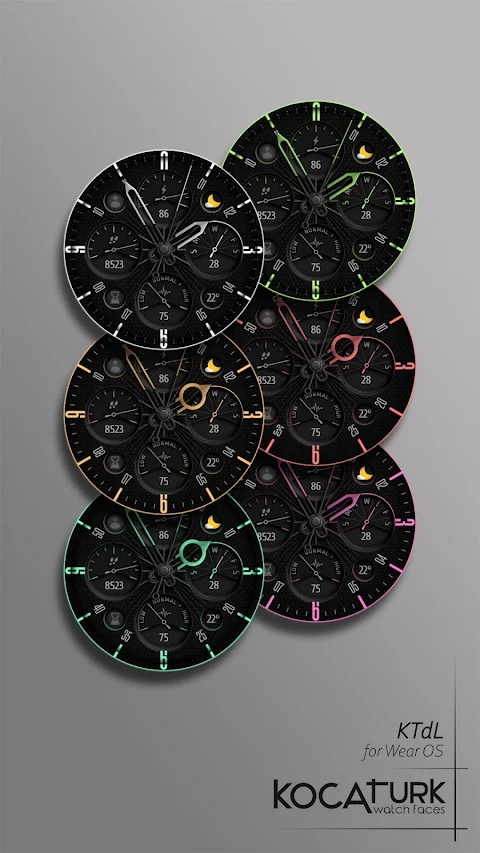
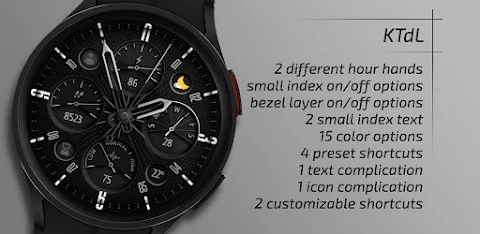
Customization is a key feature of KTdL. You have several options to personalize your watch face to suit your style. The app offers a 15 color palette, letting you choose the colors that match your mood. You can also select from different hour hand options, including plain or ring designs. Additionally, the app allows for various dial options, small index settings, and bezel layer settings to further enhance the look of your watch. For those who prefer to save battery, AOD dim out options let you decide how bright the Always-On Display will be.
For a seamless wearable app customization experience, it’s important to be aware that there may be occasional delays or glitches while adjusting the settings. To effectively customize your watch, follow these simple steps: Press and hold the center of the watch screen, then tap on the Customize button. From there, swipe left or right to explore the customizable elements. You can swipe up or down to change colors or options.
Currently, it’s important to note that square watch models are not supported, and some features may vary based on different watch models. Thus, checking your watch model compatibility with KTdL is crucial for ensuring you have access to all available features.
When you decide to install KTdL, here are the installation notes to help you get started. First, click on the arrow next to the Buy button and ensure that your watch is selected from the list of devices. After the download finishes, if you didn’t select your watch initially, a Companion App will automatically install on your phone. Open this app and tap on the image to see the download screen on your watch. Once the download is complete, return to your watch home screen, long-press the screen, and use the watch face selection screen to find and activate KTdL.
If you encounter a payment loop, don’t worry. You will only be charged once even if prompted for a second payment. Just wait a few minutes or restart your watch, then try again. Sometimes you may face sync issues with devices or experience problems related to Google server synchronization, but please be assured that these issues are not caused by the developer.
For additional support and updates, you can find KTdL on social media. Follow our accounts for discount notifications and promotions. All this ensures you stay up to date with the latest features and offers.
In summary, KTdL offers an easy way to enhance your smartwatch with an analog-style watch face while providing essential tracking features and customization options. So, customize your watch today and bring a stylish yet functional touch to your Wear OS experience.
Users will appreciate the convenient preset shortcuts available for battery, steps, heart rate, and even calendar access. With KTdL, you can check your activity levels without needing to dig through app menus.
Customization is a key feature of KTdL. You have several options to personalize your watch face to suit your style. The app offers a 15 color palette, letting you choose the colors that match your mood. You can also select from different hour hand options, including plain or ring designs. Additionally, the app allows for various dial options, small index settings, and bezel layer settings to further enhance the look of your watch. For those who prefer to save battery, AOD dim out options let you decide how bright the Always-On Display will be.
For a seamless wearable app customization experience, it’s important to be aware that there may be occasional delays or glitches while adjusting the settings. To effectively customize your watch, follow these simple steps: Press and hold the center of the watch screen, then tap on the Customize button. From there, swipe left or right to explore the customizable elements. You can swipe up or down to change colors or options.
Currently, it’s important to note that square watch models are not supported, and some features may vary based on different watch models. Thus, checking your watch model compatibility with KTdL is crucial for ensuring you have access to all available features.
When you decide to install KTdL, here are the installation notes to help you get started. First, click on the arrow next to the Buy button and ensure that your watch is selected from the list of devices. After the download finishes, if you didn’t select your watch initially, a Companion App will automatically install on your phone. Open this app and tap on the image to see the download screen on your watch. Once the download is complete, return to your watch home screen, long-press the screen, and use the watch face selection screen to find and activate KTdL.
If you encounter a payment loop, don’t worry. You will only be charged once even if prompted for a second payment. Just wait a few minutes or restart your watch, then try again. Sometimes you may face sync issues with devices or experience problems related to Google server synchronization, but please be assured that these issues are not caused by the developer.
For additional support and updates, you can find KTdL on social media. Follow our accounts for discount notifications and promotions. All this ensures you stay up to date with the latest features and offers.
In summary, KTdL offers an easy way to enhance your smartwatch with an analog-style watch face while providing essential tracking features and customization options. So, customize your watch today and bring a stylish yet functional touch to your Wear OS experience.
DADAM88: Pro Hybrid Watch Face
DADAM Watch Faces
$0.99
$0.50
Glass Icons
NARIK DESIGN
$0.99
$0.49

Ares: Colorful Icon Pack
One4Studio
$3.49
$1.75