
$0.99
$0.50
49% Off
KTccd
KocaTurk Watch Faces

About the App
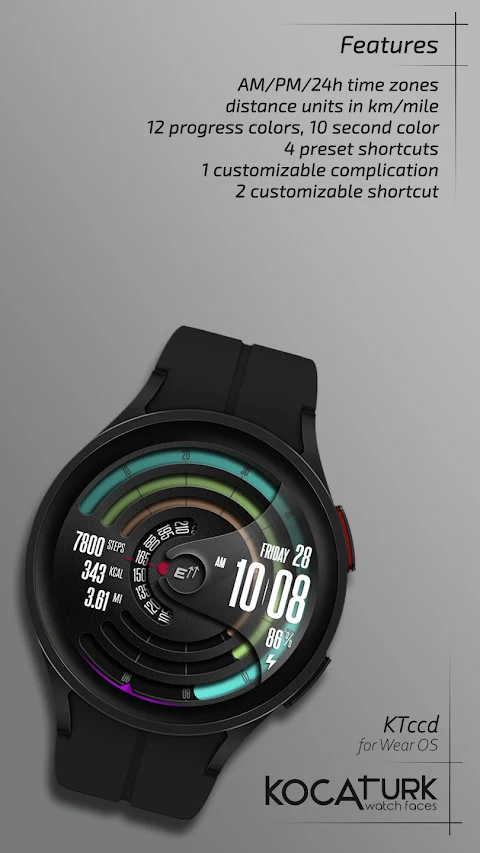
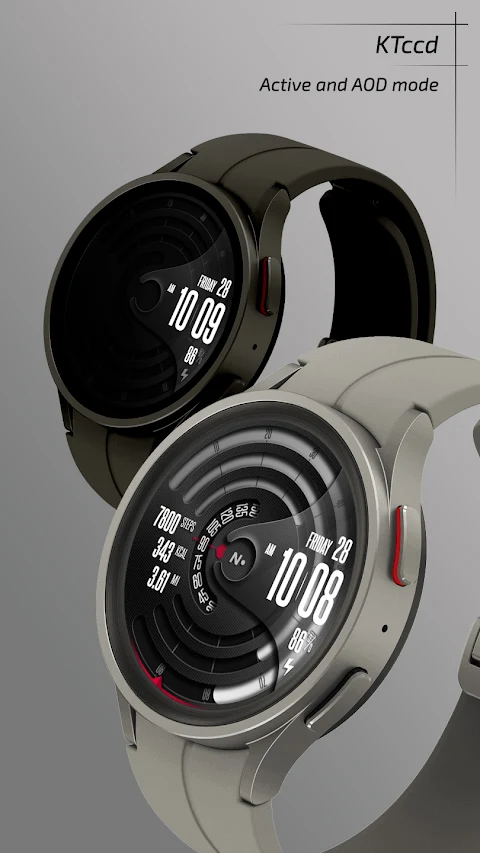
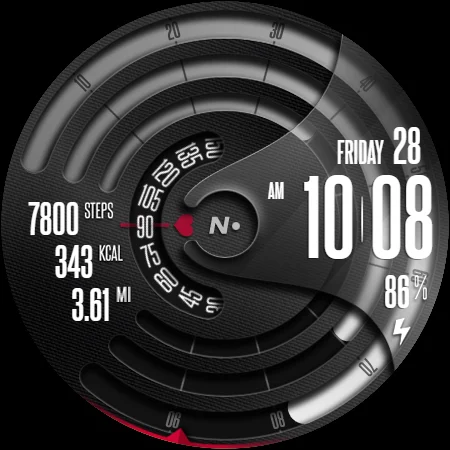
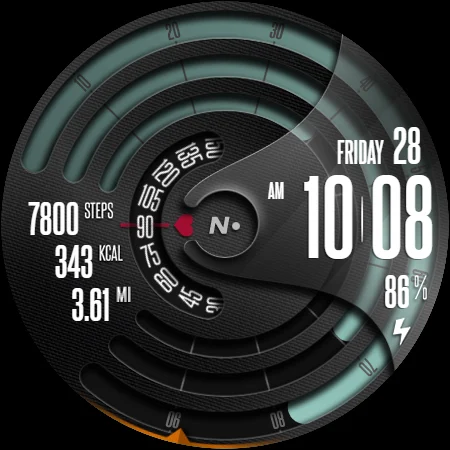
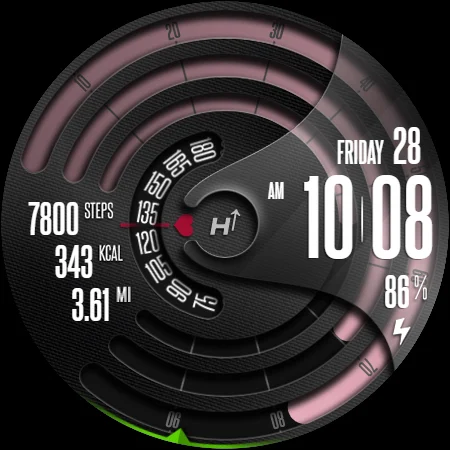
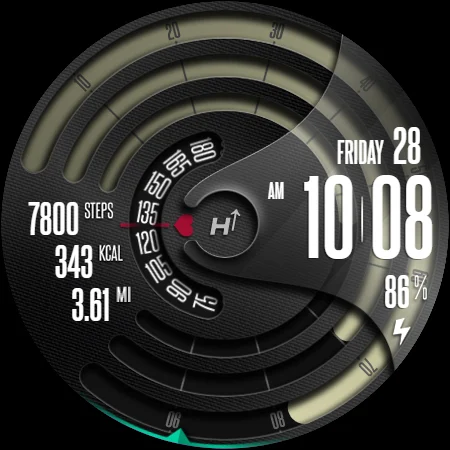
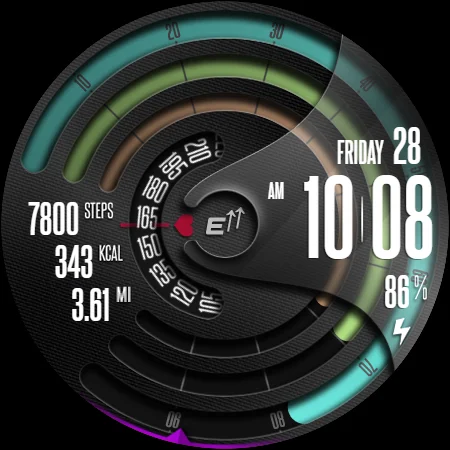
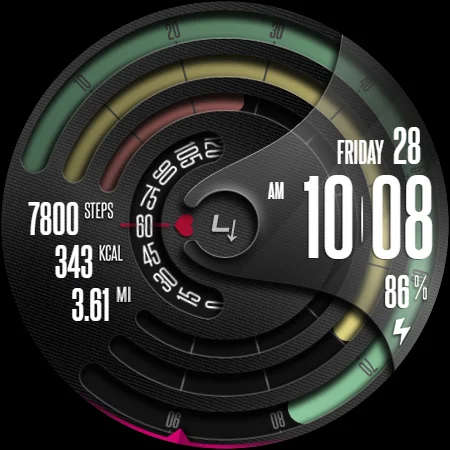
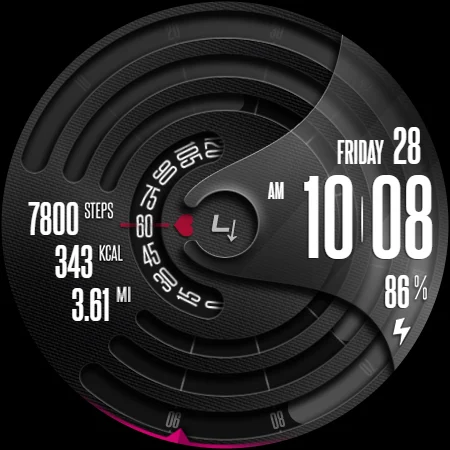
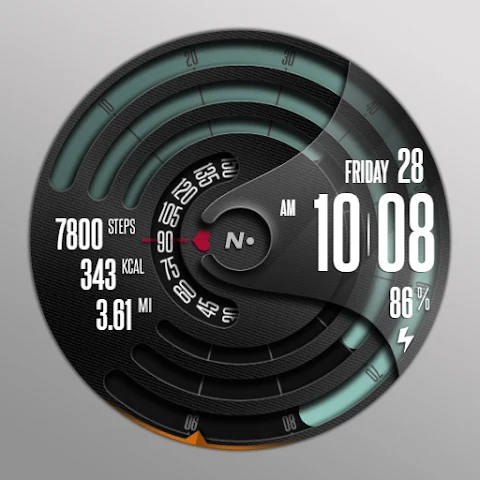
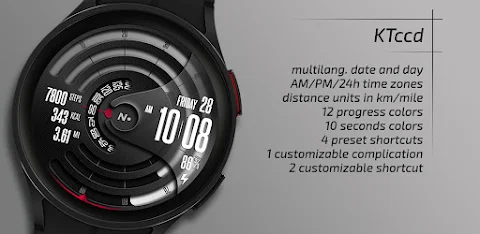
KTccd is a versatile digital watch face specially designed for Wear OS. It offers users a clear time display, allowing you to choose between a 12-hour format and a 24-hour format. You can also view the date in multiple languages, making it user-friendly for people around the world.
One of the key features of KTccd is heart rate tracking. This allows you to monitor your heart rate, calorie count, and fitness progress throughout the day. It also includes a step counter to keep track of your daily steps and distance measurements, whether in kilometers or miles. The battery indicator keeps you informed about your watch's battery life, ensuring you’re never caught off guard.
KTccd provides several preset shortcuts, making it easy to access information at a glance. You can quickly check your battery, steps, heart rate, and calendar without navigating through multiple screens. There is also complications support where you can add an icon for your chosen complication. In addition, KTccd allows you to set up two shortcut icons for faster access to important info.
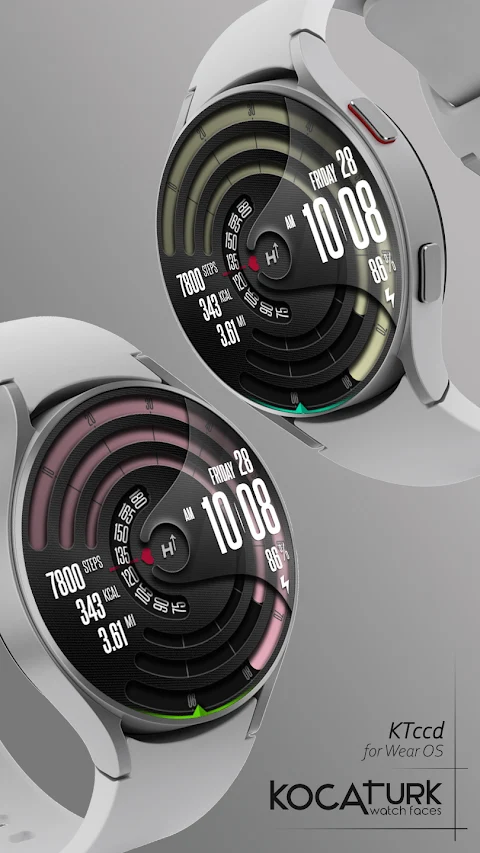
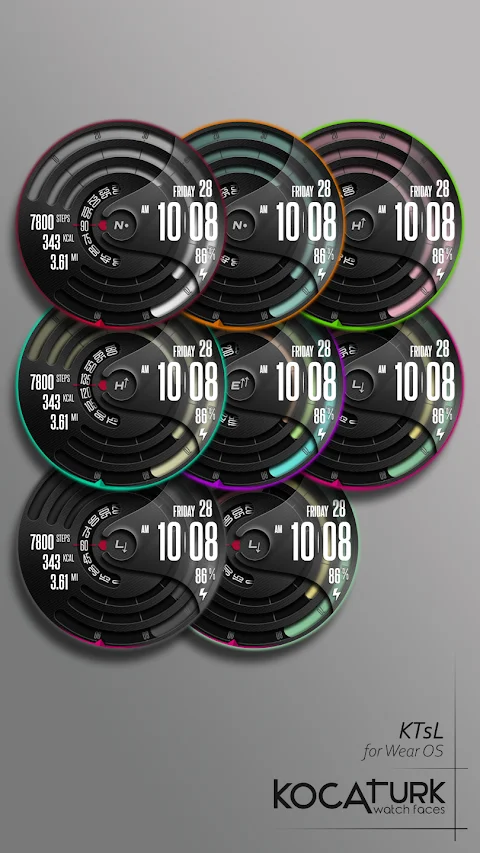
Customization options are a big part of KTccd's appeal. You have a range of color palette options to choose from, with a total of 12 colors available. You can also customize the color of the seconds display with 10 different color choices. While customizing, it’s best to do this directly on your watch for the smoothest experience. To personalize your watch face, just press and hold the middle of your watch screen. Then, tap the Customize button and swipe left or right to explore the customizable elements. You can swipe up or down to change colors or options for each element.
It’s important to note that square watch models are currently not supported by KTccd. Additionally, some features may not work on every watch model, so be sure to check compatibility before installation.
The installation process for KTccd is straightforward. First, ensure that your watch is selected from the devices listed after you click the arrow next to the Buy button. Once the download is complete, if you forgot to select your watch, a "Companion App" will be installed on your phone. You can open this app and tap on the image to initiate the play store download screen on your watch. Keep an eye on whether your download has started.
After the download is complete, return to your watch's home screen and perform a long-press on the display. From the watch face selection screen, simply click on the "add" option located on the far right. You will then find and can activate the watch face you purchased.
If you encounter issues, such as getting stuck in a payment loop, there’s no need to worry. Only one payment will be processed, even if prompted again. Just wait for about five minutes or restart your watch to try again. Remember that any synchronization issues you face between your device and Google servers are outside of the developer’s control.
For updates, support, and special offers, feel free to follow KTccd on social media. You can find us on Facebook for promotions, check out our Instagram for the latest updates, or join our Telegram channel for direct support.
Thank you for choosing KTccd, and enjoy your new watch face!
One of the key features of KTccd is heart rate tracking. This allows you to monitor your heart rate, calorie count, and fitness progress throughout the day. It also includes a step counter to keep track of your daily steps and distance measurements, whether in kilometers or miles. The battery indicator keeps you informed about your watch's battery life, ensuring you’re never caught off guard.
KTccd provides several preset shortcuts, making it easy to access information at a glance. You can quickly check your battery, steps, heart rate, and calendar without navigating through multiple screens. There is also complications support where you can add an icon for your chosen complication. In addition, KTccd allows you to set up two shortcut icons for faster access to important info.
Customization options are a big part of KTccd's appeal. You have a range of color palette options to choose from, with a total of 12 colors available. You can also customize the color of the seconds display with 10 different color choices. While customizing, it’s best to do this directly on your watch for the smoothest experience. To personalize your watch face, just press and hold the middle of your watch screen. Then, tap the Customize button and swipe left or right to explore the customizable elements. You can swipe up or down to change colors or options for each element.
It’s important to note that square watch models are currently not supported by KTccd. Additionally, some features may not work on every watch model, so be sure to check compatibility before installation.
The installation process for KTccd is straightforward. First, ensure that your watch is selected from the devices listed after you click the arrow next to the Buy button. Once the download is complete, if you forgot to select your watch, a "Companion App" will be installed on your phone. You can open this app and tap on the image to initiate the play store download screen on your watch. Keep an eye on whether your download has started.
After the download is complete, return to your watch's home screen and perform a long-press on the display. From the watch face selection screen, simply click on the "add" option located on the far right. You will then find and can activate the watch face you purchased.
If you encounter issues, such as getting stuck in a payment loop, there’s no need to worry. Only one payment will be processed, even if prompted again. Just wait for about five minutes or restart your watch to try again. Remember that any synchronization issues you face between your device and Google servers are outside of the developer’s control.
For updates, support, and special offers, feel free to follow KTccd on social media. You can find us on Facebook for promotions, check out our Instagram for the latest updates, or join our Telegram channel for direct support.
Thank you for choosing KTccd, and enjoy your new watch face!
Oxigen Square – Icon Pack
Cris87
$1.89
$0.39
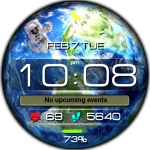
Earth MOD space animated
WinWatchfaces
$1.29
$0.65
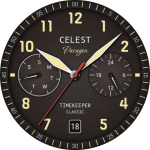
CELEST1740 Analog Watch
CELEST Watches
$1.99
$1.00