
$0.99
FREE
100% Off
Kathleen – Lines Icon Pack
Panoto Gomo

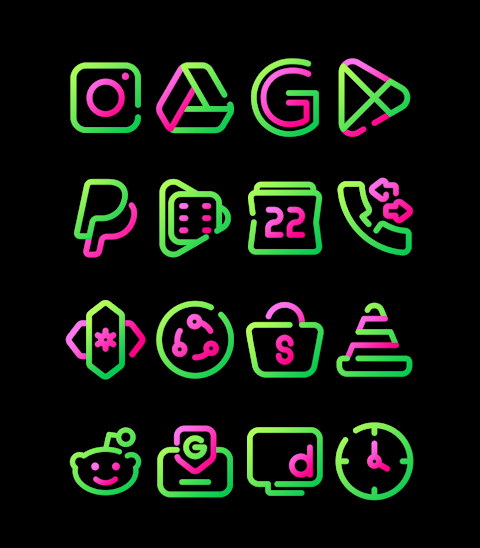
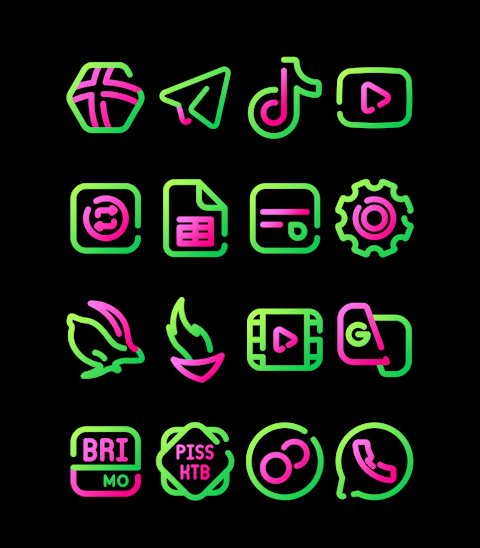

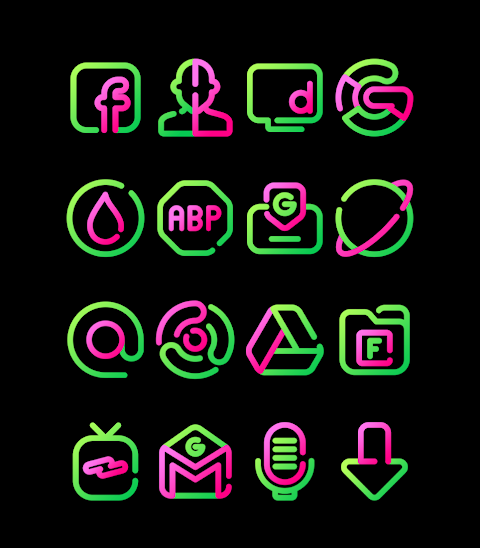

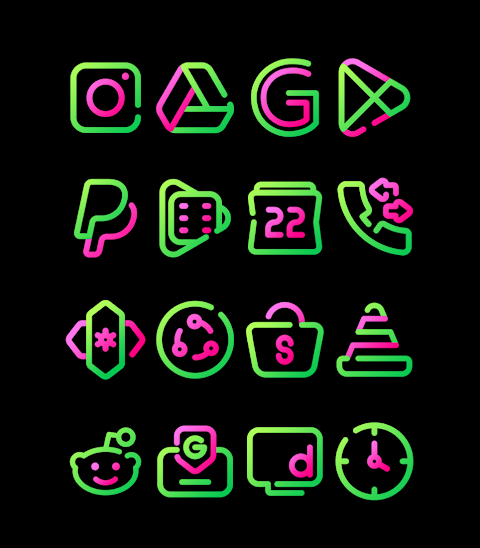
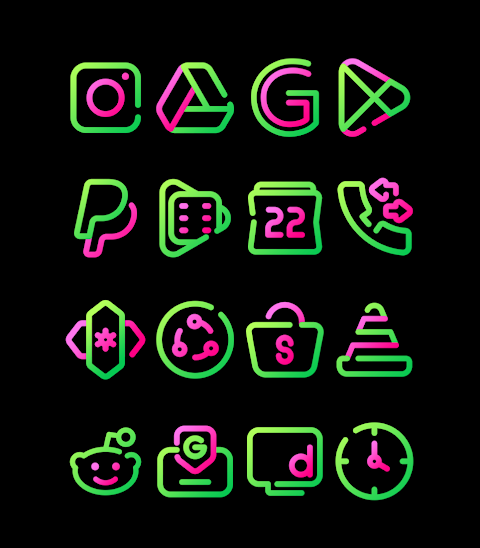
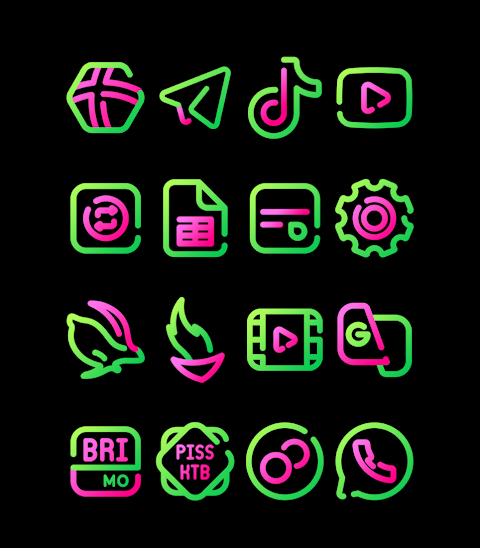

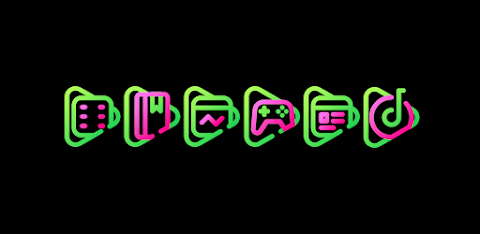
About the App
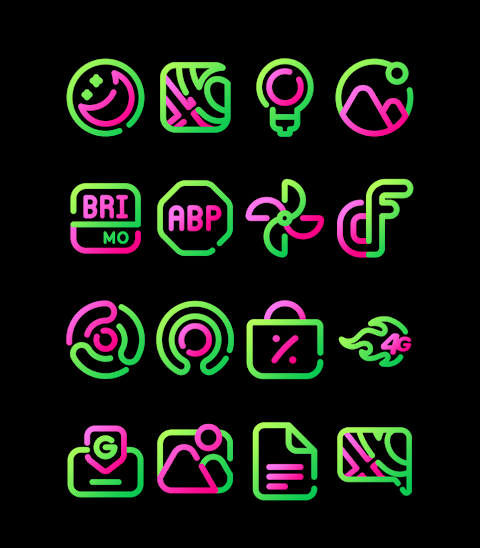
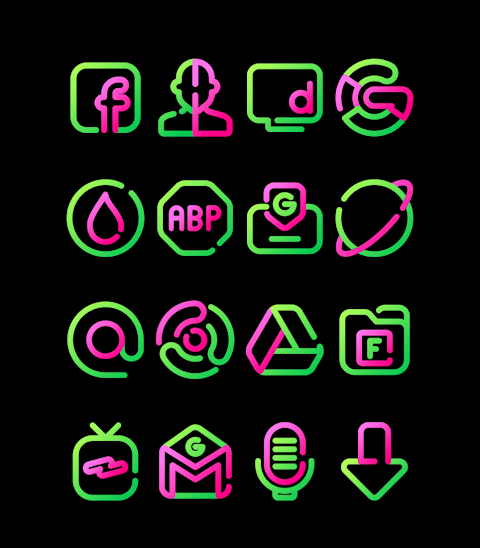
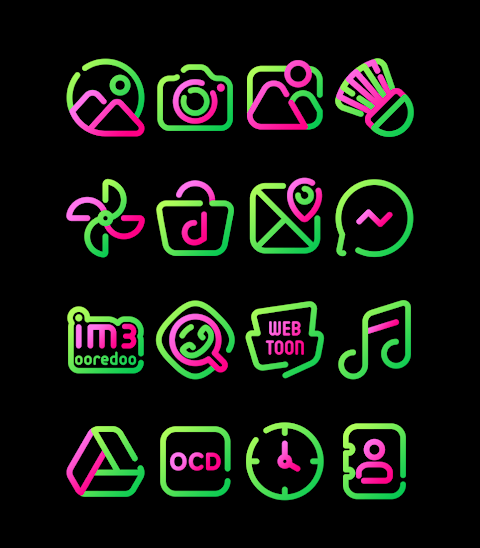
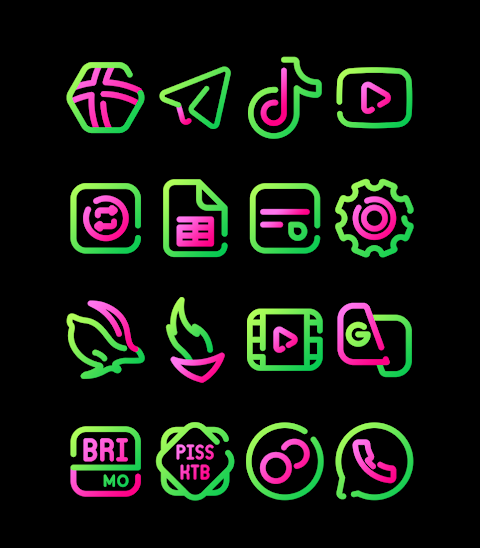
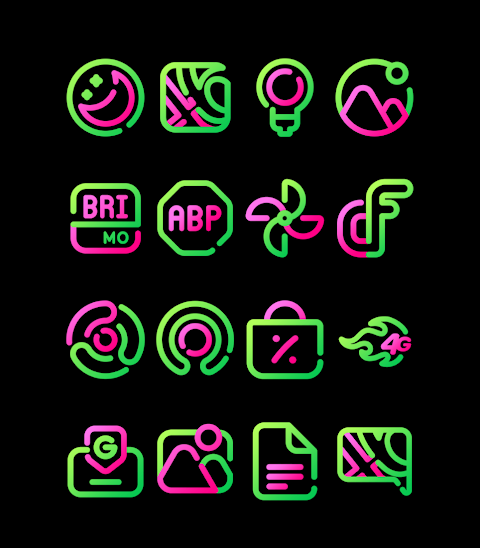
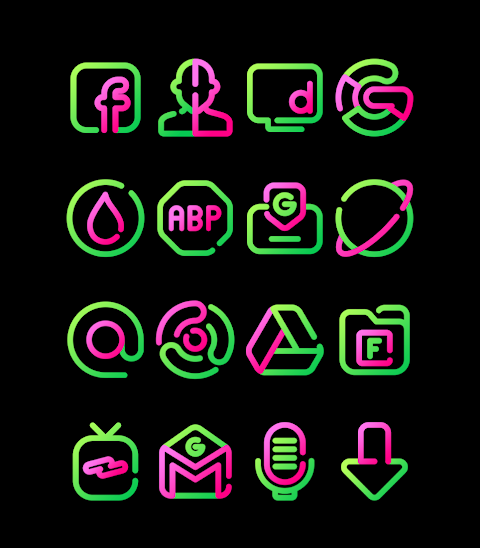
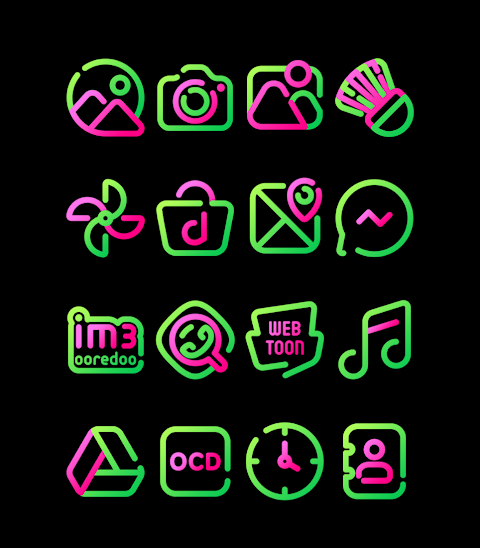
Kathleen is a vibrant pink and green linear icon pack designed for those who want to refresh their phone's look. This icon pack offers over 3000 icons, giving you a wide variety of choices. Each icon comes in HD icon resolution of 256x256px, ensuring your app icons look sharp and clear.
In addition to the icons, Kathleen includes beautiful wallpapers that complement the overall aesthetic. If you ever want a specific icon, the icon request feature lets you ask for new designs. This makes it easy for you to customize your experience further.
Applying Kathleen is straightforward. It works with many popular launchers, including Nova Launcher, Evie Launcher, and Apex Launcher, among others. To use the Kathleen icon pack, follow these simple steps:
1. Open the Kathleen icon pack app.
2. Find the Apply Icon Pack screen.
3. The app will show you a list of supported launchers. Choose the Nova Launcher if it's installed on your phone.
4. The app will automatically apply the icons from the Kathleen icon pack to the Nova Launcher.
If you don't see the launcher listed, you can often apply the icons directly from the launcher itself.
For Sony Xperia Home Launcher users, you can also use Kathleen, but it requires a few different steps. Here’s how to apply it:
1. Long press on your main screen.
2. Go to settings.
3. Scroll down to the appearance icon setting.
4. Select the Kathleen icon pack.
5. And you're done! Your Sony Xperia will now display the Kathleen icons.
Keep in mind that the Kathleen icon pack is only supported on Sony Xperia Home Launcher version 10.0.A.0.8 or newer.
Along with popular launchers like Nova Launcher, Kathleen also supports Evie Launcher, Apex Launcher, ADW Launcher, ABC Launcher, Next Launcher, Holo Launcher, Lucid Launcher, M Launcher, Action Launcher, Aviate Launcher, Smart Launcher, and Go Launcher, though Go Launcher does not support icon masking. Zero Launcher is another option, but it too does not include icon masking support.
With Kathleen, you can truly embrace mobile launcher themes and enjoy user interface customization that reflects your style. The combination of custom icon designs and the minimalist icon style makes it a perfect fit for those who appreciate a clean layout.
You can find more design information and updates on Kathleen through our social media pages on Google+, Instagram, and Twitter. Dive into the world of phone customization with Kathleen and enjoy a fresh look with every glance at your screen.
In addition to the icons, Kathleen includes beautiful wallpapers that complement the overall aesthetic. If you ever want a specific icon, the icon request feature lets you ask for new designs. This makes it easy for you to customize your experience further.
Applying Kathleen is straightforward. It works with many popular launchers, including Nova Launcher, Evie Launcher, and Apex Launcher, among others. To use the Kathleen icon pack, follow these simple steps:
1. Open the Kathleen icon pack app.
2. Find the Apply Icon Pack screen.
3. The app will show you a list of supported launchers. Choose the Nova Launcher if it's installed on your phone.
4. The app will automatically apply the icons from the Kathleen icon pack to the Nova Launcher.
If you don't see the launcher listed, you can often apply the icons directly from the launcher itself.
For Sony Xperia Home Launcher users, you can also use Kathleen, but it requires a few different steps. Here’s how to apply it:
1. Long press on your main screen.
2. Go to settings.
3. Scroll down to the appearance icon setting.
4. Select the Kathleen icon pack.
5. And you're done! Your Sony Xperia will now display the Kathleen icons.
Keep in mind that the Kathleen icon pack is only supported on Sony Xperia Home Launcher version 10.0.A.0.8 or newer.
Along with popular launchers like Nova Launcher, Kathleen also supports Evie Launcher, Apex Launcher, ADW Launcher, ABC Launcher, Next Launcher, Holo Launcher, Lucid Launcher, M Launcher, Action Launcher, Aviate Launcher, Smart Launcher, and Go Launcher, though Go Launcher does not support icon masking. Zero Launcher is another option, but it too does not include icon masking support.
With Kathleen, you can truly embrace mobile launcher themes and enjoy user interface customization that reflects your style. The combination of custom icon designs and the minimalist icon style makes it a perfect fit for those who appreciate a clean layout.
You can find more design information and updates on Kathleen through our social media pages on Google+, Instagram, and Twitter. Dive into the world of phone customization with Kathleen and enjoy a fresh look with every glance at your screen.
Classic 8 Informer Mod
WinWatchfaces
$1.29
$0.84
ODYSSEY Digital Watch Face
LIBERTY WATCH FACES™
$0.99

Dropicon Cut – Icon Pack
GomoTheGom
$1.49