
$1.49
FREE
100% Off
Kamsa Squircle – Icon Pack
GomoTheGom




About the App
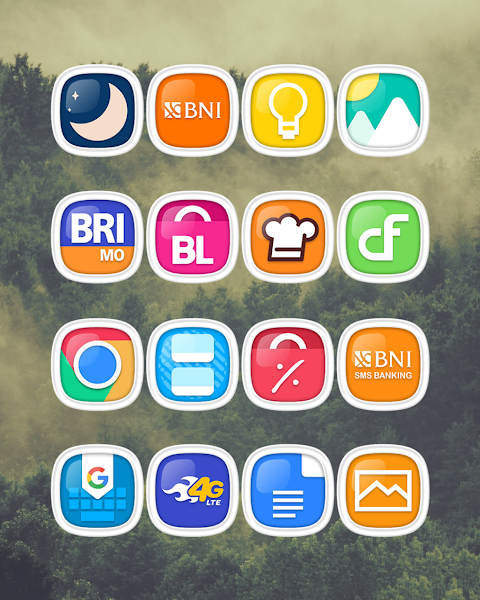
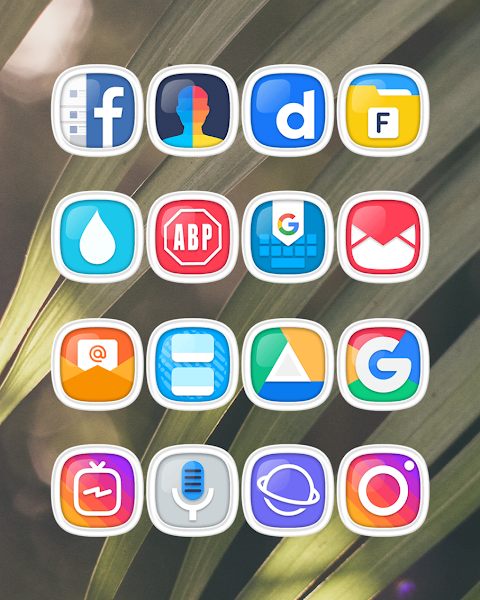
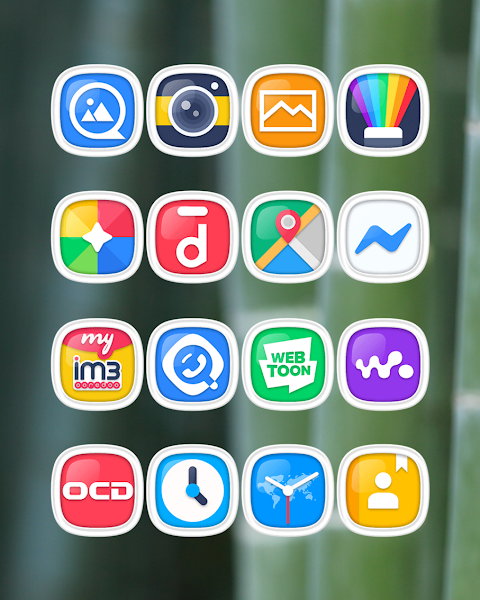
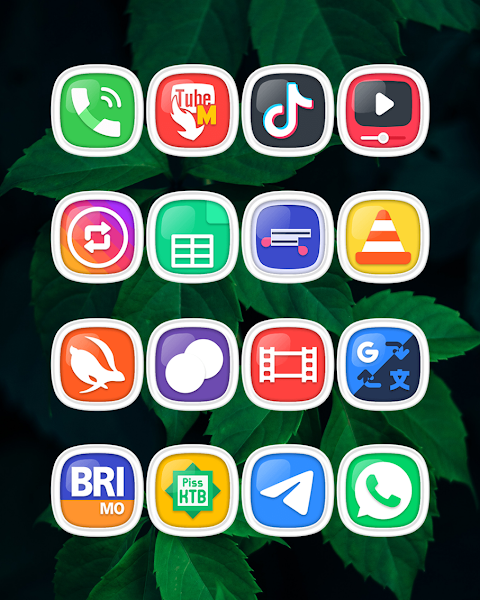
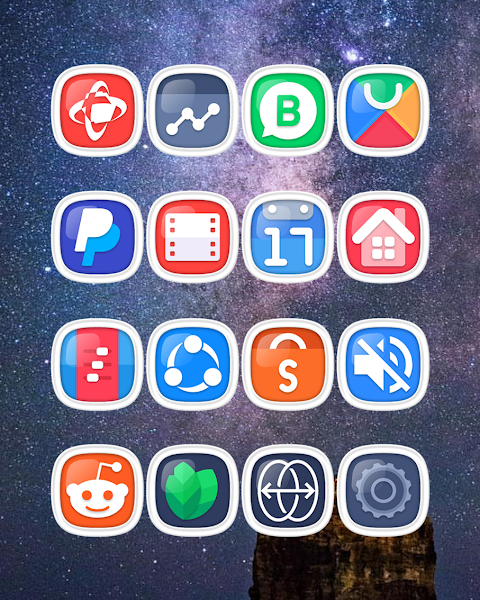
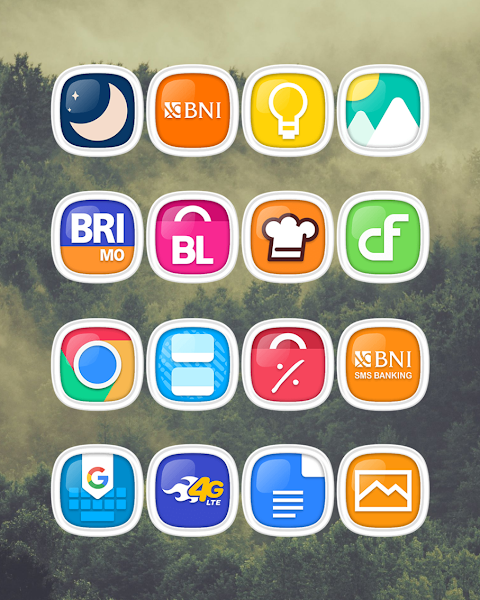
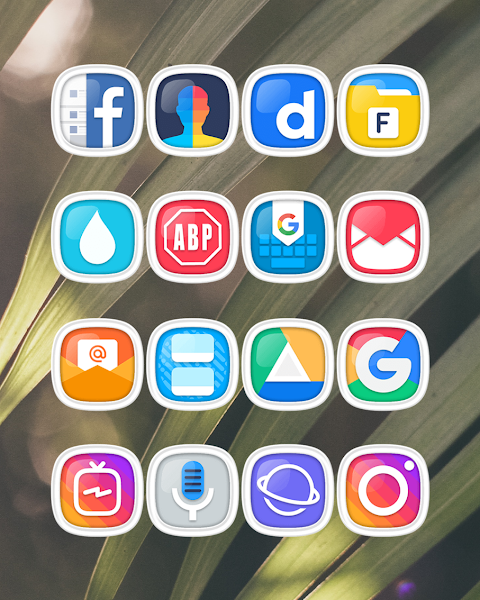
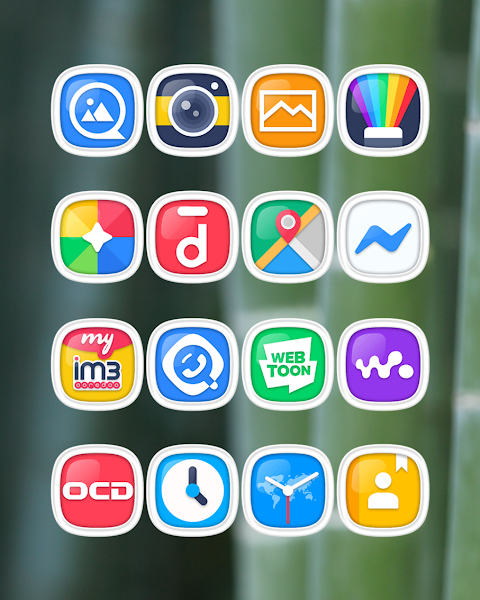
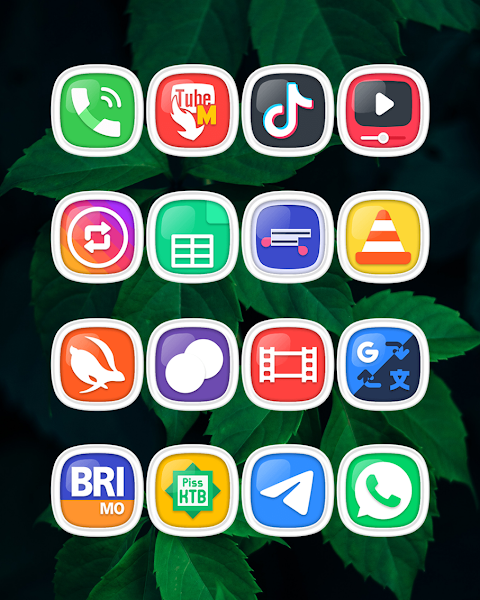
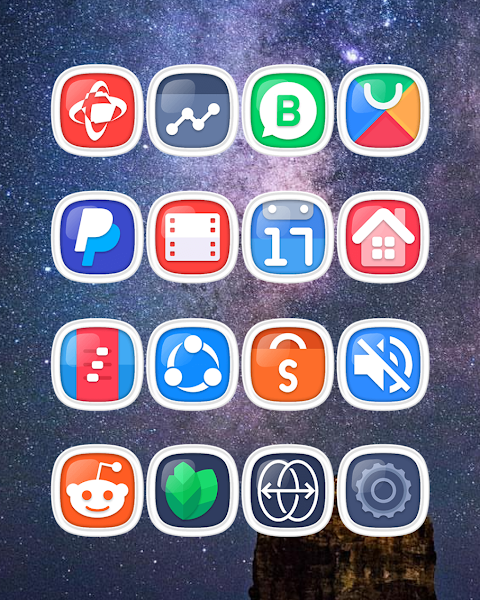
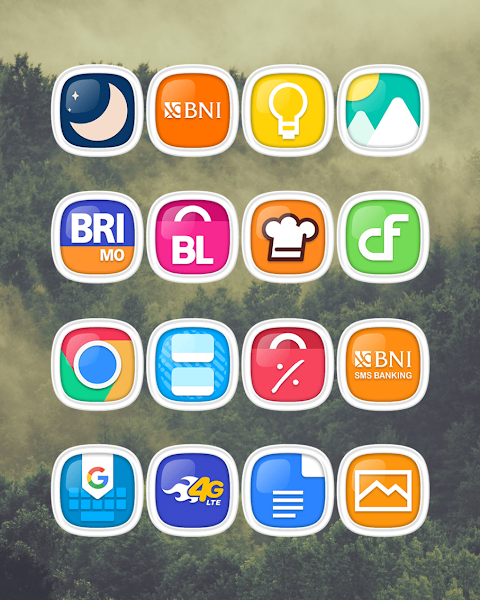
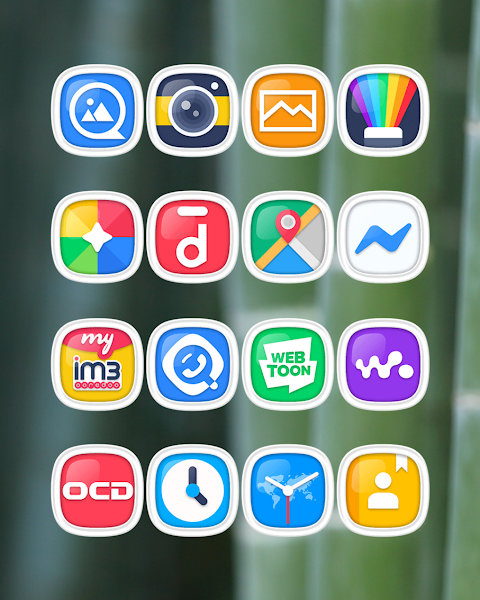
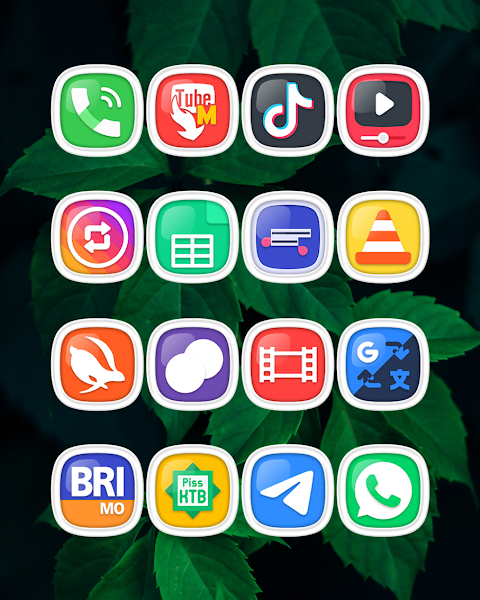
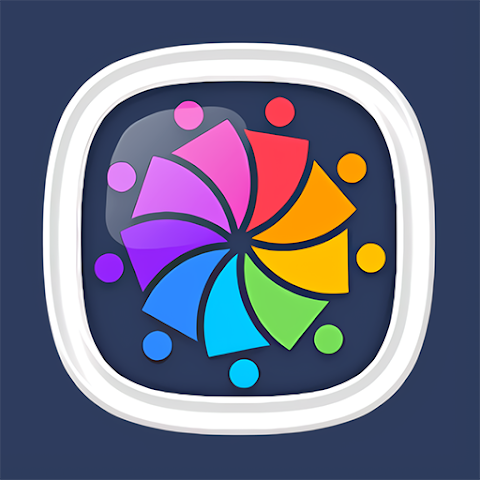
Kamsa Light Squircle is an exciting icon pack designed for anyone looking to personalize their mobile devices. With over 7000 icons available and more being added, this collection offers a wide range of designs to transform your phone's appearance. Each icon is created with a high definition quality, featuring a resolution of 192x192px. You can also find beautiful HD wallpapers to enhance your home screen even further.
This icon pack includes an icon request feature, allowing you to suggest new icons that you’d like to see. If you have specific designs in mind, Kamsa Light Squircle is here to help with your customization needs.
To use Kamsa Light Squircle icon pack, you need a compatible launcher. This pack supports various popular launchers, including Nova Launcher and Evie Launcher, among others. To apply the icons, simply follow these steps:
1. Open the Kamsa Light Squircle Icon Pack app on your device.
2. Go to the apply icon pack screen within the app.
3. You will see a list of supported launchers. Select Nova Launcher or any other launcher you have installed.
4. The app will automatically apply the chosen icons to your selected launcher.
If the launcher does not appear when trying to apply the icons from the app, you can also try applying from the launcher settings directly.
For users of Sony Xperia Home Launcher, the Kamsa Light Squircle icon pack can still be applied, but it requires a few extra steps:
1. Long press on your main screen.
2. Open the settings.
3. Scroll down and access the appearance icon setting.
4. Choose the Kamsa Light Squircle icon pack from here.
5. Your Sony Xperia will then use Kamsa Light Squircle icons.
Please note that the icon pack is only supported on Sony Xperia Home Launcher version 10.0.A.0.8 or higher.
In addition to Nova Launcher and Evie Launcher, Kamsa Light Squircle icon pack is also compatible with Apex Launcher, ADW Launcher, ABC Launcher, Next Launcher, Holo Launcher, Lucid Launcher, M Launcher, Action Launcher, Aviate Launcher, Smart Launcher, Go Launcher (note that Go Launcher does not support icon masking), and Zero Launcher (which has limitations on icon masking as well).
Kamsa Light Squircle is perfect for anyone wanting to personalize their mobile user interface. It offers a range of UI customization options, helping you to achieve the look you want.
For those seeking design inspiration, you can follow Kamsa on social media platforms such as Instagram and Twitter for more ideas and features.
Special thanks to Dani Mahardika for the Candybar Dashboard integration, which helps make this icon pack easy to install and use. With Kamsa Light Squircle icon pack, your mobile device can reflect your personal style and creativity.
This icon pack includes an icon request feature, allowing you to suggest new icons that you’d like to see. If you have specific designs in mind, Kamsa Light Squircle is here to help with your customization needs.
To use Kamsa Light Squircle icon pack, you need a compatible launcher. This pack supports various popular launchers, including Nova Launcher and Evie Launcher, among others. To apply the icons, simply follow these steps:
1. Open the Kamsa Light Squircle Icon Pack app on your device.
2. Go to the apply icon pack screen within the app.
3. You will see a list of supported launchers. Select Nova Launcher or any other launcher you have installed.
4. The app will automatically apply the chosen icons to your selected launcher.
If the launcher does not appear when trying to apply the icons from the app, you can also try applying from the launcher settings directly.
For users of Sony Xperia Home Launcher, the Kamsa Light Squircle icon pack can still be applied, but it requires a few extra steps:
1. Long press on your main screen.
2. Open the settings.
3. Scroll down and access the appearance icon setting.
4. Choose the Kamsa Light Squircle icon pack from here.
5. Your Sony Xperia will then use Kamsa Light Squircle icons.
Please note that the icon pack is only supported on Sony Xperia Home Launcher version 10.0.A.0.8 or higher.
In addition to Nova Launcher and Evie Launcher, Kamsa Light Squircle icon pack is also compatible with Apex Launcher, ADW Launcher, ABC Launcher, Next Launcher, Holo Launcher, Lucid Launcher, M Launcher, Action Launcher, Aviate Launcher, Smart Launcher, Go Launcher (note that Go Launcher does not support icon masking), and Zero Launcher (which has limitations on icon masking as well).
Kamsa Light Squircle is perfect for anyone wanting to personalize their mobile user interface. It offers a range of UI customization options, helping you to achieve the look you want.
For those seeking design inspiration, you can follow Kamsa on social media platforms such as Instagram and Twitter for more ideas and features.
Special thanks to Dani Mahardika for the Candybar Dashboard integration, which helps make this icon pack easy to install and use. With Kamsa Light Squircle icon pack, your mobile device can reflect your personal style and creativity.

MCBackup Pro – Contacts Backup
Ravi Kotadiya
$3.99

Magic PiP
Jinyu Meng
$1.99

Click-to-count numbers & score tracking
Volodymyr Yahenskyi
$99.90
Free