
$1.49
$0.75
50% Off
JW212 jwstudio
JWstudio

About the App
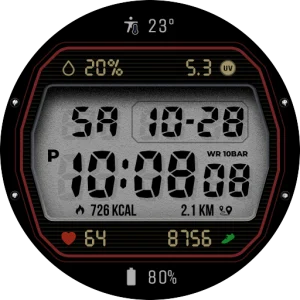
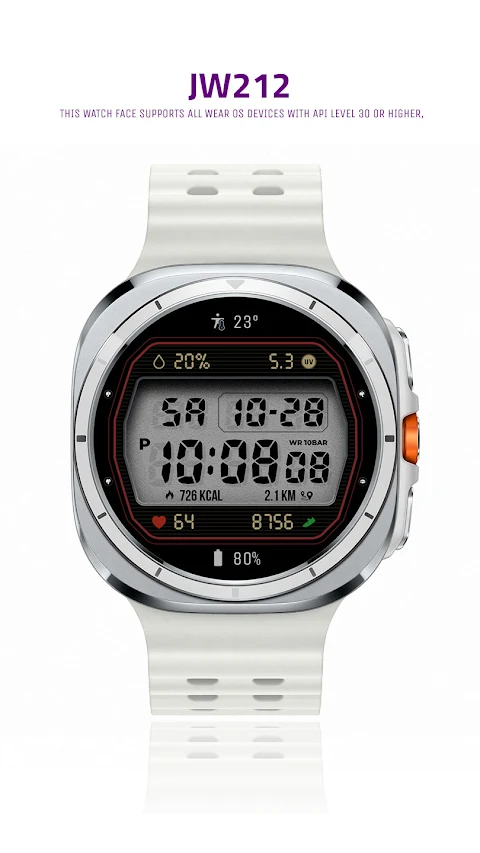
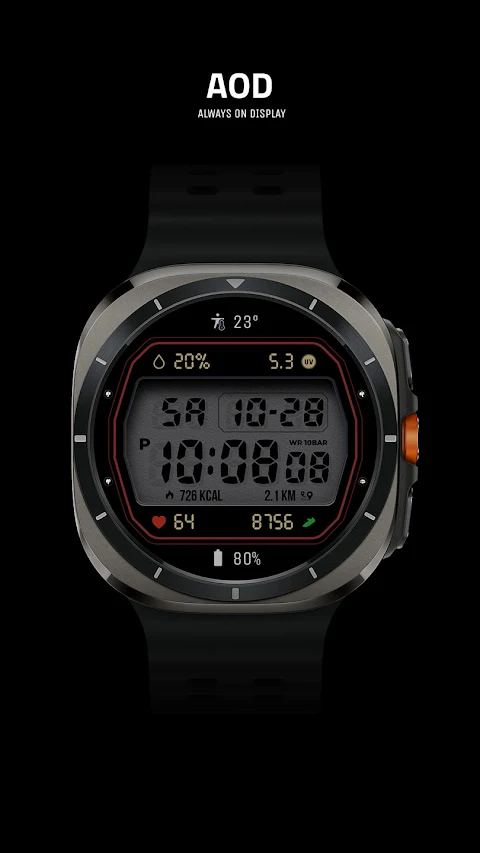
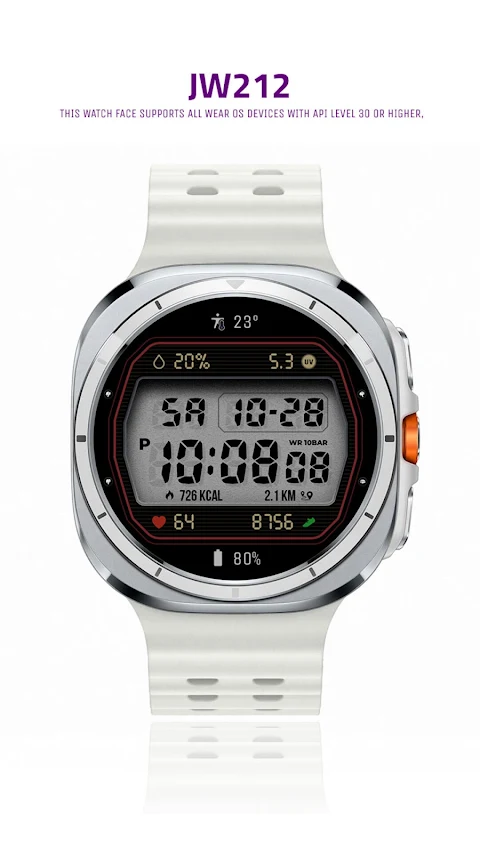
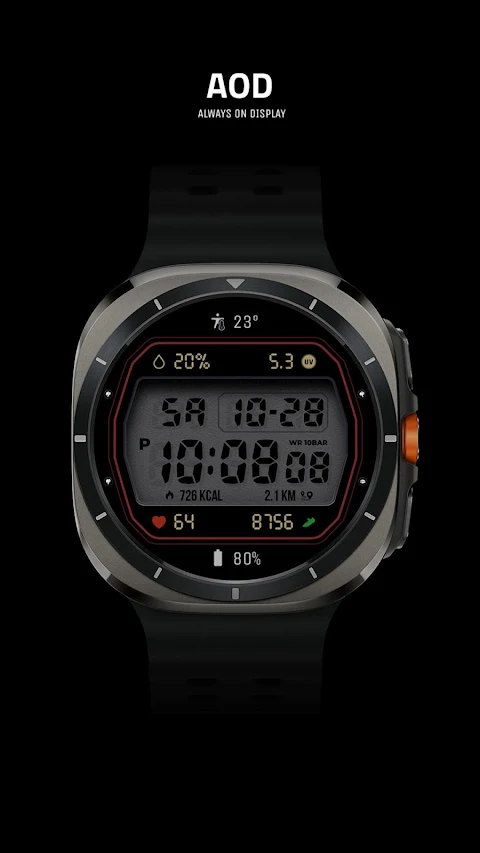
JW212 jwstudio is a versatile watch face designed for Wear OS devices that operate on API level 30 or higher. This includes popular models like the Samsung Galaxy Watch series, from the 4 to the 8, and the Pixel Watch. With JW212 jwstudio, you can enjoy a stylish and functional digital watch interface that complements your smartwatch experience.
To get started with JW212 jwstudio, you will need to follow a simple installation process. Before you confirm your purchase, make sure you select your watch. You can do this by tapping the small triangle next to the payment button.
Once you've selected your watch, go to the Play Store app. Tap the menu at the top right corner, represented by three dots. Then select Share, choose Chrome browser, and click on Install on other devices to proceed. After installation, you will find JW212 jwstudio in your download list. To make it easier to access, register it as a favorite. You can see this list by clicking 'Add Watch Screen' on the right side of your favorites list.
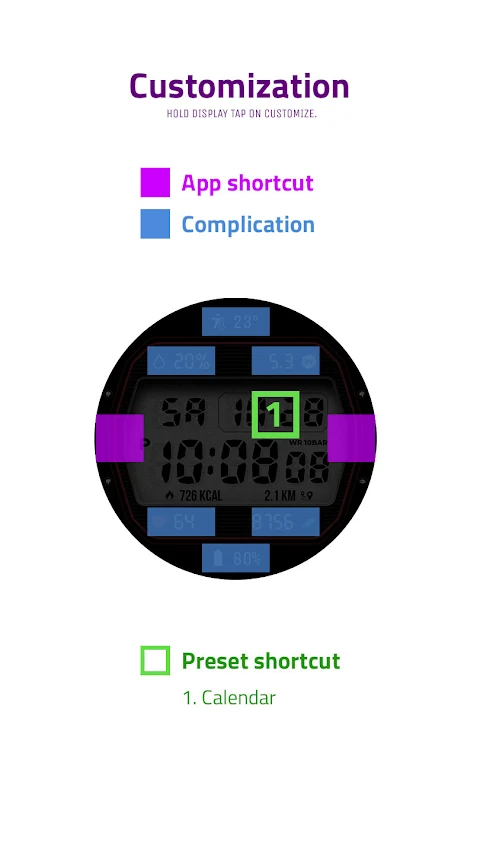
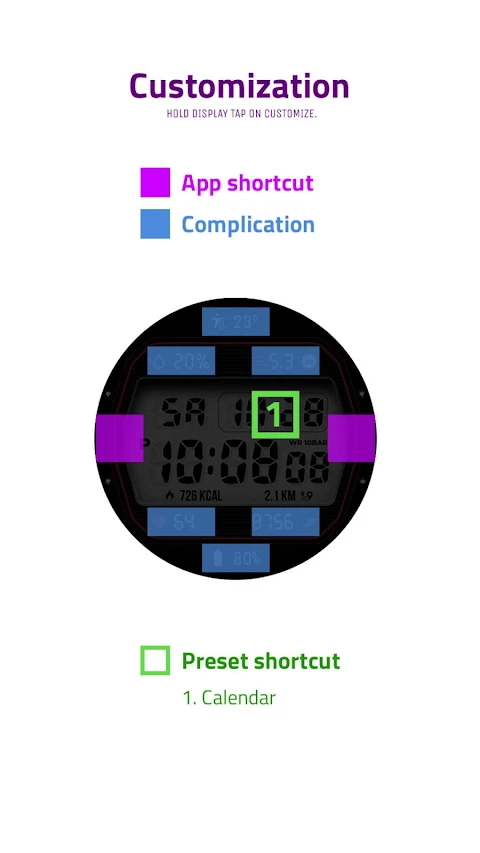
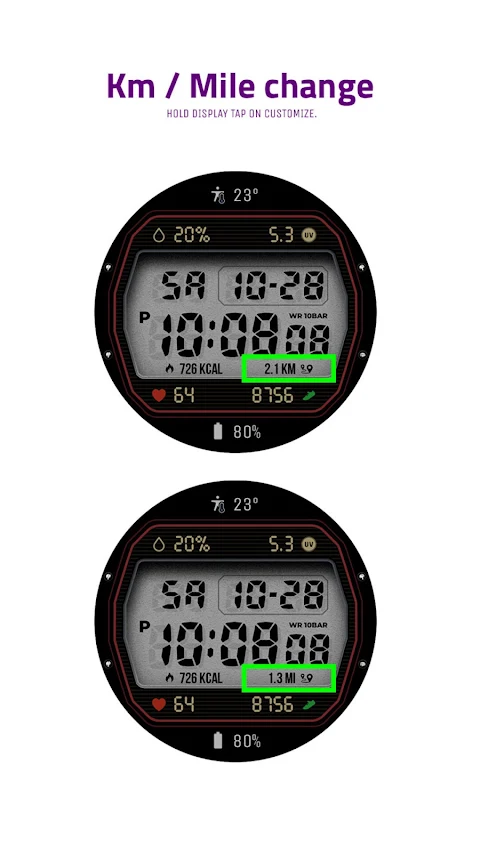
JW212 jwstudio offers several useful features that you can customize to make it uniquely yours. The app includes one preset app shortcut, which lets you quickly access your most-used applications. In addition, it has two customizable shortcut keys, allowing you to tailor your shortcuts to your preferences.
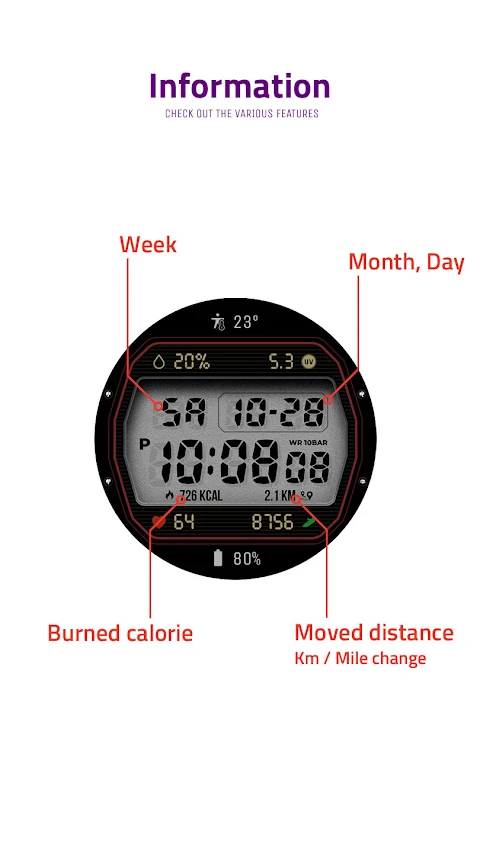
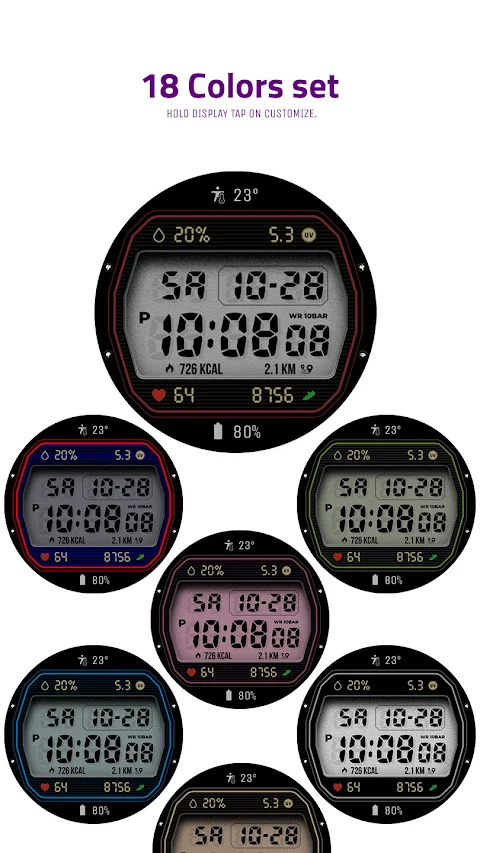
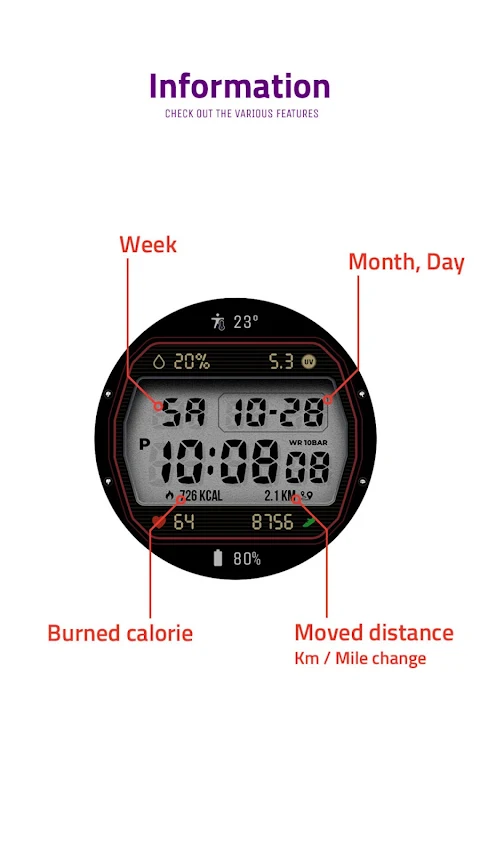
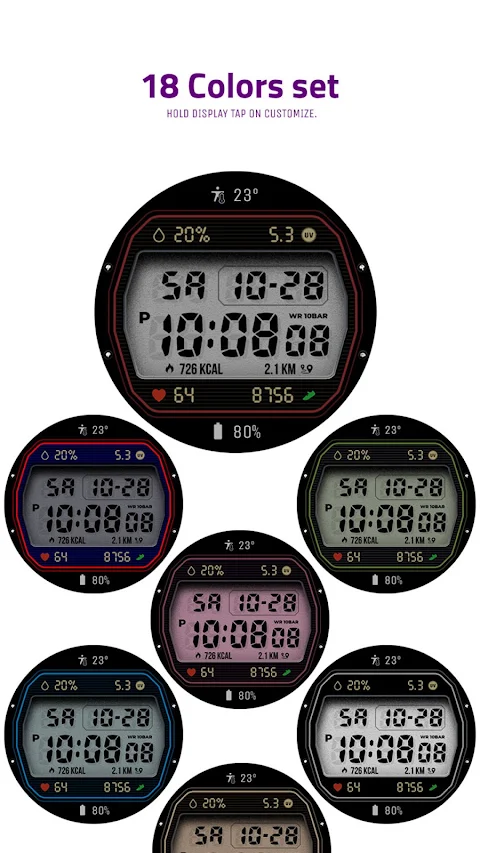
The watch face also provides six customizable fields for displaying important information. You can set it up to show whatever matters most to you, whether it's your heart rate, steps taken, or calendar notifications. JW212 jwstudio also features a changeable color set, so you can match your watch face with your mood or outfit.
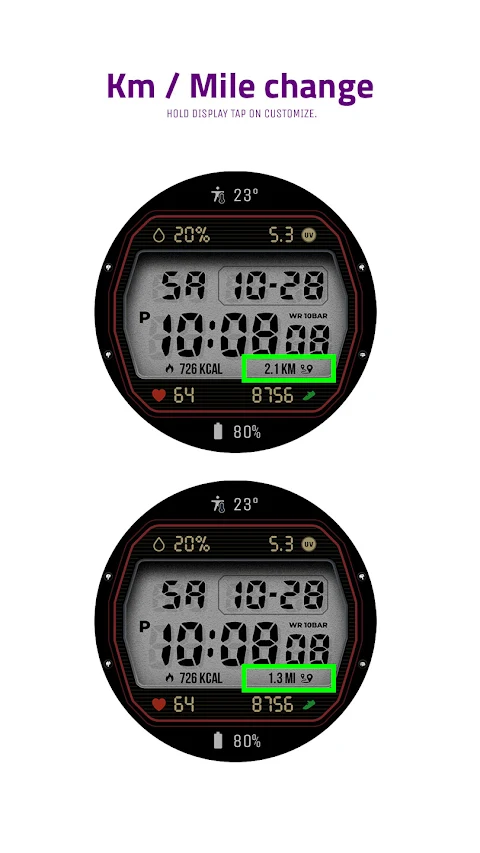
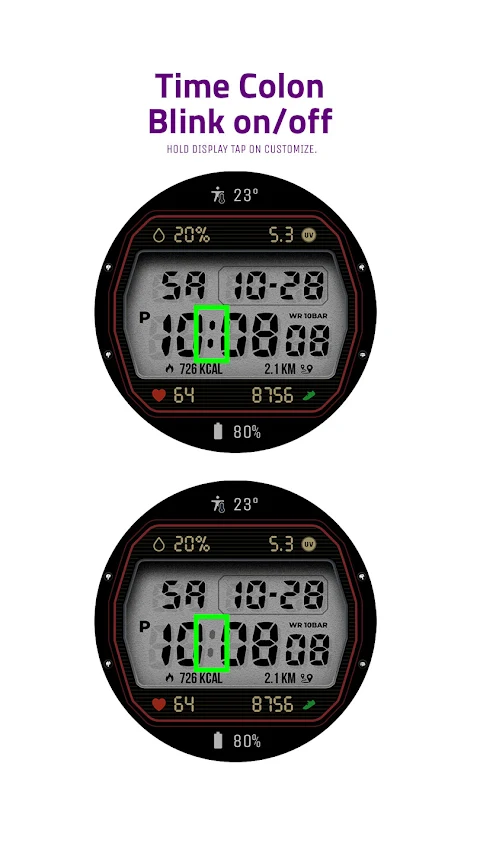
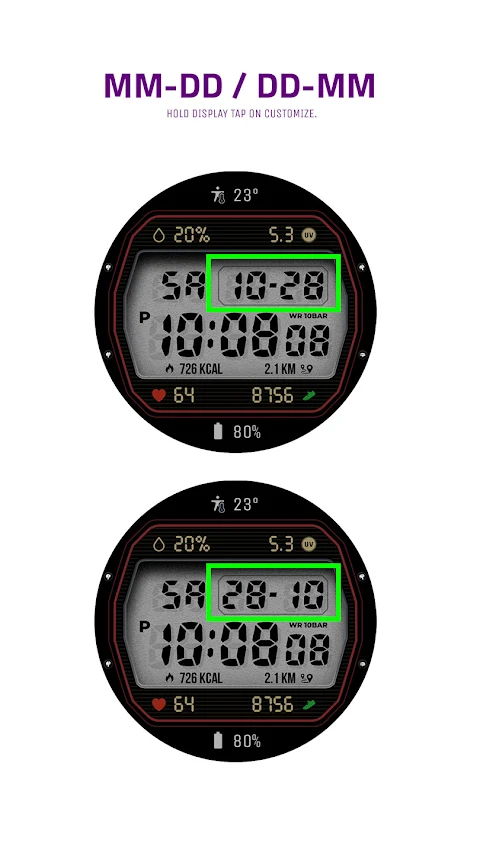
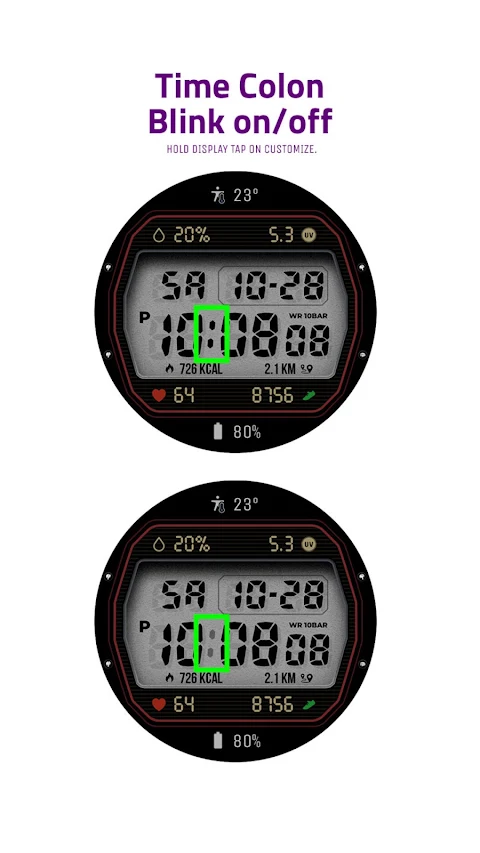
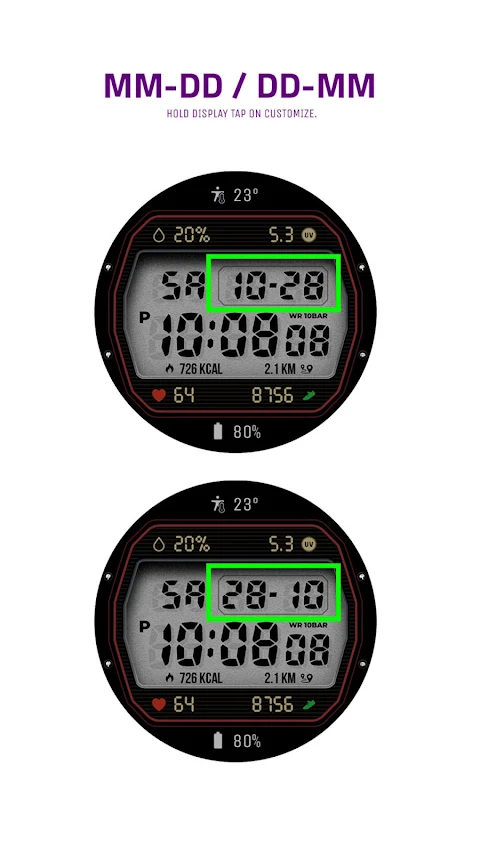
With JW212 jwstudio, personalizing your watch face is easy. Just touch and hold the display to arrive at the custom options settings. From here, you can explore all the features available for customization, ensuring you have a watch face that fits your style perfectly.
For any questions or support, feel free to reach out via the contact support email provided: jenniferwatches@gmail.com. Enjoy your enhanced smartwatch experience with JW212 jwstudio, where you have control over your watch face's look and functionality. Whether you are selecting your watch model or managing your smartwatch shortcuts, this app streamlines the process and makes smartwatch customization fun and straightforward.
To get started with JW212 jwstudio, you will need to follow a simple installation process. Before you confirm your purchase, make sure you select your watch. You can do this by tapping the small triangle next to the payment button.
Once you've selected your watch, go to the Play Store app. Tap the menu at the top right corner, represented by three dots. Then select Share, choose Chrome browser, and click on Install on other devices to proceed. After installation, you will find JW212 jwstudio in your download list. To make it easier to access, register it as a favorite. You can see this list by clicking 'Add Watch Screen' on the right side of your favorites list.
JW212 jwstudio offers several useful features that you can customize to make it uniquely yours. The app includes one preset app shortcut, which lets you quickly access your most-used applications. In addition, it has two customizable shortcut keys, allowing you to tailor your shortcuts to your preferences.
The watch face also provides six customizable fields for displaying important information. You can set it up to show whatever matters most to you, whether it's your heart rate, steps taken, or calendar notifications. JW212 jwstudio also features a changeable color set, so you can match your watch face with your mood or outfit.
With JW212 jwstudio, personalizing your watch face is easy. Just touch and hold the display to arrive at the custom options settings. From here, you can explore all the features available for customization, ensuring you have a watch face that fits your style perfectly.
For any questions or support, feel free to reach out via the contact support email provided: jenniferwatches@gmail.com. Enjoy your enhanced smartwatch experience with JW212 jwstudio, where you have control over your watch face's look and functionality. Whether you are selecting your watch model or managing your smartwatch shortcuts, this app streamlines the process and makes smartwatch customization fun and straightforward.

Outline Icons – Icon Pack
RandomVector
$2.49
$1.49
【Hybrid】Technology Arc
ZKin
$2.99
$0.99
![[KNA022] Weather Forecast](https://appdovo.com/wp-content/uploads/2026/07/com.watchfacestudio.kna022eCRSPX-GtUuZPcx1Kuaj-150x150.webp)
[KNA022] Weather Forecast
KNA TH Watch Faces
$1.49
$0.19