

$12.99
FREE
100% Off
iWriteMusic Pro
iWriteMusicProject

About the App
iWriteMusic Pro is designed to help you create professional music notation without a long learning process. Whether you're capturing a musical idea, preparing lesson material, or completing a large score, iWriteMusic makes it easy to turn your inspiration into finished notation quickly and efficiently.
One of the great things about iWriteMusic is how easy it is to master. The app organizes essential controls clearly, so even if you're new to notation apps, you can start creating right away. You won't need to rely on a thick manual or a bunch of tutorial videos.
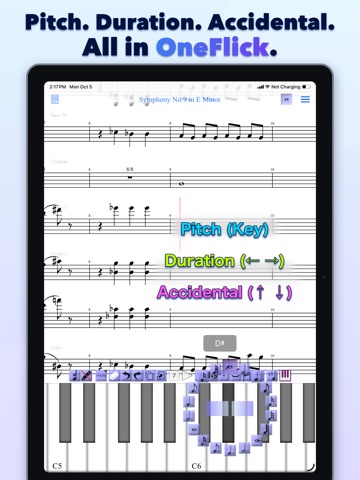
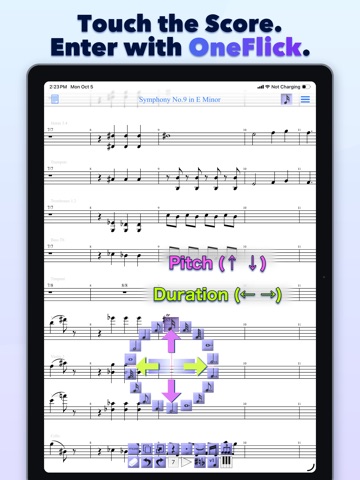
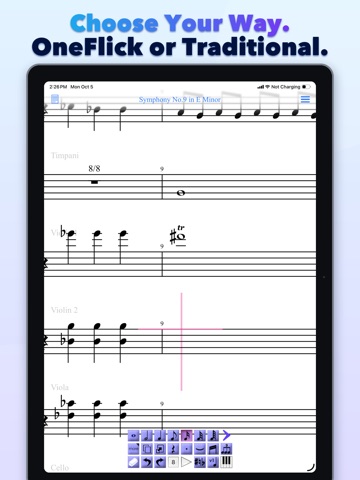
Entering notes is faster and tailored to your preferences with the OneFlick input method. This feature allows you to combine choices like pitch and note value into a single gesture. If you prefer a more traditional approach, you can use traditional notation entry to choose the notation item and its position separately. This means you can pick the method that works best for you.
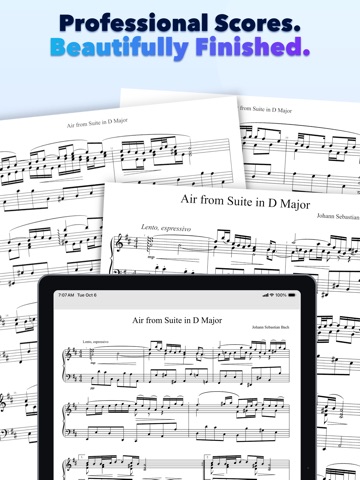
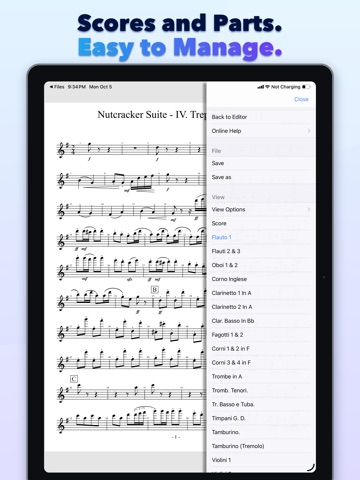
iWriteMusic Pro helps you create polished, professional scores. The flexible page-layout tools enable you to prepare music for practice, lessons, rehearsals, or even performance and distribution. You can also create individual parts from a larger score and print them directly using AirPrint.
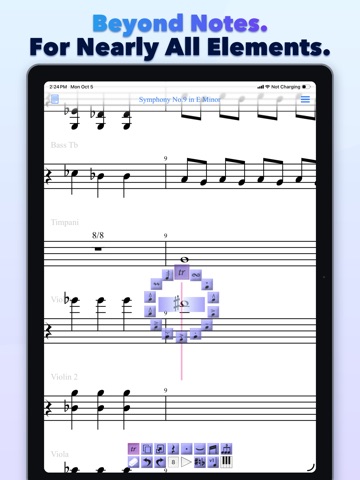
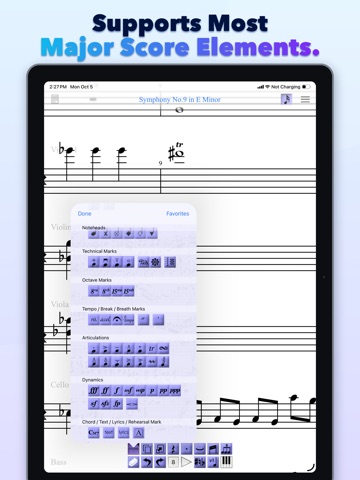
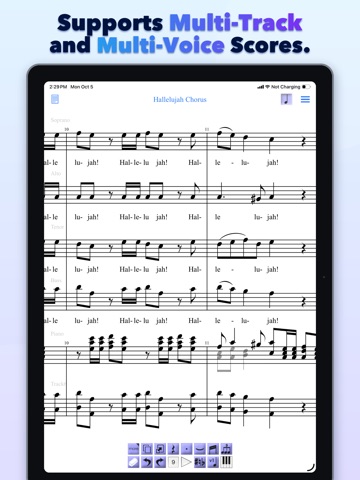
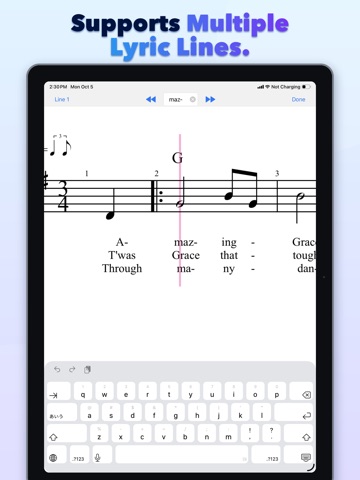
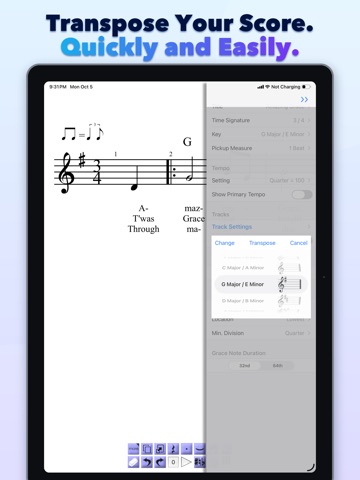
When it comes to notation, iWriteMusic meets all your needs. You can create multi-track and multi-voice scores with lyrics, chord symbols, percussion notation, and drum notation. The app also supports multi-bar rests and allows you to add key changes, time changes, clef changes, and tempo changes within your piece. You can include grace notes, articulations, and manage dynamics with ease. Plus, iWriteMusic allows for both full and partial transposition.
Keeping your scores organized is simple with iWriteMusic. You can manage scores alongside their individual parts and use folders to maintain a growing collection of compositions and teaching materials. This makes lesson material preparation and score organization straightforward.
As you work, you can listen to, check, and practice your music. iWriteMusic Pro enables score playback functionalities, allowing you to play your compositions while editing. You can make use of the mixer functionality, solo playback, mute functionality, and instrument selection to help you check your music or support your daily practice. Loop playback and swing playback features also allow you to focus on specific sections and style.
When you’re ready to share your music, iWriteMusic offers convenient export options. You can export your work as PDF, image files, Standard MIDI, MusicXML, and WAV audio files. The app even allows for editable file sharing, so you can continue working on another device.
iWriteMusic Pro is perfect for composers and arrangers, music teachers, students and singers, as well as instrumentalists and songwriters. You can use it for creating musical sketches, lead sheets, chord charts, choral and ensemble scores, chamber music, band music, orchestral scores, and individual parts.
Best of all, iWriteMusic Pro is free to download. Some features may require a one-time in-app purchase, making it accessible for everyone who loves music creation. With iWriteMusic Pro, you can focus on making music with less hassle and more creativity.

DigiKeys AUv3 Sequencer Plugin
4Pockets.com
$9.99
$6.99
VividTracker
Lars Forsberg
$5.99
$2.99

Spring Reverb
Eventide
$14.99
$7.99