
$0.99
FREE
100% Off
Iris Light – 3D App Icons
Creativepixels




About the App
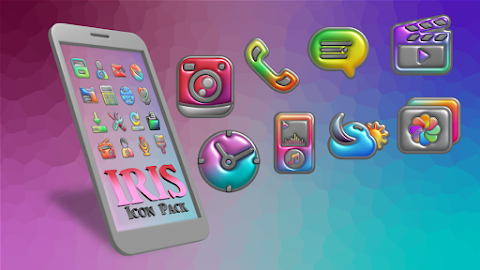
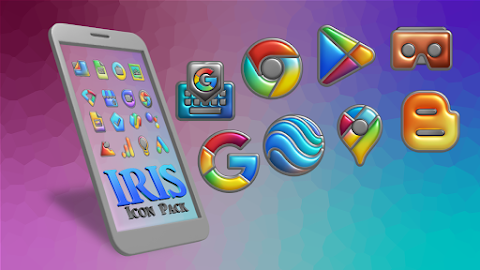
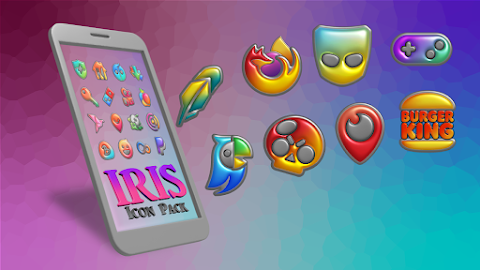
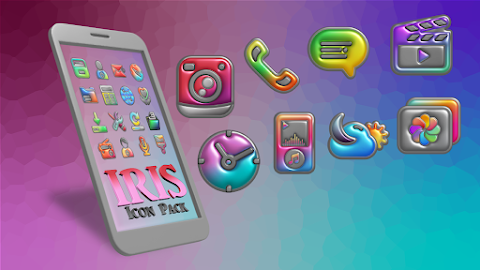
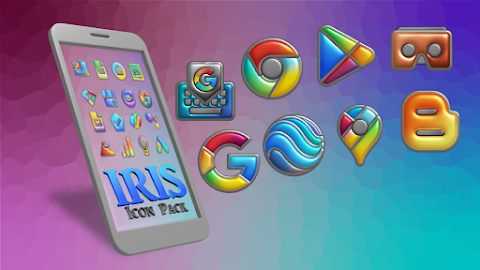
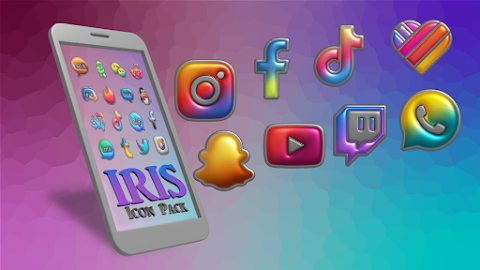
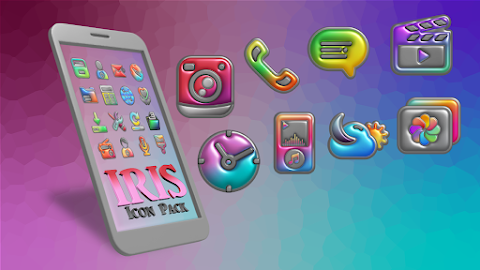
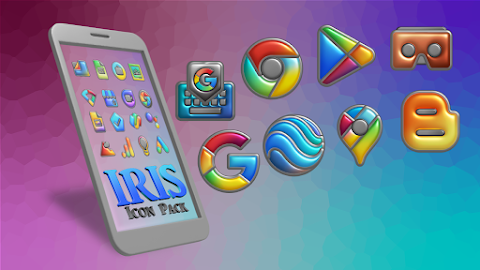
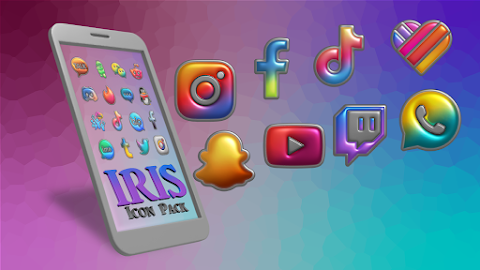
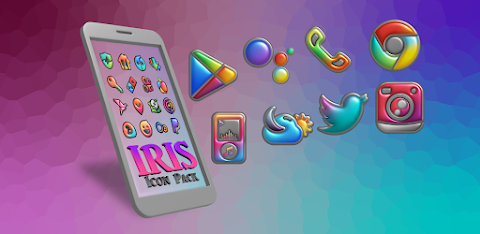
Welcome to Iris Light, your go-to premium icon pack for transforming your Android home screen. With Iris Light, you can give your device a modern and stylish look. This pack stands out with its uniquely crafted flat 3D designs that sit beautifully on deep, Light backgrounds. Vibrant color accents enhance the overall aesthetic, making it perfect for anyone who loves clarity and style on their screens.
Iris Light is designed for users who want their Android setup to look professional yet lively. It provides a perfect balance between Light themes and pops of vivid color, making it a great choice for anyone looking to refresh their home screen.
This app offers thousands of custom app icons, ensuring you have a massive and growing collection to choose from. Each icon features a premium flat 3D design that looks especially stunning on AMOLED displays, giving it a sleek, legible appearance.
One of the unique features of Iris Light is its dynamic calendar support. Your calendar icon will update automatically every day, keeping your home screen fresh and relevant. In addition to this, you’ll find exclusive Light mode wallpapers designed specifically to complement these icons, enhancing your device's look even more.
Iris Light also takes care of your core phone functions with custom themed icons. With perfect icon masking, any untitled or unthemed apps will automatically blend in with the Light 3D aesthetic, making sure every part of your Android setup feels cohesive.
For Samsung users, you can easily use these icons on your stock Samsung One UI launcher. Simply download the Theme Park customization app from the Galaxy Store. Open Theme Park, tap on "Icon," then "Create New," and select Iris Light from the list. After you save it, name your theme and hit "Apply." It’s that simple!
Iris Light is compatible with various launchers, including Nova Launcher, which is highly recommended. It also works seamlessly with other popular options like Action launcher, ADW launcher, Apex launcher, Go launcher, Lawnchair launcher, Niagara launcher, Smart launcher, Solo launcher, and CM theme support. No matter which launcher you choose, you can enjoy a beautiful, personalized experience.
If you ever need help or if you’re looking for specific app icons that aren’t included, Iris Light offers a convenient icon application tool. You can easily request new app icons through the built-in premium request tool. Regular updates are made to address user requests, ensuring your Android setup always looks perfect.
Whether you're enhancing your device aesthetic or simply looking to explore new themes, Iris Light provides a unique and enjoyable way to personalize your Android home screen. Enjoy the blend of style and functionality with Iris Light.
Iris Light is designed for users who want their Android setup to look professional yet lively. It provides a perfect balance between Light themes and pops of vivid color, making it a great choice for anyone looking to refresh their home screen.
This app offers thousands of custom app icons, ensuring you have a massive and growing collection to choose from. Each icon features a premium flat 3D design that looks especially stunning on AMOLED displays, giving it a sleek, legible appearance.
One of the unique features of Iris Light is its dynamic calendar support. Your calendar icon will update automatically every day, keeping your home screen fresh and relevant. In addition to this, you’ll find exclusive Light mode wallpapers designed specifically to complement these icons, enhancing your device's look even more.
Iris Light also takes care of your core phone functions with custom themed icons. With perfect icon masking, any untitled or unthemed apps will automatically blend in with the Light 3D aesthetic, making sure every part of your Android setup feels cohesive.
For Samsung users, you can easily use these icons on your stock Samsung One UI launcher. Simply download the Theme Park customization app from the Galaxy Store. Open Theme Park, tap on "Icon," then "Create New," and select Iris Light from the list. After you save it, name your theme and hit "Apply." It’s that simple!
Iris Light is compatible with various launchers, including Nova Launcher, which is highly recommended. It also works seamlessly with other popular options like Action launcher, ADW launcher, Apex launcher, Go launcher, Lawnchair launcher, Niagara launcher, Smart launcher, Solo launcher, and CM theme support. No matter which launcher you choose, you can enjoy a beautiful, personalized experience.
If you ever need help or if you’re looking for specific app icons that aren’t included, Iris Light offers a convenient icon application tool. You can easily request new app icons through the built-in premium request tool. Regular updates are made to address user requests, ensuring your Android setup always looks perfect.
Whether you're enhancing your device aesthetic or simply looking to explore new themes, Iris Light provides a unique and enjoyable way to personalize your Android home screen. Enjoy the blend of style and functionality with Iris Light.
Cosmo Phase Watch Face
RazorSharp Design Studio
$2.49
$0.87

Mags Sporty 2: Animated Wheel
JM Lab
$1.49
Lucky Turtle Watch Face
Lan Lab
$1.49