
$1.49
$0.75
50% Off
iOS Liquid Glass – Icon Pack
Olivera Onias Design

About the App
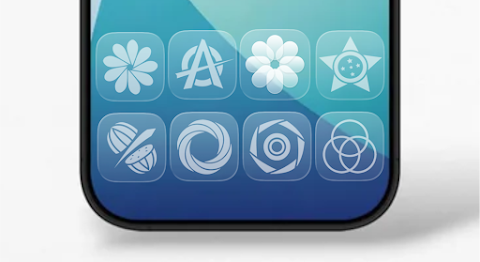
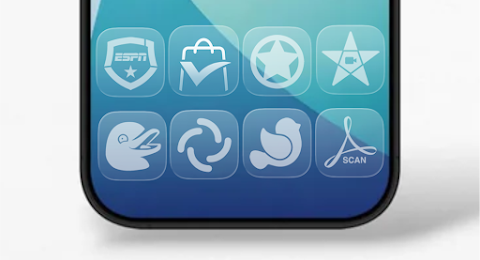
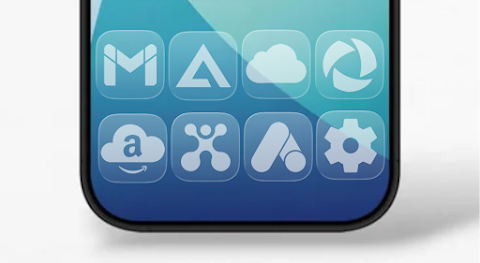
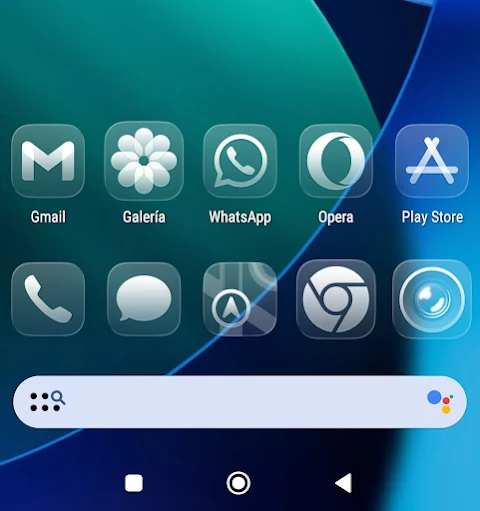
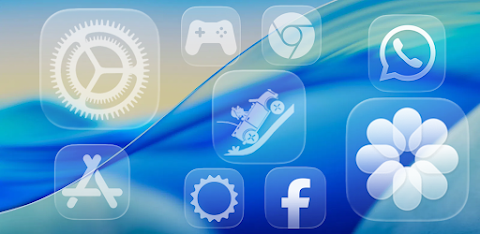
With the iOS Liquid Glass - Icon Pack, you can easily customize your home screen launcher. This app features elegant and fluid white moonlight icons, giving your device a clean and minimalistic look. It is perfect for anyone looking to enhance their Android setup with a sophisticated aesthetic.
The iOS Liquid Glass - Icon Pack includes over 5,000 white moonlight icons, which are designed to create a brighter and more inviting atmosphere on your device. One standout feature is the exclusive contrast with optimized white wallpapers that complement these icons beautifully. For those who utilize compatible launchers, the app also offers dynamic calendars, making it easier to stay organized.
Navigating the iOS Liquid Glass - Icon Pack is simple thanks to its Material You-style dashboard. This user-friendly interface allows you to access all the features without any hassle. You will also find an icon masking feature that helps enhance the look of unthemed apps, ensuring a consistent and polished appearance across your screen.
One of the great advantages of using the iOS Liquid Glass - Icon Pack is its icon requests feature. If you find any app icons that are unthemed or missing, you can easily submit a request for free. The development team is committed to providing regular icon updates, so you can expect new icons to be added over time.
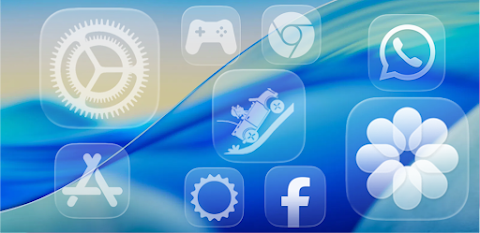
This icon pack covers a wide range of app categories. You’ll find system app icons, Google app icons, social media icons, media app icons, and even gaming app icons. Additionally, it includes OEM app stocks to ensure that your entire collection of apps gets a stylish makeover.
To start using the iOS Liquid Glass - Icon Pack, you will need to install a compatible launcher. The app supports a long list of launchers, including Lawnchair, Nova Launcher, and Samsung One UI, among others. Once you have a compatible launcher installed, simply open the icon pack app and tap “Apply” or select it directly through your launcher’s settings.
If you have questions or need assistance, the FAQ section within the app covers many common inquiries. It's a good idea to check it for answers before reaching out via email.
In summary, the iOS Liquid Glass - Icon Pack is an excellent choice for anyone wanting to elevate their Android experience. With its clean aesthetic icons, elegant launcher customization, and features like dynamic calendars and icon masking, you can enjoy a truly personalized home screen. Whether you’re looking for custom icon packs or simply want to enhance your device’s design, this app delivers everything you need for an elegant user interface and more.
The iOS Liquid Glass - Icon Pack includes over 5,000 white moonlight icons, which are designed to create a brighter and more inviting atmosphere on your device. One standout feature is the exclusive contrast with optimized white wallpapers that complement these icons beautifully. For those who utilize compatible launchers, the app also offers dynamic calendars, making it easier to stay organized.
Navigating the iOS Liquid Glass - Icon Pack is simple thanks to its Material You-style dashboard. This user-friendly interface allows you to access all the features without any hassle. You will also find an icon masking feature that helps enhance the look of unthemed apps, ensuring a consistent and polished appearance across your screen.
One of the great advantages of using the iOS Liquid Glass - Icon Pack is its icon requests feature. If you find any app icons that are unthemed or missing, you can easily submit a request for free. The development team is committed to providing regular icon updates, so you can expect new icons to be added over time.
This icon pack covers a wide range of app categories. You’ll find system app icons, Google app icons, social media icons, media app icons, and even gaming app icons. Additionally, it includes OEM app stocks to ensure that your entire collection of apps gets a stylish makeover.
To start using the iOS Liquid Glass - Icon Pack, you will need to install a compatible launcher. The app supports a long list of launchers, including Lawnchair, Nova Launcher, and Samsung One UI, among others. Once you have a compatible launcher installed, simply open the icon pack app and tap “Apply” or select it directly through your launcher’s settings.
If you have questions or need assistance, the FAQ section within the app covers many common inquiries. It's a good idea to check it for answers before reaching out via email.
In summary, the iOS Liquid Glass - Icon Pack is an excellent choice for anyone wanting to elevate their Android experience. With its clean aesthetic icons, elegant launcher customization, and features like dynamic calendars and icon masking, you can enjoy a truly personalized home screen. Whether you’re looking for custom icon packs or simply want to enhance your device’s design, this app delivers everything you need for an elegant user interface and more.
Vagan Digital Watch Face
Comback Watch Faces
$0.99
FREE

N-SPORT173 High Digital Face
N-SPORT WATCH FACE
$1.49
$0.45

iWhite OS Icon Pack
PizzApp Design
$0.99
$0.69