

$9.99
$1.99
80% Off
Inspire Pro
snowCanoe




About the App
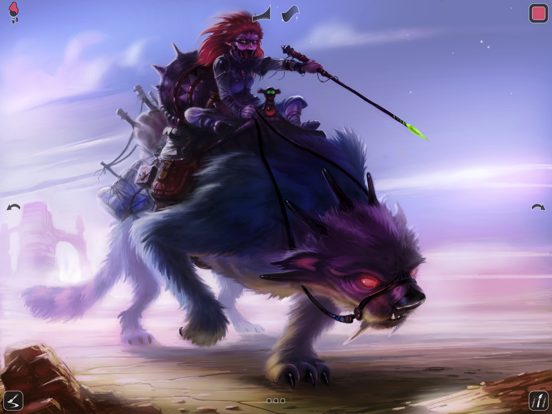
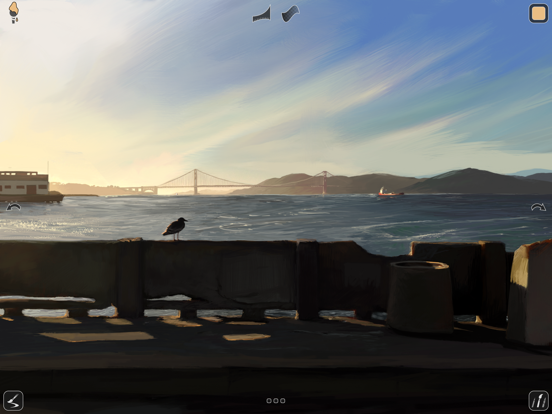
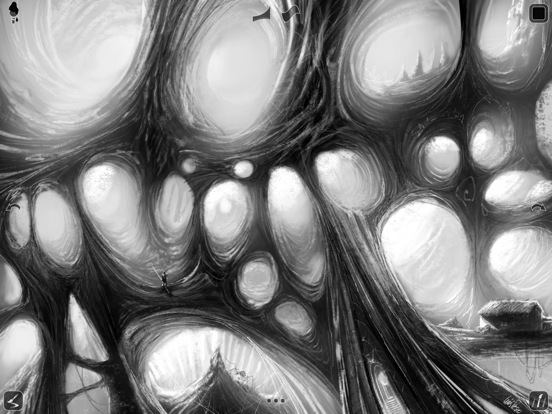
Inspire Pro is an exclusive iPad painting app that offers a fast and realistic drawing experience. It is beautifully designed and engineered to make painting, sketching, and illustration easy to do wherever you are. Whether you're at home or on the go, this app is ready for you whenever inspiration strikes.
At the heart of Inspire Pro is the Sorcery™ painting engine. This special engine uses the GPU to deliver stunning brush strokes in brilliant 64-bit color. You'll appreciate the sharp detail and speed it provides. With this app, you can create stunning effects using wet and dry brushes. Lightly touch the canvas to add a subtle blur or apply more pressure to mix colors right on the canvas for new shades.
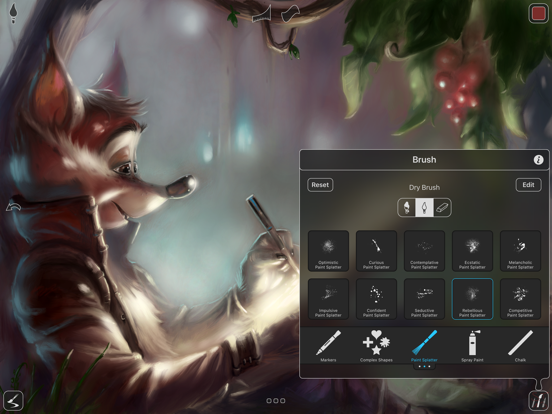
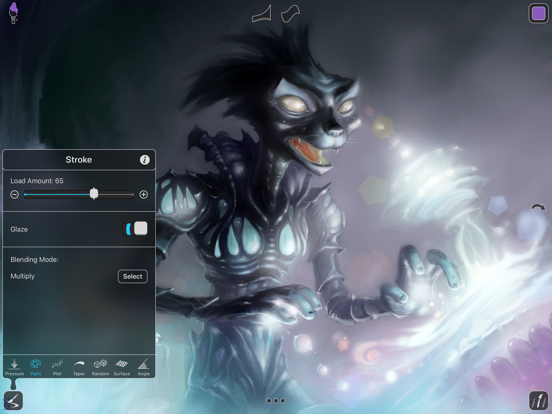
Inspire Pro is perfect for everyone, from budding artists to seasoned professionals. Its simplicity and power make it the most intuitive illustration app for iPad. You can choose from 150 high-quality brushes, divided into popular categories like Oil Paint, Airbrushes, and Graphite Pencils. All brushes can be used as wet brushes, dry brushes for blending, or even as erasers. There are over 20 customizable brush settings available that give you endless possibilities for your artworks.
This app is known as the best painting app for the iPad for good reason. With full Apple Pencil support, you can take full advantage of pressure-sensitive brush strokes, tilt settings, and more. It also supports Smart Keyboard with context-sensitive shortcuts, making your workflow even smoother. You can create a canvas of any size up to 16K (64MP) on iPad Pro, allowing for massive detailed artworks.
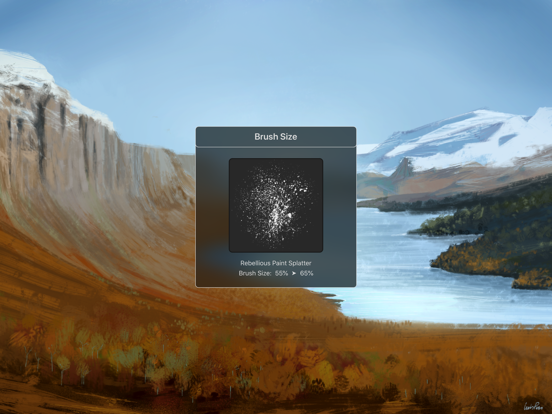
Inspire Pro features dual-texture brushes and supports all device orientations, so switching between portrait and landscape modes is easy. With 1000 levels of undo and redo, you can feel free to experiment. You can quickly adjust brush size and opacity using touch and slide hotspots without needing to open any menu. The eyedropper tool lets you select colors from the canvas effortlessly.
One exciting feature is the canvas playback video recording. This handy tool records your brush strokes automatically while you paint. You can later watch your artwork being created stroke-by-stroke in the gallery. Exporting videos is simple too, with high-definition resolution (up to 1080p) available.
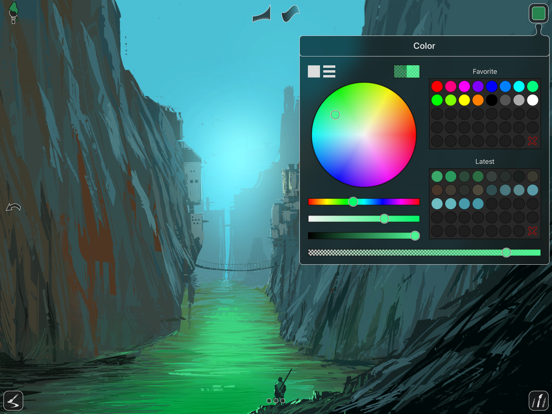
Additionally, Inspire Pro offers an intuitive color picker. You can choose any color you can imagine using HSB and RGB sliders. Your last used colors are saved to a palette as you paint. Plus, you can save your favorite colors by dragging and dropping them into a large color palette.
Designed for creative minds, Inspire Pro is your mobile art studio. You’ll find extensive brush collections, tools for sketching on the go, and artistic inspiration within the app. It helps you enhance your creative workflow, making it ideal for both casual drawing and serious artwork. Dive into this versatile app and enjoy the incredible benefits it brings to your creative projects.
At the heart of Inspire Pro is the Sorcery™ painting engine. This special engine uses the GPU to deliver stunning brush strokes in brilliant 64-bit color. You'll appreciate the sharp detail and speed it provides. With this app, you can create stunning effects using wet and dry brushes. Lightly touch the canvas to add a subtle blur or apply more pressure to mix colors right on the canvas for new shades.
Inspire Pro is perfect for everyone, from budding artists to seasoned professionals. Its simplicity and power make it the most intuitive illustration app for iPad. You can choose from 150 high-quality brushes, divided into popular categories like Oil Paint, Airbrushes, and Graphite Pencils. All brushes can be used as wet brushes, dry brushes for blending, or even as erasers. There are over 20 customizable brush settings available that give you endless possibilities for your artworks.
This app is known as the best painting app for the iPad for good reason. With full Apple Pencil support, you can take full advantage of pressure-sensitive brush strokes, tilt settings, and more. It also supports Smart Keyboard with context-sensitive shortcuts, making your workflow even smoother. You can create a canvas of any size up to 16K (64MP) on iPad Pro, allowing for massive detailed artworks.
Inspire Pro features dual-texture brushes and supports all device orientations, so switching between portrait and landscape modes is easy. With 1000 levels of undo and redo, you can feel free to experiment. You can quickly adjust brush size and opacity using touch and slide hotspots without needing to open any menu. The eyedropper tool lets you select colors from the canvas effortlessly.
One exciting feature is the canvas playback video recording. This handy tool records your brush strokes automatically while you paint. You can later watch your artwork being created stroke-by-stroke in the gallery. Exporting videos is simple too, with high-definition resolution (up to 1080p) available.
Additionally, Inspire Pro offers an intuitive color picker. You can choose any color you can imagine using HSB and RGB sliders. Your last used colors are saved to a palette as you paint. Plus, you can save your favorite colors by dragging and dropping them into a large color palette.
Designed for creative minds, Inspire Pro is your mobile art studio. You’ll find extensive brush collections, tools for sketching on the go, and artistic inspiration within the app. It helps you enhance your creative workflow, making it ideal for both casual drawing and serious artwork. Dive into this versatile app and enjoy the incredible benefits it brings to your creative projects.

Color Wheel
Roman Sevastyanov
$1.99

Pixel Resizer: Custom Metadata
Bad Assassin Games
$1.99
ASCII Charts
Alexander Kaessner
$4.99
$1.99