

$2.99
$0.15
95% Off
Image to PDF – PNG to PDF
TAPUNIVERSE








About the App
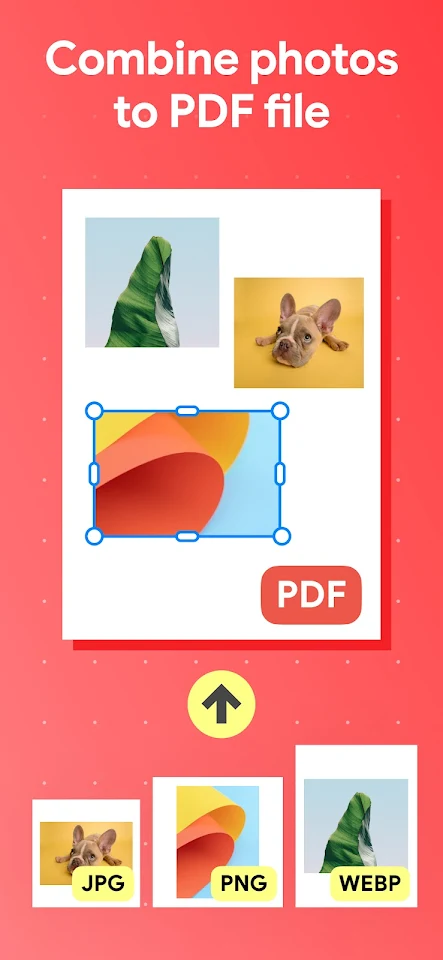
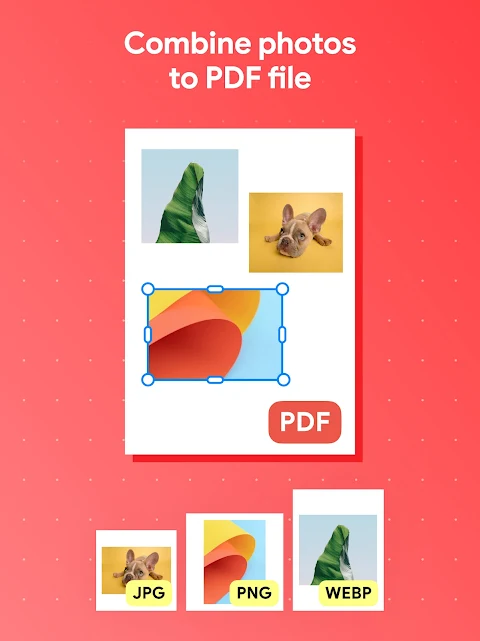
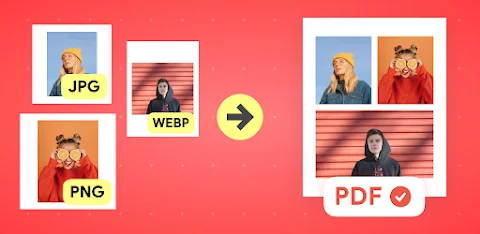
Image to PDF - PNG to PDF is a reliable tool for anyone looking to convert pictures into PDF files quickly and easily. This picture to PDF converter supports various image formats, including JPEG, PNG, HEIC, WEBP, BMP, GIF, and TIFF. Whether you want to convert a single photo or multiple images, this app is designed to make the process simple.
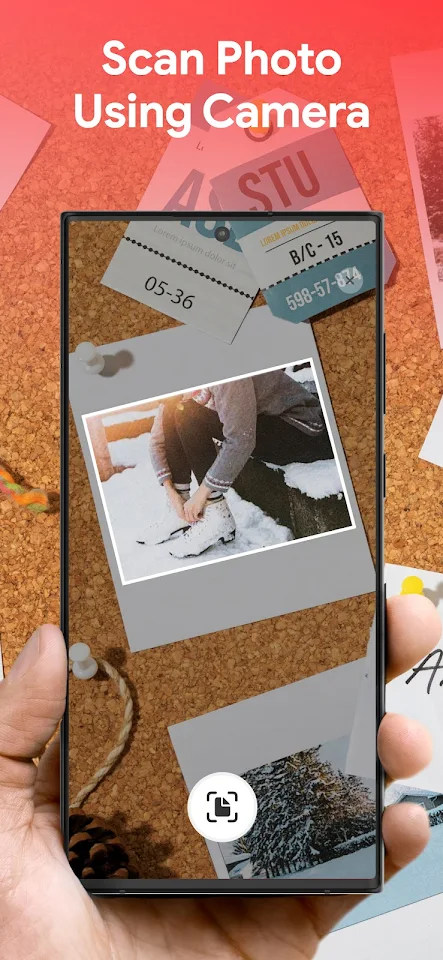
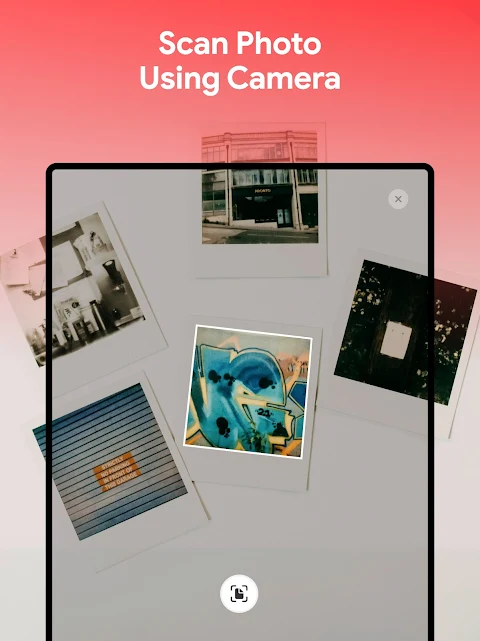
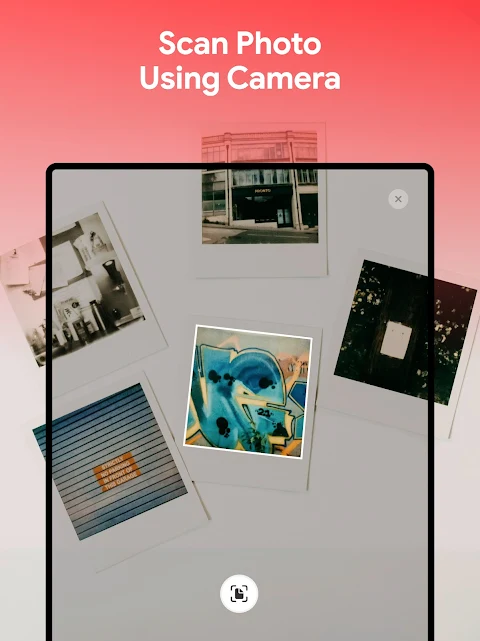
With Image to PDF, users can convert different types of pictures to PDF files. You can easily access photos from your gallery or import photos from files directly. If you have a physical photo, you can also scan images with your camera, turning them into PDF documents instantly.
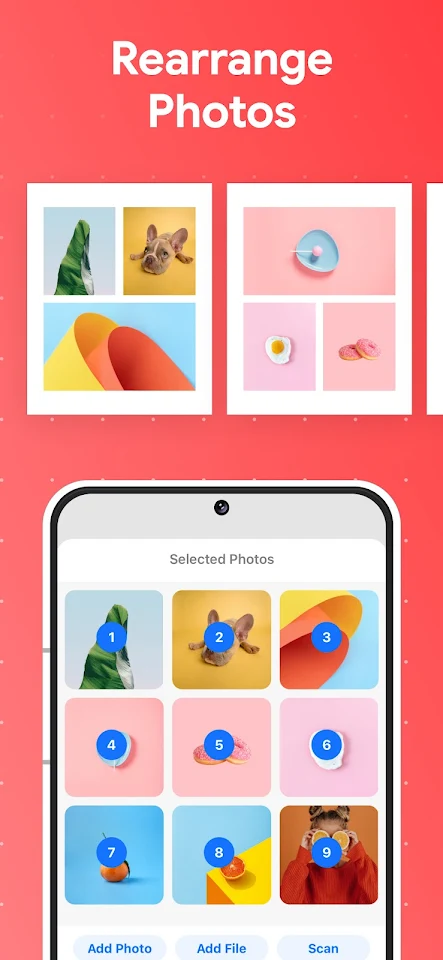
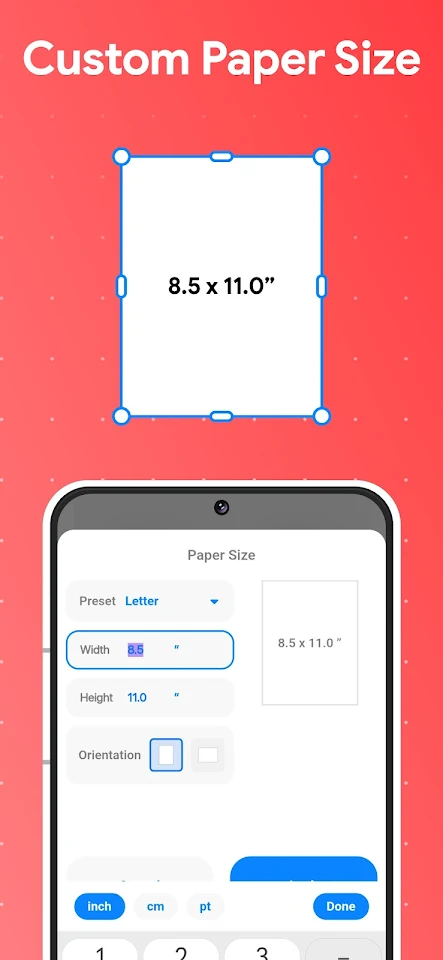
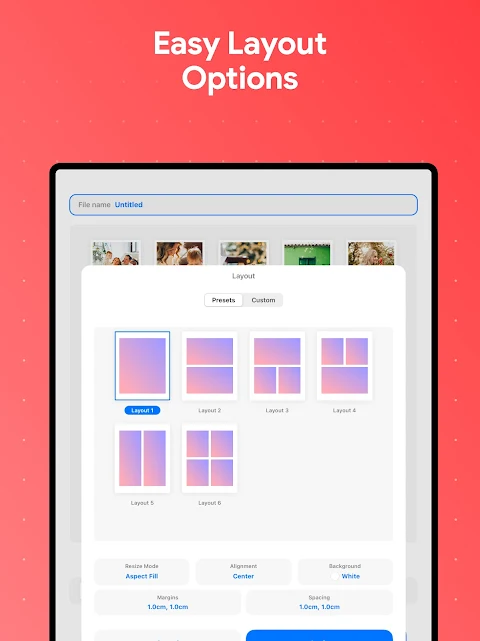
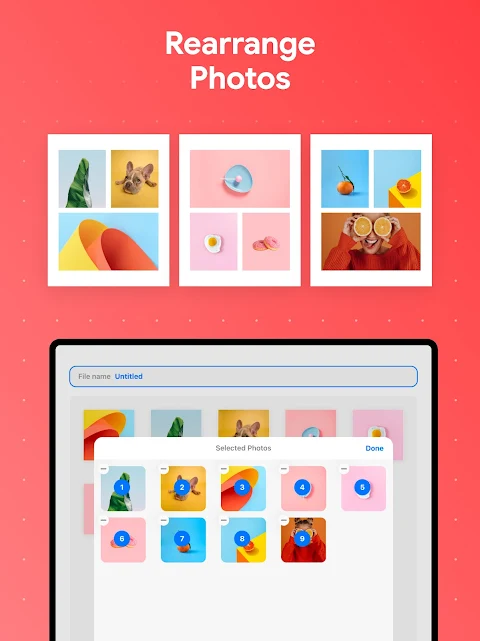
The app offers custom settings for PDF files, which means you can resize images for PDF output or even adjust the layout to suit your needs. If you want to merge photos into one PDF, you can do that too. There are also PDF layout presets available to help you get started.
Another useful feature is the ability to adjust the PDF compression level. This lets you reduce the PDF file size as needed, which can be especially helpful if you're planning to share converted PDF files via email. The option to resize images ensures that your files are optimized for easy sharing.
One of the best aspects of Image to PDF is that it allows for offline PDF conversion. This means you can convert your JPG or any other photo format to PDF without needing an internet connection. This is perfect for those times when you're on the go or in areas with limited connectivity.
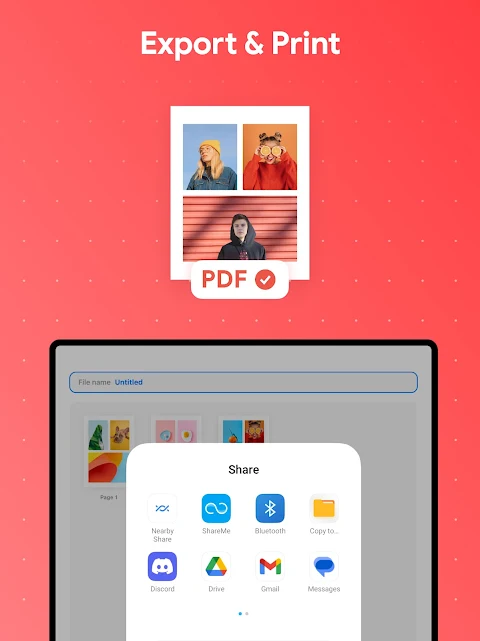
For added convenience, the app lets you save PDF files easily. You can also share these files with just one click, and there's support for printing PDF documents, making it multifunctional.
Image to PDF - PNG to PDF features an intuitive user interface and a user-friendly design, ensuring a smooth experience as you convert photos. The portable picture converter is designed for everyone, whether you have experience with technology or not, making it easy for anyone to adjust images or delete photos within the app.
In summary, if you need to convert a photo to PDF quickly and efficiently, Image to PDF - PNG to PDF is a great option. Its powerful features and easy-to-use layout guarantee that you will find it straightforward to convert, save, and share your PDF files. Give it a try, and enjoy the convenience of converting your pictures into high-quality PDFs! More features will be added in the future, so stay tuned for updates.
With Image to PDF, users can convert different types of pictures to PDF files. You can easily access photos from your gallery or import photos from files directly. If you have a physical photo, you can also scan images with your camera, turning them into PDF documents instantly.
The app offers custom settings for PDF files, which means you can resize images for PDF output or even adjust the layout to suit your needs. If you want to merge photos into one PDF, you can do that too. There are also PDF layout presets available to help you get started.
Another useful feature is the ability to adjust the PDF compression level. This lets you reduce the PDF file size as needed, which can be especially helpful if you're planning to share converted PDF files via email. The option to resize images ensures that your files are optimized for easy sharing.
One of the best aspects of Image to PDF is that it allows for offline PDF conversion. This means you can convert your JPG or any other photo format to PDF without needing an internet connection. This is perfect for those times when you're on the go or in areas with limited connectivity.
For added convenience, the app lets you save PDF files easily. You can also share these files with just one click, and there's support for printing PDF documents, making it multifunctional.
Image to PDF - PNG to PDF features an intuitive user interface and a user-friendly design, ensuring a smooth experience as you convert photos. The portable picture converter is designed for everyone, whether you have experience with technology or not, making it easy for anyone to adjust images or delete photos within the app.
In summary, if you need to convert a photo to PDF quickly and efficiently, Image to PDF - PNG to PDF is a great option. Its powerful features and easy-to-use layout guarantee that you will find it straightforward to convert, save, and share your PDF files. Give it a try, and enjoy the convenience of converting your pictures into high-quality PDFs! More features will be added in the future, so stay tuned for updates.

Ghollak حسابداری قلک
elyas naranjee sani
$3.99

FlowRec: Web Demo Recorder
Flowboard
$0.99

Super Investor
John Mirochnik
$9.99