

$14.99
FREE
100% Off
iDisplay
SHAPE GmbH

About the App
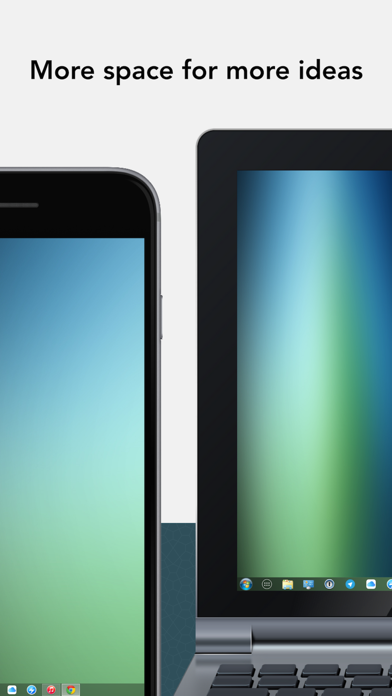
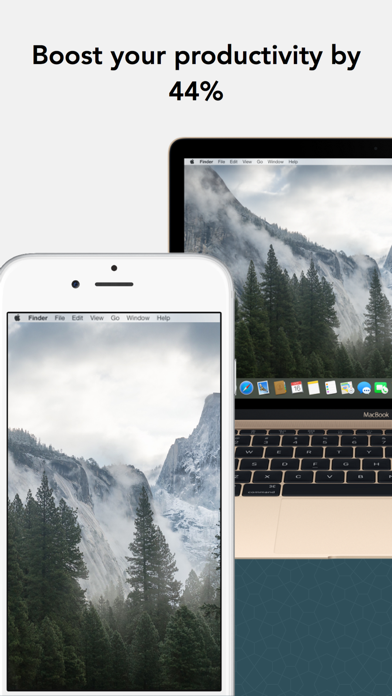
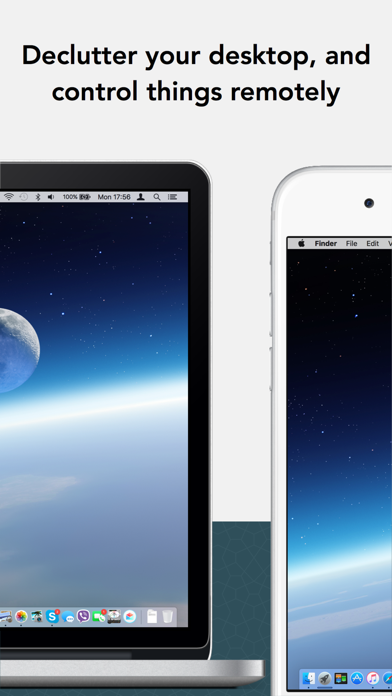
iDisplay is a convenient app that turns your iPad or iPhone into an additional touch-screen display for your Mac or Windows computer. With it, you can mirror your desktop or extend your screen, effectively doubling your personal productivity. This makes it a perfect tool for multitaskers who want more screen real estate.
By using iDisplay, you can run all of the familiar desktop applications—like Excel, Word, PowerPoint, and even Photoshop—on your iPad or iPhone. These desktop features are fully touch-enabled, allowing for interactivity with digital objects, which means you can move items around, draw, or control playback right from your device. The app runs smoothly with a performance of up to 60fps and offers a zero latency connection whether you connect your device using a Lightning cable, a 30-pin cable, or WiFi.
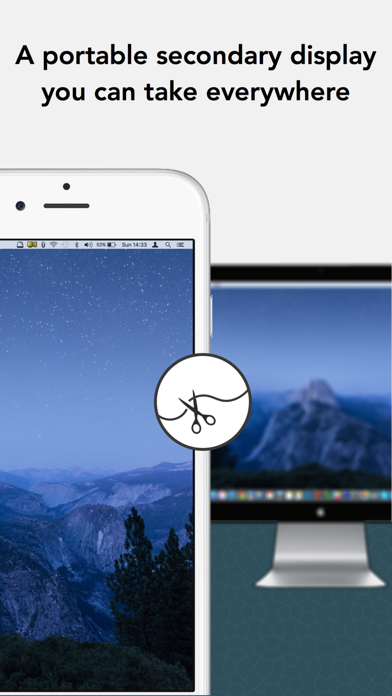
iDisplay works seamlessly with both Mac and Windows computers, making it versatile for anyone who needs extra screen space. On macOS, you get the option to use iDisplay as a regular secondary display. This feature helps you increase screen real estate for all your tasks. You can also mirror the image from your main display to your iPad or iPhone, which is especially useful for presentations or sharing your screen with an audience. Keep in mind that the app supports multi-device connections, enabling you to connect multiple devices to one Mac.
For compatibility, the iDisplay Desktop application needs to be installed on your computer. It's easy to download and free of charge at getidisplay.com. This desktop application is compatible with Macs running Intel CPUs on Mac OS X 10.9 and later, including macOS Sierra. On Windows, it works with Windows XP (32-bit), Windows Vista (32- and 64-bit), Windows 7 (32- and 64-bit), Windows 8, and Windows 10.
When using iDisplay, you can customize display settings for each device. The app remembers your preferences, making it simple to switch between normal resolution mode and double resolution mode for Retina displays. You can also easily adjust your screen orientation. Just rotate your device, and the display will automatically switch between portrait and landscape modes.
When it comes to network connectivity, your computer and iOS device should either be connected by a cable or share the same WiFi network. This is important for optimal functionality. For users on Windows Vista and Windows 7, please note that the Aero theme may be disabled when connected to iDisplay, but will be re-enabled when you disconnect.
Recommended by tech guru Kim Komando, iDisplay is praised for its utility and ease of use. Many users, including students and professionals, find it particularly helpful in various settings. With iDisplay, you can enhance your experience with touch-enabled desktop apps and enjoy desktop feature access right on your iPad or iPhone. Whether for personal use or professional presentations, iDisplay is the perfect mobile productivity tool.
By using iDisplay, you can run all of the familiar desktop applications—like Excel, Word, PowerPoint, and even Photoshop—on your iPad or iPhone. These desktop features are fully touch-enabled, allowing for interactivity with digital objects, which means you can move items around, draw, or control playback right from your device. The app runs smoothly with a performance of up to 60fps and offers a zero latency connection whether you connect your device using a Lightning cable, a 30-pin cable, or WiFi.
iDisplay works seamlessly with both Mac and Windows computers, making it versatile for anyone who needs extra screen space. On macOS, you get the option to use iDisplay as a regular secondary display. This feature helps you increase screen real estate for all your tasks. You can also mirror the image from your main display to your iPad or iPhone, which is especially useful for presentations or sharing your screen with an audience. Keep in mind that the app supports multi-device connections, enabling you to connect multiple devices to one Mac.
For compatibility, the iDisplay Desktop application needs to be installed on your computer. It's easy to download and free of charge at getidisplay.com. This desktop application is compatible with Macs running Intel CPUs on Mac OS X 10.9 and later, including macOS Sierra. On Windows, it works with Windows XP (32-bit), Windows Vista (32- and 64-bit), Windows 7 (32- and 64-bit), Windows 8, and Windows 10.
When using iDisplay, you can customize display settings for each device. The app remembers your preferences, making it simple to switch between normal resolution mode and double resolution mode for Retina displays. You can also easily adjust your screen orientation. Just rotate your device, and the display will automatically switch between portrait and landscape modes.
When it comes to network connectivity, your computer and iOS device should either be connected by a cable or share the same WiFi network. This is important for optimal functionality. For users on Windows Vista and Windows 7, please note that the Aero theme may be disabled when connected to iDisplay, but will be re-enabled when you disconnect.
Recommended by tech guru Kim Komando, iDisplay is praised for its utility and ease of use. Many users, including students and professionals, find it particularly helpful in various settings. With iDisplay, you can enhance your experience with touch-enabled desktop apps and enjoy desktop feature access right on your iPad or iPhone. Whether for personal use or professional presentations, iDisplay is the perfect mobile productivity tool.

Unlimited Math Problems
Madiyar Aitbayev
$5.99

Blink – Quick Notes & Widget
EUIHYUNG JUNG
$1.99
$0.99

Night Web Browser by Alex
Apps by Alex AB
$0.99