
$0.99
$0.69
30% Off
iDark OS Icon Pack
PizzApp Design


About the App
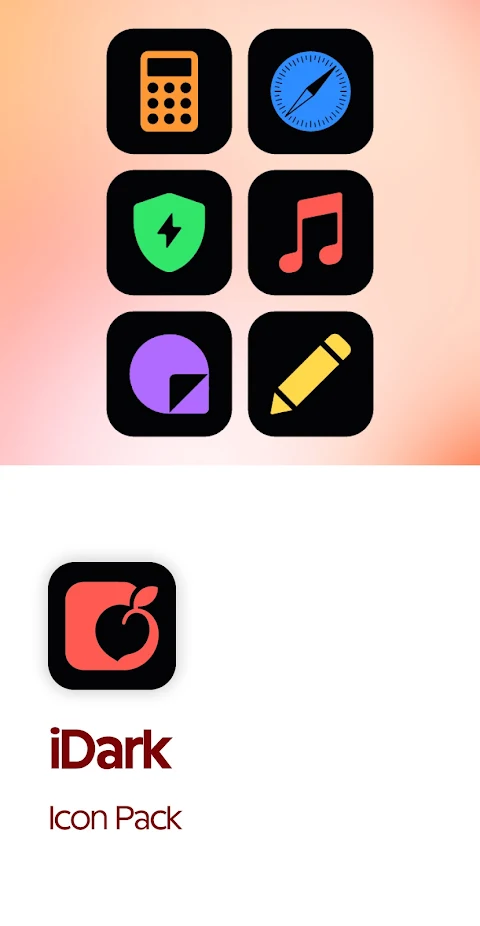
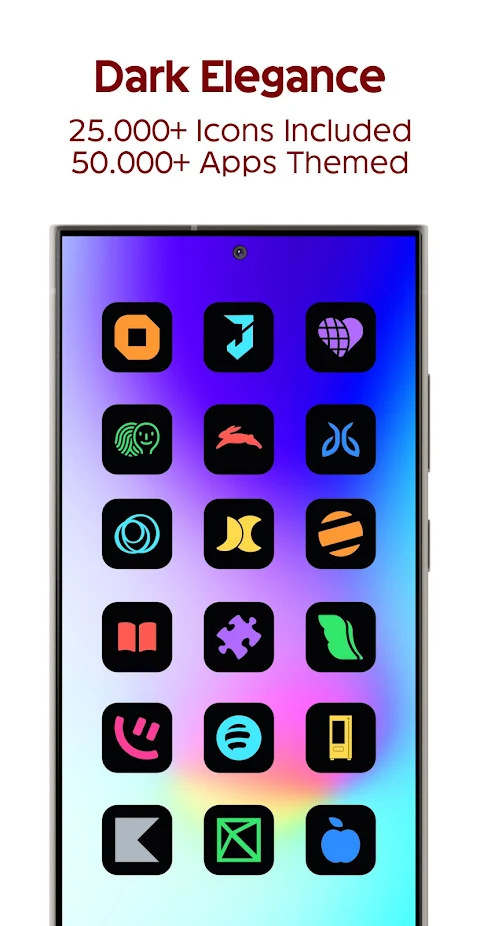
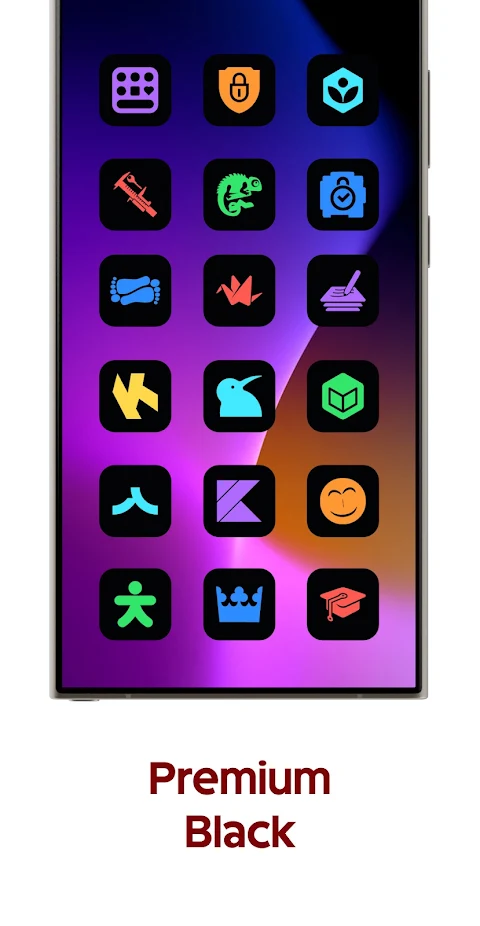
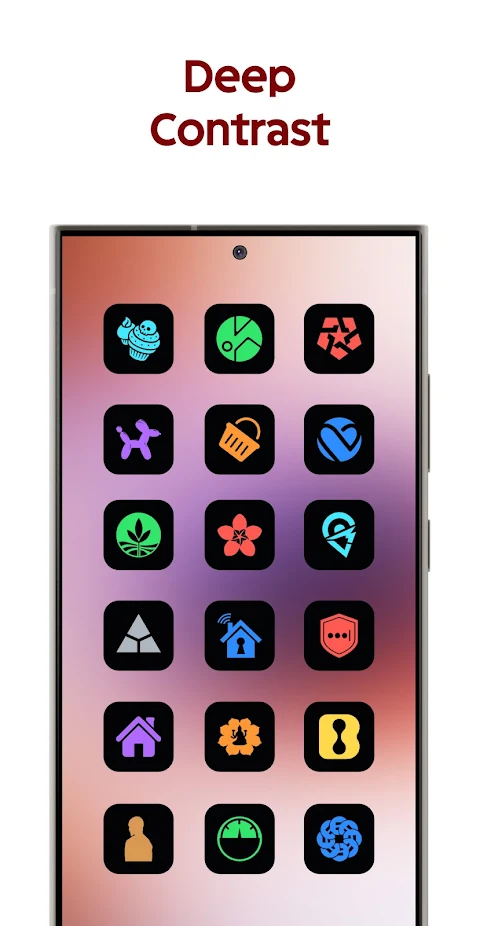
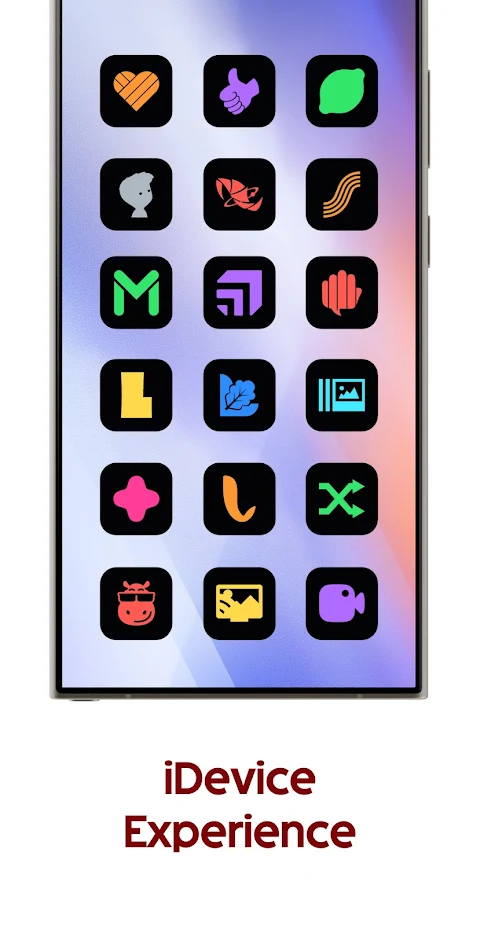
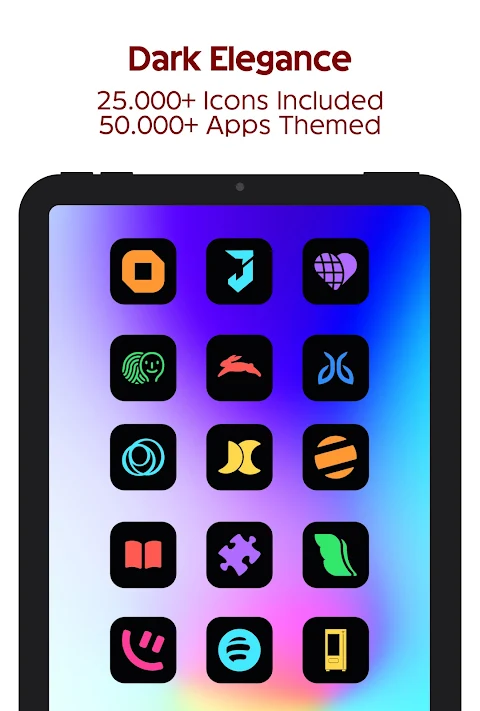
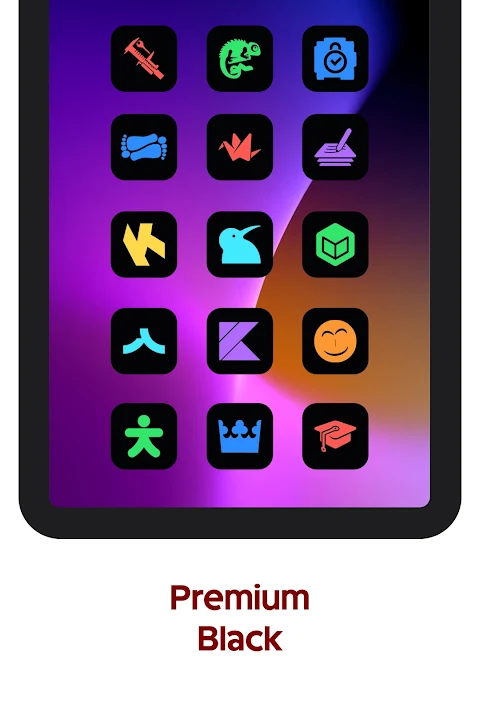
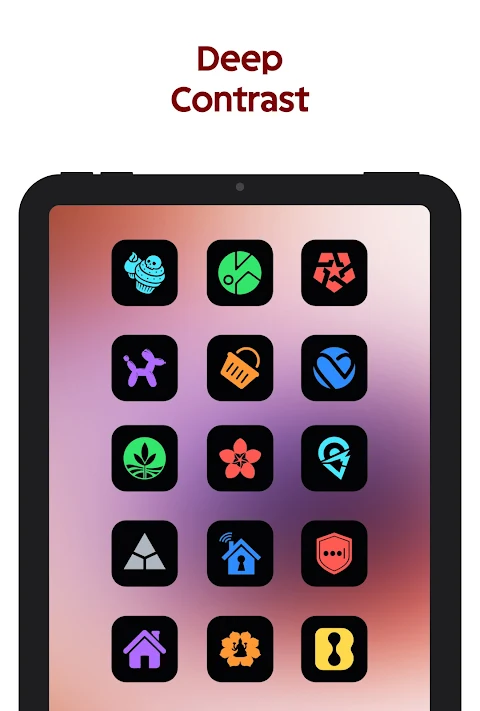
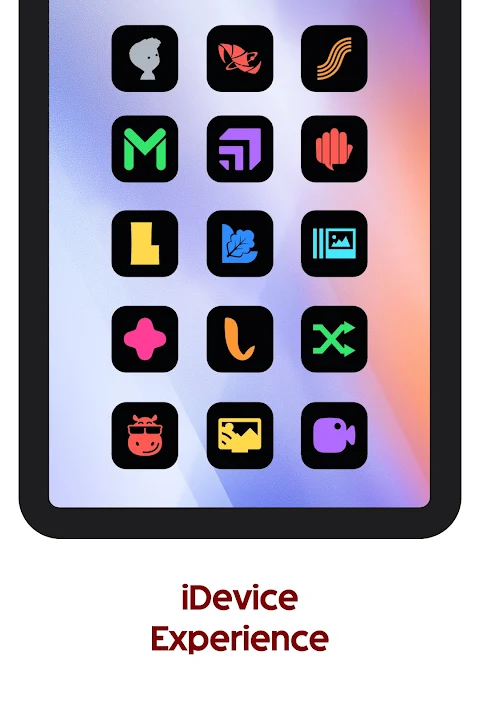
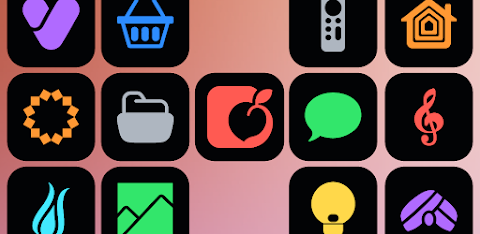
The iDark OS Icon Pack transforms your device with an elegant iOS inspired home screen. Picture your apps organized with vibrant colored icon glyphs set against stylish dark backgrounds. This stunning icon pack includes over 25,000 iDark icons, covering more than 50,000 apps, so your device will look fresh and unique.
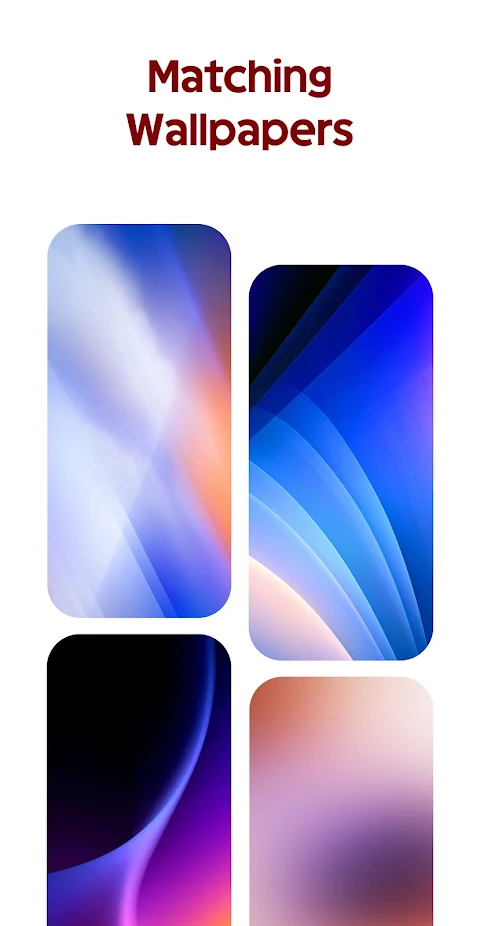
In addition to the icons, the iDark OS Icon Pack offers matching optimized wallpapers, enhancing the overall aesthetic of your home screen. You will also find dynamic calendars for supported launchers, making it easy to keep track of your dates and appointments. The Material You user-friendly dashboard helps you navigate the app with ease.
One of the great features of the iDark OS Icon Pack is icon masking. This means your unthemed apps will still look good, as the pack provides a background for them. If you have specific apps in mind that you want to see themed, you can send in your icon requests. This service is available for both free and premium users, and the pack regularly receives updates to add new icons.
The iDark OS Icon Pack covers a variety of categories, including system apps, Google apps, stock OEM apps, social apps, media apps, and games apps. No matter what type of app you use, there’s a good chance it’s covered.
To use the iDark OS Icon Pack, you will need a compatible launcher installed on your device. Some of the supported launchers include Action Launcher, ADW Launcher, Go EX Launcher, Hyperion Launcher, Lawnchair Launcher, and Microsoft Launcher. It's also compatible with OxygenOS and Samsung One UI when using Theme Park. Open the icon pack application, then tap on apply or select it in your launcher settings to start customizing your home screen.
For those who might wonder about the setup, it's important to note that a third-party launcher is necessary to enjoy the full functionality of the iDark OS Icon Pack. If you come across an icon that is unthemed or missing, you can make a custom icon request within the app, and it will be addressed in future updates.
If you have any questions, the FAQ section inside the app answers many common inquiries. It's a good idea to check this section before reaching out via email for support. You can also join the Telegram community for further assistance and connection with other users.
The iDark OS Icon Pack aims to enhance your Android experience by not only providing beautiful icons but also by ensuring that your home screen reflects your personal style. With ongoing updates and an active community, you can keep your device looking fresh and stylish.
In addition to the icons, the iDark OS Icon Pack offers matching optimized wallpapers, enhancing the overall aesthetic of your home screen. You will also find dynamic calendars for supported launchers, making it easy to keep track of your dates and appointments. The Material You user-friendly dashboard helps you navigate the app with ease.
One of the great features of the iDark OS Icon Pack is icon masking. This means your unthemed apps will still look good, as the pack provides a background for them. If you have specific apps in mind that you want to see themed, you can send in your icon requests. This service is available for both free and premium users, and the pack regularly receives updates to add new icons.
The iDark OS Icon Pack covers a variety of categories, including system apps, Google apps, stock OEM apps, social apps, media apps, and games apps. No matter what type of app you use, there’s a good chance it’s covered.
To use the iDark OS Icon Pack, you will need a compatible launcher installed on your device. Some of the supported launchers include Action Launcher, ADW Launcher, Go EX Launcher, Hyperion Launcher, Lawnchair Launcher, and Microsoft Launcher. It's also compatible with OxygenOS and Samsung One UI when using Theme Park. Open the icon pack application, then tap on apply or select it in your launcher settings to start customizing your home screen.
For those who might wonder about the setup, it's important to note that a third-party launcher is necessary to enjoy the full functionality of the iDark OS Icon Pack. If you come across an icon that is unthemed or missing, you can make a custom icon request within the app, and it will be addressed in future updates.
If you have any questions, the FAQ section inside the app answers many common inquiries. It's a good idea to check this section before reaching out via email for support. You can also join the Telegram community for further assistance and connection with other users.
The iDark OS Icon Pack aims to enhance your Android experience by not only providing beautiful icons but also by ensuring that your home screen reflects your personal style. With ongoing updates and an active community, you can keep your device looking fresh and stylish.
Tag Carrera Watch face
Tiko Watch Faces
$0.99
$0.30
Ballozi LEATHON Classic Analog
BALLOZI Watch Faces
$1.69
$0.34

24H – Big Digital Sport NTV009
NTV Watchfaces
$0.99
$0.49