
$0.99
$0.29
71% Off
Honey – Yellow icon pack
Panoto Gomo


About the App
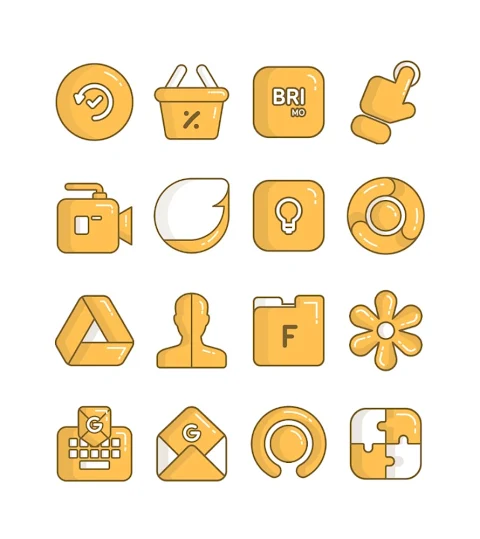
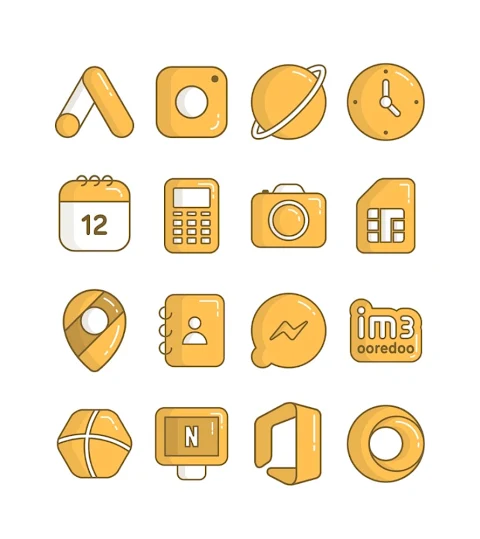
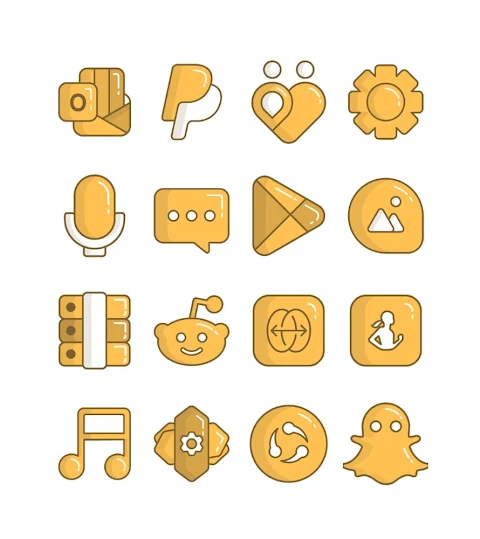
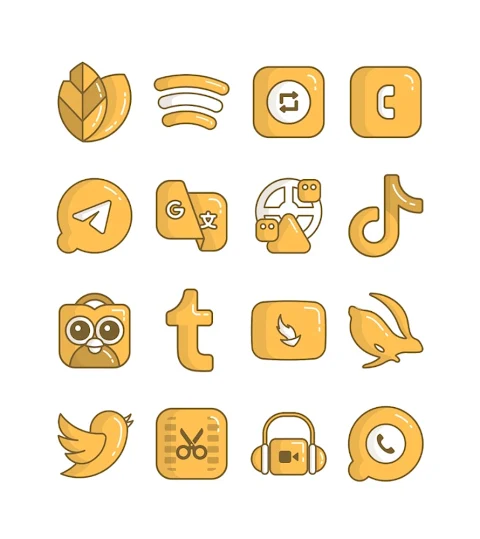
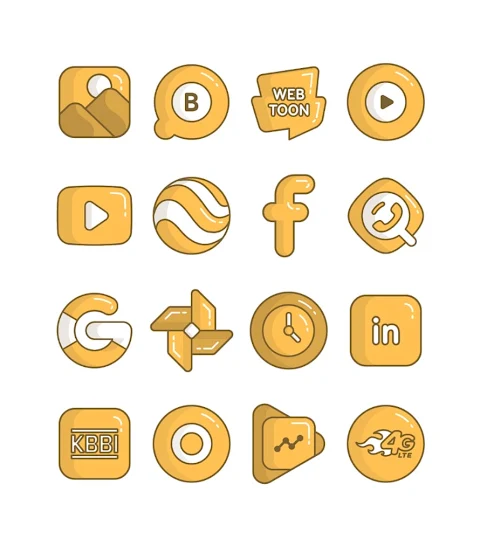
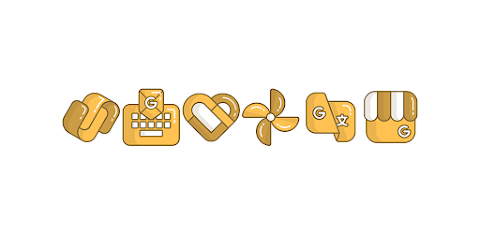
Honey is a charming yellow icon pack that brings a playful cartoon design to your mobile home screen. With over 3000 icons and counting, this icon pack allows you to personalize your device like never before. Each icon features an HD icon resolution of 256x256 pixels, ensuring that your home screen looks sharp and vibrant.
In addition to the vast selection of icons, Honey includes beautiful wallpapers to complement your newly designed home screen. If you want to see a specific design, the icon request feature lets you request new icons that suit your style.
Applying the Honey yellow icon pack is simple and works with many popular launchers. You can use it with Nova Launcher, Evie Launcher, and many others, including Apex Launcher, ADW Launcher, ABC Launcher, Next Launcher, Holo Launcher, Lucid Launcher, M Launcher, Action Launcher, Aviate Launcher, Smart Launcher, Go Launcher, and Zero Launcher. However, please note that some launchers do not support icon masking.
To apply the Honey yellow icon pack, just open the app and follow these easy steps:
1. Open the Honey yellow icon pack app.
2. Go to the Apply Icon Pack screen.
3. You will see a list of supported launchers. Simply select the launcher you have installed on your phone, like Nova Launcher, to start applying the icons.
4. The app will automatically apply icons from the Honey yellow icon pack for your selected launcher.
If your launcher does not appear while applying from the icon pack, you can try applying it directly from the launcher's own settings.
For Sony Xperia Home Launcher users, the application does not support direct installation. However, you can apply the Honey yellow icon pack by using different settings. Here’s how to do it:
1. Long press on your main screen.
2. Open the settings.
3. Scroll down to the appearance icon setting.
4. Choose the Honey yellow icon pack.
5. Your Sony Xperia will now have the Honey yellow icon pack applied.
Please note that this icon pack is only supported on Sony Xperia Home Launcher versions 10.0.A.0.8 or newer.
If you’re looking for inspiration or updates, you can find more design information on our social media pages, including Google Plus, Instagram, and Twitter.
With the Honey yellow icon pack, you can enjoy custom icon designs and think about how they will enhance your mobile home screen. Experience icon customization like never before and let your device reflect your personal style.
In addition to the vast selection of icons, Honey includes beautiful wallpapers to complement your newly designed home screen. If you want to see a specific design, the icon request feature lets you request new icons that suit your style.
Applying the Honey yellow icon pack is simple and works with many popular launchers. You can use it with Nova Launcher, Evie Launcher, and many others, including Apex Launcher, ADW Launcher, ABC Launcher, Next Launcher, Holo Launcher, Lucid Launcher, M Launcher, Action Launcher, Aviate Launcher, Smart Launcher, Go Launcher, and Zero Launcher. However, please note that some launchers do not support icon masking.
To apply the Honey yellow icon pack, just open the app and follow these easy steps:
1. Open the Honey yellow icon pack app.
2. Go to the Apply Icon Pack screen.
3. You will see a list of supported launchers. Simply select the launcher you have installed on your phone, like Nova Launcher, to start applying the icons.
4. The app will automatically apply icons from the Honey yellow icon pack for your selected launcher.
If your launcher does not appear while applying from the icon pack, you can try applying it directly from the launcher's own settings.
For Sony Xperia Home Launcher users, the application does not support direct installation. However, you can apply the Honey yellow icon pack by using different settings. Here’s how to do it:
1. Long press on your main screen.
2. Open the settings.
3. Scroll down to the appearance icon setting.
4. Choose the Honey yellow icon pack.
5. Your Sony Xperia will now have the Honey yellow icon pack applied.
Please note that this icon pack is only supported on Sony Xperia Home Launcher versions 10.0.A.0.8 or newer.
If you’re looking for inspiration or updates, you can find more design information on our social media pages, including Google Plus, Instagram, and Twitter.
With the Honey yellow icon pack, you can enjoy custom icon designs and think about how they will enhance your mobile home screen. Experience icon customization like never before and let your device reflect your personal style.
Crayon Icon Pack
JustNewDesigns
$1.29
$0.19

Amber CRT – Yellow Theme
Nate Wren Design
$2.99
$0.99

【illustration】Lovely Sheep
ZKin
$2.99