
$1.49
FREE
100% Off
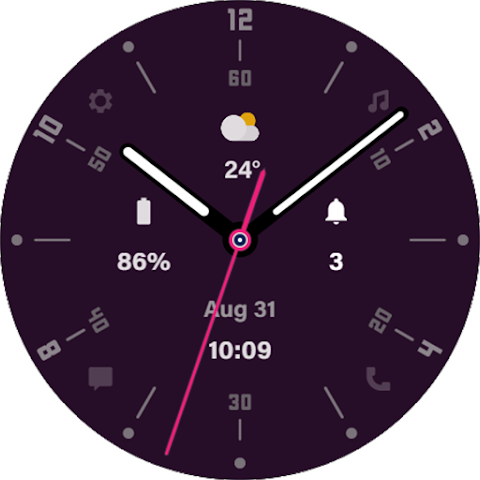
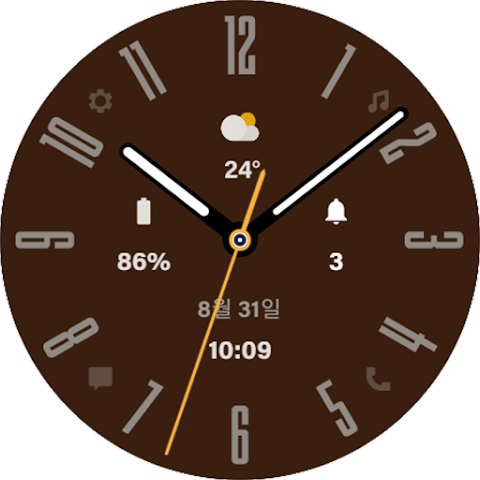
HMKWatch Simple 015
HMKWatch

About the App
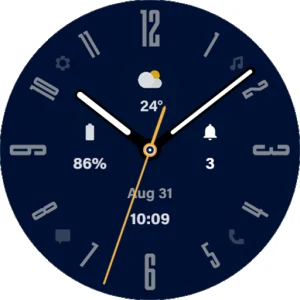
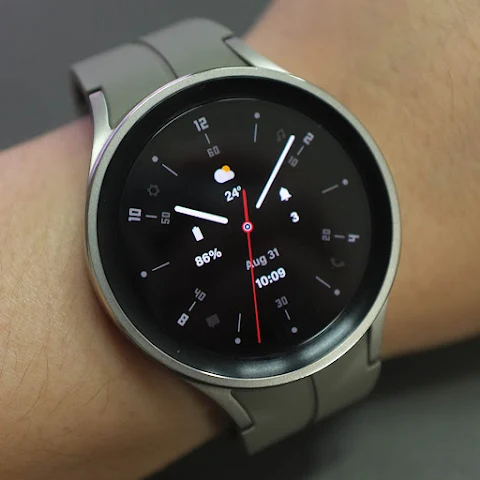
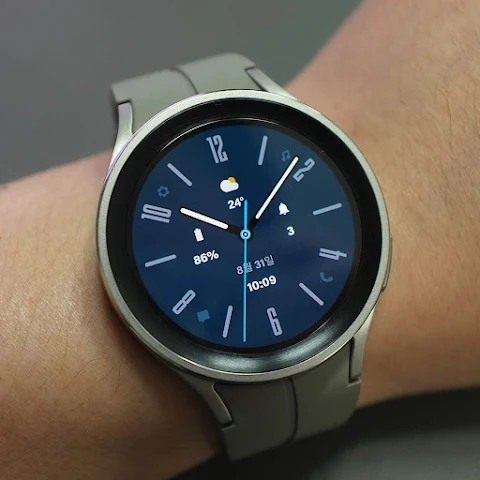
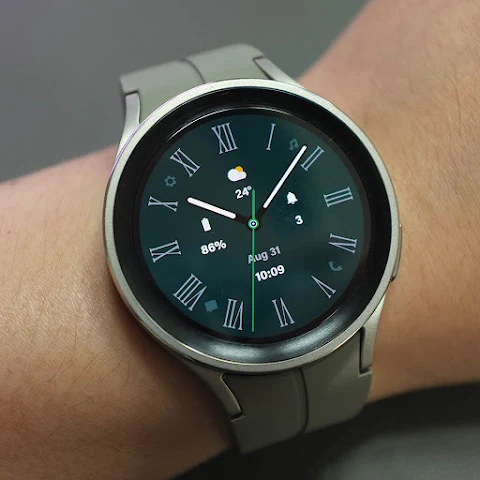
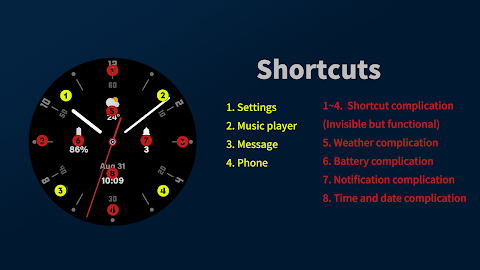
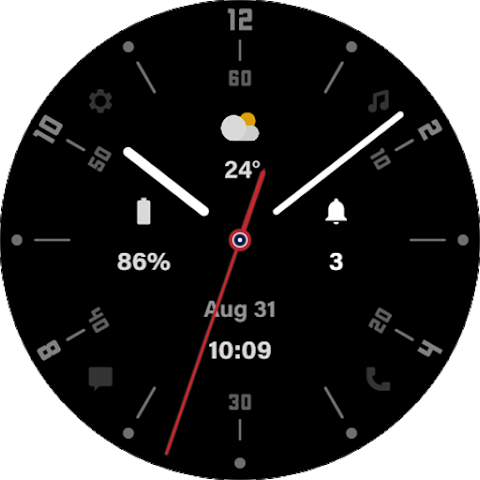
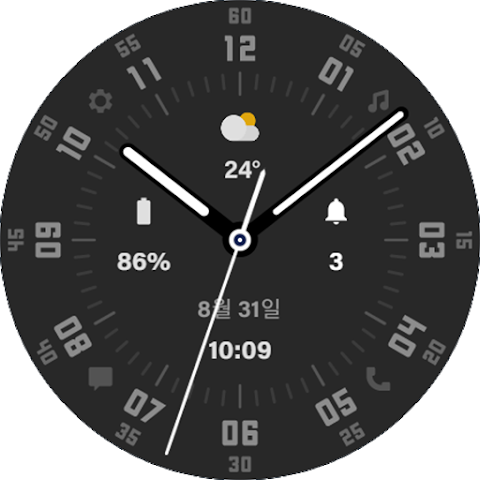
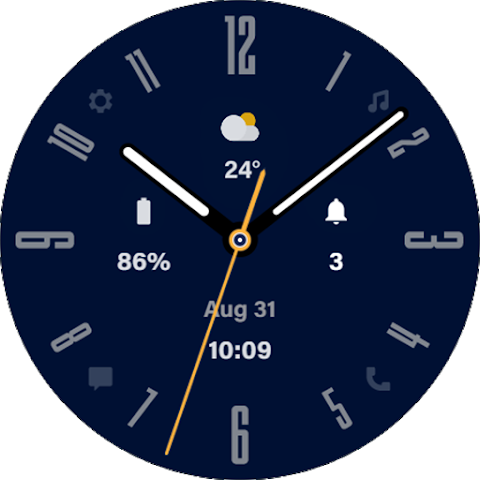
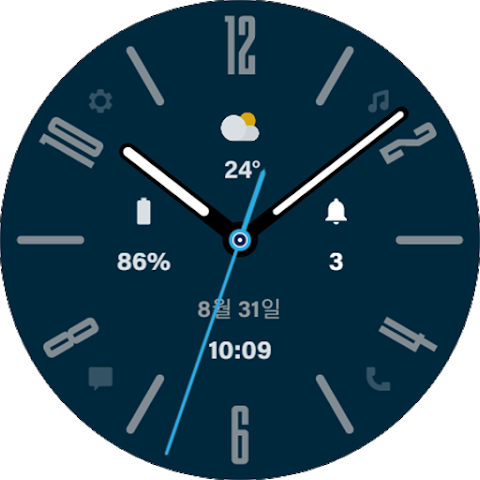
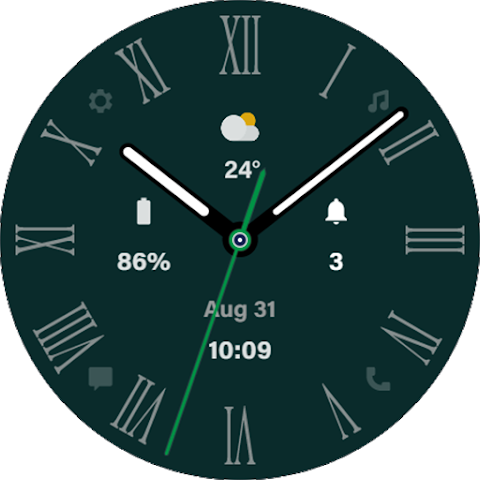
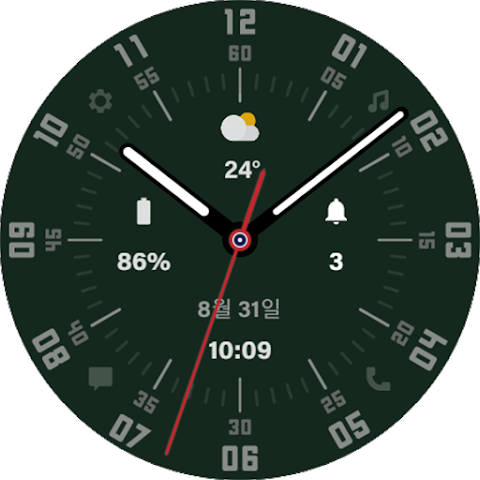
HMKWatch Simple 015 is an analog watch face designed specifically for Wear OS devices. With this watch face, you can personalize your smartwatch while enjoying its aesthetic appeal. To enhance your experience, it is recommended to install a few additional apps, which you can find by checking the 'About this app' section.
When you’re ready to install the HMKWatch Simple 015 on your device, make sure you select your watch before pressing the payment button. You can easily do this by tapping the small black triangle next to the Payment button to select your watch.
If you prefer a different method, you can use the Chrome browser installation or Samsung browser installation on your PC or smartphone. Just enter the store with a web browser, and click on "Install on another device" to seamlessly install the watch face on your smartwatch.
Once your watch face is installed, you can find it using the following steps. First, press and hold the watch screen to open the frequently used watch face list. Then turn it to the rightmost side and press 'Add watch face'. After that, enter the installed watch face list to find and select the watch face you just purchased.
To get the most out of your new watch face, consider installing additional apps. One useful option is the smartphone battery app, which you can download for free. To use this feature, please set up the Phone Battery Complication app on both your watch and smartphone. If the link doesn’t work, you can search for the app and install it manually.
You might also want to explore the Complications Suite app, which is also free. For more specialized features, the Heart Rate Complication app and Health Services Complications app are available at a cost. These apps enhance your watch's functionality, offering premium features for tracking your health and other vital data.
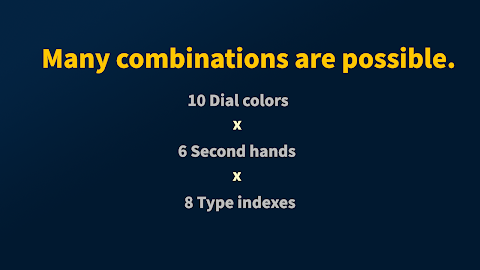
All these features, along with the watch face customization options, make the HMKWatch Simple 015 an excellent choice for those looking to personalize their device. If you need help or have any suggestions, feel free to send an email to hmkwatch@gmail.com.
For updates and news, you can follow me on Instagram at www.instagram.com/hmkwatch or visit my blog at https://hmkwatch.tistory.com/.
Finally, I’d like to give proper credit to the original app creator, amoledwatchfaces, whose contributions can be found at https://play.google.com/store/apps/dev?id=5591589606735981545. Enjoy enhancing your smartwatch with the HMKWatch Simple 015!
When you’re ready to install the HMKWatch Simple 015 on your device, make sure you select your watch before pressing the payment button. You can easily do this by tapping the small black triangle next to the Payment button to select your watch.
If you prefer a different method, you can use the Chrome browser installation or Samsung browser installation on your PC or smartphone. Just enter the store with a web browser, and click on "Install on another device" to seamlessly install the watch face on your smartwatch.
Once your watch face is installed, you can find it using the following steps. First, press and hold the watch screen to open the frequently used watch face list. Then turn it to the rightmost side and press 'Add watch face'. After that, enter the installed watch face list to find and select the watch face you just purchased.
To get the most out of your new watch face, consider installing additional apps. One useful option is the smartphone battery app, which you can download for free. To use this feature, please set up the Phone Battery Complication app on both your watch and smartphone. If the link doesn’t work, you can search for the app and install it manually.
You might also want to explore the Complications Suite app, which is also free. For more specialized features, the Heart Rate Complication app and Health Services Complications app are available at a cost. These apps enhance your watch's functionality, offering premium features for tracking your health and other vital data.
All these features, along with the watch face customization options, make the HMKWatch Simple 015 an excellent choice for those looking to personalize their device. If you need help or have any suggestions, feel free to send an email to hmkwatch@gmail.com.
For updates and news, you can follow me on Instagram at www.instagram.com/hmkwatch or visit my blog at https://hmkwatch.tistory.com/.
Finally, I’d like to give proper credit to the original app creator, amoledwatchfaces, whose contributions can be found at https://play.google.com/store/apps/dev?id=5591589606735981545. Enjoy enhancing your smartwatch with the HMKWatch Simple 015!
Rolex Day-Date Watch Face
Sagur Studio
$1.49
$0.39
S4U Milan – Luxury watch face
styles4you
$1.49
$0.60

One 3D White Icon Pack
PizzApp Design
$0.99
$0.69