
$1.49
FREE
100% Off
Hexa Crop – Icon Pack
GomoTheGom



About the App
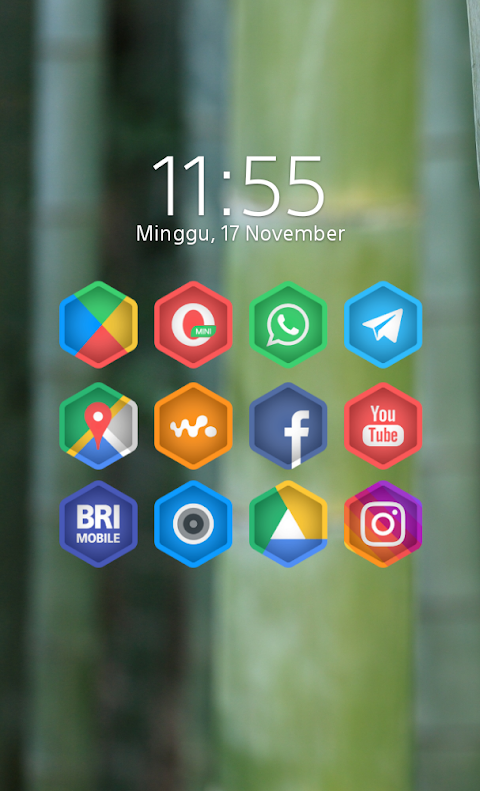
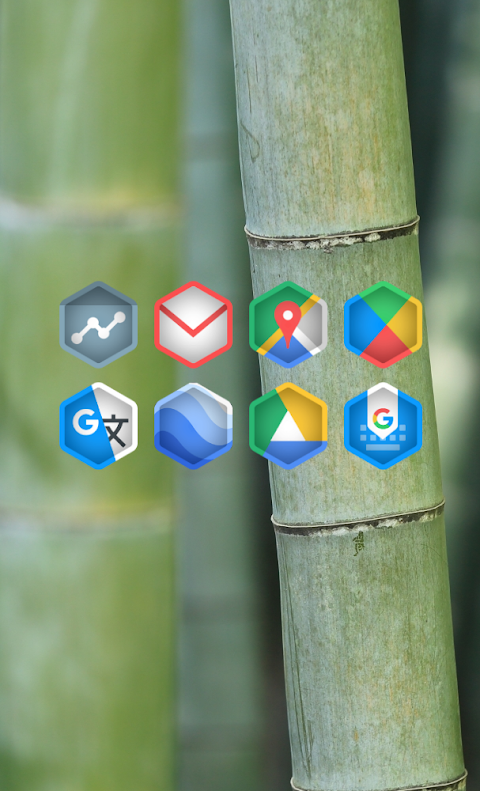
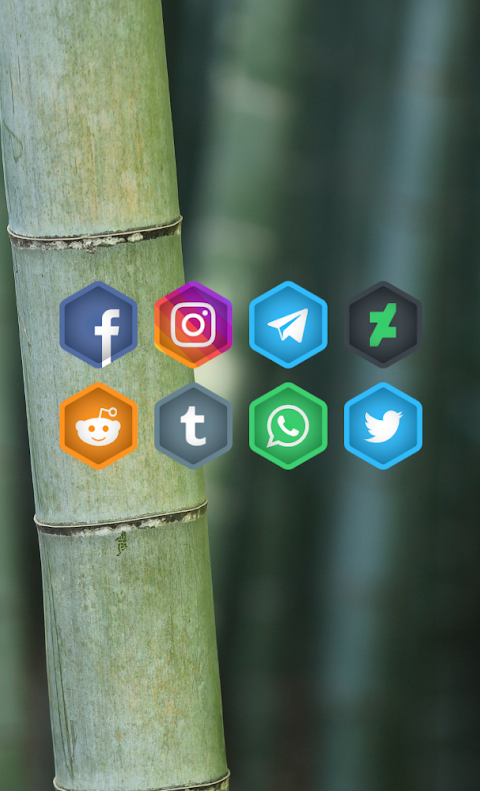
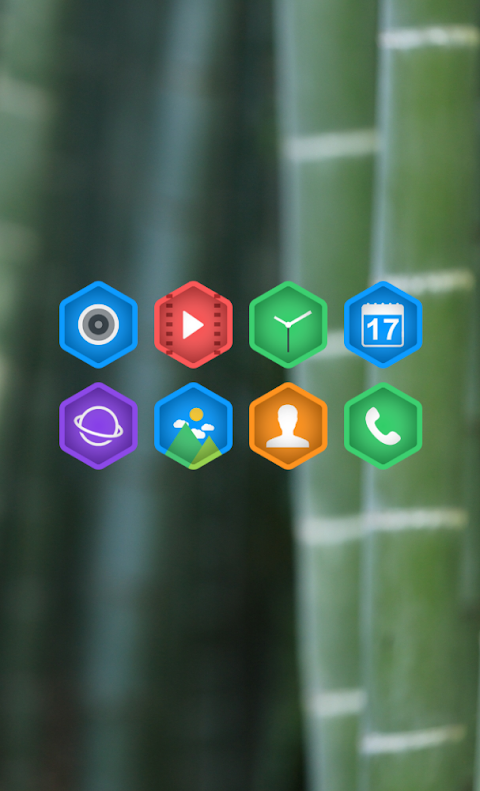
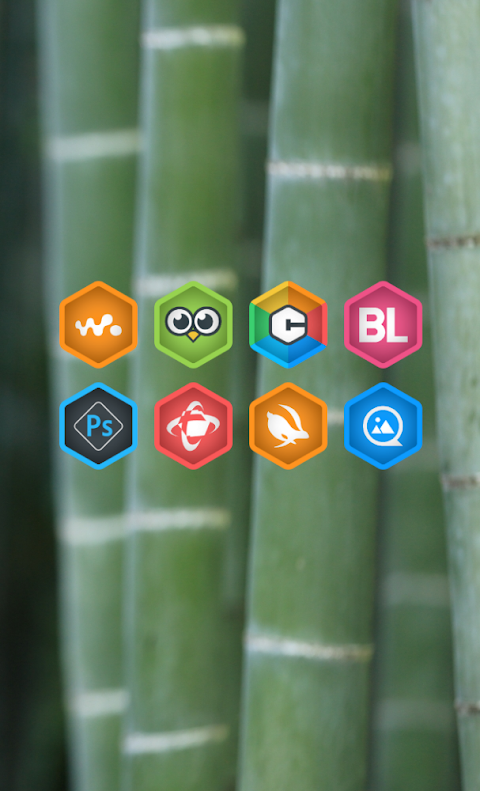
Hexa Crop is a unique Hexa shaped icon pack that features stylish cut-effect icons. Each icon is designed to stand out with the best color palette, making your device look vibrant and modern. This app is part of the Hexa series, focusing on creative cuticon designs.
Using Hexa Crop is simple. It supports a variety of popular launchers, including Nova Launcher and Evie Launcher, among others. To apply the Hexa Crop icon pack, follow these easy steps:
1. Open the Hexa Crop Icon Pack app on your device.
2. Go to the "Apply Icon Pack" screen.
3. You will see a list of supported launchers. Choose Nova Launcher, which should be installed on your device, to apply the icons from this pack.
4. The app will automatically apply the icons from the Hexa Crop icon pack to Nova Launcher.
If your launcher is not appearing while trying to apply from the app, make sure to apply the icon pack directly through the launcher settings.
For users with Sony Xperia Home Launcher, you can also use Hexa Crop. However, the application steps are slightly different. Here’s how to do it:
1. Long press on your main screen.
2. Open the settings menu.
3. Scroll down to find and open the "Appearance" icon settings.
4. Choose the Hexa Crop icon pack.
5. Now, your Sony Xperia device is set with the Hexa Crop icons.
Please note that the Hexa Crop icon pack only supports Sony Xperia Home Launcher version 10.0.A.0.8 or newer.
Hexa Crop is compatible with many popular launchers, including:
- Apex Launcher
- ADW Launcher
- ABC Launcher
- Next Launcher
- Holo Launcher
- Lucid Launcher
- M Launcher
- Action Launcher
- Smart Launcher
- Go Launcher (note that it does not support icon masking)
- Zero Launcher (also does not support icon masking)
This icon pack boasts over 5000 icons and keeps growing. It includes an icon back feature for your unthemed icons, giving you a seamless experience. There are also 36 HD wallpapers to choose from, allowing for more customization. You can even request alternate icons if you wish!
All icons in Hexa Crop are designed at a high resolution of 192x192px, ensuring clarity and quality on your screen. Users enjoy the flexibility of custom icon settings, making it easy to tailor their device's look.
For more design inspiration and updates, you can follow Hexa Crop on social media. Visit the links on Google+, Instagram, and Twitter to see the latest showcases and features. A special thanks to Dani Mahardika for providing the Candybar Dashboard, which supports this app's design.
Whether you’re looking to refresh your device or just love unique icons, Hexa Crop is a perfect choice to enhance your home screen.
Using Hexa Crop is simple. It supports a variety of popular launchers, including Nova Launcher and Evie Launcher, among others. To apply the Hexa Crop icon pack, follow these easy steps:
1. Open the Hexa Crop Icon Pack app on your device.
2. Go to the "Apply Icon Pack" screen.
3. You will see a list of supported launchers. Choose Nova Launcher, which should be installed on your device, to apply the icons from this pack.
4. The app will automatically apply the icons from the Hexa Crop icon pack to Nova Launcher.
If your launcher is not appearing while trying to apply from the app, make sure to apply the icon pack directly through the launcher settings.
For users with Sony Xperia Home Launcher, you can also use Hexa Crop. However, the application steps are slightly different. Here’s how to do it:
1. Long press on your main screen.
2. Open the settings menu.
3. Scroll down to find and open the "Appearance" icon settings.
4. Choose the Hexa Crop icon pack.
5. Now, your Sony Xperia device is set with the Hexa Crop icons.
Please note that the Hexa Crop icon pack only supports Sony Xperia Home Launcher version 10.0.A.0.8 or newer.
Hexa Crop is compatible with many popular launchers, including:
- Apex Launcher
- ADW Launcher
- ABC Launcher
- Next Launcher
- Holo Launcher
- Lucid Launcher
- M Launcher
- Action Launcher
- Smart Launcher
- Go Launcher (note that it does not support icon masking)
- Zero Launcher (also does not support icon masking)
This icon pack boasts over 5000 icons and keeps growing. It includes an icon back feature for your unthemed icons, giving you a seamless experience. There are also 36 HD wallpapers to choose from, allowing for more customization. You can even request alternate icons if you wish!
All icons in Hexa Crop are designed at a high resolution of 192x192px, ensuring clarity and quality on your screen. Users enjoy the flexibility of custom icon settings, making it easy to tailor their device's look.
For more design inspiration and updates, you can follow Hexa Crop on social media. Visit the links on Google+, Instagram, and Twitter to see the latest showcases and features. A special thanks to Dani Mahardika for providing the Candybar Dashboard, which supports this app's design.
Whether you’re looking to refresh your device or just love unique icons, Hexa Crop is a perfect choice to enhance your home screen.
CELEST5644 Sport Watch
CELEST Watches
$1.99
$0.99
Dual Tone: Watch face
amoledwatchfaces™
$0.99
Lime – icon pack
Panoto Gomo
$0.99
FREE