

$1.79
$0.90
50% Off
Health Plugin for Wear OS
amoledwatchfaces™


About the App
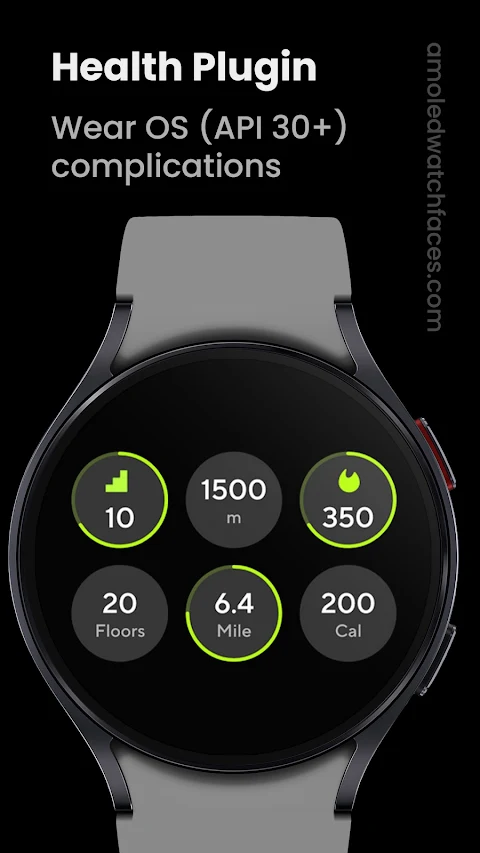
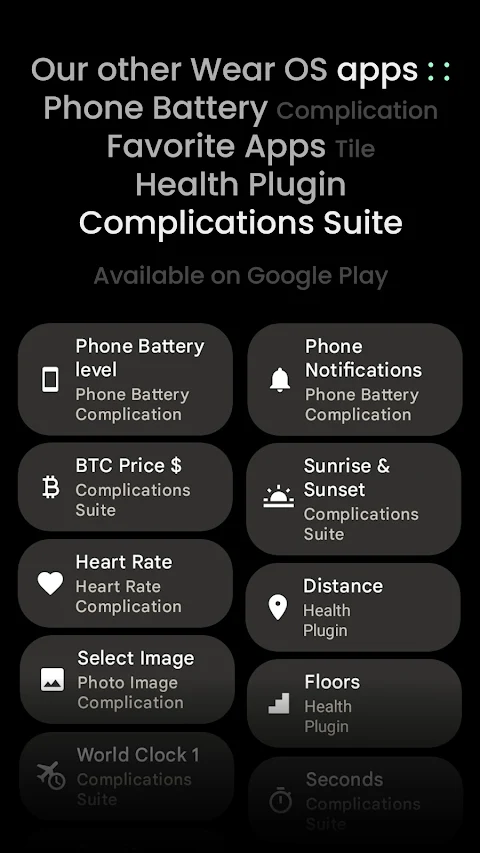
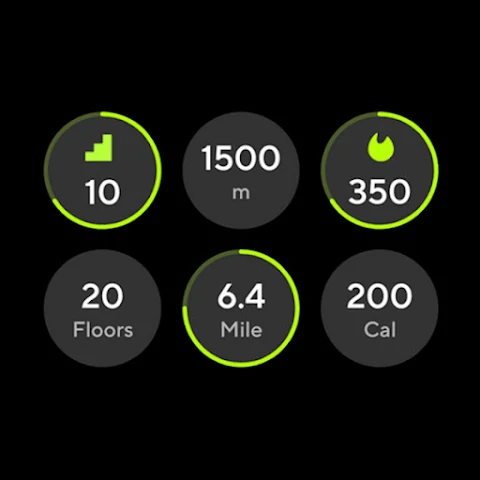
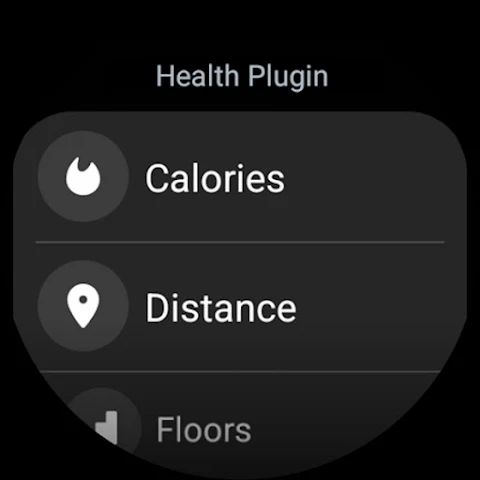
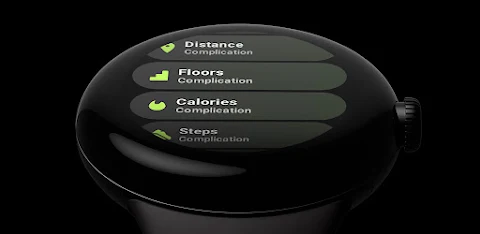
The Health Plugin for Wear OS is a handy tool designed for users with Wear OS 3, 4, 5, and 5.1 devices. This app makes it easy to track your health with custom complications right on your smartwatch. You can monitor a variety of health metrics, including distance tracking, floors climbed, calorie tracking, steps counting, and heart rate monitoring.
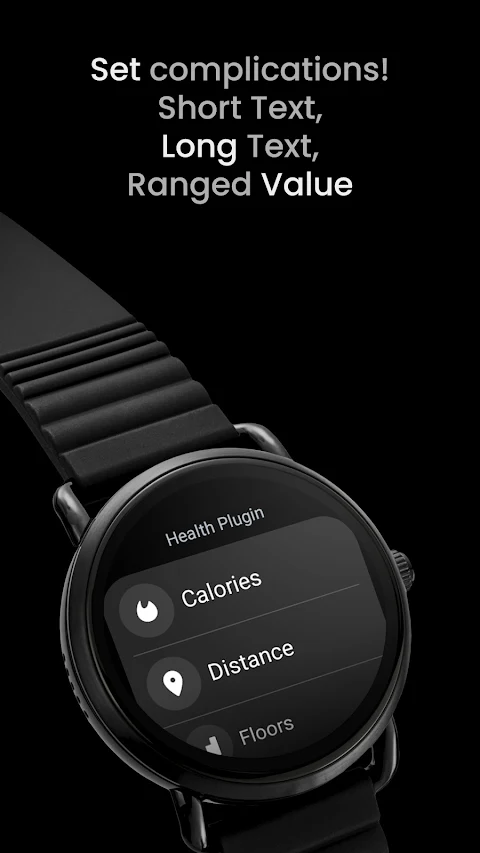
With the Health Plugin, you can choose from different types of complications. There are short text complications for quick info, long text complications for detailed stats, and ranged value complications to track your progress visually. This flexibility allows you to keep an eye on your fitness without any hassle.
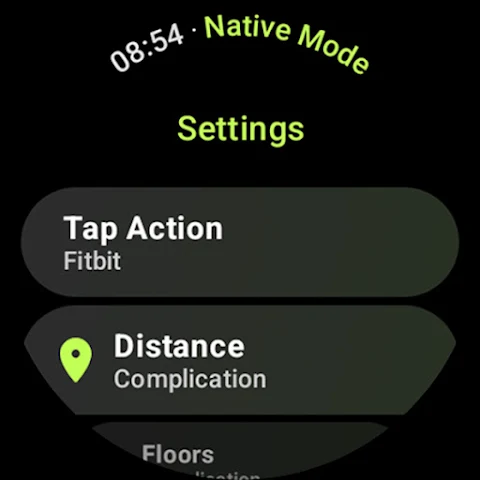
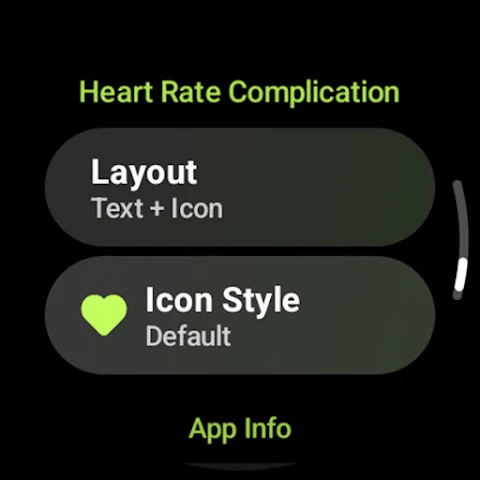
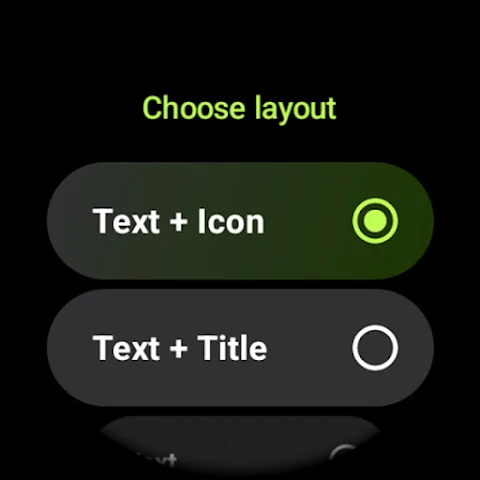
One of the best features of the Health Plugin is the complications customization options. You can decide on a tap action, which lets you select a preferred health app to open when you tap a complication. There are various layout options, too. You can pick from a text and icon layout, a text and title layout, a text-only layout, or a layout that combines all three types. Keep in mind that your watch face needs to support one of these complication types for it to work effectively.
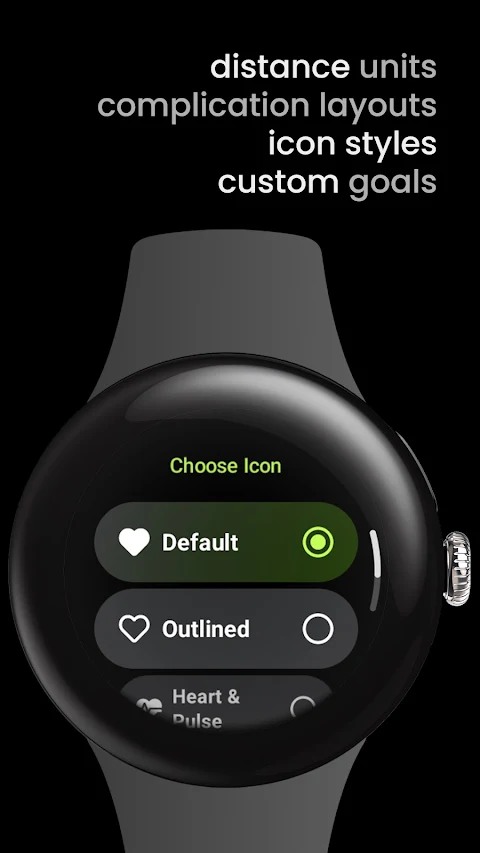
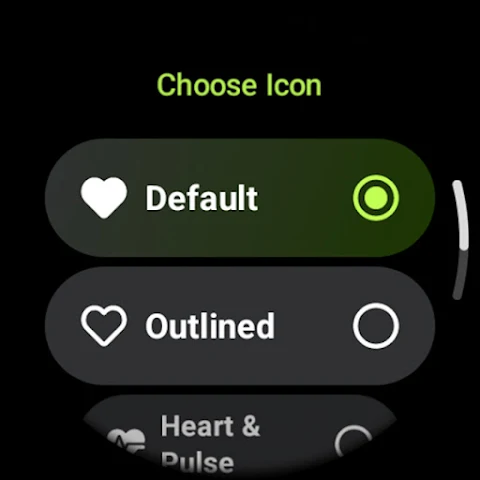
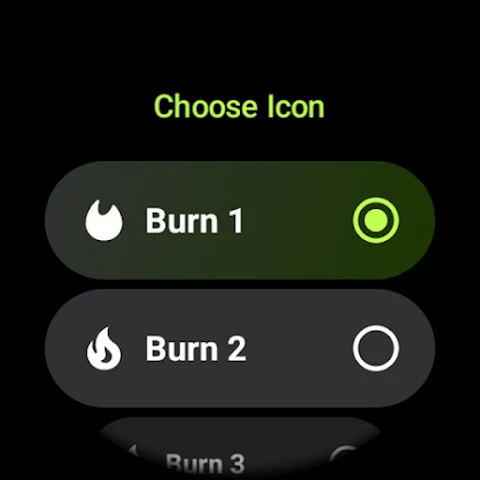
When it comes to specific metrics, you have plenty of choices. For distance tracking, you can select from three icon style options and even adjust the distance unit settings to meters, kilometers, or miles. You can also set goals for floors climbed and calories burned, choosing from different icons to represent your targets. For steps counting, there's flexibility as well; you have five icon style options and can choose your steps format, whether unformatted or using a grouping separator or Kilo (K).
If you want to monitor your heart rate, the Health Plugin has got you covered. It allows you to set heart rate accuracy settings and even offers the option to disable dynamic heart rate values, which do require an ongoing notification to function.
Using the Health Plugin is straightforward. Simply open the app and grant the necessary permission for activity recognition. Once you’ve done that, you can easily set up the provided complications on your watch face. Just remember that your watch face must support the complication types mentioned earlier to display the information properly.
If you notice that your complications data does not match what's shown in Samsung Health, try disabling activity tracking within the Samsung Health mobile app. There are resources available to assist you with this if needed.
In addition to the Health Plugin, you can explore more custom complication apps by visiting amoledwatchfaces.com/apps. You can also check out our watch face portfolio, which showcases a variety of designs compatible with the Health Plugin.
The Health Plugin for Wear OS is designed to enhance your fitness journey. With its user-friendly features and customization options, it helps you stay on top of your health goals while providing a seamless experience right on your wrist.
With the Health Plugin, you can choose from different types of complications. There are short text complications for quick info, long text complications for detailed stats, and ranged value complications to track your progress visually. This flexibility allows you to keep an eye on your fitness without any hassle.
One of the best features of the Health Plugin is the complications customization options. You can decide on a tap action, which lets you select a preferred health app to open when you tap a complication. There are various layout options, too. You can pick from a text and icon layout, a text and title layout, a text-only layout, or a layout that combines all three types. Keep in mind that your watch face needs to support one of these complication types for it to work effectively.
When it comes to specific metrics, you have plenty of choices. For distance tracking, you can select from three icon style options and even adjust the distance unit settings to meters, kilometers, or miles. You can also set goals for floors climbed and calories burned, choosing from different icons to represent your targets. For steps counting, there's flexibility as well; you have five icon style options and can choose your steps format, whether unformatted or using a grouping separator or Kilo (K).
If you want to monitor your heart rate, the Health Plugin has got you covered. It allows you to set heart rate accuracy settings and even offers the option to disable dynamic heart rate values, which do require an ongoing notification to function.
Using the Health Plugin is straightforward. Simply open the app and grant the necessary permission for activity recognition. Once you’ve done that, you can easily set up the provided complications on your watch face. Just remember that your watch face must support the complication types mentioned earlier to display the information properly.
If you notice that your complications data does not match what's shown in Samsung Health, try disabling activity tracking within the Samsung Health mobile app. There are resources available to assist you with this if needed.
In addition to the Health Plugin, you can explore more custom complication apps by visiting amoledwatchfaces.com/apps. You can also check out our watch face portfolio, which showcases a variety of designs compatible with the Health Plugin.
The Health Plugin for Wear OS is designed to enhance your fitness journey. With its user-friendly features and customization options, it helps you stay on top of your health goals while providing a seamless experience right on your wrist.

Number to word convert offline
Power Mind Apps
$0.99
FREE

Xproguard Anti-Theft
Total Xproguard Private Limited
$29.99
$6.00

Shout Screen – Big Text Screen
Power Mind Apps
$0.99