

$1.49
$1.04
30% Off
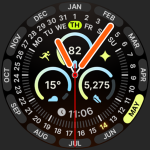
Grid Watch Face
amoledwatchfaces™








About the App
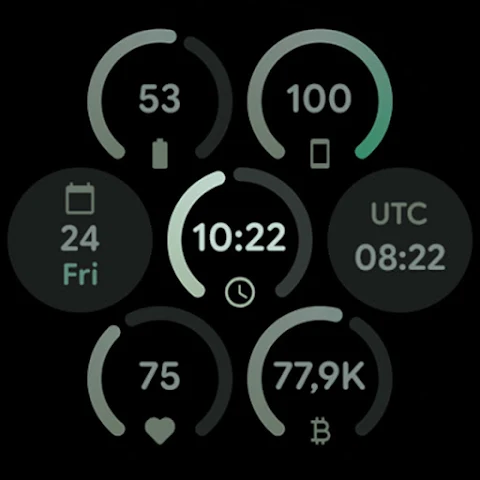
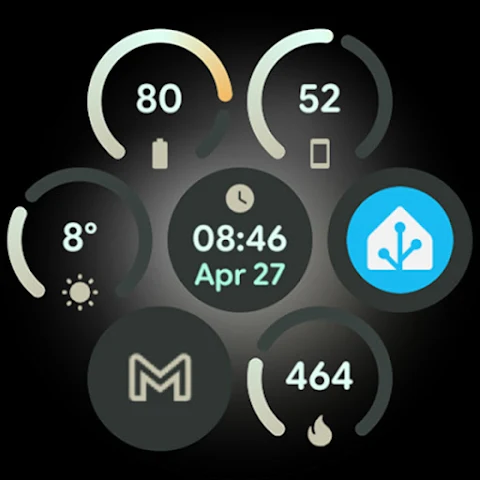
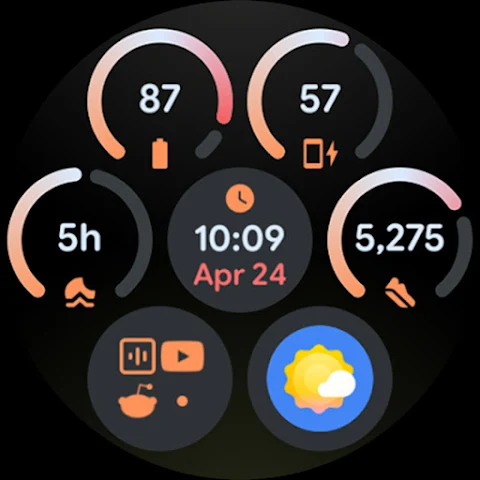
Grid Watch Face is designed specifically for Wear OS 4+ devices. It uses the advanced Watch Face Format 4, which helps create a sleek and functional look for your smartwatch. You can explore its many features on amoledwatchfaces.com.
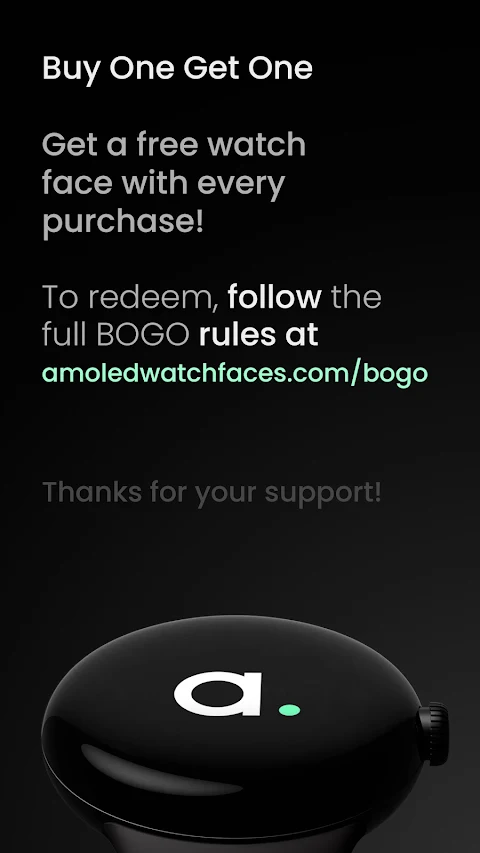
If you’re looking for great offers, there’s a "Buy One Get One" deal available at amoledwatchfaces.com/bogo. This feature is great for those who want to try more designs.
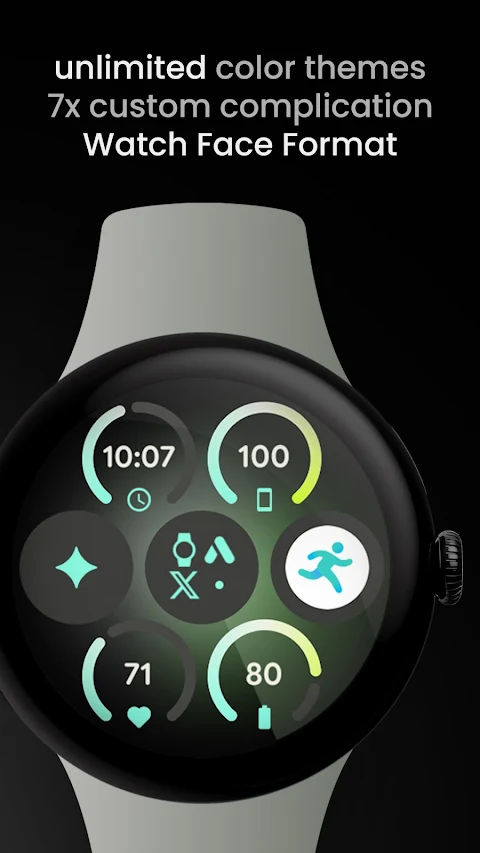
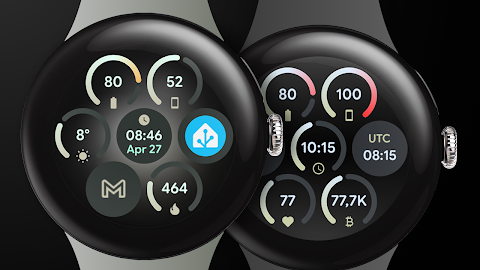
The app has a material expressive style, making your watch face visually appealing. With a modular design, you can customize how your watch looks to fit your style. There are also different watch face flavors available for Wear OS 5+ users.
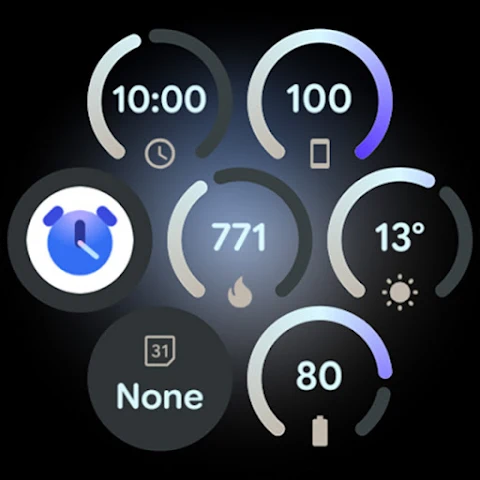
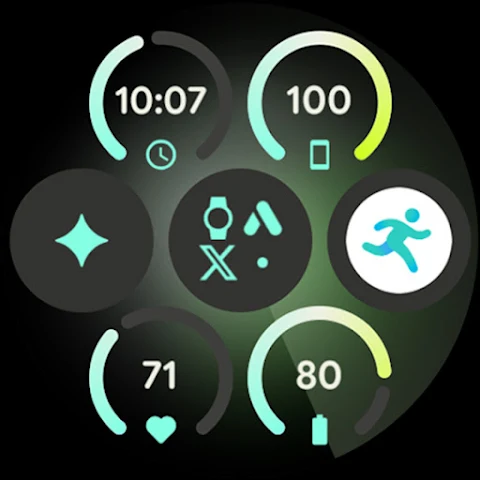
Grid Watch Face includes seven custom complication slots. You can fill these slots with supported complication types such as SHORT_TEXT, RANGED_VALUE, GOAL_PROGRESS, MONOCHROMATIC_ICON, and SMALL_IMAGE. Phone notifications complication support is also available, but you'll need a separate battery complication app for this feature.
This watch face is highly optimized, ensuring smooth performance on your device. You have the option to add a seconds indicator if you’d like. The app supports multiple languages, so users from different regions can easily navigate through its settings.
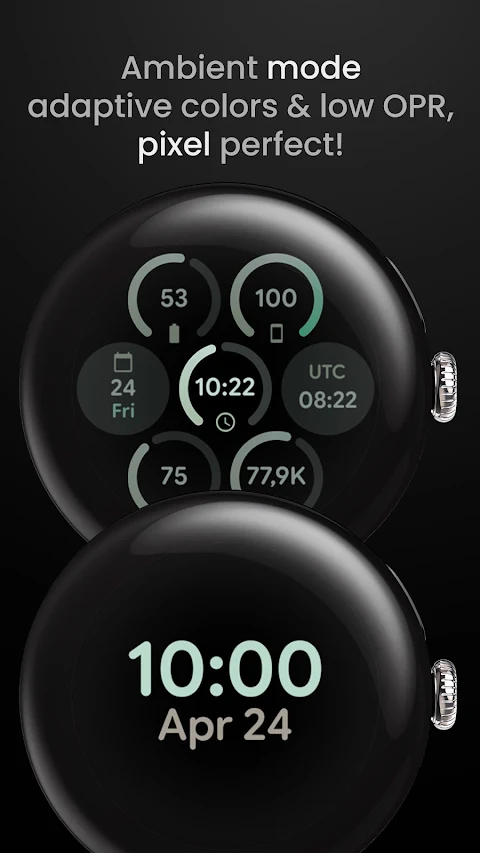
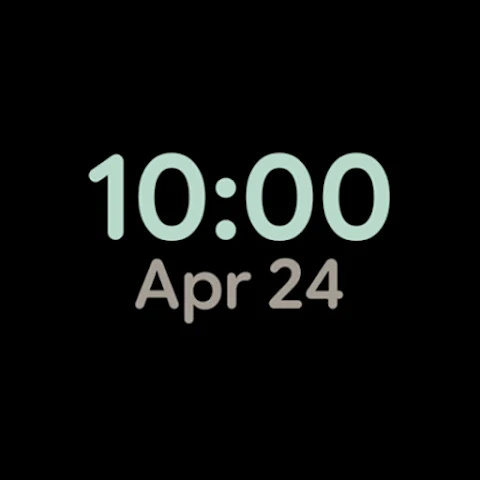
You can choose an optional aurora (gyro) background that enhances the look of your watch. It features a true black background, which adds to its modern aesthetic, and it provides three always-on display styles. This means you've got various options for how your watch face looks even when you’re not actively using it.
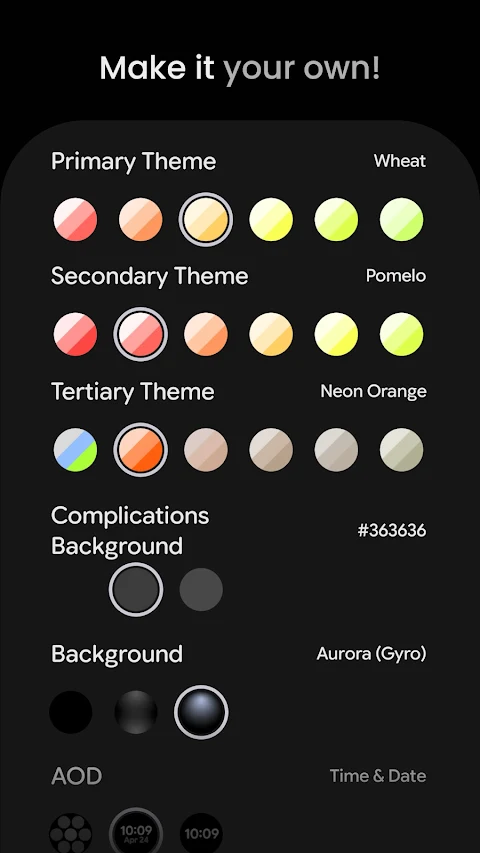
Grid Watch Face allows for considerable user customization. You can select from over 60 primary theme options, as well as secondary and tertiary themes. There are also choices for complications backgrounds and general backgrounds—each with three options available. You can toggle the seconds indicator on or off based on your preference.
For anyone new to the app, there is an installation and troubleshooting guide available at amoledwatchfaces.com/guide. If you have any questions or need assistance, feel free to reach out to our support team at support@amoledwatchfaces.com. You can also join our Telegram group for live support and discussion with other users.
Don't miss out on the chance to stay updated on new features and offers. You can subscribe to our newsletter at amoledwatchfaces.com/contact#newsletter.
With Grid Watch Face, you can achieve beautiful custom watch face configurations that fit your needs. Whether you are looking for theme customization options or user-friendly complication management, this app offers everything you need for a unique smartwatch experience.
If you’re looking for great offers, there’s a "Buy One Get One" deal available at amoledwatchfaces.com/bogo. This feature is great for those who want to try more designs.
The app has a material expressive style, making your watch face visually appealing. With a modular design, you can customize how your watch looks to fit your style. There are also different watch face flavors available for Wear OS 5+ users.
Grid Watch Face includes seven custom complication slots. You can fill these slots with supported complication types such as SHORT_TEXT, RANGED_VALUE, GOAL_PROGRESS, MONOCHROMATIC_ICON, and SMALL_IMAGE. Phone notifications complication support is also available, but you'll need a separate battery complication app for this feature.
This watch face is highly optimized, ensuring smooth performance on your device. You have the option to add a seconds indicator if you’d like. The app supports multiple languages, so users from different regions can easily navigate through its settings.
You can choose an optional aurora (gyro) background that enhances the look of your watch. It features a true black background, which adds to its modern aesthetic, and it provides three always-on display styles. This means you've got various options for how your watch face looks even when you’re not actively using it.
Grid Watch Face allows for considerable user customization. You can select from over 60 primary theme options, as well as secondary and tertiary themes. There are also choices for complications backgrounds and general backgrounds—each with three options available. You can toggle the seconds indicator on or off based on your preference.
For anyone new to the app, there is an installation and troubleshooting guide available at amoledwatchfaces.com/guide. If you have any questions or need assistance, feel free to reach out to our support team at support@amoledwatchfaces.com. You can also join our Telegram group for live support and discussion with other users.
Don't miss out on the chance to stay updated on new features and offers. You can subscribe to our newsletter at amoledwatchfaces.com/contact#newsletter.
With Grid Watch Face, you can achieve beautiful custom watch face configurations that fit your needs. Whether you are looking for theme customization options or user-friendly complication management, this app offers everything you need for a unique smartwatch experience.

Classic Signature 2
GW Watchfaces
$1.49
$0.29
EXD067: Material Hybrid Face
Executive Design Watch Face
$2.49
$1.49
Epoch: Watch Face
amoledwatchfaces™
$1.79
$0.90