
$1.49
$0.59
60% Off
Gradient 3D – Icon Pack
GomoTheGom

About the App
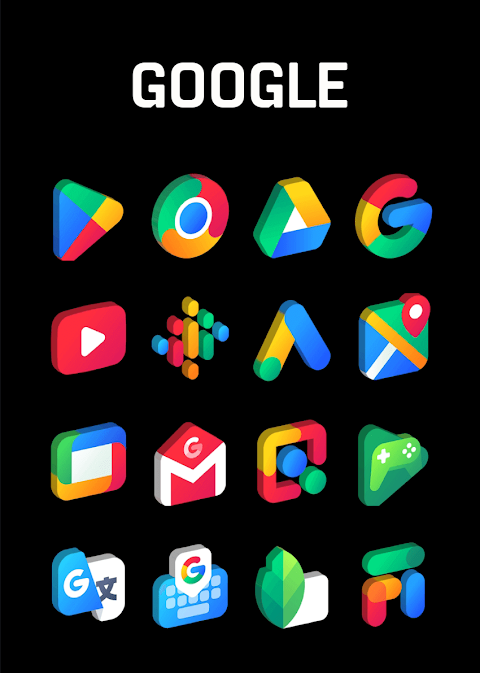
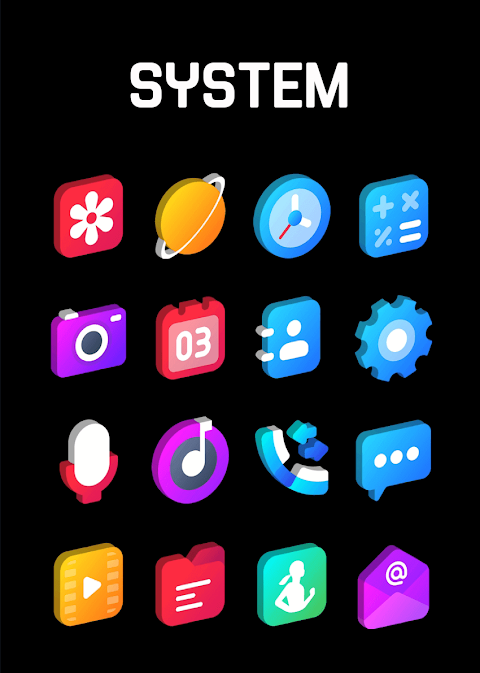
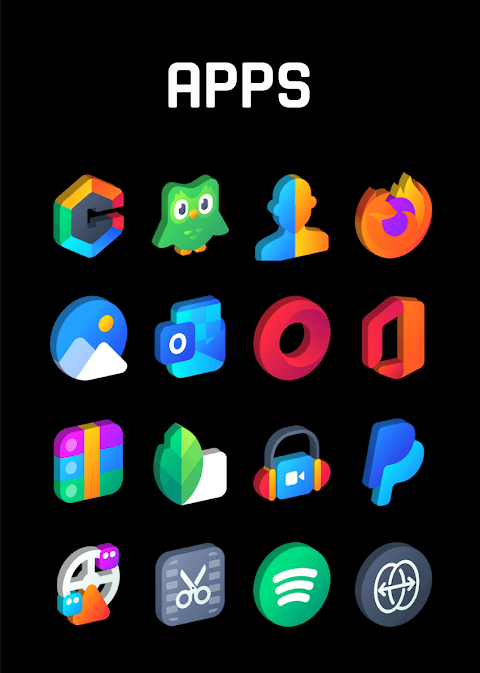
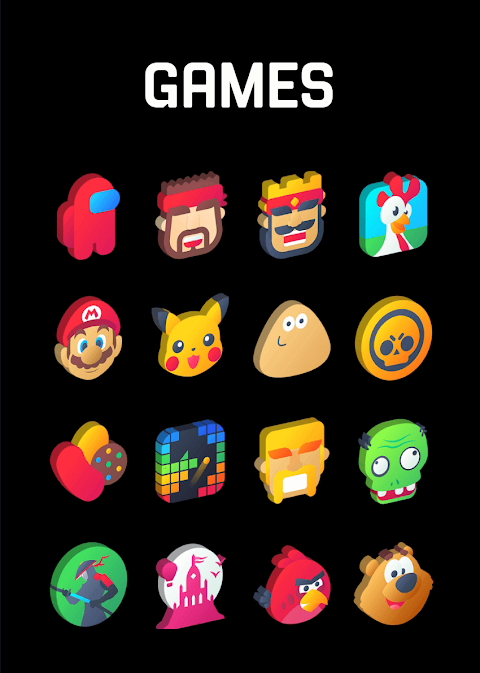
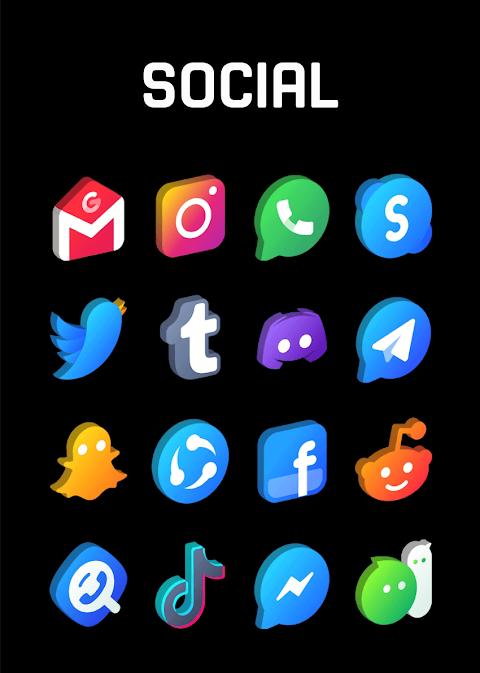
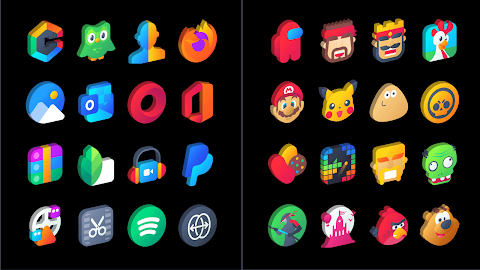
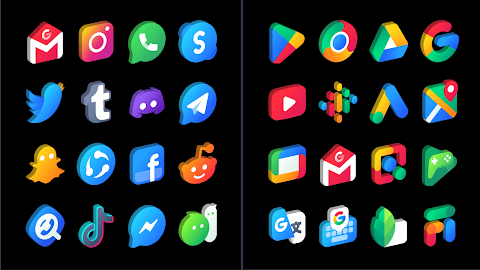
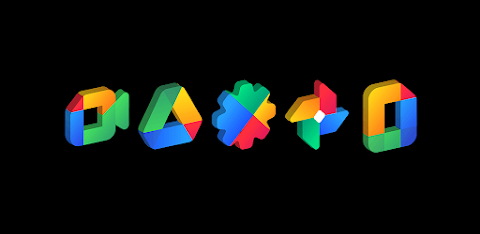
Gradient 3D is a stunning 3D icon pack designed to enhance your device’s look with beautiful vibrant colors. Each icon in this pack is crafted with pixel perfection, ensuring that you receive some of the highest quality icons available on the Play Store.
With over 3500 high quality icons, each sized at 254x254 pixels, this icon theme continues to grow through frequent updates. One of the standout features of Gradient 3D is the icon request feature, which allows you to ask for new icons for any missing apps. This makes it easier to personalize your device while keeping everything looking fresh and updated.
For an easy setup, Gradient 3D offers quick apply options for many favorite launchers, including Nova Launcher and Lawnchair Launcher. Once you install a supported launcher, simply open the Gradient 3D icon pack and apply it. If your launcher isn't listed, you can still change the icon pack settings directly through your phone's theme or icon change screen. This flexibility ensures that you can experience the full benefits of the icon pack with various launcher integrations.
Management of your icons is straightforward with the icon management dashboard provided. This dashboard features a dashboard preview pane where you can try the icons on your current wallpaper, making it simple to see how they fit your style before applying any changes. Regular icon theme updates and long term support ensure that you'll have access to new designs and improvements over time.
Besides Nova Launcher and Lawnchair Launcher, Gradient 3D is compatible with a variety of other launchers such as Apex Launcher, Adw Launcher, and Evie Launcher. For those using Go Launcher, make sure to adjust the icon theme settings by selecting the downloaded button to ensure the icons change correctly. In addition, if you notice some main icons remaining unchanged, just long-touch the icon and use the replace menu for a quick fix.
The customization options extend to changing icon shapes as well. If your icons appear rounded in Nova Launcher, you can switch this off in the Nova theme menu. This feature allows for more personalized icon set changes that fit your taste.
If you ever require assistance, Gradient 3D offers user engagement support. Feel free to contact the team by email or through their Twitter page for quick responses to any questions or issues.
For a visually engaging experience on your device, Gradient 3D is the perfect choice. With a combination of vibrant colors and a commitment to high quality icons, it’s ideal for anyone looking to customize their home screen with a modern touch. Whether you're a casual user or a tech enthusiast, Gradient 3D will elevate your device's aesthetic. Enjoy exploring new icons and making your phone truly yours!
With over 3500 high quality icons, each sized at 254x254 pixels, this icon theme continues to grow through frequent updates. One of the standout features of Gradient 3D is the icon request feature, which allows you to ask for new icons for any missing apps. This makes it easier to personalize your device while keeping everything looking fresh and updated.
For an easy setup, Gradient 3D offers quick apply options for many favorite launchers, including Nova Launcher and Lawnchair Launcher. Once you install a supported launcher, simply open the Gradient 3D icon pack and apply it. If your launcher isn't listed, you can still change the icon pack settings directly through your phone's theme or icon change screen. This flexibility ensures that you can experience the full benefits of the icon pack with various launcher integrations.
Management of your icons is straightforward with the icon management dashboard provided. This dashboard features a dashboard preview pane where you can try the icons on your current wallpaper, making it simple to see how they fit your style before applying any changes. Regular icon theme updates and long term support ensure that you'll have access to new designs and improvements over time.
Besides Nova Launcher and Lawnchair Launcher, Gradient 3D is compatible with a variety of other launchers such as Apex Launcher, Adw Launcher, and Evie Launcher. For those using Go Launcher, make sure to adjust the icon theme settings by selecting the downloaded button to ensure the icons change correctly. In addition, if you notice some main icons remaining unchanged, just long-touch the icon and use the replace menu for a quick fix.
The customization options extend to changing icon shapes as well. If your icons appear rounded in Nova Launcher, you can switch this off in the Nova theme menu. This feature allows for more personalized icon set changes that fit your taste.
If you ever require assistance, Gradient 3D offers user engagement support. Feel free to contact the team by email or through their Twitter page for quick responses to any questions or issues.
For a visually engaging experience on your device, Gradient 3D is the perfect choice. With a combination of vibrant colors and a commitment to high quality icons, it’s ideal for anyone looking to customize their home screen with a modern touch. Whether you're a casual user or a tech enthusiast, Gradient 3D will elevate your device's aesthetic. Enjoy exploring new icons and making your phone truly yours!

Lotus Icon Pack
JustNewDesigns
$1.29
$0.29

Parts Watch Face
amoledwatchfaces™
$1.49
$0.45
ZKin Watch Aurora Universe
ZKin
$2.99
$1.49