

$2.09
$0.59
72% Off
GFX Tool Pro: Launcher & 90FPS
Chartianz






About the App
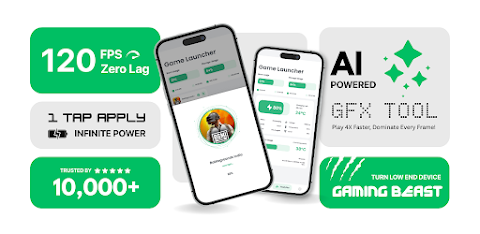
Elevate your mobile gaming experience with GFX Tool Pro: Launcher & 90FPS. This app is not just a basic booster; it’s a complete Game Launcher and Graphics Optimizer that puts you in control of your device's performance. Whether you have a high-end device or a budget phone, GFX Tool uses AI-powered tools to help you unlock the full potential of your hardware.
One of the standout features of GFX Tool is its resolution control. You can easily change your screen resolution from 960x540 up to an impressive 2K resolution. This means you can enjoy crisp visuals or prioritize maximum performance depending on your gaming needs. With this app, you can also unlock extreme FPS, allowing access to 90 FPS gameplay and 120 FPS accessibility for a smoother experience.
For those who want the best graphics, GFX Tool Pro supports HDR graphics, enabling High Dynamic Range visuals on devices that support it. You can also adjust anti-aliasing settings to fine-tune shadow quality with 4x MSAA for clarity during competitive gaming. If you prefer even quicker gameplay, you can disable shadows for a speed boost.
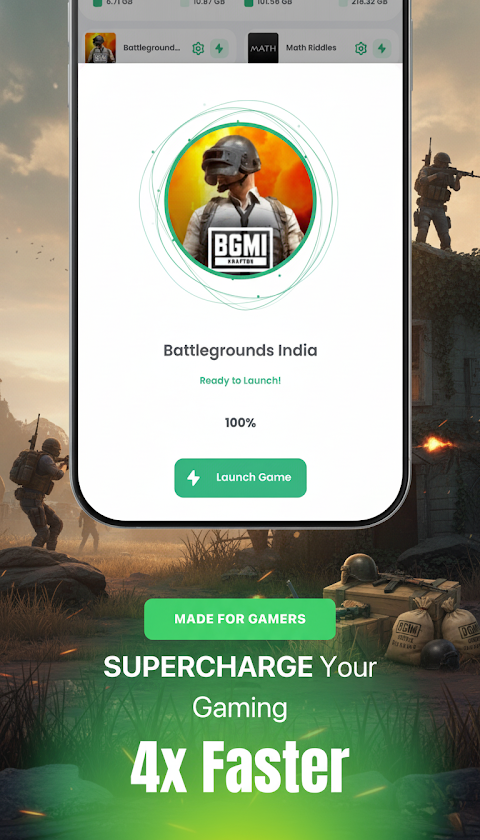
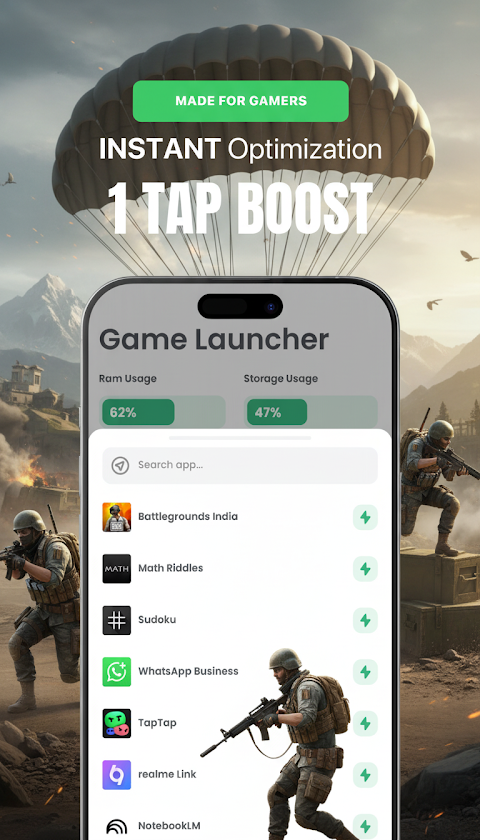
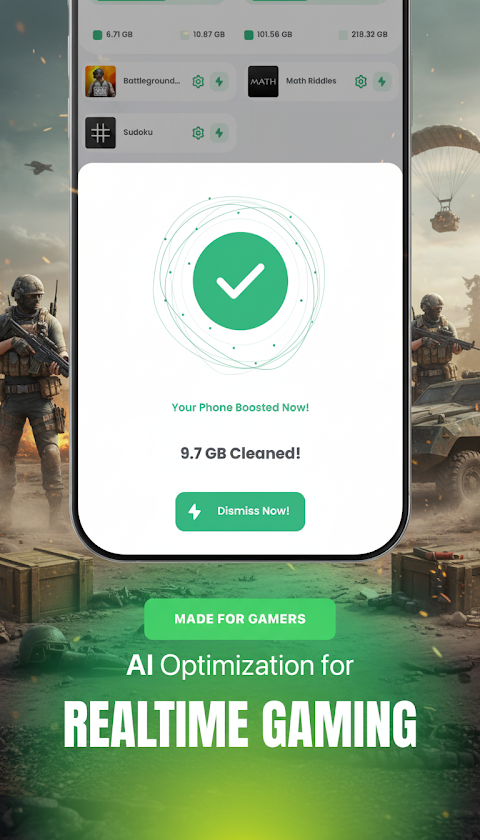
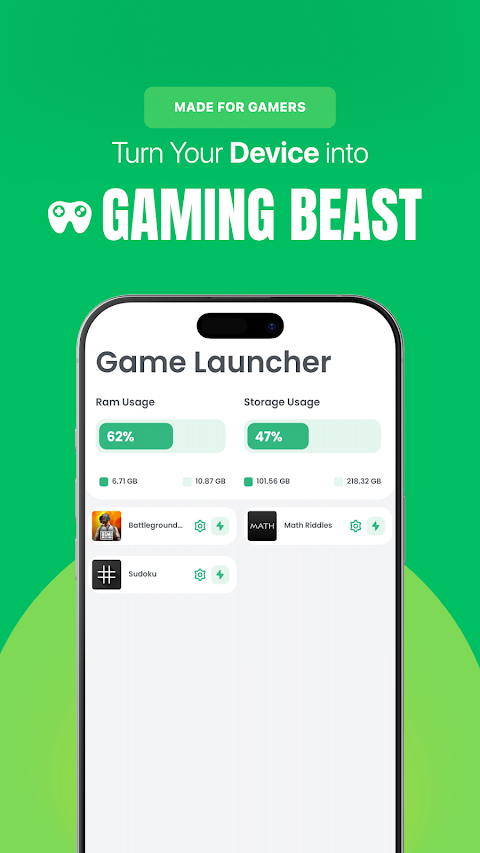
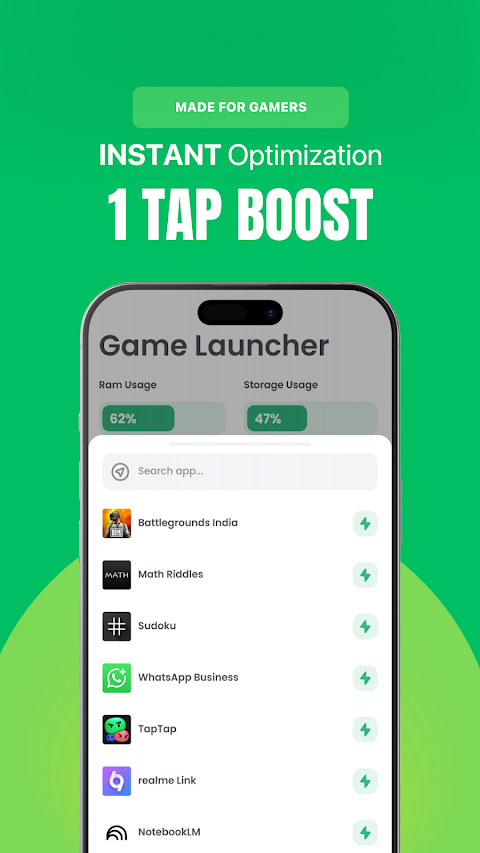
The smart game launcher feature helps you organize all your games into a unified library. This means you have all your titles in one place, making it easier to access them. With the auto-cleanup feature, GFX Tool intelligently manages background resources when launching specific games, ensuring you have the best performance ready. The zero lag mode optimizes your device configuration prioritizing performance, so you never miss a moment in your game.
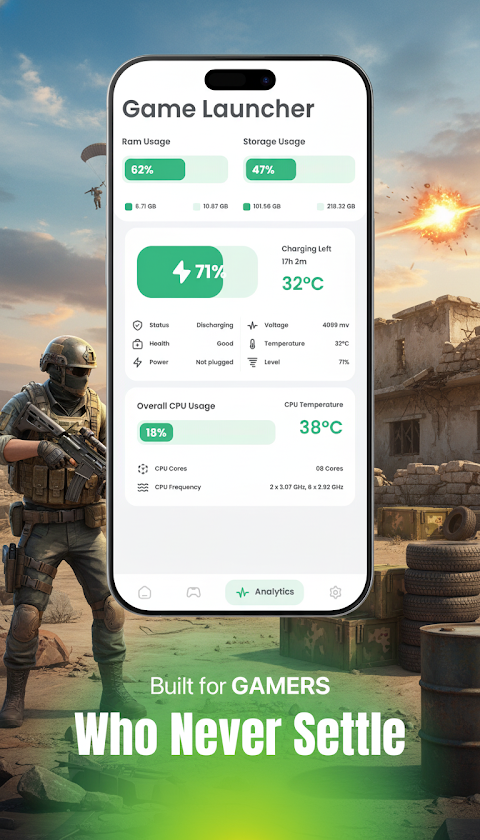
To keep track of your gaming sessions, GFX Tool includes a real-time performance monitor. This tool allows you to analyze specific game performance. You can also use it for battery health tracking, which helps prevent throttling by monitoring both usage and temperature. Network latency monitoring is another feature that ensures your ping remains stable, preventing lag spikes during crucial match moments.
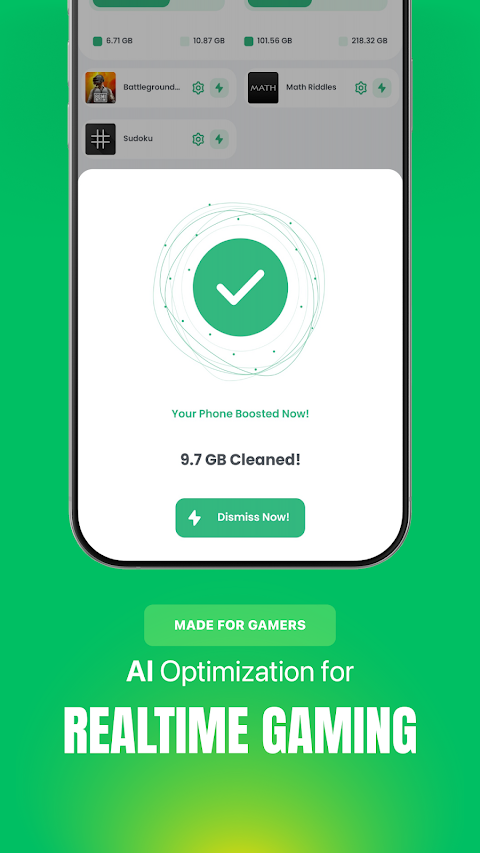
Safety is important, which is why GFX Tool Pro includes anti-ban compatibility. This means the app does not alter core game files in a way that could threaten your account. Your privacy is also protected, as the app does not collect personal data. You can trust that GFX Tool offers transparent performance tools without any misleading "RAM cleaning" animations.
Why should you choose GFX Tool Pro? Unlike many apps that claim to make your device "4x faster" using false animations, this app provides real tools for real results. Whether you need to fix lag, improve graphical fidelity, or organize your game library, GFX Tool Pro is the essential utility for every gamer.
GFX Tool supports Android versions 11, 12, 13, 14, and 15. It is optimized for a range of processors, including Snapdragon, Exynos, and MediaTek chips. By providing tailored solutions for high-end devices and also focusing on budget phone optimization, GFX Tool makes gaming accessible for everyone.
In summary, GFX Tool Pro: Launcher & 90FPS is an all-in-one solution for serious gamers who want to enhance their gaming experience, access advanced settings, and maintain performance. With its intelligent configuration and a suite of features designed for competitive gaming, GFX Tool is here to elevate your mobile gaming to professional standards.
One of the standout features of GFX Tool is its resolution control. You can easily change your screen resolution from 960x540 up to an impressive 2K resolution. This means you can enjoy crisp visuals or prioritize maximum performance depending on your gaming needs. With this app, you can also unlock extreme FPS, allowing access to 90 FPS gameplay and 120 FPS accessibility for a smoother experience.
For those who want the best graphics, GFX Tool Pro supports HDR graphics, enabling High Dynamic Range visuals on devices that support it. You can also adjust anti-aliasing settings to fine-tune shadow quality with 4x MSAA for clarity during competitive gaming. If you prefer even quicker gameplay, you can disable shadows for a speed boost.
The smart game launcher feature helps you organize all your games into a unified library. This means you have all your titles in one place, making it easier to access them. With the auto-cleanup feature, GFX Tool intelligently manages background resources when launching specific games, ensuring you have the best performance ready. The zero lag mode optimizes your device configuration prioritizing performance, so you never miss a moment in your game.
To keep track of your gaming sessions, GFX Tool includes a real-time performance monitor. This tool allows you to analyze specific game performance. You can also use it for battery health tracking, which helps prevent throttling by monitoring both usage and temperature. Network latency monitoring is another feature that ensures your ping remains stable, preventing lag spikes during crucial match moments.
Safety is important, which is why GFX Tool Pro includes anti-ban compatibility. This means the app does not alter core game files in a way that could threaten your account. Your privacy is also protected, as the app does not collect personal data. You can trust that GFX Tool offers transparent performance tools without any misleading "RAM cleaning" animations.
Why should you choose GFX Tool Pro? Unlike many apps that claim to make your device "4x faster" using false animations, this app provides real tools for real results. Whether you need to fix lag, improve graphical fidelity, or organize your game library, GFX Tool Pro is the essential utility for every gamer.
GFX Tool supports Android versions 11, 12, 13, 14, and 15. It is optimized for a range of processors, including Snapdragon, Exynos, and MediaTek chips. By providing tailored solutions for high-end devices and also focusing on budget phone optimization, GFX Tool makes gaming accessible for everyone.
In summary, GFX Tool Pro: Launcher & 90FPS is an all-in-one solution for serious gamers who want to enhance their gaming experience, access advanced settings, and maintain performance. With its intelligent configuration and a suite of features designed for competitive gaming, GFX Tool is here to elevate your mobile gaming to professional standards.

Xproguard AppLock
Total Xproguard Private Limited
$19.99
$5.00
Phone Cleaner
AVS Family Pvt. Ltd.
$0.99

Sensi FF Macro – Game Booster
Sensi Tech
$2.49
$0.49