
$0.59
$0.12
80% Off
Floating Dock
Alkis Stamoulis



About the App
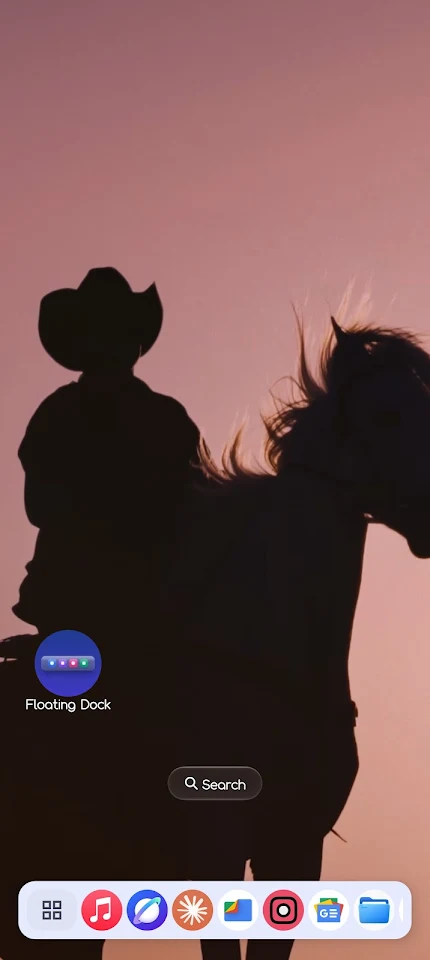
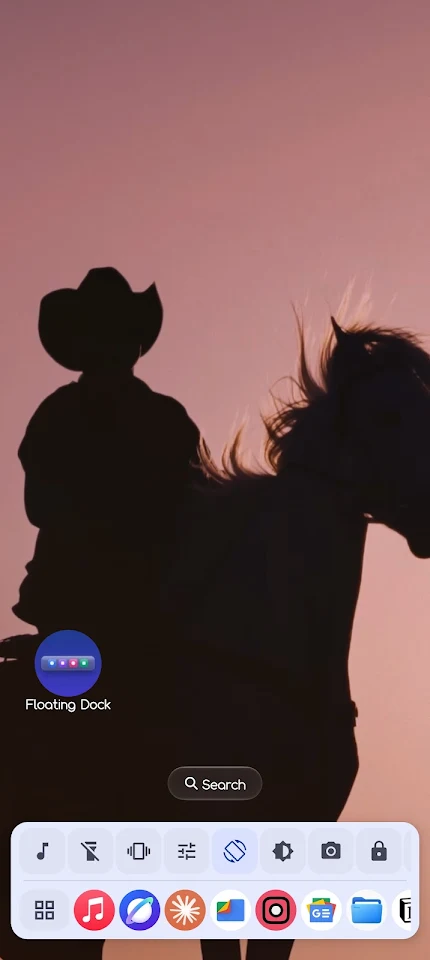
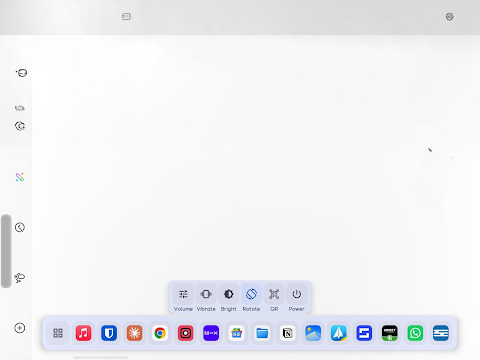
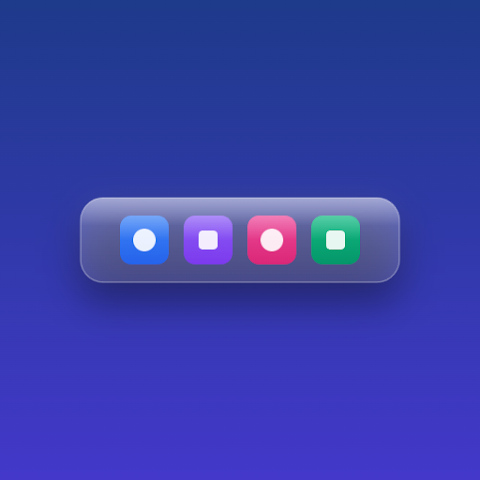
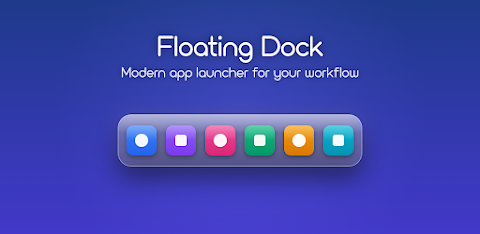
Floating Dock is a handy tool that adds a persistent overlay dock at the bottom of your screen. This dock provides quick access to important features while you use other apps. On the left side, you can see the current time and date, while the battery level icon sits on the right. With just a simple swipe up on the dock, you can reveal an expandable quick controls row that sits above your pinned apps. If you want to hide it again, just swipe down.
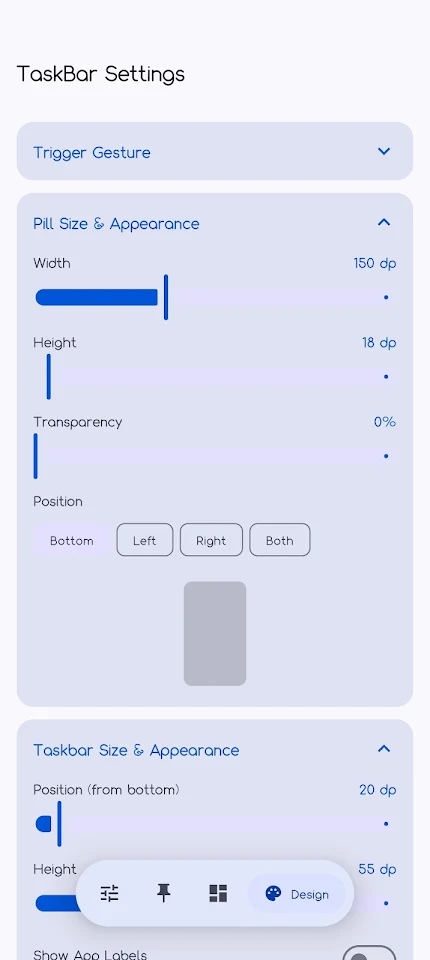
One of the unique features of Floating Dock is the trigger pill functionality. This small pill appears when you need to reveal the dock without going through the App Menu. You can activate it by double-tapping the pill or using the Home button. The pill can also be adjusted for size, opacity, and position along the edge of your screen, making it fully configurable to your liking.
The app menu offers a floating panel that slides up from above the dock. With a full-screen app search, it makes it easy for you to find and access any application quickly. You can long-press any app within this menu to pin or unpin it from your dock, keeping your most used apps just a tap away.
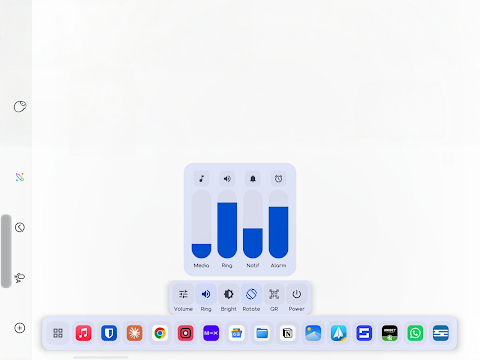
The quick controls section includes various options like music control, brightness settings, and more. Once you swipe up to access this section, you can control elements such as your device's music, torch, ringer, and volume with just one touch. The music control panel has playback options that let you go to the previous track, pause, or skip to the next. You can personalize these controls, auto-hiding them as needed, for a cleaner user experience.
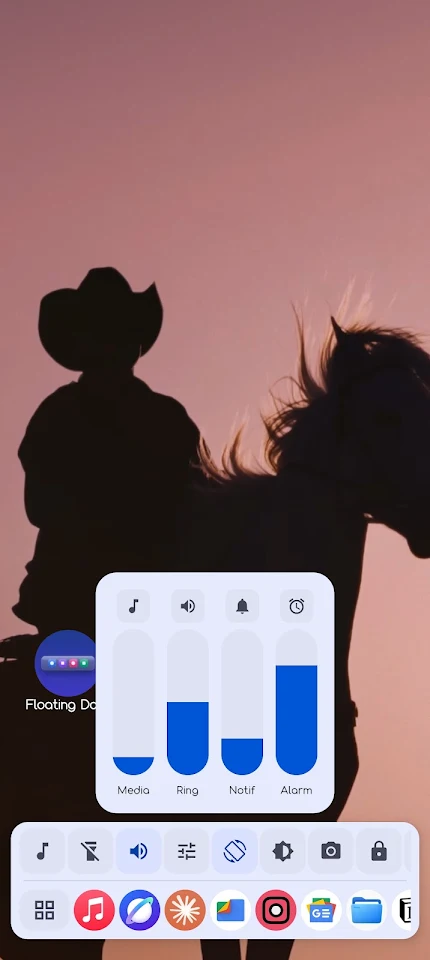
Floating Dock also incorporates advanced clipboard management. It features a four-tab panel where you can easily view clips, favorites, notes, and to-dos. You can capture content using the Android share sheet and even edit your notes directly within this space. Additionally, the volume control is neatly organized into per-stream volume sliders, allowing you to manage media, notifications, ring, and alarm sounds separately.
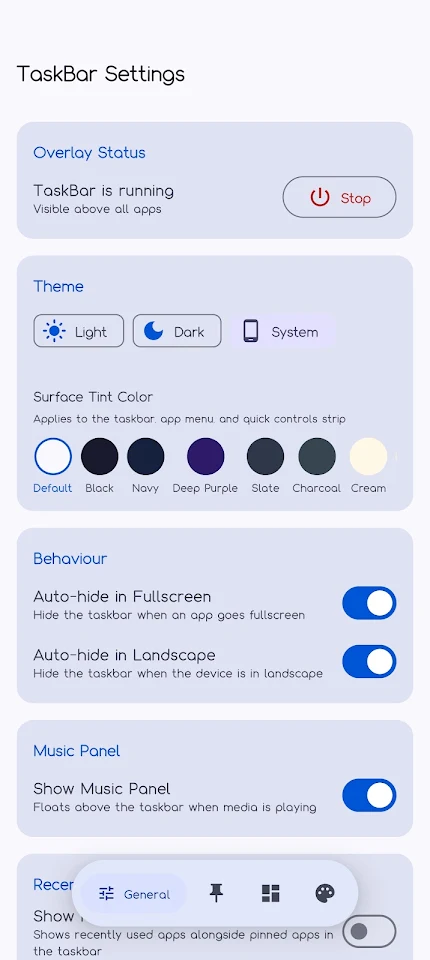
You can further personalize your experience through dynamic color theming. With features like Material You design, you can select from translucent panels that offer customizable transparency levels. The app supports both dark/light theme toggles, allowing you to adjust your settings based on your preferences. You can also choose from nine preset surface tint colors, enhancing the look of the dock and all related panels.
Floating Dock has intelligent behaviors that improve usability. For example, the dock will auto-hide when an app goes fullscreen or if your device is rotated to landscape mode. It also hides on screen-off or lockscreen, making sure you’re not distracted. If you restart your device, the dock will automatically start again, thanks to its boot autostart feature, which works with the Accessibility Service.
Vibrate feedback settings provide haptic responses for long-press actions, drag-reorder motions, and slider adjustments. This adds an extra layer of interaction, making the app feel more responsive. The search function supports fuzzy search, which is handy when you're looking for recent apps, and helps streamline your experience.
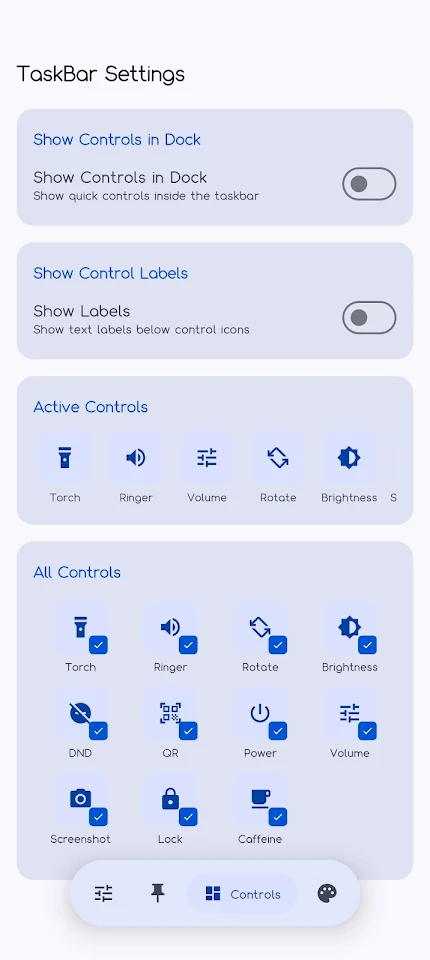
Managing your settings is straightforward with a well-organized four-tab screen. You can oversee general settings, manage your pinned apps, adjust quick controls, and customize the app's appearance. In the apps tab, you can easily drag to reorder the pinned apps or tap to pin and unpin them with no hassle. The controls tab lets you toggle the quick controls, show or hide labels, and reorder active controls according to your needs.
Overall, Floating Dock offers extensive mobile device customization and UI/UX design features that enhance your everyday experience. It does not collect or share any personal data, ensuring your privacy remains intact. The permissions requested are strictly to help make Floating Dock function as intended on your device. This makes it a reliable and efficient tool for anyone looking to simplify their mobile experience.
One of the unique features of Floating Dock is the trigger pill functionality. This small pill appears when you need to reveal the dock without going through the App Menu. You can activate it by double-tapping the pill or using the Home button. The pill can also be adjusted for size, opacity, and position along the edge of your screen, making it fully configurable to your liking.
The app menu offers a floating panel that slides up from above the dock. With a full-screen app search, it makes it easy for you to find and access any application quickly. You can long-press any app within this menu to pin or unpin it from your dock, keeping your most used apps just a tap away.
The quick controls section includes various options like music control, brightness settings, and more. Once you swipe up to access this section, you can control elements such as your device's music, torch, ringer, and volume with just one touch. The music control panel has playback options that let you go to the previous track, pause, or skip to the next. You can personalize these controls, auto-hiding them as needed, for a cleaner user experience.
Floating Dock also incorporates advanced clipboard management. It features a four-tab panel where you can easily view clips, favorites, notes, and to-dos. You can capture content using the Android share sheet and even edit your notes directly within this space. Additionally, the volume control is neatly organized into per-stream volume sliders, allowing you to manage media, notifications, ring, and alarm sounds separately.
You can further personalize your experience through dynamic color theming. With features like Material You design, you can select from translucent panels that offer customizable transparency levels. The app supports both dark/light theme toggles, allowing you to adjust your settings based on your preferences. You can also choose from nine preset surface tint colors, enhancing the look of the dock and all related panels.
Floating Dock has intelligent behaviors that improve usability. For example, the dock will auto-hide when an app goes fullscreen or if your device is rotated to landscape mode. It also hides on screen-off or lockscreen, making sure you’re not distracted. If you restart your device, the dock will automatically start again, thanks to its boot autostart feature, which works with the Accessibility Service.
Vibrate feedback settings provide haptic responses for long-press actions, drag-reorder motions, and slider adjustments. This adds an extra layer of interaction, making the app feel more responsive. The search function supports fuzzy search, which is handy when you're looking for recent apps, and helps streamline your experience.
Managing your settings is straightforward with a well-organized four-tab screen. You can oversee general settings, manage your pinned apps, adjust quick controls, and customize the app's appearance. In the apps tab, you can easily drag to reorder the pinned apps or tap to pin and unpin them with no hassle. The controls tab lets you toggle the quick controls, show or hide labels, and reorder active controls according to your needs.
Overall, Floating Dock offers extensive mobile device customization and UI/UX design features that enhance your everyday experience. It does not collect or share any personal data, ensuring your privacy remains intact. The permissions requested are strictly to help make Floating Dock function as intended on your device. This makes it a reliable and efficient tool for anyone looking to simplify their mobile experience.
ZKin WatchFace Glass Turntable
ZKin
$2.99
$0.99

PRIME Home OS 3 Watch Face
PRADO DESIGN ® Watch Faces
$1.99
$0.99

SXZ Space Watch Face
SXZ Universe
$2.99
$1.20