
$0.99
$0.49
51% Off
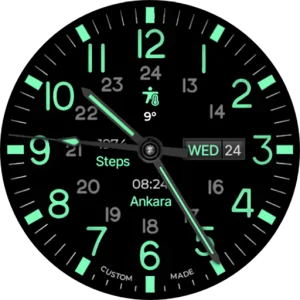
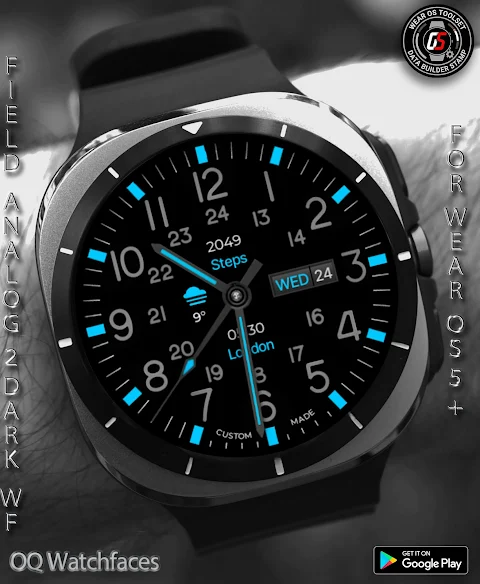
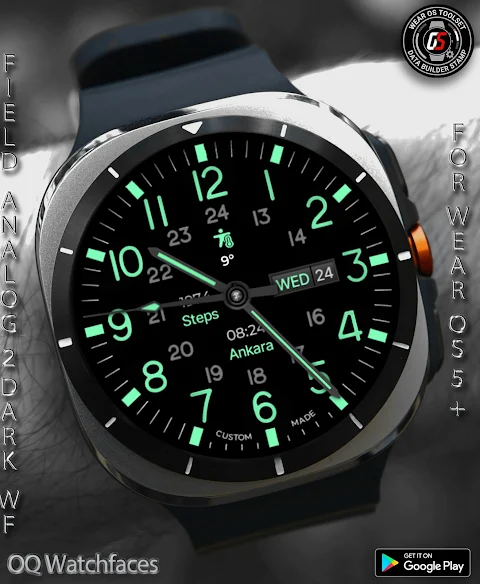
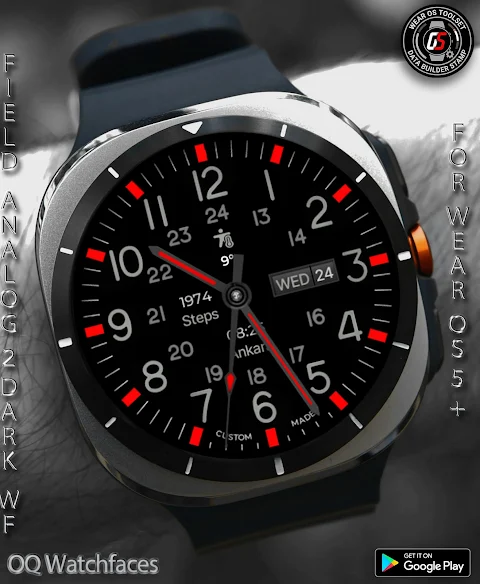
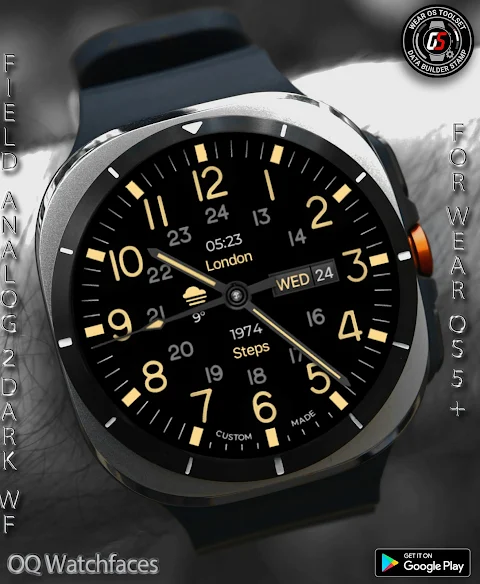
Field Watch 2 Wear OS 5+
OQ Watchfaces

About the App
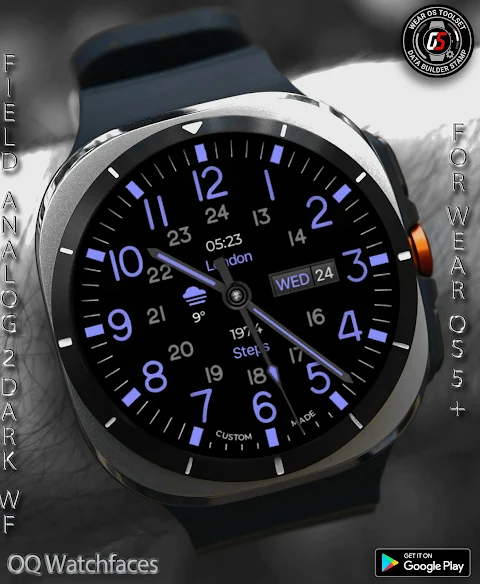
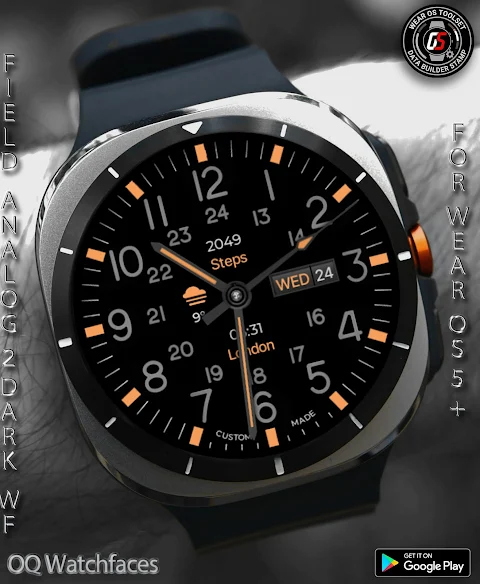
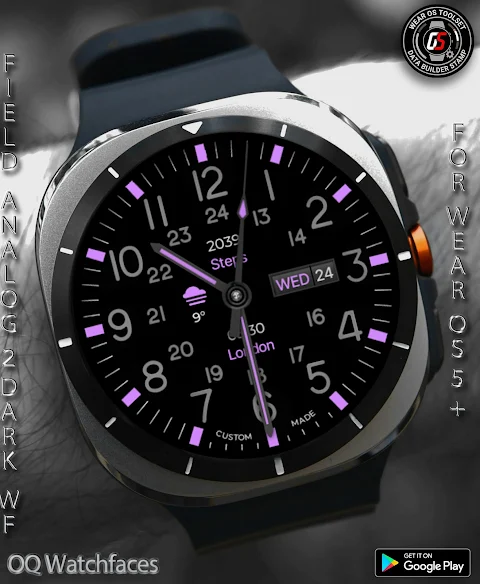
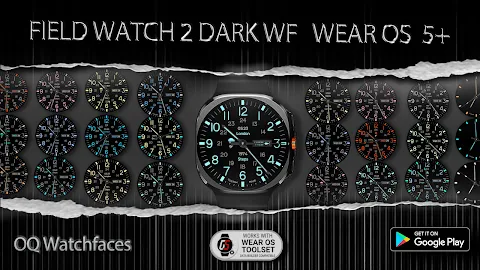
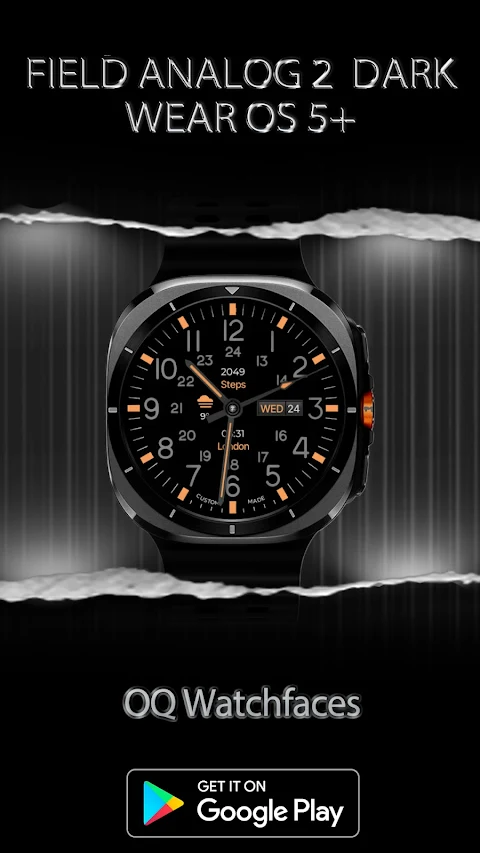
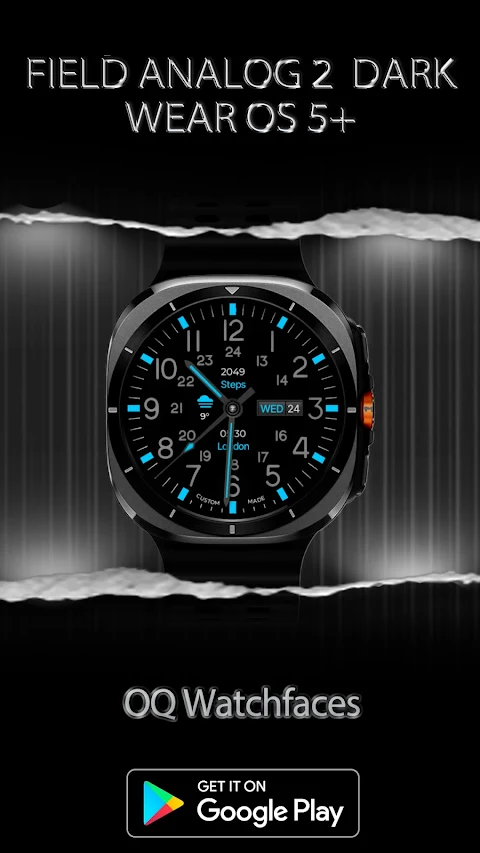
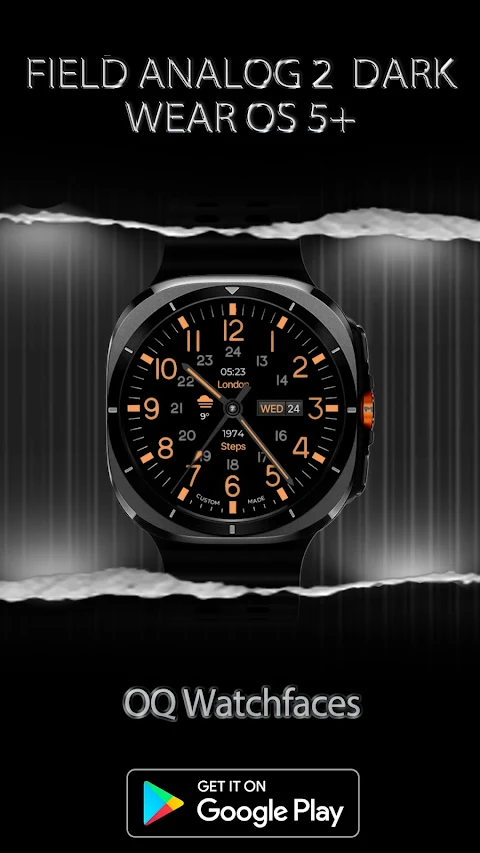
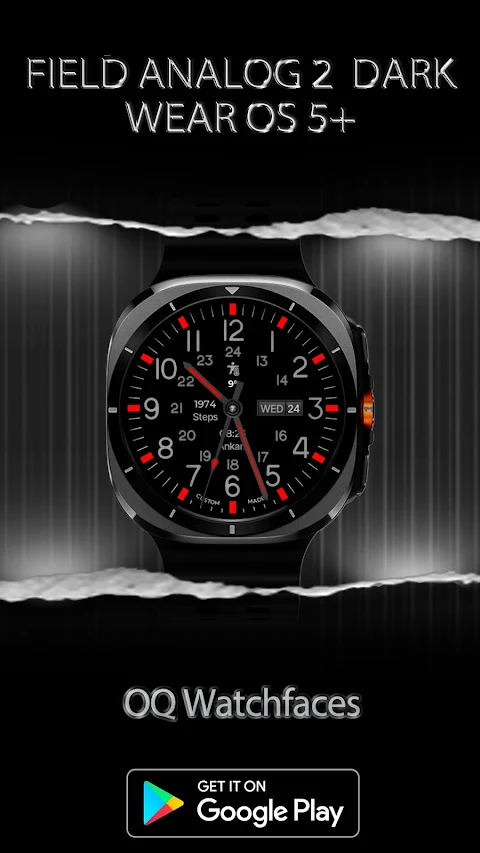
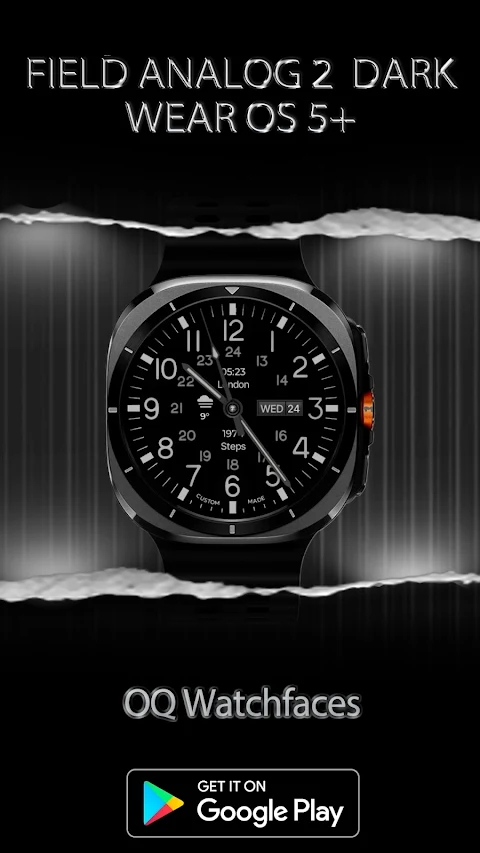
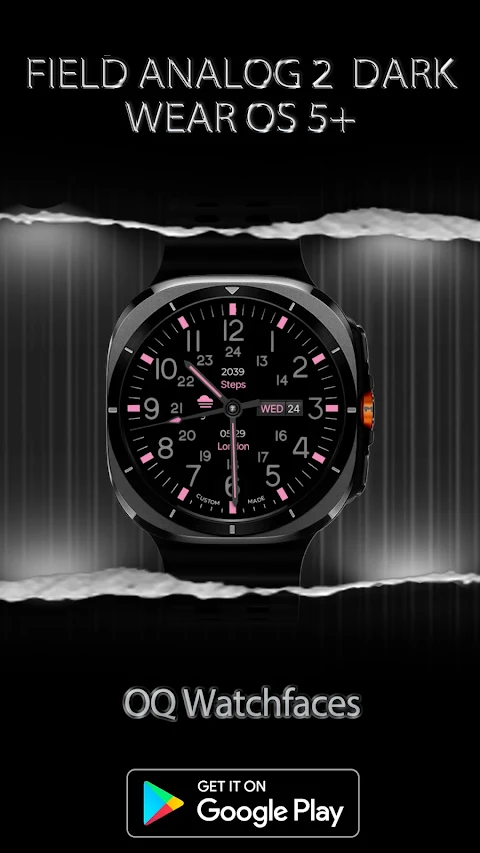
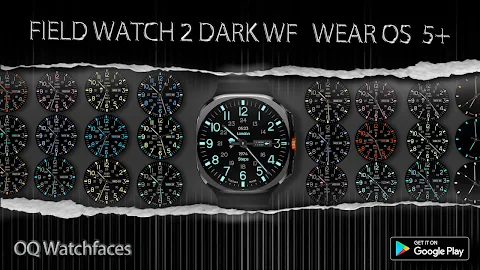
Field Watch 2 is a customizable watch face designed for Wear OS 5+. It offers a variety of features to enhance your smartwatch experience. This watch face works seamlessly with the Wear OS Toolset and the Data Builder Component. This allows you to maximize your complications slots by stacking multiple data points into a single space. You can even create your own custom text complications.
If you're unsure how to install the watch face or run into any issues, don’t worry. There’s an official installation guide that provides three easy methods to help you set it up properly.
The Field Watch 2 offers several interactive features. You can tap on the 12 o'clock hour number to quickly open the Google Maps app, making navigation easier. If you want to access the Google Play Store app, simply tap the 6 o'clock hour number. Other app shortcuts include tapping the 10 o'clock hour number for the music app, the 3 o'clock hour number for the watch dial app, and the 9 o'clock hour number to open your messages app. You can also check your battery status by tapping the 8 o'clock hour number, or manage your calendar by tapping on the date or day text. For alarms and settings, just tap the 4 o'clock and 2 o'clock hour numbers, respectively.
One of the standout features of Field Watch 2 is the seconds movement style selection. You can personalize it in the user customization menu, which also offers color customization options. This means you can switch colors on or off for both the 24 hour index and the 12 hour index separately. Additionally, the dim mode is available, allowing you to adjust the display for both the main and AoD (Always on Display).
With Field Watch 2, you enjoy an integrated set of app shortcuts designed for quick access and ease of use. The combination of smart features like watch battery monitoring and a customizable watch face makes it perfect for anyone looking to enhance their smartwatch experience. Whether you're a tech enthusiast or just want a functional yet stylish way to manage your time, this watch face is a great choice.
Field Watch 2 is compatible with Galaxy Watch models, ensuring that you can enjoy all these features no matter what device you have. Explore the use of Wear OS tools, interact easily with your apps, and customize the watch face to fit your personal style. It’s a great way to enhance your overall user interaction design while keeping everything organized and at your fingertips.
This watch face truly offers a balance of style and practicality. With a clear focus on usability, Field Watch 2 aims to elevate your smartwatch experience by making it simple to access the features you love.
If you're unsure how to install the watch face or run into any issues, don’t worry. There’s an official installation guide that provides three easy methods to help you set it up properly.
The Field Watch 2 offers several interactive features. You can tap on the 12 o'clock hour number to quickly open the Google Maps app, making navigation easier. If you want to access the Google Play Store app, simply tap the 6 o'clock hour number. Other app shortcuts include tapping the 10 o'clock hour number for the music app, the 3 o'clock hour number for the watch dial app, and the 9 o'clock hour number to open your messages app. You can also check your battery status by tapping the 8 o'clock hour number, or manage your calendar by tapping on the date or day text. For alarms and settings, just tap the 4 o'clock and 2 o'clock hour numbers, respectively.
One of the standout features of Field Watch 2 is the seconds movement style selection. You can personalize it in the user customization menu, which also offers color customization options. This means you can switch colors on or off for both the 24 hour index and the 12 hour index separately. Additionally, the dim mode is available, allowing you to adjust the display for both the main and AoD (Always on Display).
With Field Watch 2, you enjoy an integrated set of app shortcuts designed for quick access and ease of use. The combination of smart features like watch battery monitoring and a customizable watch face makes it perfect for anyone looking to enhance their smartwatch experience. Whether you're a tech enthusiast or just want a functional yet stylish way to manage your time, this watch face is a great choice.
Field Watch 2 is compatible with Galaxy Watch models, ensuring that you can enjoy all these features no matter what device you have. Explore the use of Wear OS tools, interact easily with your apps, and customize the watch face to fit your personal style. It’s a great way to enhance your overall user interaction design while keeping everything organized and at your fingertips.
This watch face truly offers a balance of style and practicality. With a clear focus on usability, Field Watch 2 aims to elevate your smartwatch experience by making it simple to access the features you love.
8 Bit Watch Face
RADEFFFACTORY
$1.49
$0.75

WFP 125 Digital watch face
WFProduction by Alexandr Kovalev
$2.49
$1.25
AZKin Watch Halo component
ZKin
$2.99
$1.49