
$1.59
$0.49
69% Off
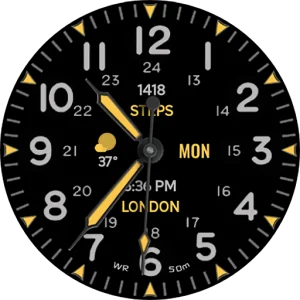
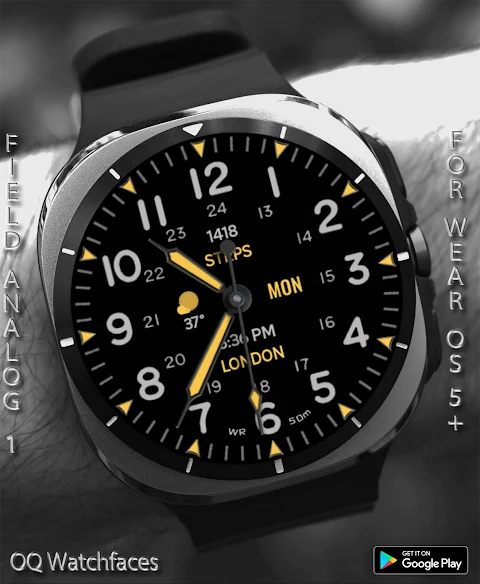
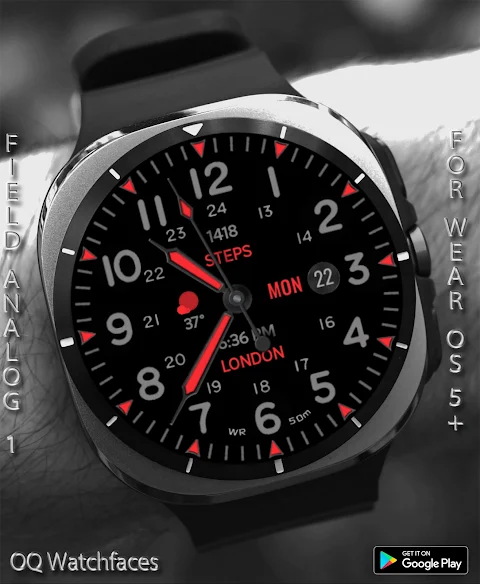
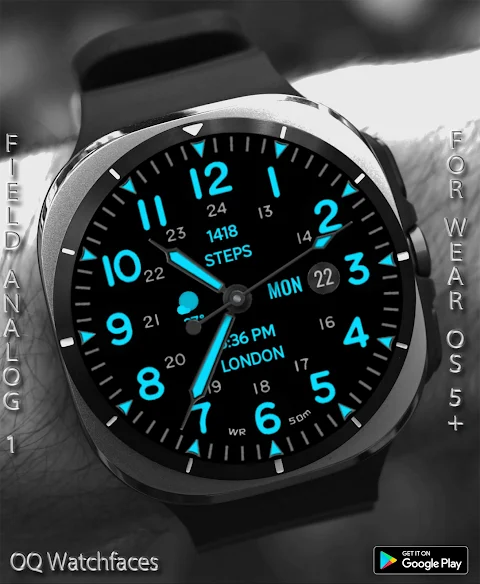
Field Watch 1 Wear OS 5+
OQ Watchfaces






About the App
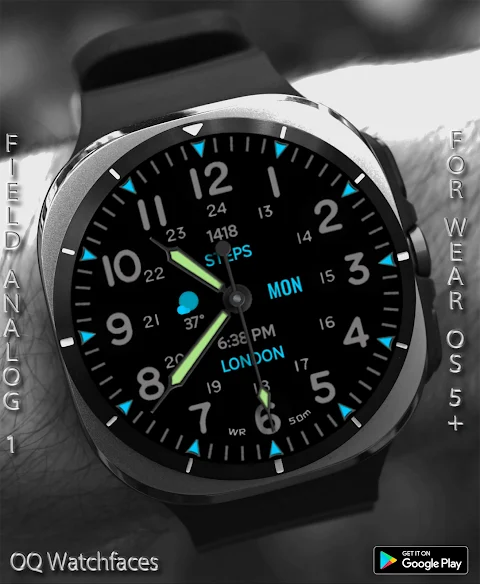
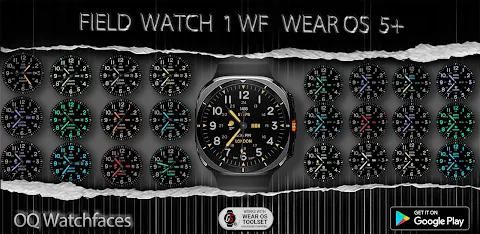
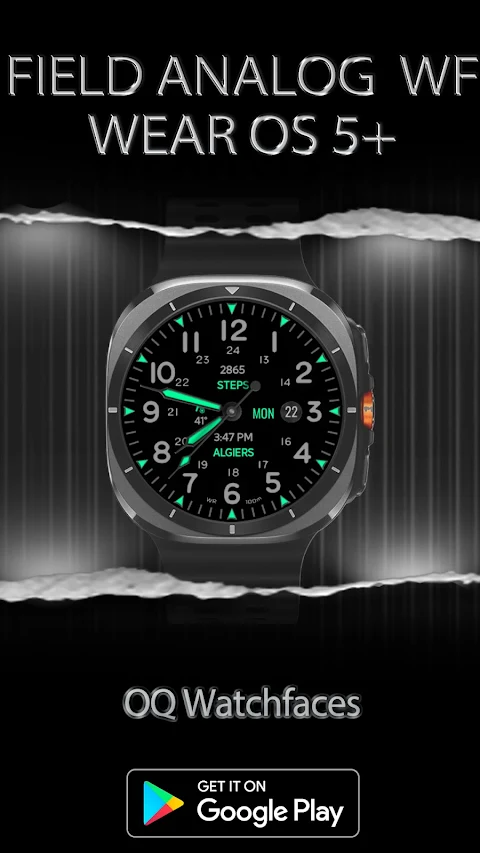
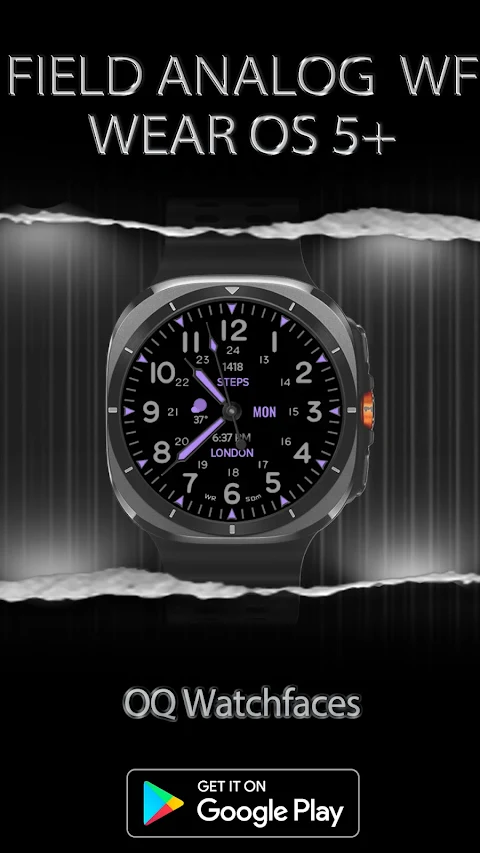
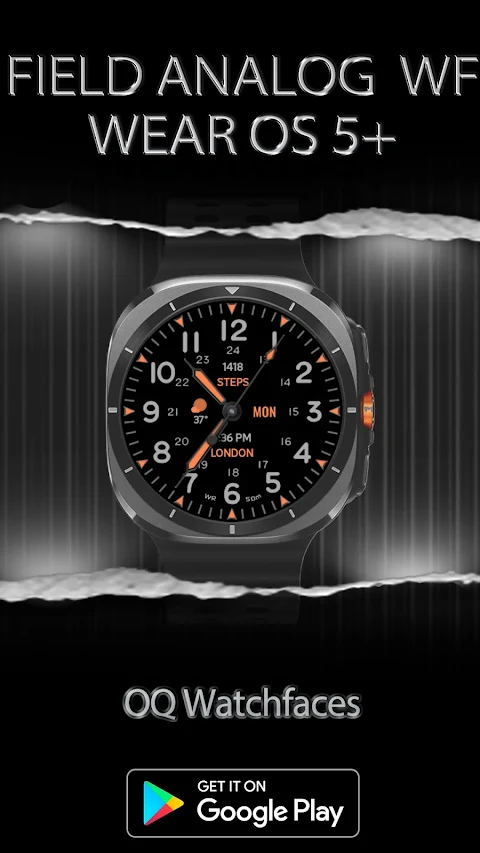
Field Watch 1 is a versatile watch face designed for Wear OS 5+ devices. This app works seamlessly with the Wear OS Toolset, specifically the Data Builder Component. This means you can maximize your complication slots effectively. With the Data Builder, you can stack multiple data points into a single space on the watch face. You also have the ability to create custom text complications to suit your needs.
If you're unsure how to install the watch face, you can refer to the installation methods guide. It offers step-by-step instructions and includes three user-friendly methods for proper installation. This guide ensures that everyone can easily set up the watch face, whether you're using a Galaxy Watch 5 or a device with One UI Watch 4.5.
Once Field Watch 1 is set up, you'll find many useful features. For example, tapping the 12 o'clock hour number opens the Google Play Store App, while tapping the 6 o'clock hour number gives you quick access to the Google Maps app. The 3 o'clock hour number is integrated with the dial app, and the 9 o'clock hour number provides a shortcut to the messages app. You can also tap the date text to open the Calendar app and tap at 2 o'clock for the Alarm app functionality. Additionally, there’s battery settings access by tapping at 10 o'clock.
Field Watch 1 stands out with its five invisible complication shortcuts and three short text complication options. You can customize these through the customization menu settings to create shortcuts for any apps you prefer. This gives you flexibility and control over how you want to use the watch face.
The app also includes a dim mode feature for both the main display and the always on display mode. This is perfect for conserving battery life while still allowing you to check the time and other important information at a glance.
In summary, Field Watch 1 offers a functional watch face with a design that is both interactive and customizable. The complications management allows for versatile complication slots, enhancing your smartwatch experience. With intuitive tap features and various app integrations, this watch face is designed to meet your daily needs effortlessly.
If you're unsure how to install the watch face, you can refer to the installation methods guide. It offers step-by-step instructions and includes three user-friendly methods for proper installation. This guide ensures that everyone can easily set up the watch face, whether you're using a Galaxy Watch 5 or a device with One UI Watch 4.5.
Once Field Watch 1 is set up, you'll find many useful features. For example, tapping the 12 o'clock hour number opens the Google Play Store App, while tapping the 6 o'clock hour number gives you quick access to the Google Maps app. The 3 o'clock hour number is integrated with the dial app, and the 9 o'clock hour number provides a shortcut to the messages app. You can also tap the date text to open the Calendar app and tap at 2 o'clock for the Alarm app functionality. Additionally, there’s battery settings access by tapping at 10 o'clock.
Field Watch 1 stands out with its five invisible complication shortcuts and three short text complication options. You can customize these through the customization menu settings to create shortcuts for any apps you prefer. This gives you flexibility and control over how you want to use the watch face.
The app also includes a dim mode feature for both the main display and the always on display mode. This is perfect for conserving battery life while still allowing you to check the time and other important information at a glance.
In summary, Field Watch 1 offers a functional watch face with a design that is both interactive and customizable. The complications management allows for versatile complication slots, enhancing your smartwatch experience. With intuitive tap features and various app integrations, this watch face is designed to meet your daily needs effortlessly.
MJ156 Classic Elegant Watch
MJ Watchfaces
$0.99
$0.50

Circle Clear Icon Pack
GomoTheGom
$1.49
FREE
TekWer F1 Digital Watch Face
Futorum
$1.99
$0.60