

$0.99
FREE
100% Off
Fake call screen – Prank call
Yogesh Dama





About the App
The Fake Call Screen - Prank Call app is a fun tool that lets you simulate an incoming call. This app is perfect for helping you escape annoying conversations or boring meetings by creating a realistic call screen that you can use to get out of these situations.
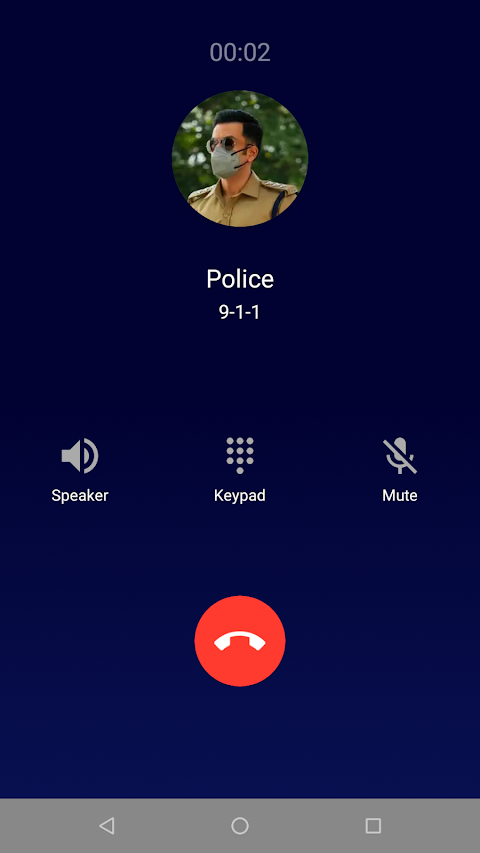
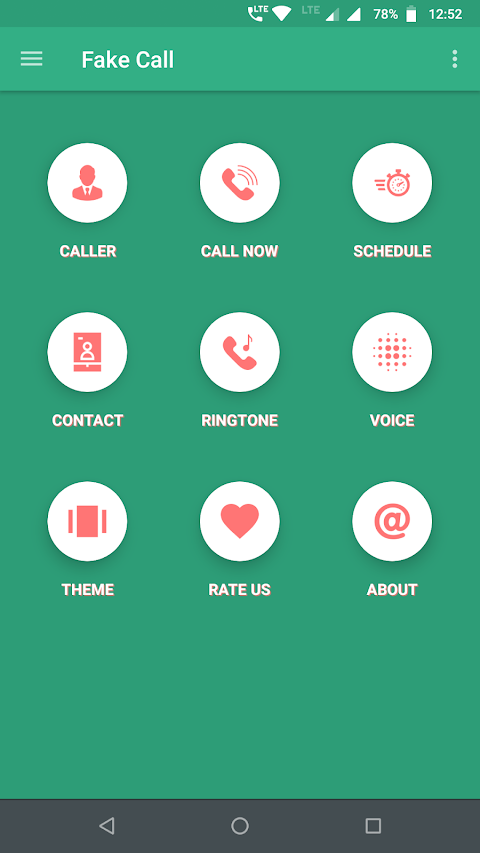
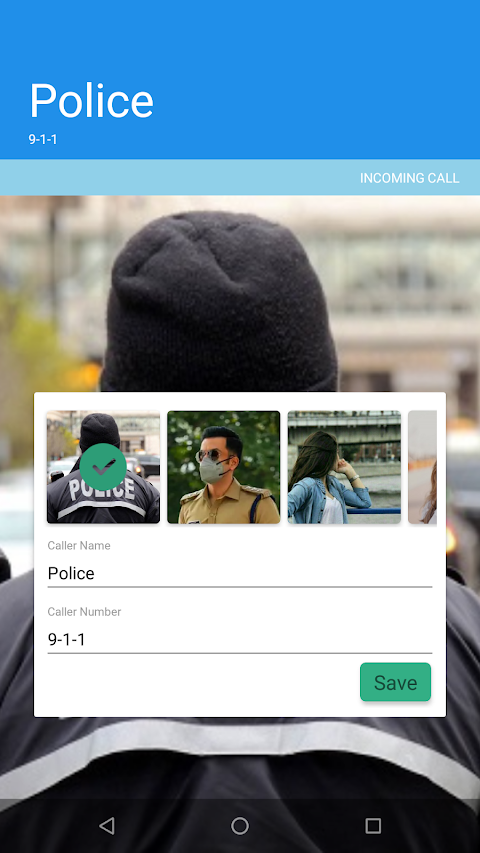
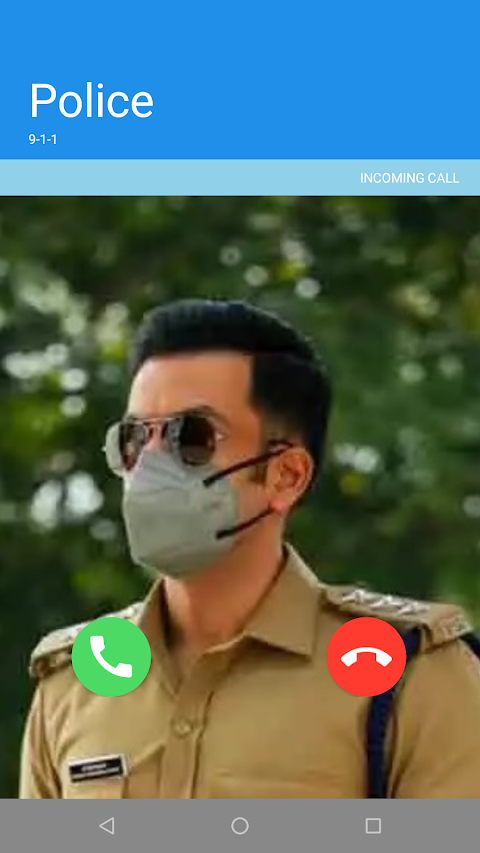
With the Fake Call Screen app, you can set up a dummy incoming call on your phone without actually receiving a call. You have the power to choose the caller's name and phone number, making it feel very real. All you need to do is select a fake call screen and tap on the call now option to receive your fake call.
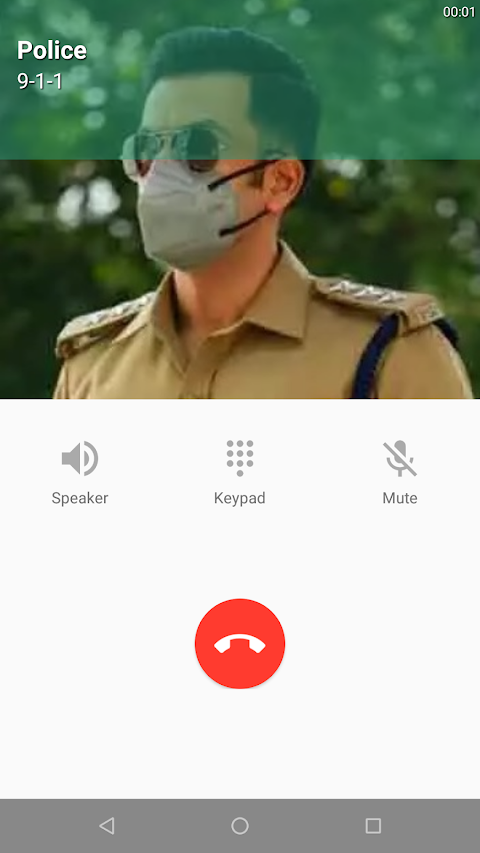
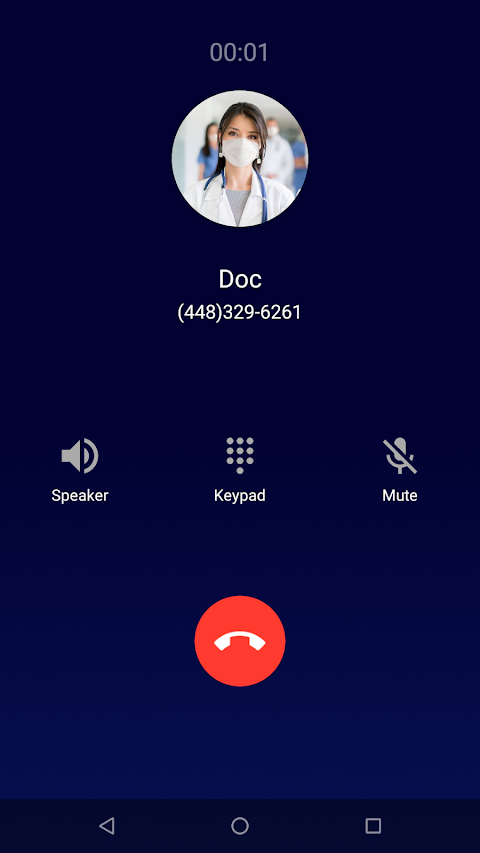
Setting up a fake call is very easy. The app provides various predefined caller screens that you can pick from. Additionally, you can create your own custom caller name, choose a phone number, and even add an image from your gallery for a more personal touch. If you want, you can select from different profiles like police, doctor, girlfriend, or boyfriend to make your prank even more entertaining.
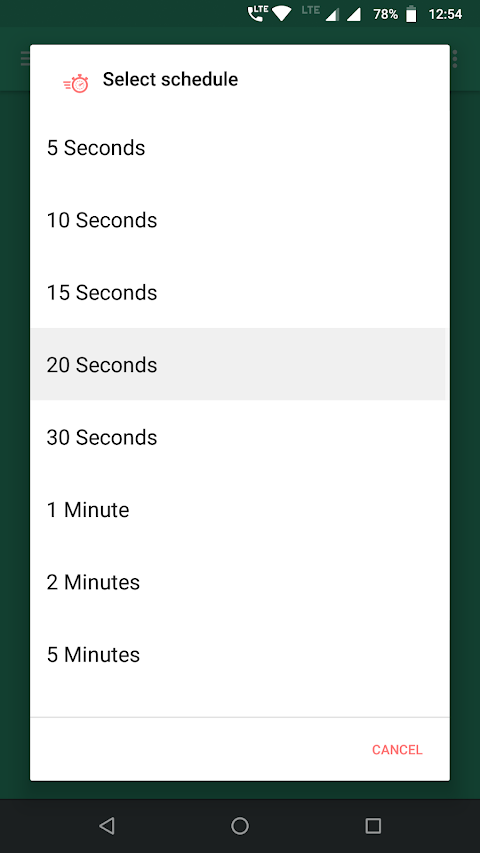
One of the great features of this fake call app is the ability to schedule incoming calls in advance. You can easily set a time for your simulated call experience, which is especially useful if you want to escape an inconvenient situation later. Just remember, these calls are not real; they are simply incoming call screen simulations.
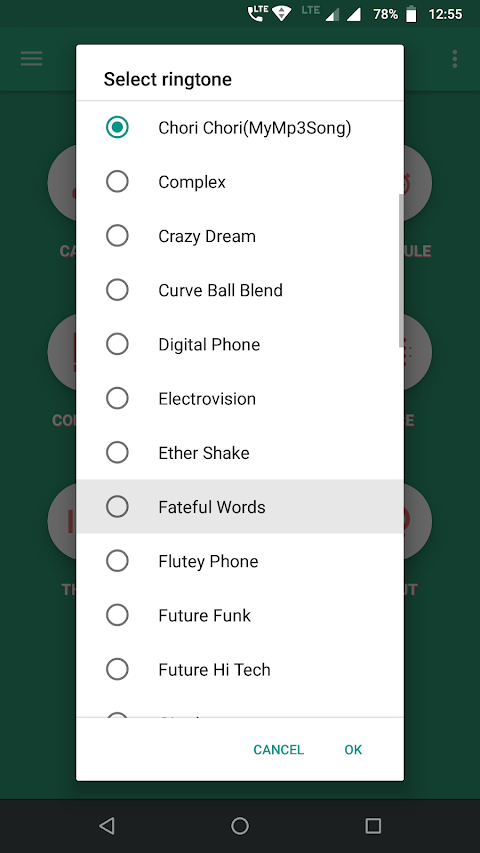
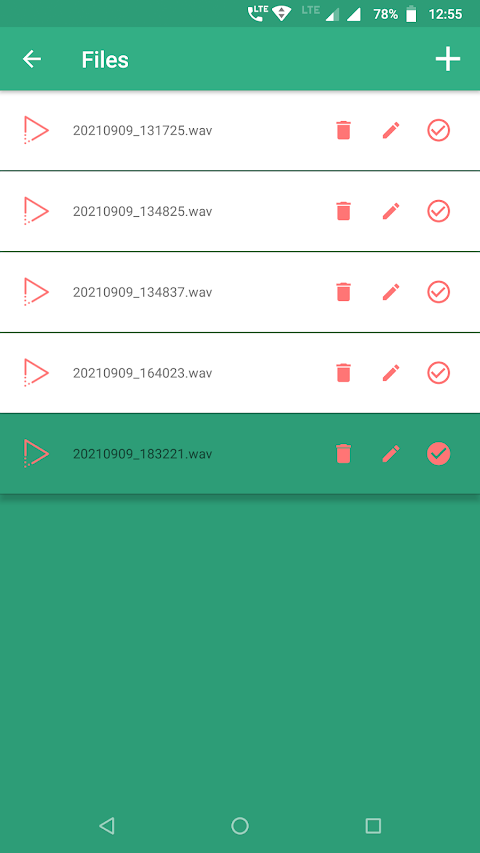
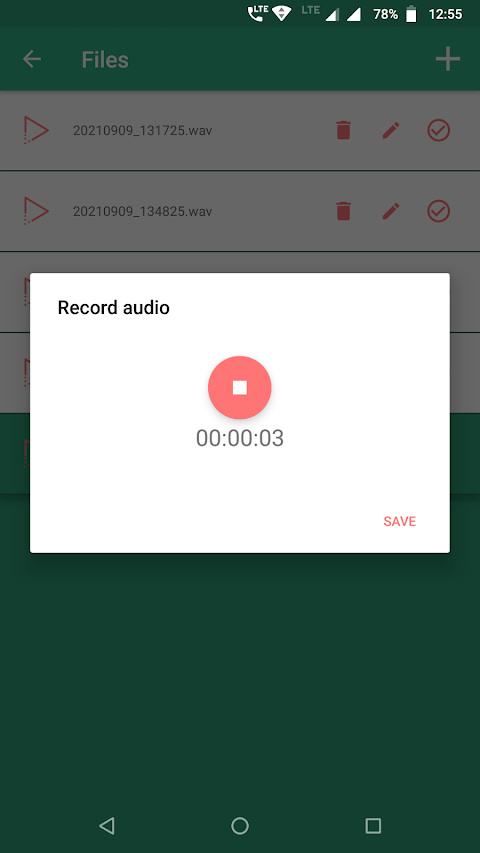
You can also record audio for the caller voice. This adds another fun layer to your prank, as the person on the other end can “speak” too. Plus, you can pick a ringtone or opt for the default ringtone when your fake call comes in. The app even offers multiple themed call screens to choose from, making it customizable to your liking.
This app does not charge you any fees. It is completely free, so feel free to prank friends without worrying about costs. However, it’s good to keep in mind that you need some permissions for the app to work effectively. For instance, the app requires contact list access to set up a caller from your existing contacts. Additionally, it needs storage permissions so you can choose photos from your gallery, and it may ask for overlay permission if you’re using Android 10 or later for scheduling calls.
The Fake Call Screen - Prank Call app serves as a boredom escape tool with its fun prank call features. Whether you want to avoid an annoying meeting or simply have a laugh with friends, this app is the perfect solution. User feedback is important to us, and we encourage you to reach out with any suggestions or questions to help us improve your experience.
In summary, the Fake Call Screen app brings a variety of fun tools together in one place. With easy setup, customizable profiles, gallery photo integration, and more, it’s a fantastic way to engage in light-hearted pranks. Enjoy using this app for both practical escapes and fun interactions!
With the Fake Call Screen app, you can set up a dummy incoming call on your phone without actually receiving a call. You have the power to choose the caller's name and phone number, making it feel very real. All you need to do is select a fake call screen and tap on the call now option to receive your fake call.
Setting up a fake call is very easy. The app provides various predefined caller screens that you can pick from. Additionally, you can create your own custom caller name, choose a phone number, and even add an image from your gallery for a more personal touch. If you want, you can select from different profiles like police, doctor, girlfriend, or boyfriend to make your prank even more entertaining.
One of the great features of this fake call app is the ability to schedule incoming calls in advance. You can easily set a time for your simulated call experience, which is especially useful if you want to escape an inconvenient situation later. Just remember, these calls are not real; they are simply incoming call screen simulations.
You can also record audio for the caller voice. This adds another fun layer to your prank, as the person on the other end can “speak” too. Plus, you can pick a ringtone or opt for the default ringtone when your fake call comes in. The app even offers multiple themed call screens to choose from, making it customizable to your liking.
This app does not charge you any fees. It is completely free, so feel free to prank friends without worrying about costs. However, it’s good to keep in mind that you need some permissions for the app to work effectively. For instance, the app requires contact list access to set up a caller from your existing contacts. Additionally, it needs storage permissions so you can choose photos from your gallery, and it may ask for overlay permission if you’re using Android 10 or later for scheduling calls.
The Fake Call Screen - Prank Call app serves as a boredom escape tool with its fun prank call features. Whether you want to avoid an annoying meeting or simply have a laugh with friends, this app is the perfect solution. User feedback is important to us, and we encourage you to reach out with any suggestions or questions to help us improve your experience.
In summary, the Fake Call Screen app brings a variety of fun tools together in one place. With easy setup, customizable profiles, gallery photo integration, and more, it’s a fantastic way to engage in light-hearted pranks. Enjoy using this app for both practical escapes and fun interactions!

Crosshair & Nickname Pro
TOLAN
$0.19
$0.10
Countdown Widget – Time Until
Neelam Govind Bhanushali
$0.99

Game Booster Pro: Turbo Mode
Scoteam
$6.99
$1.05