
$1.69
$0.85
50% Off
Evil Halloween – Wear OS
RECREATIVE Watch Faces

About the App
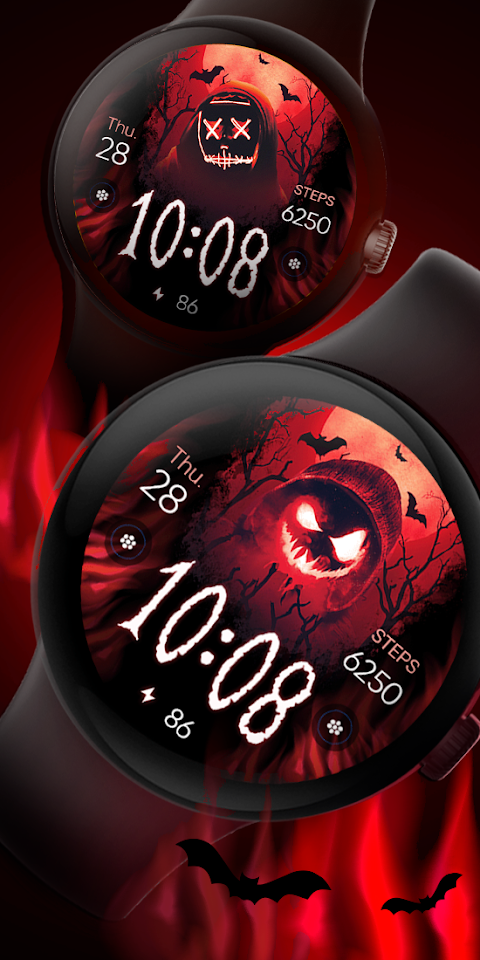
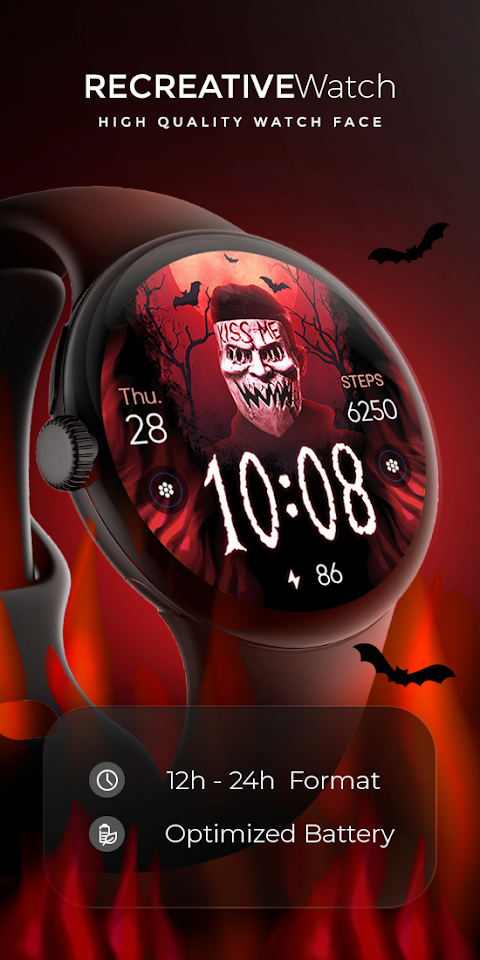
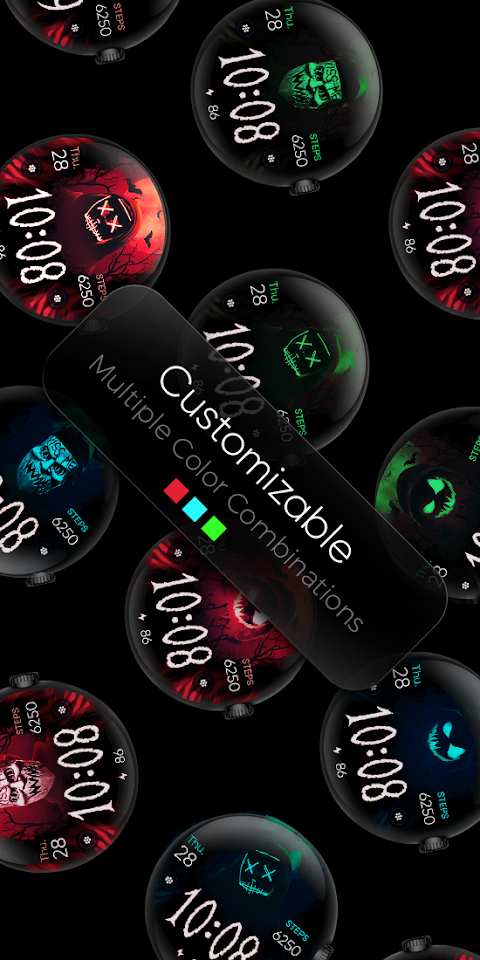
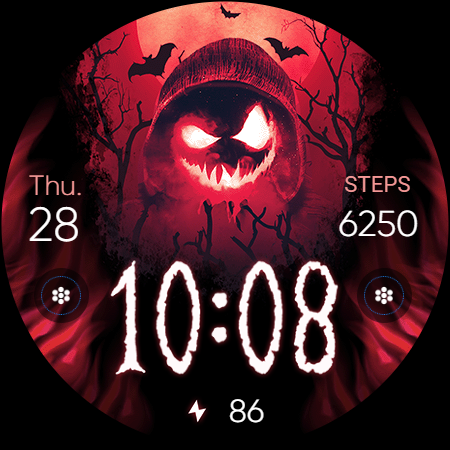
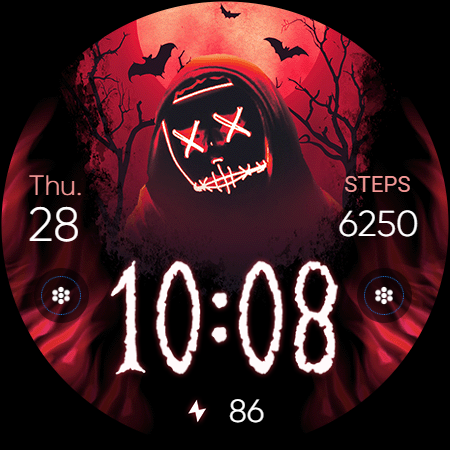
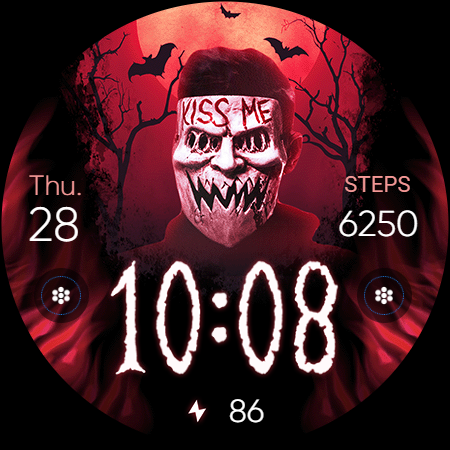
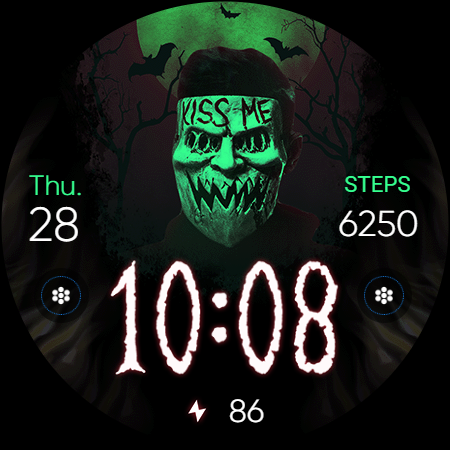
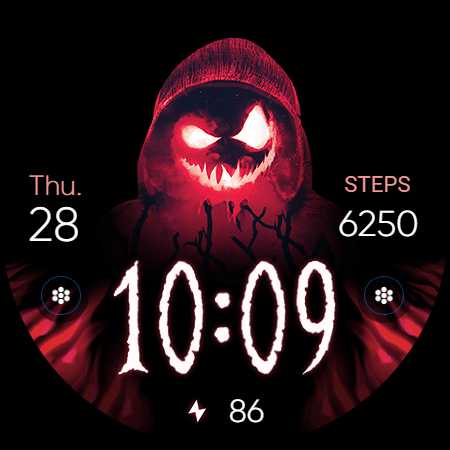
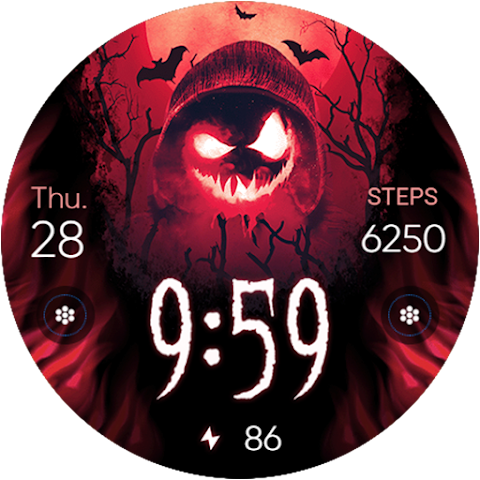
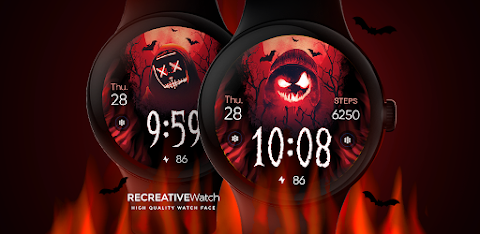
Evil Halloween - Wear OS is a captivating watch face that captures the spirit of the season. With spine-chilling masks, ominous bats, and a fiery red backdrop, it’s designed to set a sinister tone on your wrist. If you love Halloween themes, this watch face is perfect for you!
This watch face operates using Watch Face Format, making it easy to install and customize on your Wear OS watch. To get started, you will need the mobile app. This app serves as a simple tool, helping you with installation and allowing you to find the watch face on your device. Keep in mind, the mobile app does contain ads.
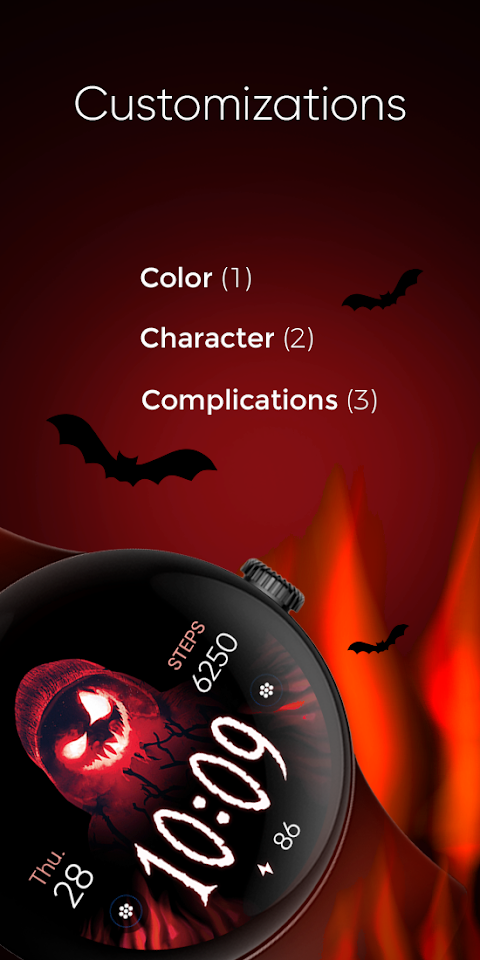
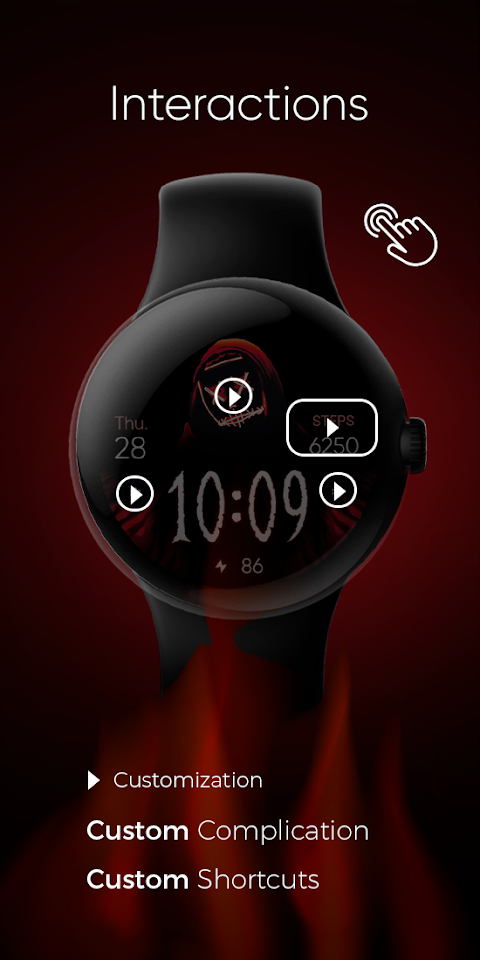
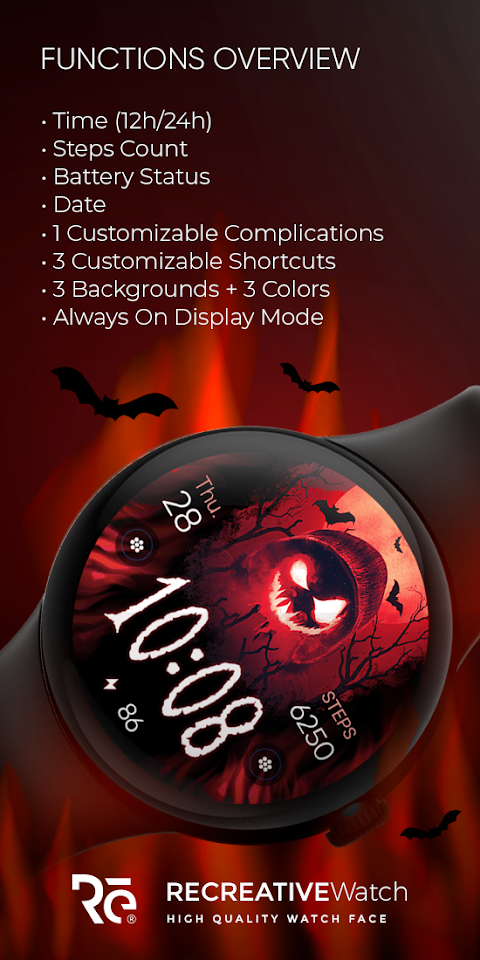
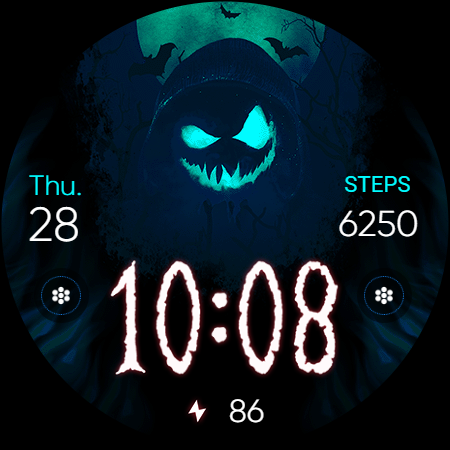
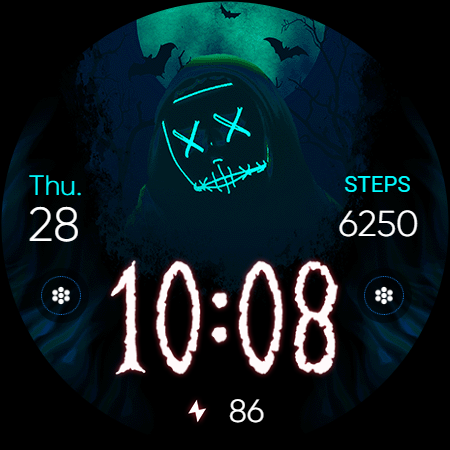
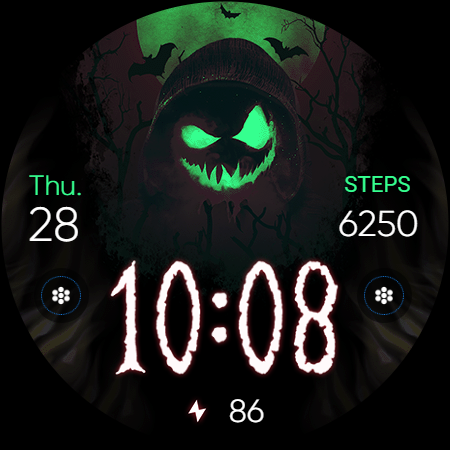
Once installed, the watch face offers a range of features. It includes a 12/24 hour digital time display, so you can easily check the time, no matter which format you prefer. You can also see the date, your steps count, and battery status directly on the watch face. For added personalization, it offers customizable complications and shortcuts, which you can set up to fit your needs. There are three backgrounds to choose from and three color variations, allowing you to change the look to match your mood.
For an enhanced experience, the Evil Halloween - Wear OS watch face supports an always ON display. You can choose from changeable colors and modes to suit your style. To customize the watch face, simply touch and hold the display and tap on the customize option. This customization mode lets you modify the field with any data you want, giving you greater control over the information you see.
To ensure good battery performance, consider disabling the always ON display mode. This can help extend the life of your watch between charges.
Evil Halloween - Wear OS is compatible with several devices, including the Google Pixel and the Galaxy Watch 4, Galaxy Watch 5, and Galaxy Watch 6. It works well with other models that support Wear OS too.
After installation, make sure to set the watch face on your screen, as it doesn’t automatically apply. If you run into any issues, you can check the installation troubleshooting guide provided at the link in their support information. For additional help, feel free to reach out to user support via email.
With Evil Halloween - Wear OS, you can embrace the darkness of the season and keep track of your time and activities in style!
This watch face operates using Watch Face Format, making it easy to install and customize on your Wear OS watch. To get started, you will need the mobile app. This app serves as a simple tool, helping you with installation and allowing you to find the watch face on your device. Keep in mind, the mobile app does contain ads.
Once installed, the watch face offers a range of features. It includes a 12/24 hour digital time display, so you can easily check the time, no matter which format you prefer. You can also see the date, your steps count, and battery status directly on the watch face. For added personalization, it offers customizable complications and shortcuts, which you can set up to fit your needs. There are three backgrounds to choose from and three color variations, allowing you to change the look to match your mood.
For an enhanced experience, the Evil Halloween - Wear OS watch face supports an always ON display. You can choose from changeable colors and modes to suit your style. To customize the watch face, simply touch and hold the display and tap on the customize option. This customization mode lets you modify the field with any data you want, giving you greater control over the information you see.
To ensure good battery performance, consider disabling the always ON display mode. This can help extend the life of your watch between charges.
Evil Halloween - Wear OS is compatible with several devices, including the Google Pixel and the Galaxy Watch 4, Galaxy Watch 5, and Galaxy Watch 6. It works well with other models that support Wear OS too.
After installation, make sure to set the watch face on your screen, as it doesn’t automatically apply. If you run into any issues, you can check the installation troubleshooting guide provided at the link in their support information. For additional help, feel free to reach out to user support via email.
With Evil Halloween - Wear OS, you can embrace the darkness of the season and keep track of your time and activities in style!
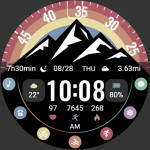
【Animated】Mountain Rainbow
ZKin
$2.99

Arcs N6 Watch Face
amoledwatchfaces™
$1.79
$0.54

CFS151 Data Ring
CFS Creative Face Studio
$0.99
$0.49