

$2.99
$0.99
67% Off
eSlate
庆猛 邓

About the App
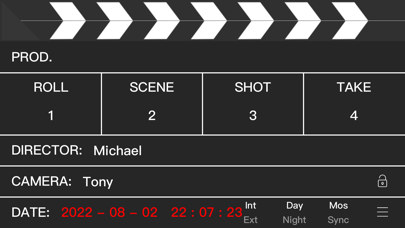
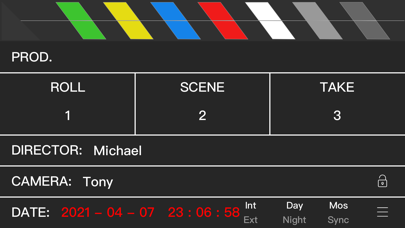
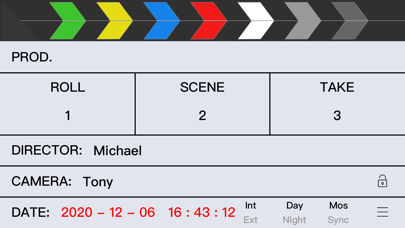
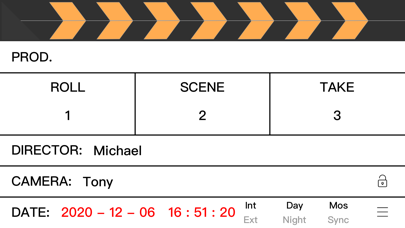
eSlate is a beautiful and advanced digital slate designed for iPad, iPhone, and iPod Touch users. This app serves as a stylish digital notepad where you can jot down notes, create drawings, or brainstorm ideas. Its user-friendly design makes it easy for anyone to jump right in.
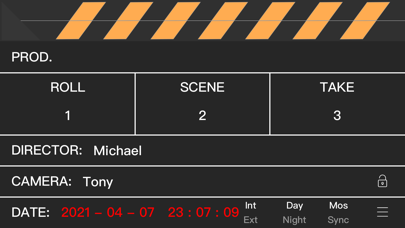
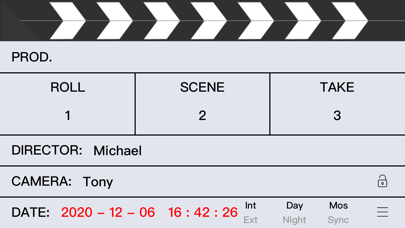
To start using eSlate, simply tap the striped area at the top, which acts as a head tapping interface to clap the board. You can tap on the text on the board to easily edit your notes, making it perfect for advanced note-taking. If you want to focus on your ideas without making changes, you can use the lock feature. When this temporary lock mode is activated, the slate will not be editable until you unlock it. This way, you can keep your thoughts safe while still being able to come back and edit later.
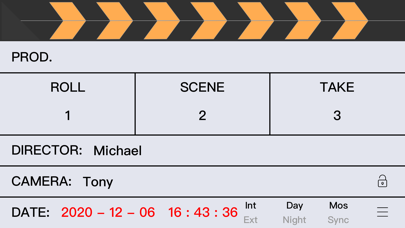
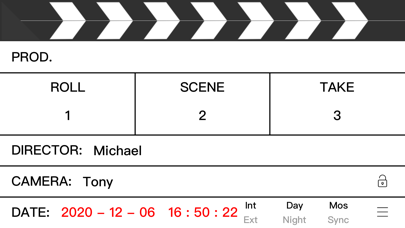
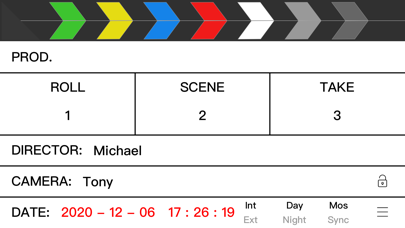
eSlate comes with nine different customizable styles to choose from. These multiple style modes allow you to pick the one that resonates with your creative expression. Whether you prefer a clean look or something more artistic, eSlate has options for everyone. The app's touchscreen functionality brings a hands-on learning experience that makes note-taking more interactive and engaging.
This app is perfect for those looking for tools in educational technology, such as teachers and students. It can also be a useful resource for professionals seeking a mobile productivity app to manage their tasks. With eSlate, you can enjoy digital annotation and collaborative note-taking, making it an excellent platform for group projects or team brainstorming sessions.
In summary, eSlate is more than just a note-taking tool; it is an interactive board that fosters creativity and organization. Its visual learning aids and engaging features make it an ideal app for creative minds and anyone looking to enhance their personal organization skills. Whether you are using iPad apps, iPhone applications, or iPod Touch utilities, eSlate provides a stylized writing experience and a multifunctional note board that caters to your needs.

LÒMÒGRAPH
LI HUNG WANG
$1.99

Print Pictures, Sharp ePrinter
Nails Cas Abrahama
$49.99
Free

Moment Pro Camera II
Moment Inc.
$9.99