
$1.89
$0.95
50% Off
Electrical Schematics: Canvas
Ángel Martínez

About the App
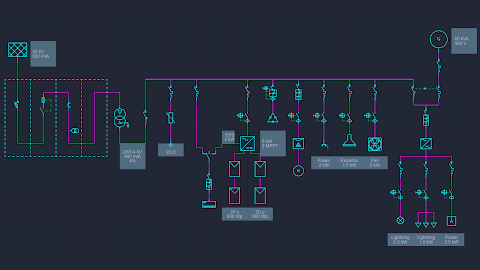
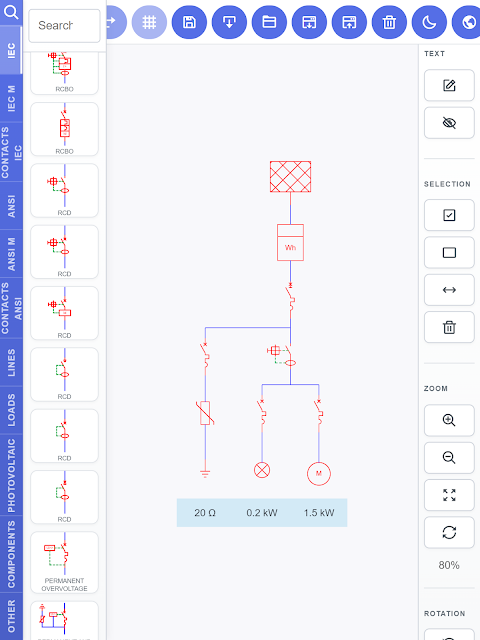
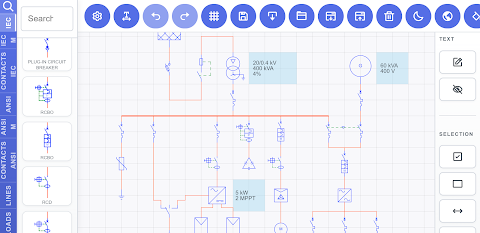
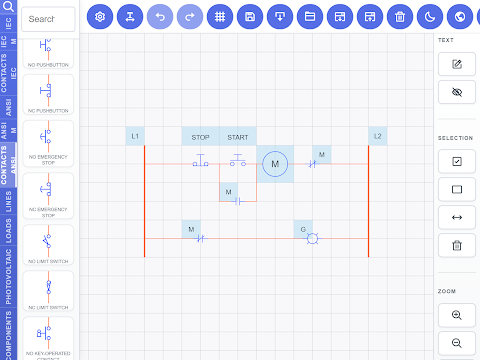
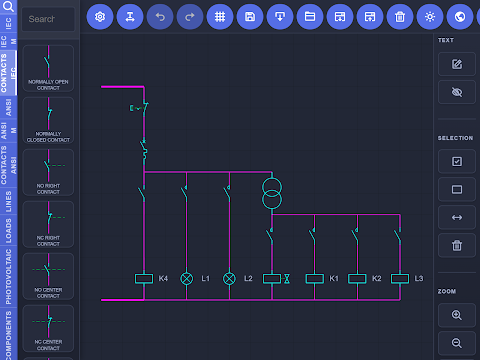
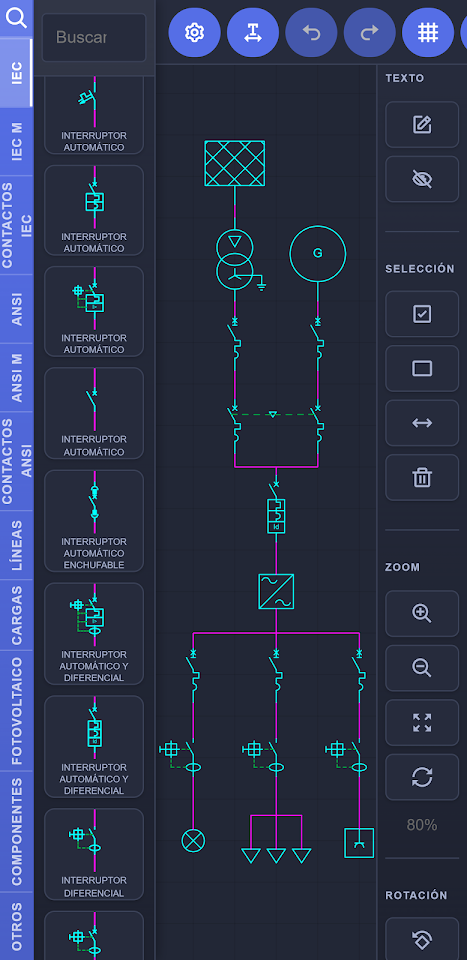
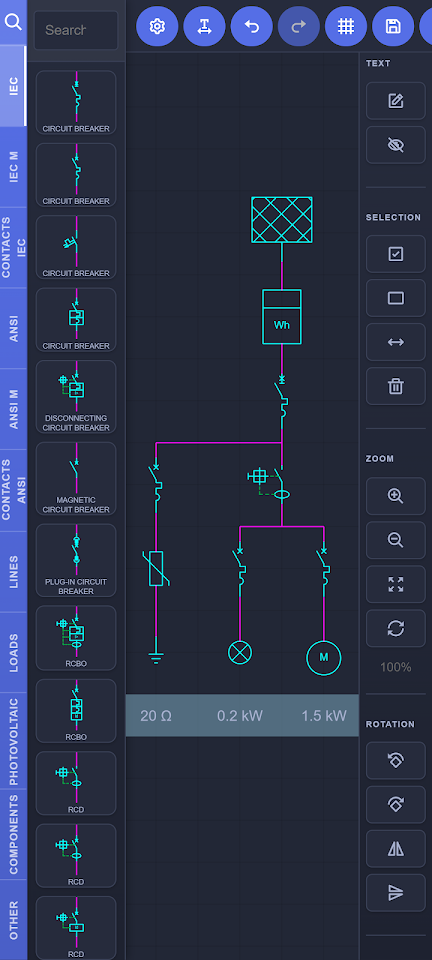
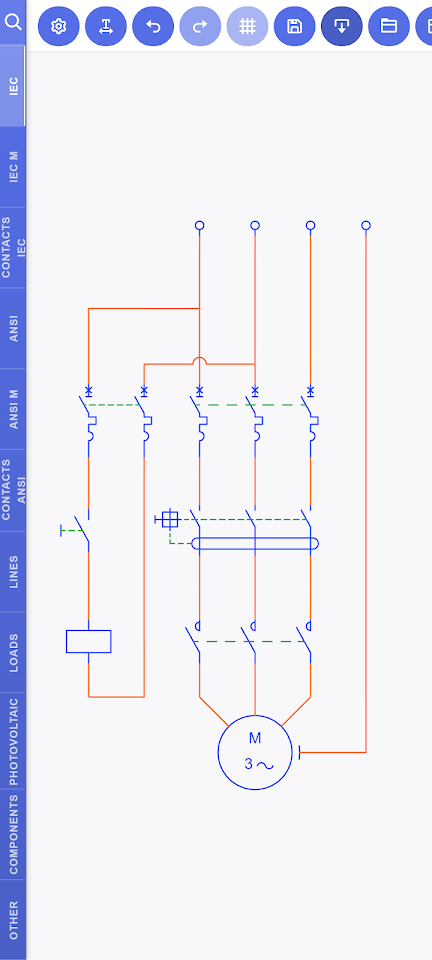
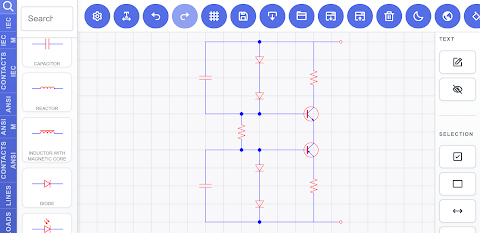
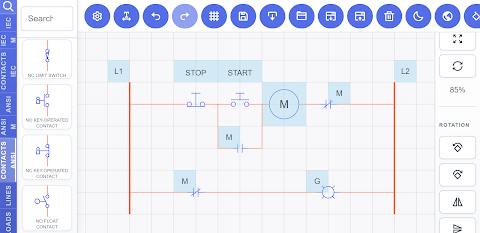
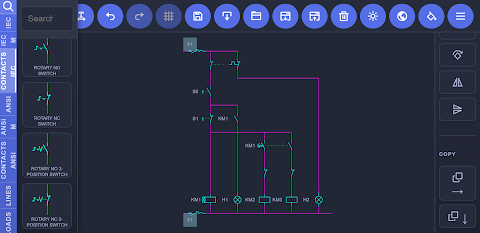
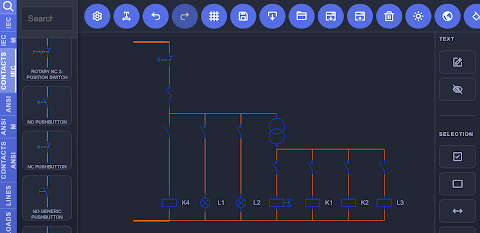
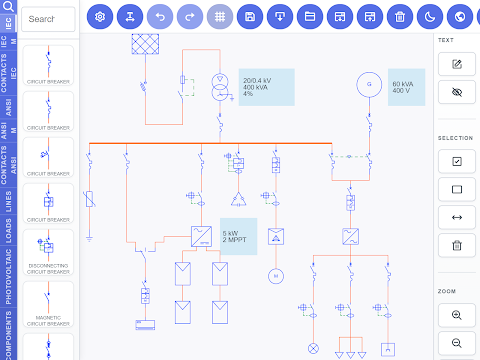
Electrical Schematics: Canvas is a powerful tool for designing electrical diagrams. You can easily create single-line diagrams, multi-line diagrams, and circuit diagrams for various purposes. This app supports designs for power control signaling, making it suitable for many projects.
With its intuitive drag-and-drop editor, users can design electrical installations, machine mechanisms, or devices quickly and precisely. Whether you’re an electrician, electrical engineer, technician, student, or hobbyist, you will find this app helpful. It allows you to make accurate circuit diagrams without the complexity of traditional CAD software.
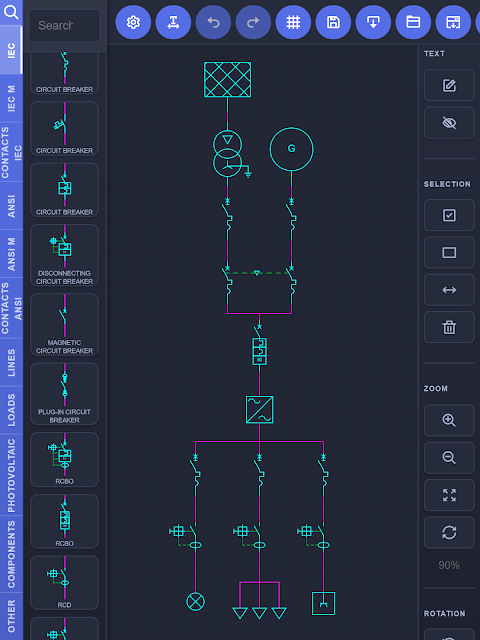
To get started, simply choose a symbol from the built-in symbol library and drag it into your workspace. You can place it anywhere you need. In just a few minutes, you can create clean and easy-to-read diagrams for projects, documentation, or training materials. The app is flexible enough to adapt to any workload you have.
When you purchase the standard license, you get valuable features. The full editor gives you access to all library symbols with no restrictions, and you can customize line colors. Enjoy an ad-free experience for a smooth and clean design flow. You also have unlimited export options, allowing you to share your designs as files, images, or PDFs. With project management features, you can keep up to two editable diagrams on your device at once. If you need to start a new project, just export your current one to PDF.
For those looking for more features, the Pro Module is available as an in-app purchase. It offers unlimited storage, so you can save as many diagrams as your device can handle. You’ll also gain access to advanced diagram features that let you import one diagram into another, helping you build complex schematics. Additionally, the multi-device editing feature lets you open and edit projects across different devices.
You’ll love using Electrical Schematics: Canvas because of its easy-to-use tools. It includes over 400 industry-standard symbols, ensuring you have everything you need at your fingertips. You can create single-line diagrams and electrical installation layouts with ease. Moving, aligning, and organizing components is simple, making for a seamless user experience.
This app is perfect for planning, documentation, education, and troubleshooting. Its lightweight design means that it runs quickly and efficiently on your device.
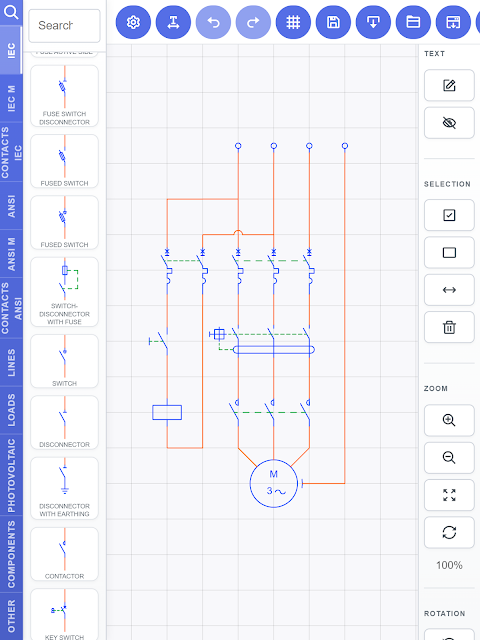
The extensive symbol library includes over 400 symbols compliant with IEC and ANSI standards. You’ll find switches, disconnectors, circuit breakers, RCBOs, and RCDs. The library also contains contactors, relays, overload protection, interlocks, push buttons, limit switches, sensors, and control devices. You can work with transformers, autotransformers, converters, power inverters, and even components like motors, generators, and batteries.
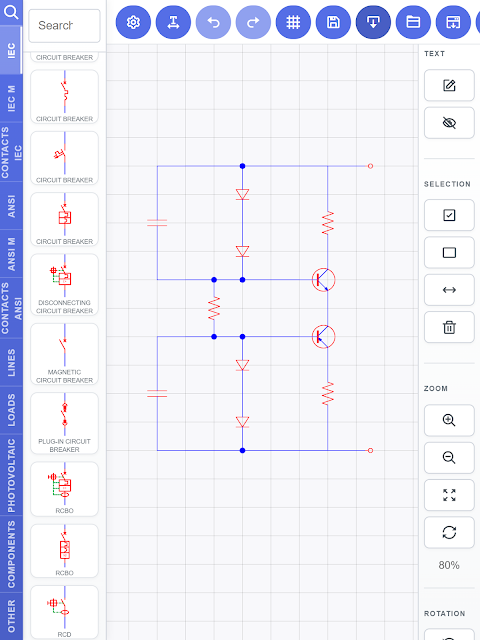
Additionally, you’ll have access to essential electrical components such as resistors, capacitors, inductors, reactors, potentiometers, diodes, TRIACs, and transistors. The library also features photovoltaic components, LEDs, meters, timers, lamps, connectors, socket outlets, terminals, as well as grounding techniques, conductors, junctions, and various wiring configurations.
Whether you are planning an electrical installation, documenting a project, creating educational material, or sketching a circuit, Electrical Schematics: Canvas provides a reliable way to produce accurate and high-quality drawings. Download the app today and start creating electrical schematics with speed, precision, and confidence.
With its intuitive drag-and-drop editor, users can design electrical installations, machine mechanisms, or devices quickly and precisely. Whether you’re an electrician, electrical engineer, technician, student, or hobbyist, you will find this app helpful. It allows you to make accurate circuit diagrams without the complexity of traditional CAD software.
To get started, simply choose a symbol from the built-in symbol library and drag it into your workspace. You can place it anywhere you need. In just a few minutes, you can create clean and easy-to-read diagrams for projects, documentation, or training materials. The app is flexible enough to adapt to any workload you have.
When you purchase the standard license, you get valuable features. The full editor gives you access to all library symbols with no restrictions, and you can customize line colors. Enjoy an ad-free experience for a smooth and clean design flow. You also have unlimited export options, allowing you to share your designs as files, images, or PDFs. With project management features, you can keep up to two editable diagrams on your device at once. If you need to start a new project, just export your current one to PDF.
For those looking for more features, the Pro Module is available as an in-app purchase. It offers unlimited storage, so you can save as many diagrams as your device can handle. You’ll also gain access to advanced diagram features that let you import one diagram into another, helping you build complex schematics. Additionally, the multi-device editing feature lets you open and edit projects across different devices.
You’ll love using Electrical Schematics: Canvas because of its easy-to-use tools. It includes over 400 industry-standard symbols, ensuring you have everything you need at your fingertips. You can create single-line diagrams and electrical installation layouts with ease. Moving, aligning, and organizing components is simple, making for a seamless user experience.
This app is perfect for planning, documentation, education, and troubleshooting. Its lightweight design means that it runs quickly and efficiently on your device.
The extensive symbol library includes over 400 symbols compliant with IEC and ANSI standards. You’ll find switches, disconnectors, circuit breakers, RCBOs, and RCDs. The library also contains contactors, relays, overload protection, interlocks, push buttons, limit switches, sensors, and control devices. You can work with transformers, autotransformers, converters, power inverters, and even components like motors, generators, and batteries.
Additionally, you’ll have access to essential electrical components such as resistors, capacitors, inductors, reactors, potentiometers, diodes, TRIACs, and transistors. The library also features photovoltaic components, LEDs, meters, timers, lamps, connectors, socket outlets, terminals, as well as grounding techniques, conductors, junctions, and various wiring configurations.
Whether you are planning an electrical installation, documenting a project, creating educational material, or sketching a circuit, Electrical Schematics: Canvas provides a reliable way to produce accurate and high-quality drawings. Download the app today and start creating electrical schematics with speed, precision, and confidence.

Between Dates Calendar Math
Ducky Planet LLC
$1.99
$0.99

Level – Spirit level
Dominic Rodemer
$0.99

The Christmas Gift List Pro
Denys Ievenko
$4.99
$2.99