
$0.99
$0.30
70% Off
Edge Side Bar – App Shortcuts
Yogesh Dama





About the App
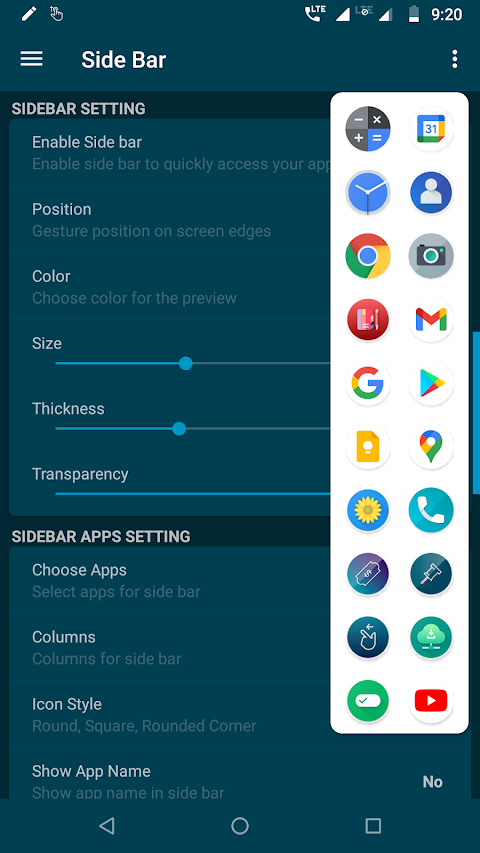
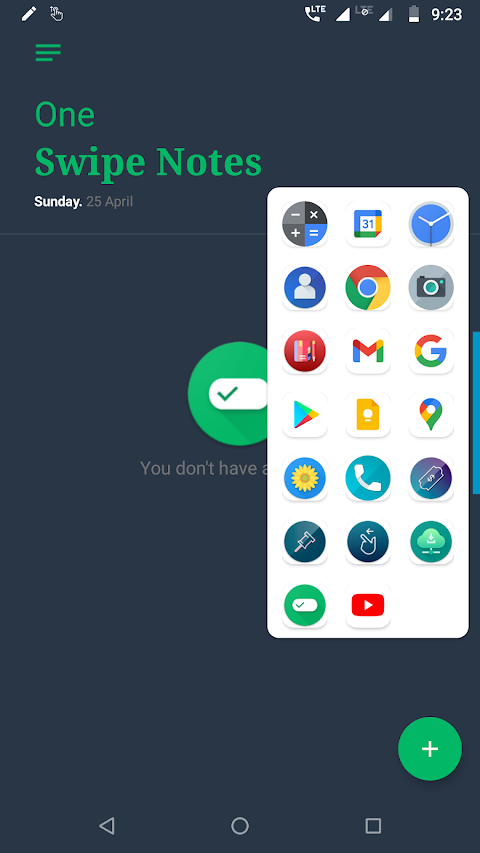
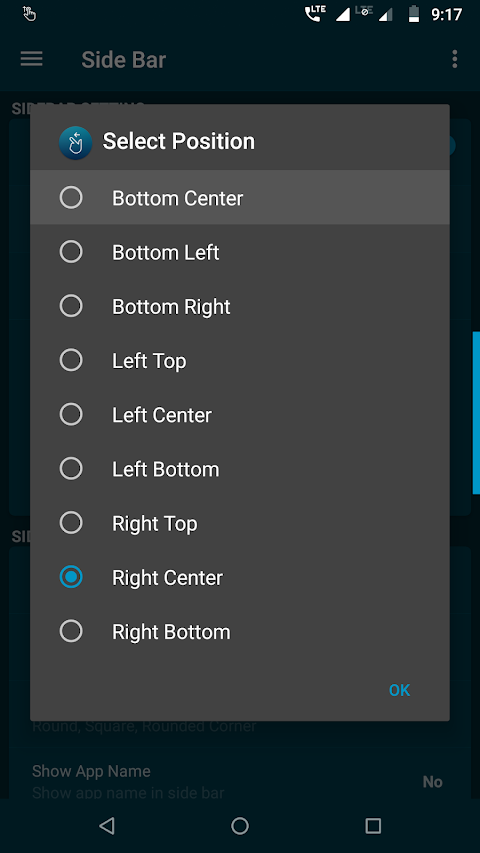
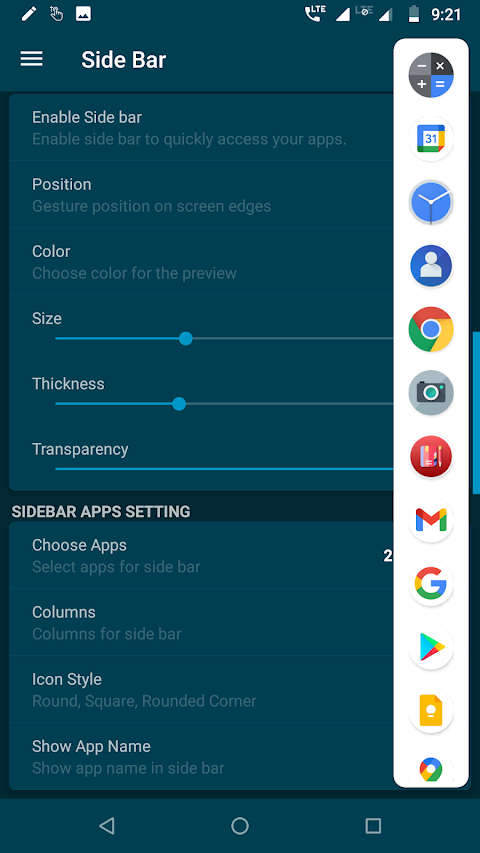
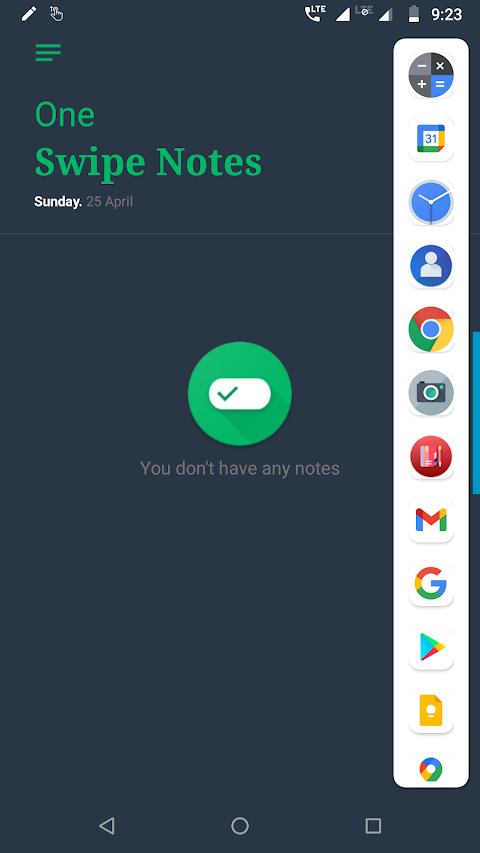
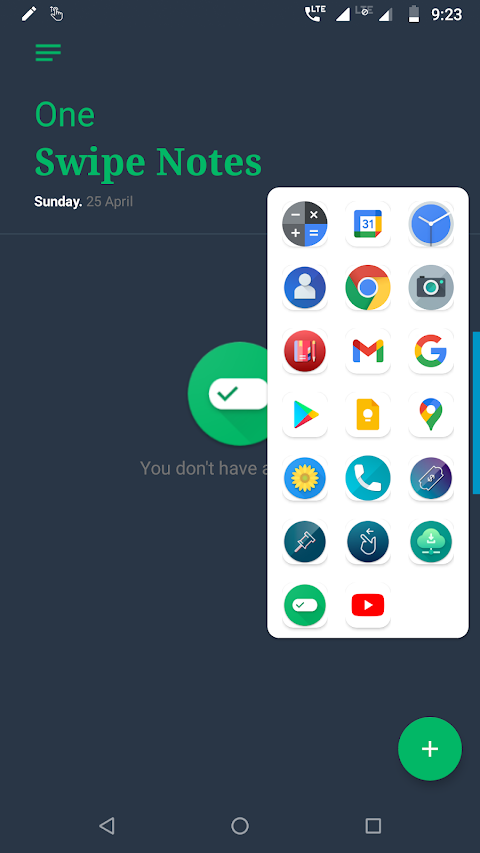
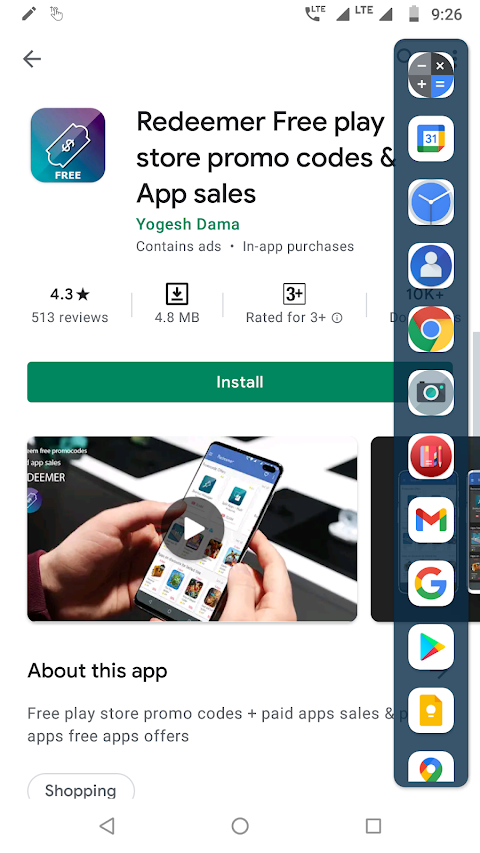
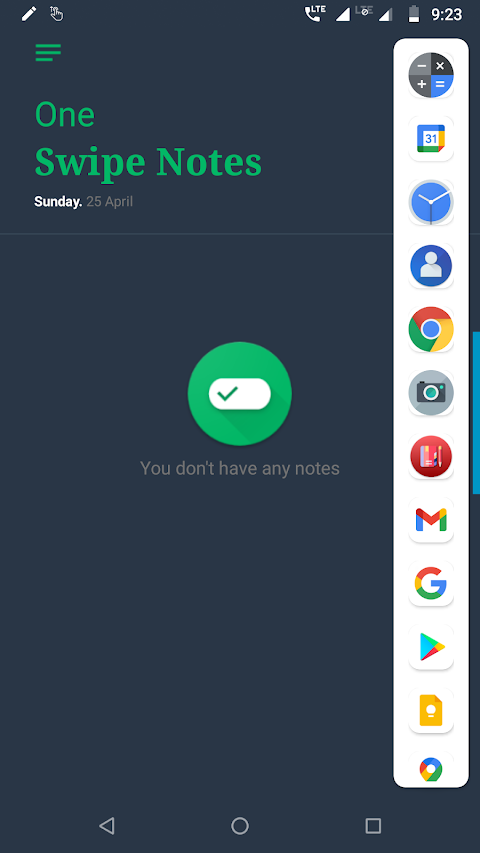
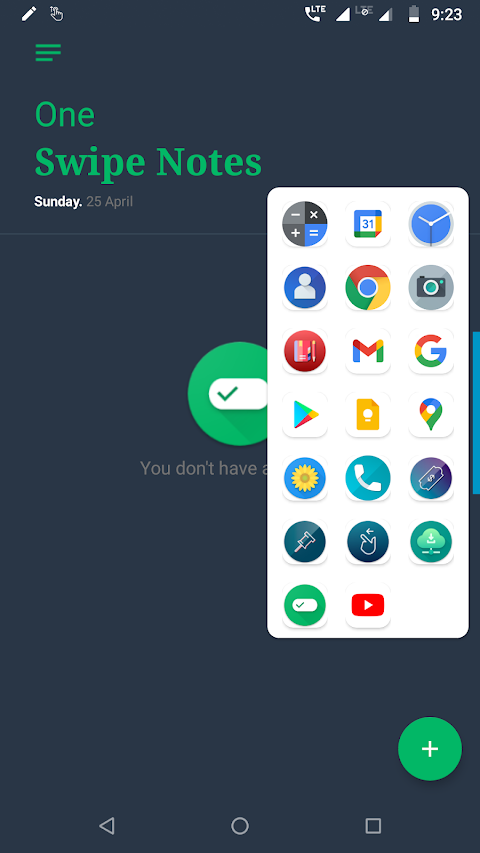
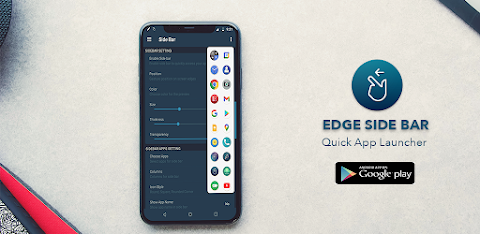
The Edge Side Bar - App Shortcuts is a handy tool that helps you quickly open your favorite apps from anywhere on your phone. With its easy one-swipe access, you can reach your favorite apps without any hassle. Just swipe from the edge of your phone’s screen, and the edge screen side bar will pop up.
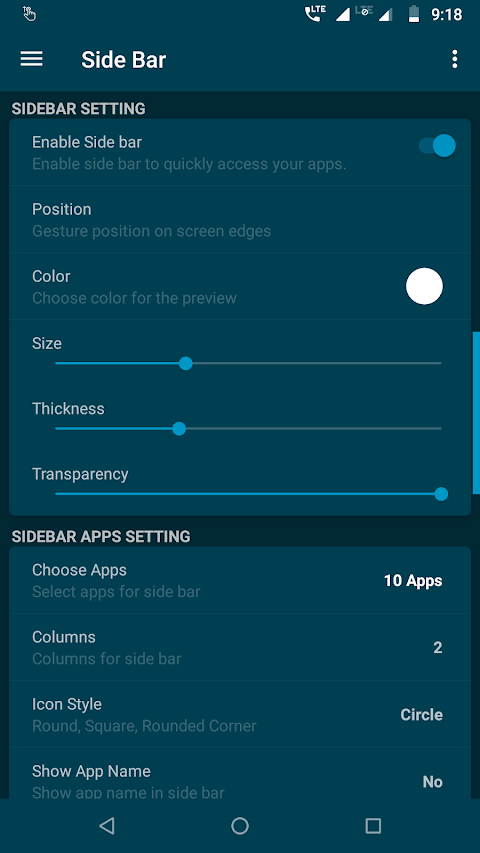
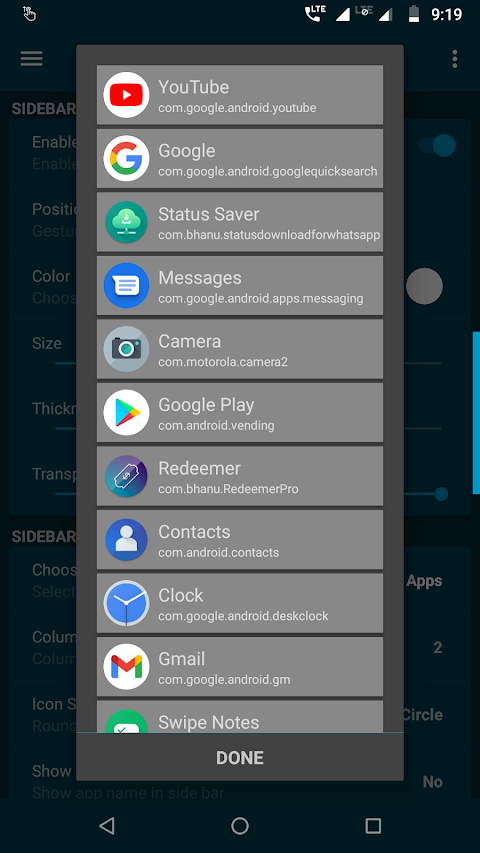
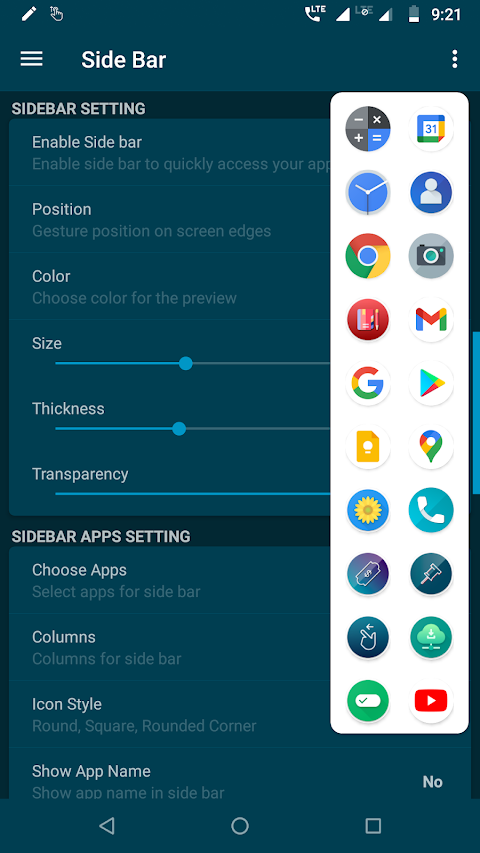
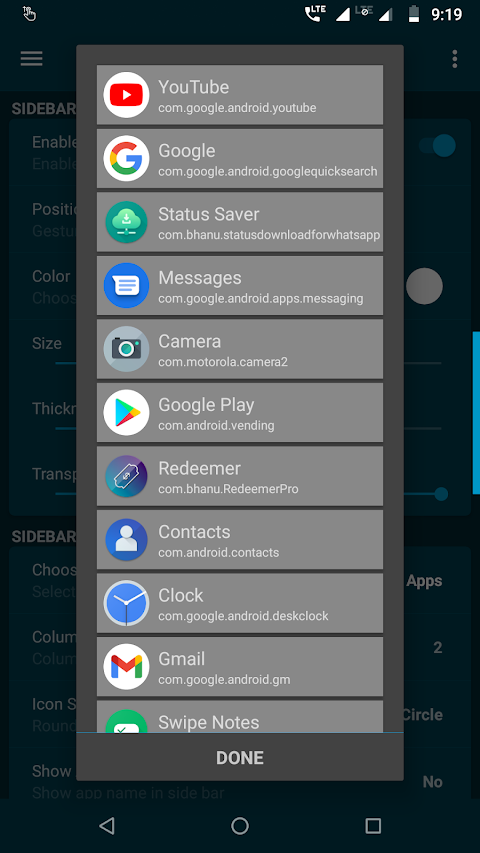
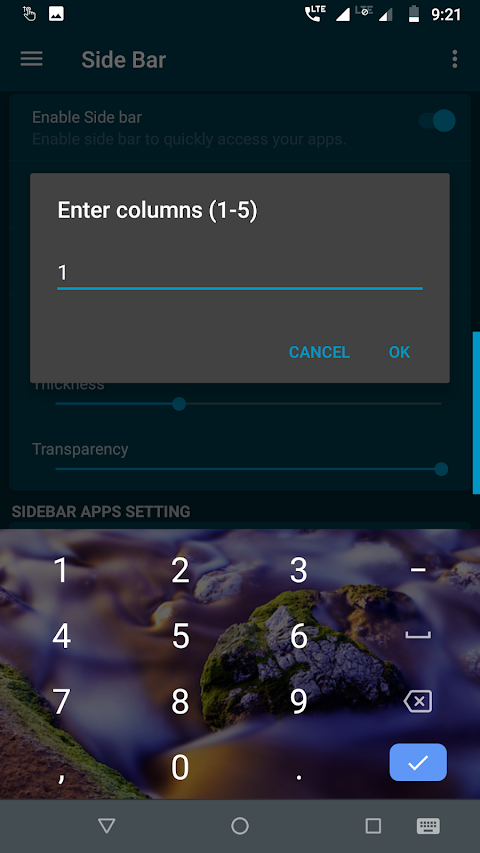
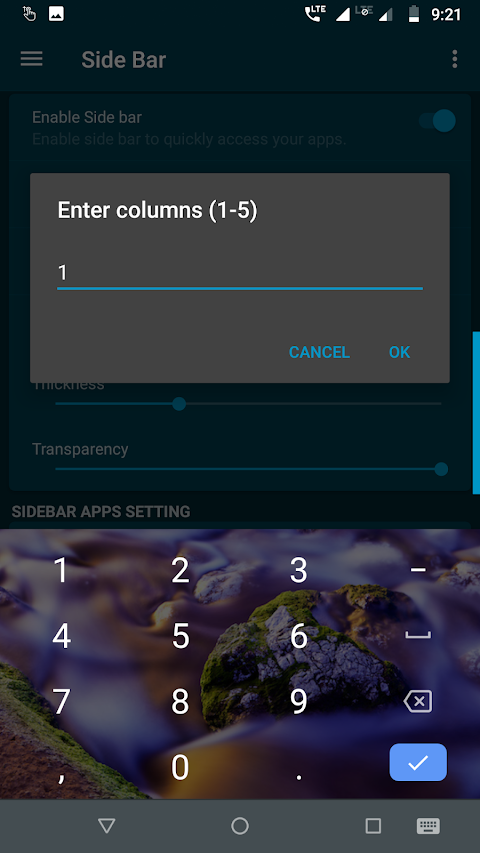
You can set up the edge screen side bar to include as many apps as you like. It supports a 5 columns configuration, allowing you to organize your apps just the way you want. This means you can have multiple apps displayed at once, making it easy to find what you need.
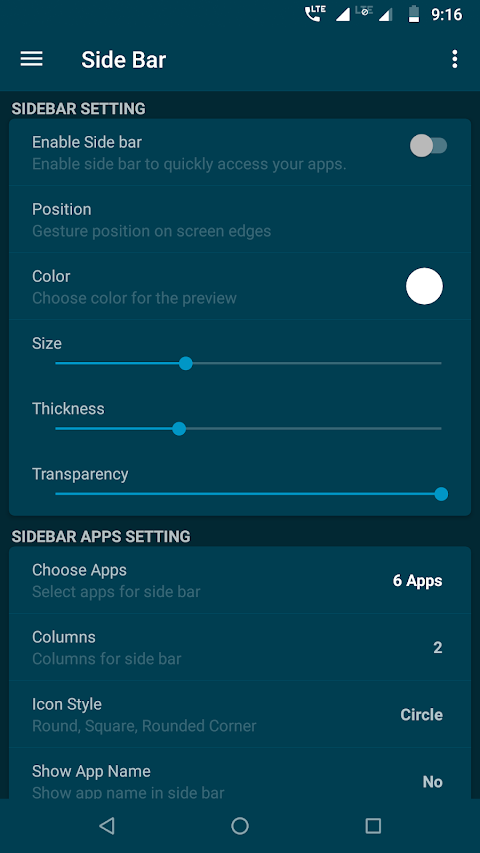
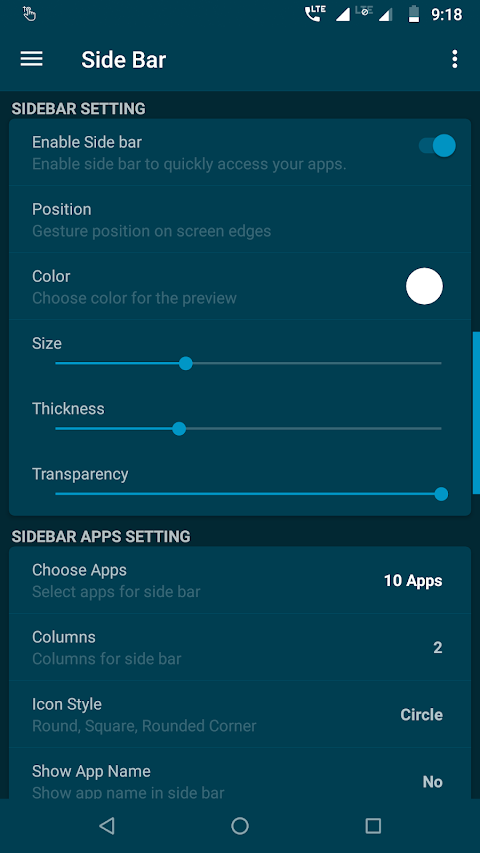
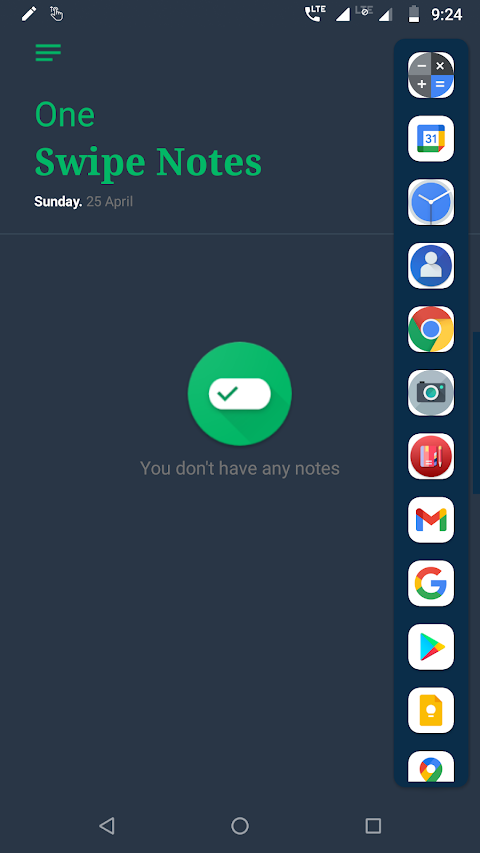
Customization options are a big part of the Edge Side Bar. You can change the sidebar layout to suit your style. Choose from different background color options and modify the icon style to fit your preferences. You also have control over transparency settings, adding a personal touch to how your sidebar looks.
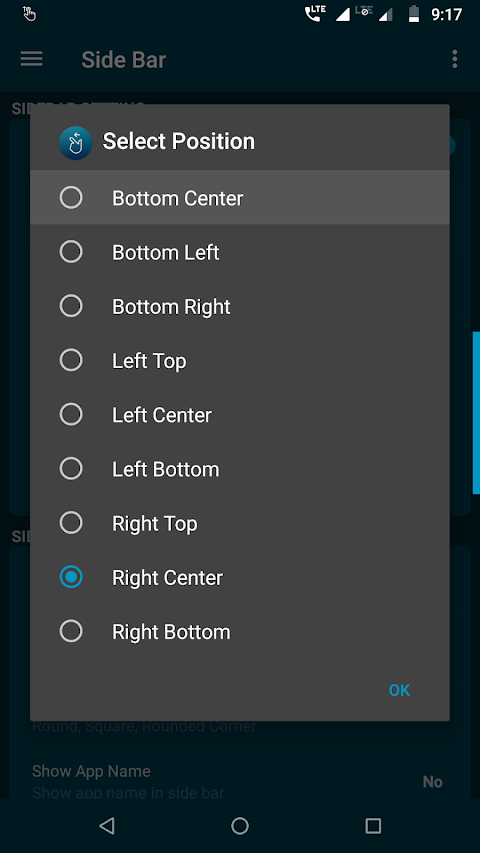
Using the Edge Side Bar is simple. You don’t have to exit the running app, as you can open the sidebar from anywhere with a quick swipe from the edge. This gesture control feature makes multitasking a breeze. Plus, with the complete gesture customization options, you can choose how you want to interact with the sidebar.
The app has a user-friendly design, thanks to its Material UI. The simple settings allow anyone to navigate and customize their experience easily. Whether you're looking for mobile app launcher features or just want to improve your app organization, the Edge Side Bar meets your needs.
If you want quick app access, this app provides efficient app management right from your phone screen. You can enjoy a seamless app navigation experience and take advantage of the quick launch feature for your most-used apps.
Remember to grant overlay permission, as this is necessary for the gesture control to function properly. If you have any questions or suggestions, feel free to reach out via email.
Visit the website for more details, and if you enjoy using the Edge Side Bar - App Shortcuts, consider rating it 5 stars or leaving a review. With this app, you can enhance your mobile interaction design and enjoy a more personalized sidebar experience on your device.
You can set up the edge screen side bar to include as many apps as you like. It supports a 5 columns configuration, allowing you to organize your apps just the way you want. This means you can have multiple apps displayed at once, making it easy to find what you need.
Customization options are a big part of the Edge Side Bar. You can change the sidebar layout to suit your style. Choose from different background color options and modify the icon style to fit your preferences. You also have control over transparency settings, adding a personal touch to how your sidebar looks.
Using the Edge Side Bar is simple. You don’t have to exit the running app, as you can open the sidebar from anywhere with a quick swipe from the edge. This gesture control feature makes multitasking a breeze. Plus, with the complete gesture customization options, you can choose how you want to interact with the sidebar.
The app has a user-friendly design, thanks to its Material UI. The simple settings allow anyone to navigate and customize their experience easily. Whether you're looking for mobile app launcher features or just want to improve your app organization, the Edge Side Bar meets your needs.
If you want quick app access, this app provides efficient app management right from your phone screen. You can enjoy a seamless app navigation experience and take advantage of the quick launch feature for your most-used apps.
Remember to grant overlay permission, as this is necessary for the gesture control to function properly. If you have any questions or suggestions, feel free to reach out via email.
Visit the website for more details, and if you enjoy using the Edge Side Bar - App Shortcuts, consider rating it 5 stars or leaving a review. With this app, you can enhance your mobile interaction design and enjoy a more personalized sidebar experience on your device.
AppLock: Fingerprint &Password
AVS Family Pvt. Ltd.
$9.99

PowerLine PRO Unlock
Petr Nálevka (Urbandroid)
$6.99
$3.40
My Device Pro
3k Developers
$1.09
$0.79