
$1.49
$0.45
70% Off
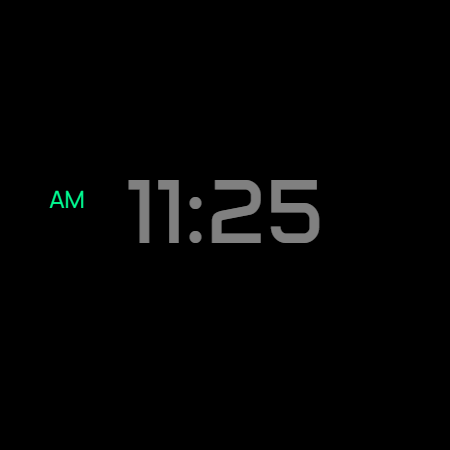
Digital Watch face D33
VG Faces

About the App
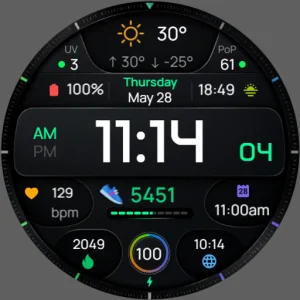
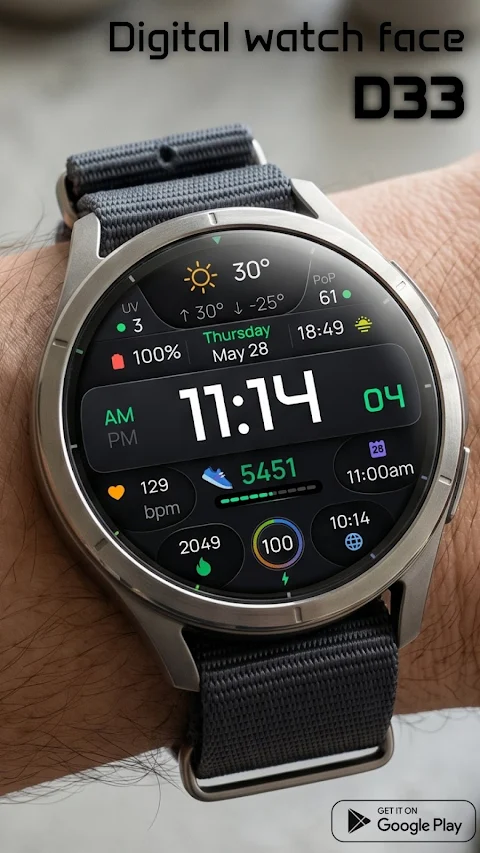
The D33 Digital Watch Face is designed to enhance your smartwatch experience using Wear OS. It is perfect for anyone who loves detailed data and wants an easy way to track important information. With its advanced weather tracking features, this watch face offers a lot more than just telling time.
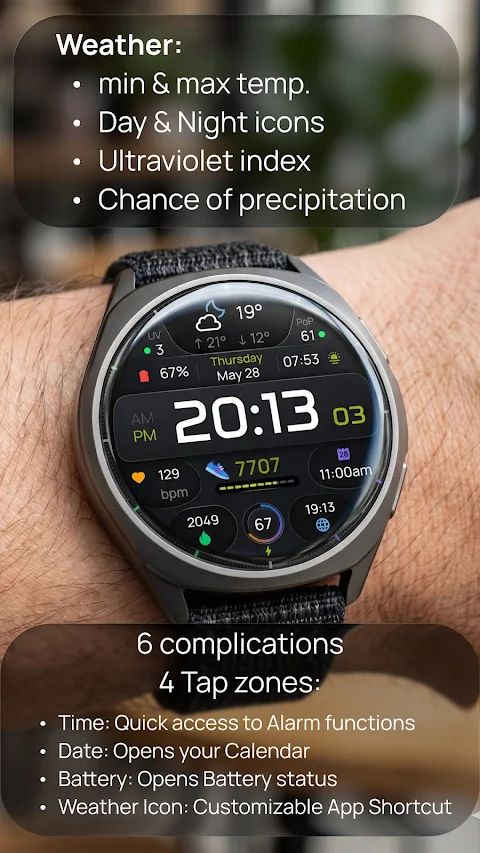
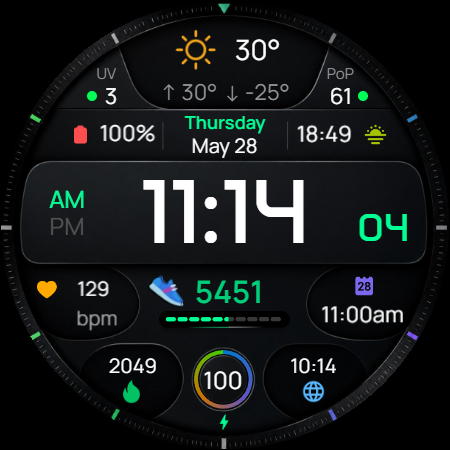
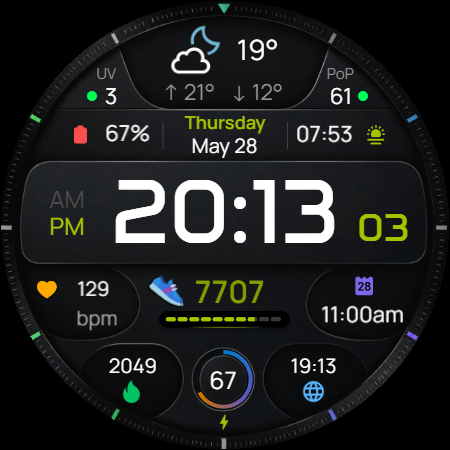
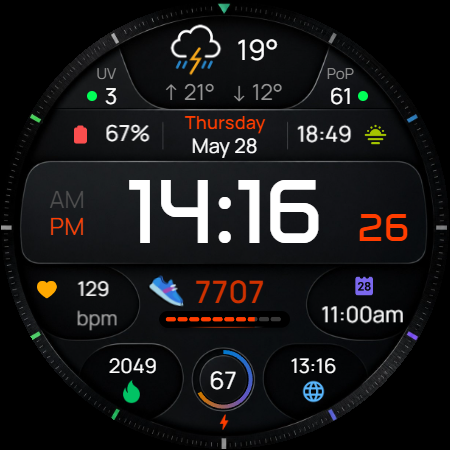
The Advanced Weather Dashboard gives you all your forecast details at a glance. You can quickly see the minimum and maximum temperatures for the day, check the UV index display, and even learn about the chance of precipitation. It’s a great tool for planning your day based on the weather.
Customization is key with the D33. The customizable watch face allows you to personalize not just how it looks, but also how it works for you. There are 6 customizable complications available. You can fill these slots with any data you find important, like step counts, heart rate tracking, or your calendar events. This means you get to see all of your vital information in one spot without any hassle.
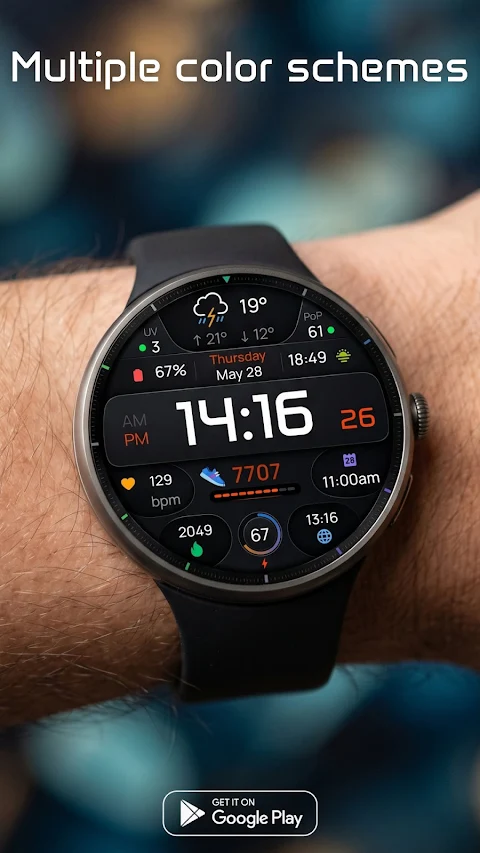
You can also change the look of your watch face with a variety of vibrant color combinations. Whether you prefer something bright and bold or subtle and classic, the D33 has options to match your style.
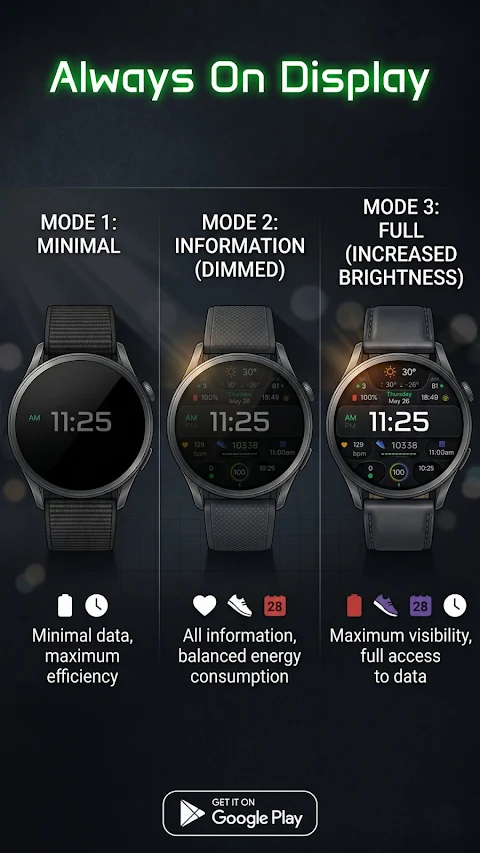
One standout feature of the D33 is its multi-tier always-on display. It comes with three Always-On Display modes to help you manage battery life and visibility. In the minimal data mode, you save battery while still having some information visible. The information dimmed mode allows you to see all essential details while maintaining balanced energy consumption. If you need full brightness, the full brightness mode ensures you have total access to all data at all times, making it easy to check what you need when you need it.
Navigating through your watch is simple thanks to the smart shortcut system with intuitive tap zones. You can easily access features just by tapping on the displayed icons. For example, tapping on the time gives quick access to alarm functions. Tapping on the date opens your calendar, while tapping on the battery icon shows your battery status. Plus, you can set a tap on the weather icon as a customizable app shortcut to quickly open your favorite weather app or any tool you prefer.
To get started, installing the D33 is easy. First, make sure your watch is connected via Bluetooth. Next, download the D33 from the Google Play Store. Once it’s downloaded, simply long-press your watch screen, scroll to the end, and choose "D33" to apply it.
This app is designed for devices that support Wear OS 5 and above, including popular models like the Google Pixel Watch 4 and the Samsung Galaxy Watch 8. The D33 provides excellent device support for newer smartwatches, ensuring you can enjoy all its features seamlessly.
With the D33 Digital Watch Face, you benefit from user-customizable complications that allow for personalized daily data tracking. It combines efficient battery consumption with stylish watch face personalization. This is not just a watch; it’s your digital companion that keeps you informed and stylish every day.
The Advanced Weather Dashboard gives you all your forecast details at a glance. You can quickly see the minimum and maximum temperatures for the day, check the UV index display, and even learn about the chance of precipitation. It’s a great tool for planning your day based on the weather.
Customization is key with the D33. The customizable watch face allows you to personalize not just how it looks, but also how it works for you. There are 6 customizable complications available. You can fill these slots with any data you find important, like step counts, heart rate tracking, or your calendar events. This means you get to see all of your vital information in one spot without any hassle.
You can also change the look of your watch face with a variety of vibrant color combinations. Whether you prefer something bright and bold or subtle and classic, the D33 has options to match your style.
One standout feature of the D33 is its multi-tier always-on display. It comes with three Always-On Display modes to help you manage battery life and visibility. In the minimal data mode, you save battery while still having some information visible. The information dimmed mode allows you to see all essential details while maintaining balanced energy consumption. If you need full brightness, the full brightness mode ensures you have total access to all data at all times, making it easy to check what you need when you need it.
Navigating through your watch is simple thanks to the smart shortcut system with intuitive tap zones. You can easily access features just by tapping on the displayed icons. For example, tapping on the time gives quick access to alarm functions. Tapping on the date opens your calendar, while tapping on the battery icon shows your battery status. Plus, you can set a tap on the weather icon as a customizable app shortcut to quickly open your favorite weather app or any tool you prefer.
To get started, installing the D33 is easy. First, make sure your watch is connected via Bluetooth. Next, download the D33 from the Google Play Store. Once it’s downloaded, simply long-press your watch screen, scroll to the end, and choose "D33" to apply it.
This app is designed for devices that support Wear OS 5 and above, including popular models like the Google Pixel Watch 4 and the Samsung Galaxy Watch 8. The D33 provides excellent device support for newer smartwatches, ensuring you can enjoy all its features seamlessly.
With the D33 Digital Watch Face, you benefit from user-customizable complications that allow for personalized daily data tracking. It combines efficient battery consumption with stylish watch face personalization. This is not just a watch; it’s your digital companion that keeps you informed and stylish every day.
Ballozi BELVORO Classic Face
BALLOZI Watch Faces
$1.99
$0.40
Oxigen Circle – Icon Pack
Cris87
$2.89
$0.39
WhatsArt – Icon Pack
Olivera Onias Design
$0.99
$0.20