

$0.99
$0.69
30% Off
Deep Void Icon Pack
PizzApp Design








About the App
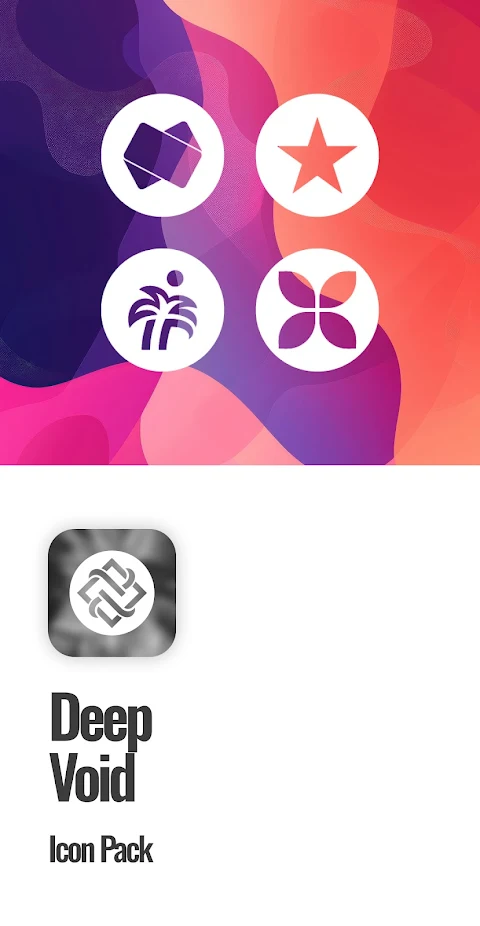
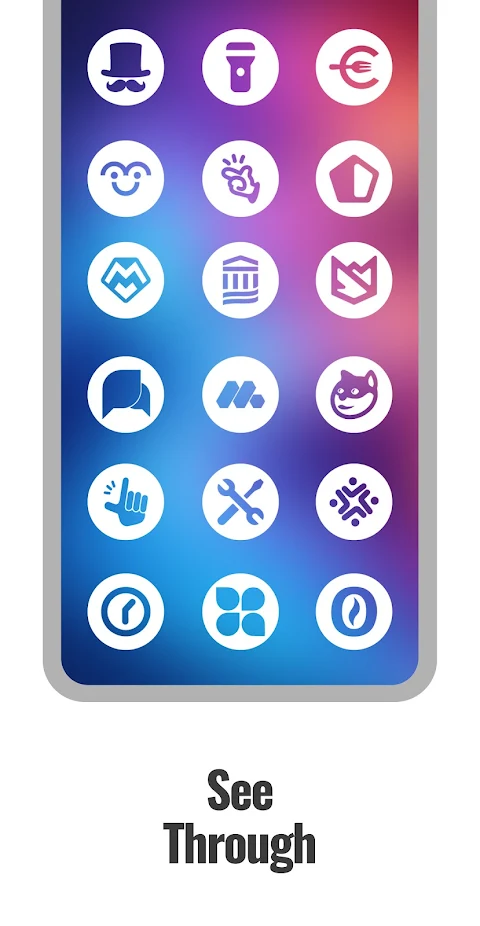
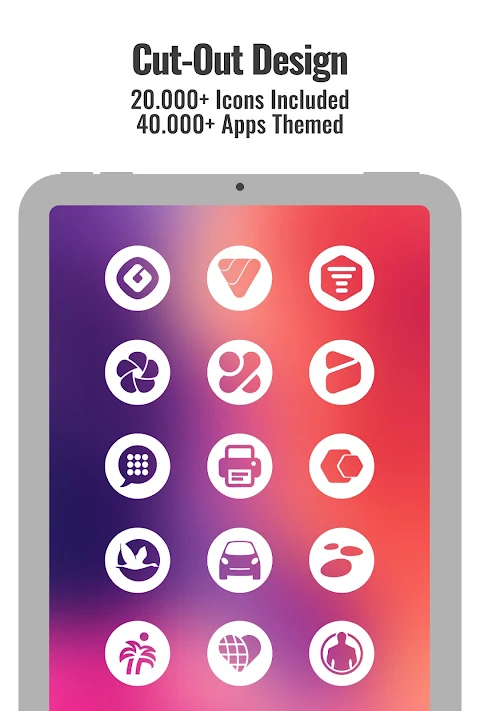
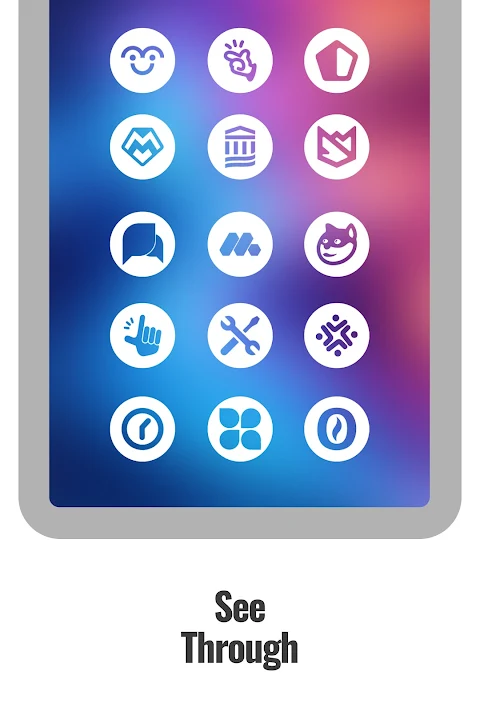
The Deep Void Icon Pack offers a unique way to customize your Android device. With minimalist circle shape icons, this pack features white icons with cut-out glyphs that beautifully blend into your backgrounds. The design is made to allow a deep effect that enhances your wallpapers, making it perfect for all your home screen setups.
Inside this icon pack, you’ll find over 25,000 deep void icons, themed for more than 45,000 apps. This means you can give a fresh look to your device, whether you’re using system apps, Google apps customization, or any of your favorite social, media, and games apps. The pack also includes exclusive matching wallpapers to complete the aesthetic you’re aiming for.
One notable feature of the Deep Void Icon Pack is the dynamic calendars for launchers. This means that even your calendar app will have a touch of style that fits perfectly with your new icons. Plus, the Material You user-friendly dashboard makes it easy to navigate and apply your new icons.
For those apps that aren’t yet themed, no worries! The icon masking for unthemed apps ensures a seamless look. You can also send in icon requests for apps that you want to be themed, with options for both free and premium requests. The team behind the Deep Void Icon Pack is dedicated to keeping the icon selection fresh, so you can expect regular updates for new icons.
To get started, you’ll need to install a compatible launcher. The Deep Void Icon Pack works best with popular options like Action Launcher, ADW Launcher, and Go EX Launcher themes. It’s also compatible with Nova Launcher integrations and offers support for Samsung One UI and OxygenOS icon packs, among others. You can easily apply the icons by opening the app and selecting it in your launcher settings.
Remember, a third-party launcher or OEM compatibility is necessary for the icons to function properly. If you notice any icons that are unthemed or missing, the app allows you to send a free icon request, and the team will add it in future updates. There is also a frequently asked questions section within the app to help users with common inquiries.
For additional community support, you can find resources on Telegram and connect with others who enjoy customizing their devices. Whether you’re looking for deep effect wallpapers or stylish icon themes, the Deep Void Icon Pack provides a comprehensive toolset for icon customization on Android.
In summary, with the Deep Void Icon Pack, you can enjoy a visually appealing setup with over 25,000 deep void icons, a user-friendly dashboard, and various features designed to enhance your device's appearance. Explore the world of customization today, and create the home screen you've always wanted!
Inside this icon pack, you’ll find over 25,000 deep void icons, themed for more than 45,000 apps. This means you can give a fresh look to your device, whether you’re using system apps, Google apps customization, or any of your favorite social, media, and games apps. The pack also includes exclusive matching wallpapers to complete the aesthetic you’re aiming for.
One notable feature of the Deep Void Icon Pack is the dynamic calendars for launchers. This means that even your calendar app will have a touch of style that fits perfectly with your new icons. Plus, the Material You user-friendly dashboard makes it easy to navigate and apply your new icons.
For those apps that aren’t yet themed, no worries! The icon masking for unthemed apps ensures a seamless look. You can also send in icon requests for apps that you want to be themed, with options for both free and premium requests. The team behind the Deep Void Icon Pack is dedicated to keeping the icon selection fresh, so you can expect regular updates for new icons.
To get started, you’ll need to install a compatible launcher. The Deep Void Icon Pack works best with popular options like Action Launcher, ADW Launcher, and Go EX Launcher themes. It’s also compatible with Nova Launcher integrations and offers support for Samsung One UI and OxygenOS icon packs, among others. You can easily apply the icons by opening the app and selecting it in your launcher settings.
Remember, a third-party launcher or OEM compatibility is necessary for the icons to function properly. If you notice any icons that are unthemed or missing, the app allows you to send a free icon request, and the team will add it in future updates. There is also a frequently asked questions section within the app to help users with common inquiries.
For additional community support, you can find resources on Telegram and connect with others who enjoy customizing their devices. Whether you’re looking for deep effect wallpapers or stylish icon themes, the Deep Void Icon Pack provides a comprehensive toolset for icon customization on Android.
In summary, with the Deep Void Icon Pack, you can enjoy a visually appealing setup with over 25,000 deep void icons, a user-friendly dashboard, and various features designed to enhance your device's appearance. Explore the world of customization today, and create the home screen you've always wanted!

Weather Digital Watch Face A8
Inspire Watch
$1.99
PIXEL INSTINCT 3 Watch Face
LIBERTY WATCH FACES™
$0.99
FREE

Drop Dark – Icon Pack
GomoTheGom
$1.49