
$1.99
$0.49
75% Off
DarkGlass Icon Pack
AppsLab Co.


About the App
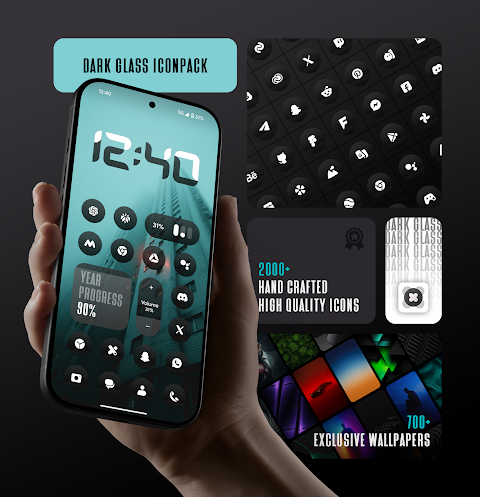
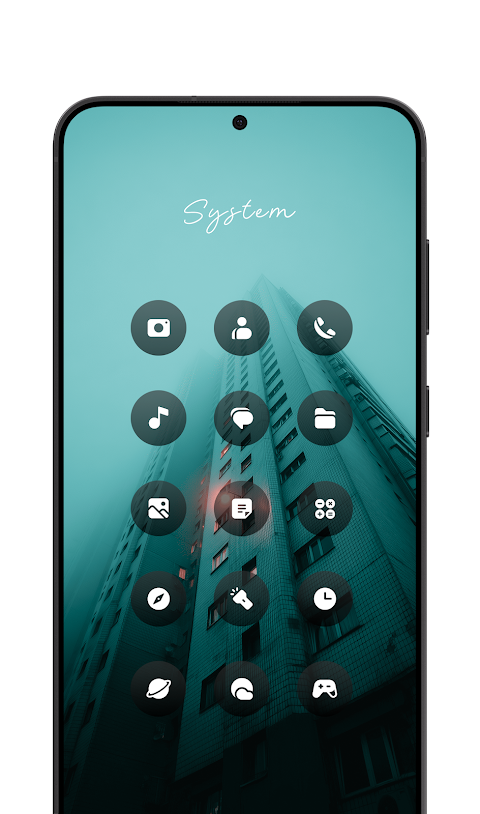
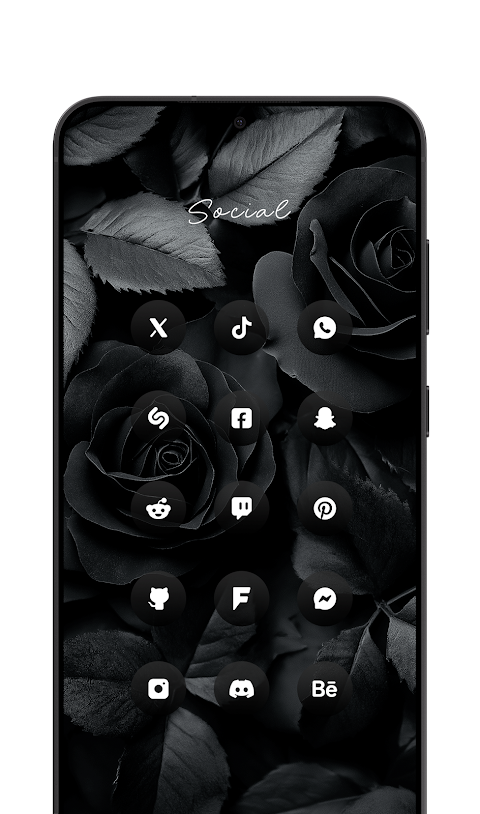
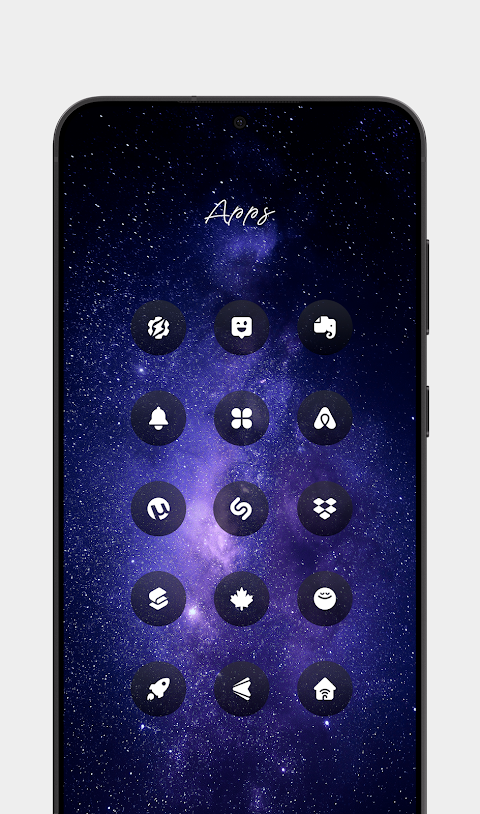
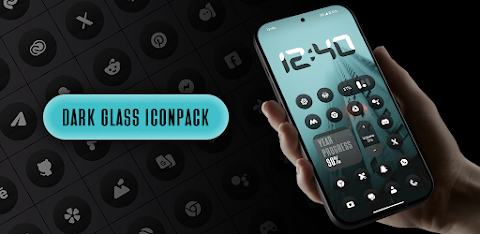
DarkGlass Icon Pack is a unique tool that can change the way your Android device looks. It offers premium glossy icons designed to give your home screen a modern and clean aesthetic look. Each icon has a dark-glass effect with a smooth finish, subtle depth, and premium shine. This makes them blend beautifully with any wallpaper or setup you choose, creating a sophisticated and timeless appearance for both minimal and customized home screens.
This icon pack includes over 1,900 high-quality dark-glass icons. Each icon is made with HD resolution visuals, ensuring sharp and smooth graphics on your screen. To enhance your experience, DarkGlass Icon Pack also provides 700+ matching wallpapers that draw inspiration from glass and gradient themes. These wallpapers can add an extra touch to your home screen design.
If you use supported launchers, you can enjoy dynamic calendar icons that update based on your events. One great feature is smart icon masking, which helps to make unthemed apps look good with the rest of your icons. The app receives regular updates, bringing new icons and improvements to keep your home screen fresh.
Navigating DarkGlass Icon Pack is easy thanks to its user-friendly dashboard. It features an icon search feature that lets you find specific icons quickly and allows you to preview icons before applying them. Plus, icon requests are available, so if you find an icon that’s missing or unthemed, you can easily ask for it through the app, and it will be added in future updates.
This pack covers a wide range of categories, including system apps category, Google apps category, OEM stock apps, social media apps, media photography apps, tools utility apps, and popular apps. It's designed to work well for many different types of Android apps, making it a versatile choice for anyone looking to enhance their home screen.
To apply DarkGlass Icon Pack, simply install any supported launcher. Then, open the app and tap “Apply,” or you can use your launcher settings to apply the pack. If your launcher isn’t listed, you can still use the icon settings application on your device to apply the pack.
Some devices, like Nothing, OnePlus, and Poco, support third-party icon packs without needing an additional launcher, making the application process even more straightforward.
If you ever feel unsatisfied with the pack, you can request a refund through Google Play’s official refund policy. If you need assistance, simply reach out to us within 24 hours of purchase for support. We handle refund requests on a case-by-case basis to ensure that your reason is genuine.
Overall, DarkGlass Icon Pack is an excellent choice for anyone looking to customize their Android device. With its glossy icons, matching wallpapers, and many features, it brings both beauty and functionality to your modern Android home screen.
This icon pack includes over 1,900 high-quality dark-glass icons. Each icon is made with HD resolution visuals, ensuring sharp and smooth graphics on your screen. To enhance your experience, DarkGlass Icon Pack also provides 700+ matching wallpapers that draw inspiration from glass and gradient themes. These wallpapers can add an extra touch to your home screen design.
If you use supported launchers, you can enjoy dynamic calendar icons that update based on your events. One great feature is smart icon masking, which helps to make unthemed apps look good with the rest of your icons. The app receives regular updates, bringing new icons and improvements to keep your home screen fresh.
Navigating DarkGlass Icon Pack is easy thanks to its user-friendly dashboard. It features an icon search feature that lets you find specific icons quickly and allows you to preview icons before applying them. Plus, icon requests are available, so if you find an icon that’s missing or unthemed, you can easily ask for it through the app, and it will be added in future updates.
This pack covers a wide range of categories, including system apps category, Google apps category, OEM stock apps, social media apps, media photography apps, tools utility apps, and popular apps. It's designed to work well for many different types of Android apps, making it a versatile choice for anyone looking to enhance their home screen.
To apply DarkGlass Icon Pack, simply install any supported launcher. Then, open the app and tap “Apply,” or you can use your launcher settings to apply the pack. If your launcher isn’t listed, you can still use the icon settings application on your device to apply the pack.
Some devices, like Nothing, OnePlus, and Poco, support third-party icon packs without needing an additional launcher, making the application process even more straightforward.
If you ever feel unsatisfied with the pack, you can request a refund through Google Play’s official refund policy. If you need assistance, simply reach out to us within 24 hours of purchase for support. We handle refund requests on a case-by-case basis to ensure that your reason is genuine.
Overall, DarkGlass Icon Pack is an excellent choice for anyone looking to customize their Android device. With its glossy icons, matching wallpapers, and many features, it brings both beauty and functionality to your modern Android home screen.

Embossed – Icon Pack
PhunktasticDesigns
$1.49
$0.75

Galaxy Widgets: One UI
AppsLab Co.
$1.99
$1.23

Orgi – Icon Pack
Atanu Sanyal
$0.49
FREE