
$1.49
$0.29
81% Off
Cubic Dark Mode – 3D Icon pack
GomoTheGom

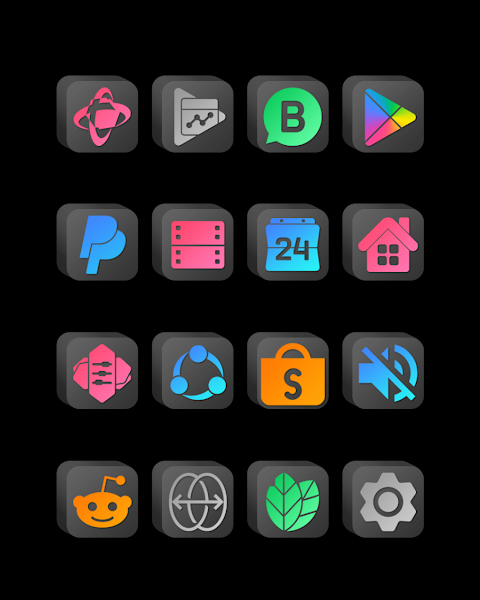
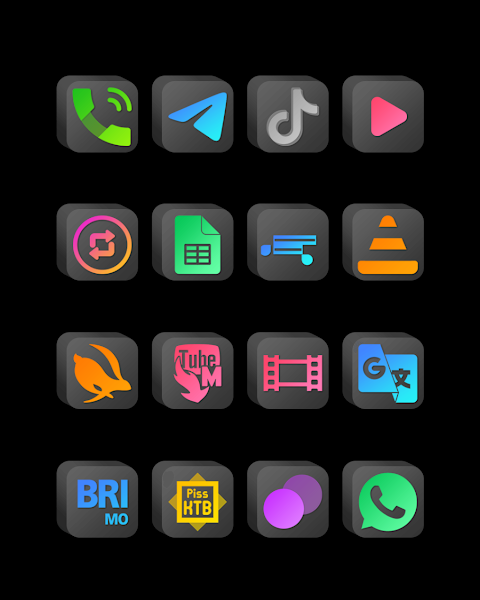
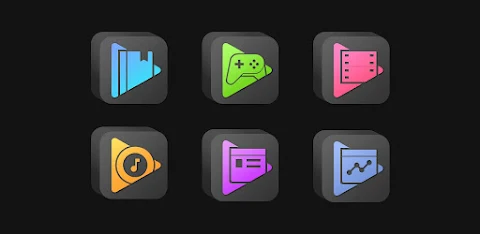
About the App
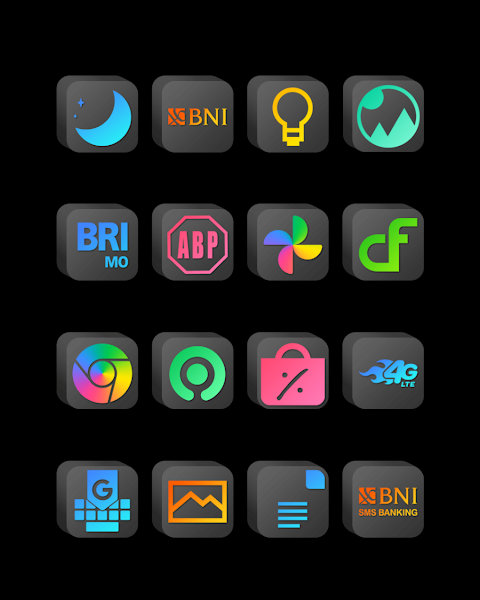
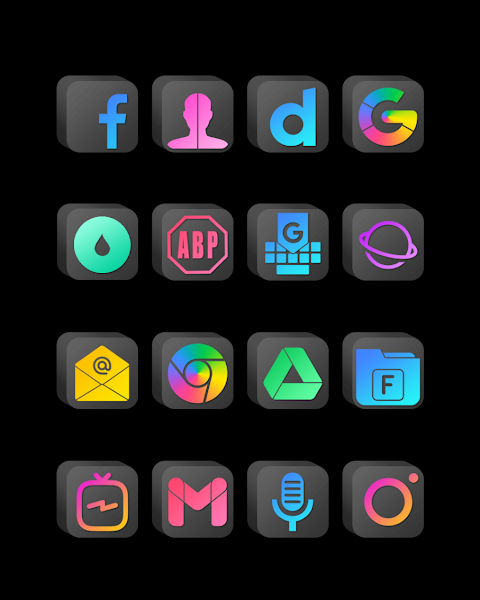
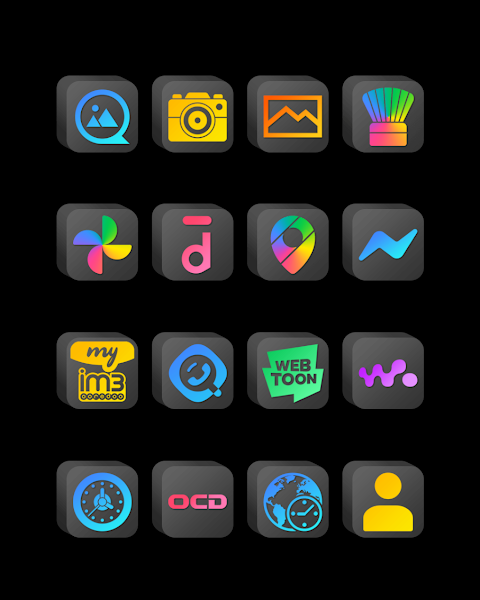
In 2010, I had a 3D cubic icon pack on my computer that I loved. I found it on a website, but it only had about six or seven icons. Unfortunately, when I got a new PC, I forgot to save that icon pack and lost it. This made me quite sad. That’s when I thought, why not create my own 3D cubic icon pack? And here it is!
This is the dark version of the icon pack, while a light version is on the way, so stay tuned and enjoy!
Applying this icon pack is easy and works with many popular launchers like Nova Launcher, Evie Launcher, and more. Here’s how to install it:
1. Open the Cubic Dark Mode app.
2. Go to the "Apply Icon Pack" screen.
3. You’ll see a list of supported launchers. Choose Nova Launcher, or any launcher installed on your device, to apply the icons.
4. The app will automatically apply the icons from this pack to Nova Launcher.
If your launcher does not appear when trying to apply the icons, you can also apply from within the launcher itself.
For users of the Sony Xperia Home Launcher, you can still use this icon pack with a few different settings. Here’s how:
1. Long press on your home screen.
2. Open the settings menu.
3. Scroll down to the appearance icon settings.
4. Choose the Cubic Dark icon pack from the list.
5. That’s it! Your Sony Xperia will now have the new icons applied.
Please note that this icon pack only supports Sony Xperia Home Launcher version 10.0.A.0.8 or higher.
This icon pack is compatible with several launchers, including:
- Nova Launcher
- Apex Launcher
- ADW Launcher
- ABC Launcher
- Evie Launcher
- Next Launcher
- Holo Launcher
- Lucid Launcher
- M Launcher
- Action Launcher
- Sony Xperia Home Launcher
- Aviate Launcher
- Smart Launcher
- Go Launcher (this does not support icon masking)
- Zero Launcher (this does not support icon masking)
The Cubic Dark Mode icon pack comes loaded with features. With over 7,000 icons available and counting, you’ll have plenty of choices at your fingertips. The pack also includes an icon back for any unthemed icons, ensuring a seamless look. You'll find over 36 HD wallpapers to customize your device even further.
If you want even more options, we provide alternate icons to suit your style. You can also request specific icons, making the customization experience even better. Each icon has an HD resolution of 192x192px, ensuring they look great on your screen.
Get ready to enhance your mobile experience with this unique 3D cubic icon pack. Whether you love customizing your interface or simply want themed icons, the Cubic Dark Mode offers flexibility and style. Enjoy your new icons today!
This is the dark version of the icon pack, while a light version is on the way, so stay tuned and enjoy!
Applying this icon pack is easy and works with many popular launchers like Nova Launcher, Evie Launcher, and more. Here’s how to install it:
1. Open the Cubic Dark Mode app.
2. Go to the "Apply Icon Pack" screen.
3. You’ll see a list of supported launchers. Choose Nova Launcher, or any launcher installed on your device, to apply the icons.
4. The app will automatically apply the icons from this pack to Nova Launcher.
If your launcher does not appear when trying to apply the icons, you can also apply from within the launcher itself.
For users of the Sony Xperia Home Launcher, you can still use this icon pack with a few different settings. Here’s how:
1. Long press on your home screen.
2. Open the settings menu.
3. Scroll down to the appearance icon settings.
4. Choose the Cubic Dark icon pack from the list.
5. That’s it! Your Sony Xperia will now have the new icons applied.
Please note that this icon pack only supports Sony Xperia Home Launcher version 10.0.A.0.8 or higher.
This icon pack is compatible with several launchers, including:
- Nova Launcher
- Apex Launcher
- ADW Launcher
- ABC Launcher
- Evie Launcher
- Next Launcher
- Holo Launcher
- Lucid Launcher
- M Launcher
- Action Launcher
- Sony Xperia Home Launcher
- Aviate Launcher
- Smart Launcher
- Go Launcher (this does not support icon masking)
- Zero Launcher (this does not support icon masking)
The Cubic Dark Mode icon pack comes loaded with features. With over 7,000 icons available and counting, you’ll have plenty of choices at your fingertips. The pack also includes an icon back for any unthemed icons, ensuring a seamless look. You'll find over 36 HD wallpapers to customize your device even further.
If you want even more options, we provide alternate icons to suit your style. You can also request specific icons, making the customization experience even better. Each icon has an HD resolution of 192x192px, ensuring they look great on your screen.
Get ready to enhance your mobile experience with this unique 3D cubic icon pack. Whether you love customizing your interface or simply want themed icons, the Cubic Dark Mode offers flexibility and style. Enjoy your new icons today!

Mikan Orange – Icon Pack
Panoto Gomo
$0.99
$0.49
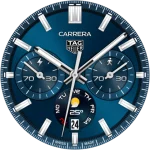
TAG HEUER CARRERA 3 Watch Face
LIBERTY WATCH FACES™
$0.99
$0.85
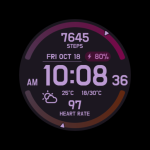
CELEST5644 Sport Watch
CELEST Watches
$1.99
$0.99