

$29.99
$3.99
87% Off
CrewKeeper
Dean Davids

About the App
CrewKeeper makes construction crew management easy and efficient, putting essential tools right in your hand. Created by a contractor for contractors and subcontractors, this app helps you track payroll time and handle project issues effortlessly.
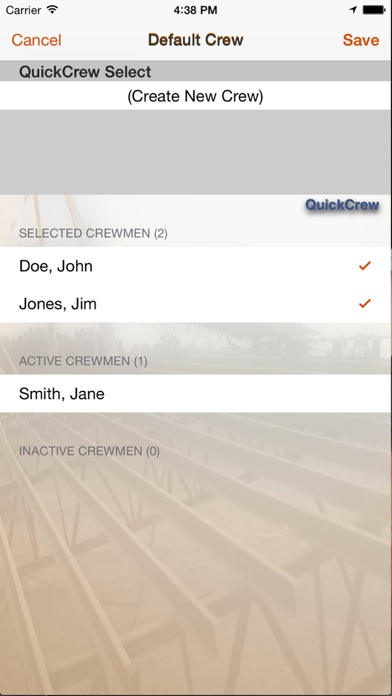
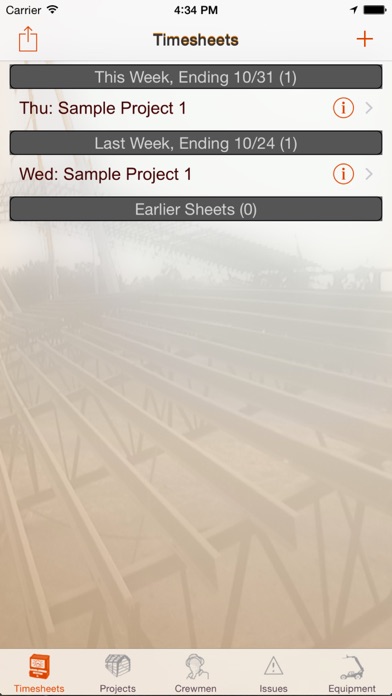
With CrewKeeper, you can keep track of workmen and their project info easily. The app allows for daily hours entry for single or multiple crews across various projects. This means you'll have all your payroll time tracking in one place. You can even enter real-time issue data, allowing you to capture and address site issues quickly. It's simple to add pictures related to those issues and update their status or enter notes on the spot. Receipts can also be recorded right after purchases, ensuring you keep everything organized.
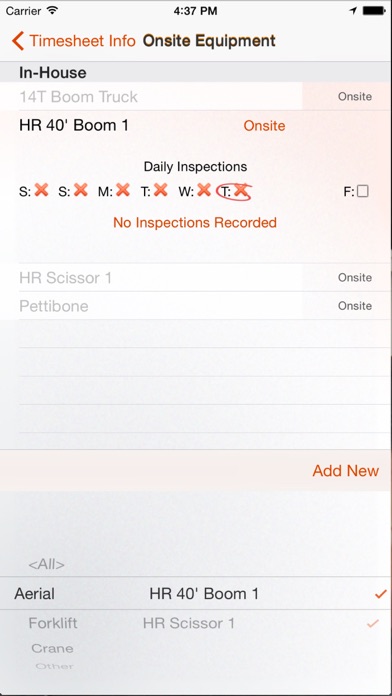
Gone are the days of dealing with crumpled paper. CrewKeeper improves compliance with easy entry for site safety audits and safety meeting templates. You can record what was discussed in meetings and who attended, simplifying documentation. Daily equipment inspections can also be noted, with weekly reports generated for easy review.
When it comes to reporting, CrewKeeper does the heavy lifting. You can create professional reports in PDF format directly from the jobsite. Reports include timesheet reporting, which details daily hours by project in a construction journal format. You will find an individual issues report that includes pictures, notes, and updates on every issue tracked. A project summary report is available too, providing a complete history of all issues, their status, and any notes. Additionally, expense tracking features let you generate reports weekly or monthly, detailing expenses by project and date.
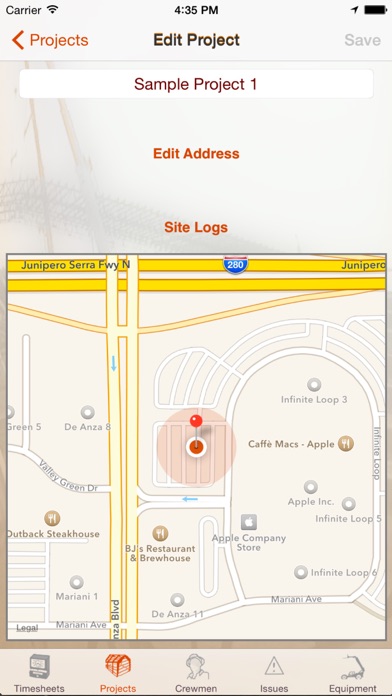
CrewKeeper’s GPS tracking integration makes it easy to log arrivals and departures at work sites. It tracks times for verification, so you'll never be questioned about the accuracy of your time entries. The app automatically pulls default times from events, saving you time during data entry. You can also save default vendor info to help with receipt entries based on your history at a location. You’ll even receive a safety tip each day when you arrive on a job site.
For those who want to keep their team informed, CrewKeeper includes Twitter feature integration. You can direct message or tweet your crew's arrivals and departures. Creating a company Twitter account where all crews report can keep everyone updated easily.
The main advantage of CrewKeeper is its ease of use and accessibility. With this contractor management tool, your jobsite log is always at your fingertips. Instead of trying to remember important details at your desk late at night, take just a few seconds during your workday to interact with the app. Doing so will help you build a comprehensive history and record essential notes. The app dynamically tracks issues and provides reminders for follow-up, ensuring that nothing slips through the cracks.
While CrewKeeper's entry views are available in Spanish and English, the reporting features are currently in English only. Whether you are collaborating with subcontractors or managing a crew, CrewKeeper is the jobsite communication tool you need. It simplifies site-specific documentation and allows for real-time updates on your projects, making sure you have everything under control.
With CrewKeeper, you can keep track of workmen and their project info easily. The app allows for daily hours entry for single or multiple crews across various projects. This means you'll have all your payroll time tracking in one place. You can even enter real-time issue data, allowing you to capture and address site issues quickly. It's simple to add pictures related to those issues and update their status or enter notes on the spot. Receipts can also be recorded right after purchases, ensuring you keep everything organized.
Gone are the days of dealing with crumpled paper. CrewKeeper improves compliance with easy entry for site safety audits and safety meeting templates. You can record what was discussed in meetings and who attended, simplifying documentation. Daily equipment inspections can also be noted, with weekly reports generated for easy review.
When it comes to reporting, CrewKeeper does the heavy lifting. You can create professional reports in PDF format directly from the jobsite. Reports include timesheet reporting, which details daily hours by project in a construction journal format. You will find an individual issues report that includes pictures, notes, and updates on every issue tracked. A project summary report is available too, providing a complete history of all issues, their status, and any notes. Additionally, expense tracking features let you generate reports weekly or monthly, detailing expenses by project and date.
CrewKeeper’s GPS tracking integration makes it easy to log arrivals and departures at work sites. It tracks times for verification, so you'll never be questioned about the accuracy of your time entries. The app automatically pulls default times from events, saving you time during data entry. You can also save default vendor info to help with receipt entries based on your history at a location. You’ll even receive a safety tip each day when you arrive on a job site.
For those who want to keep their team informed, CrewKeeper includes Twitter feature integration. You can direct message or tweet your crew's arrivals and departures. Creating a company Twitter account where all crews report can keep everyone updated easily.
The main advantage of CrewKeeper is its ease of use and accessibility. With this contractor management tool, your jobsite log is always at your fingertips. Instead of trying to remember important details at your desk late at night, take just a few seconds during your workday to interact with the app. Doing so will help you build a comprehensive history and record essential notes. The app dynamically tracks issues and provides reminders for follow-up, ensuring that nothing slips through the cracks.
While CrewKeeper's entry views are available in Spanish and English, the reporting features are currently in English only. Whether you are collaborating with subcontractors or managing a crew, CrewKeeper is the jobsite communication tool you need. It simplifies site-specific documentation and allows for real-time updates on your projects, making sure you have everything under control.

SwiftCall: Auto Dialer & CRM
The Basic Software Company
$7.99
$3.99

Compound Interest Calc
Mobile and Database Solutions
$1.99

Guest List Organizer Pro
Olha Ievenko
$4.99
$2.99