
$1.49
$0.45
70% Off
Compact Watch Face
amoledwatchfaces™


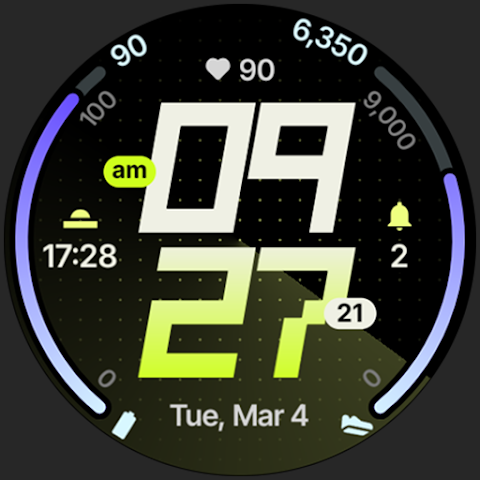

About the App
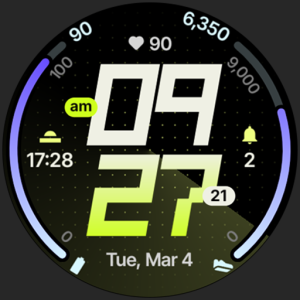
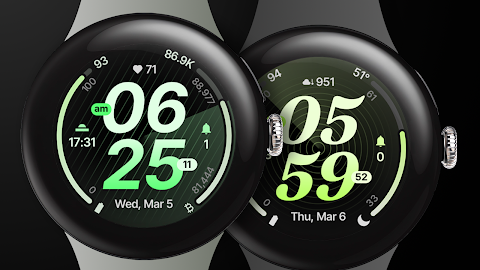
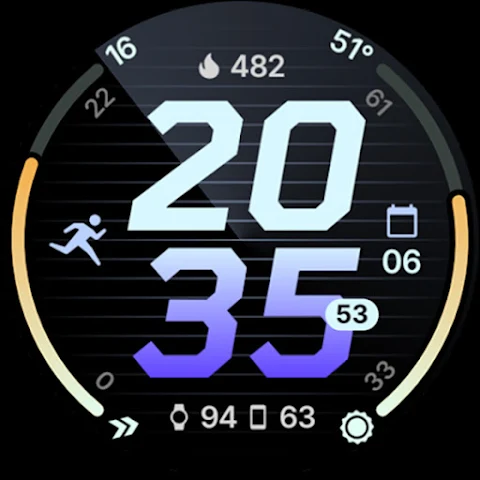
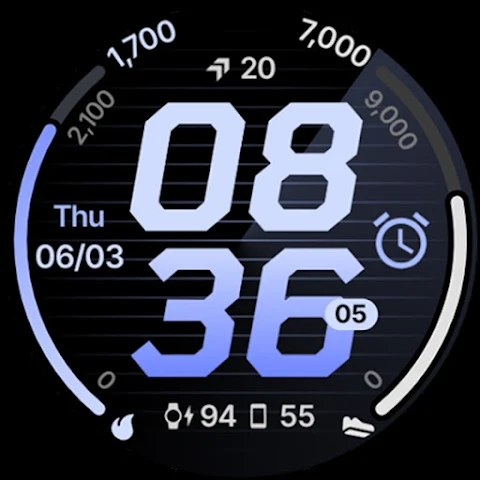
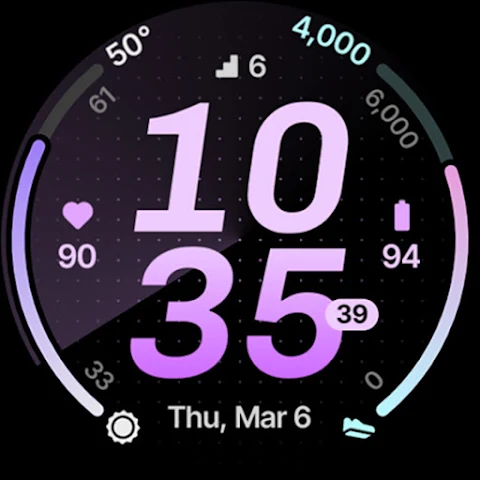
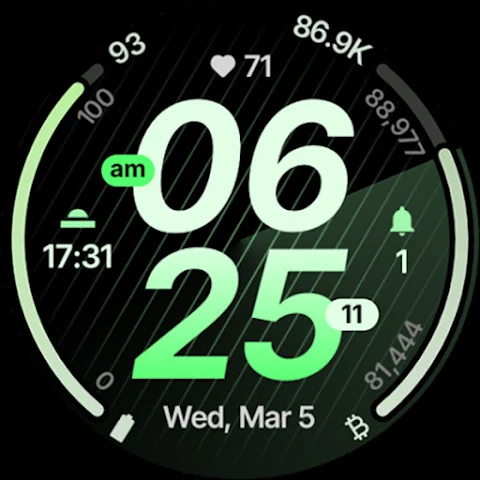
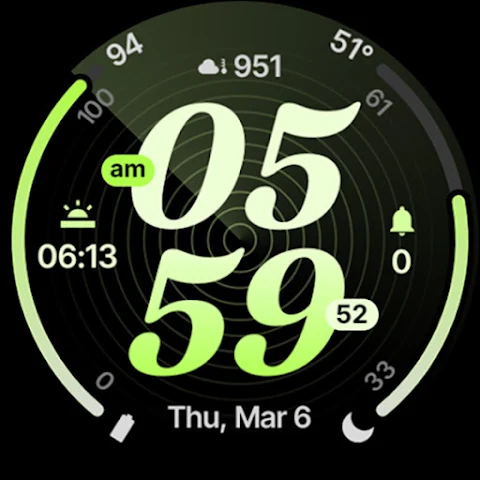
Compact Watch Face is designed specifically for Wear OS 4+ devices, providing users with a modern and compact design that enhances the look of any smartwatch. This app is powered by the Watch Face Format, ensuring a high-quality experience that feels familiar and intuitive.
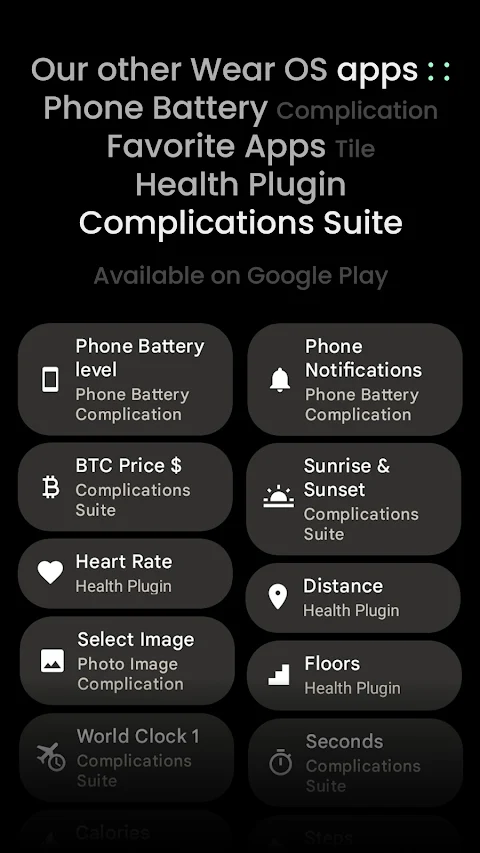
You can access the app and its features at amoledwatchfaces.com. One exciting offer for new users is the "Buy One Get One" deal, which you can find detailed on the website. Additionally, amoledwatchfaces.com offers a selection of custom complication apps that can expand what you can do with your watch face.
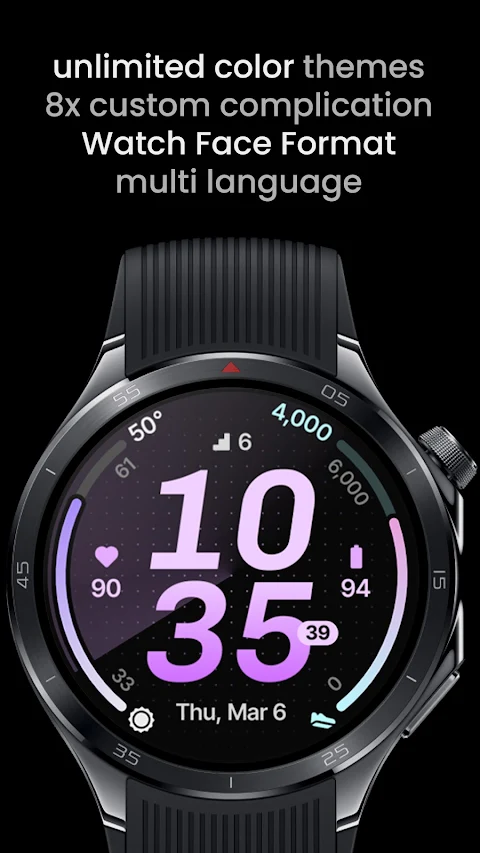
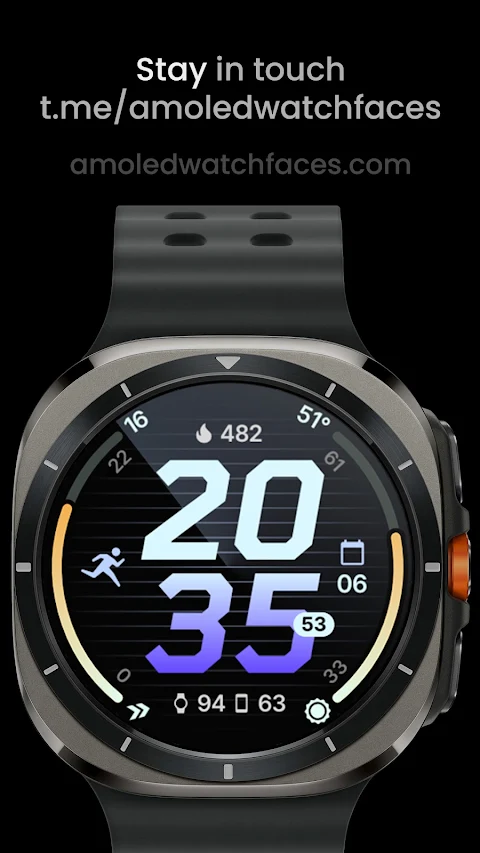
Compact Watch Face includes eight custom complication slots, allowing you to personalize your device to suit your needs. It offers a stock-like watch face experience that supports various complication types such as SHORT_TEXT, LONG_TEXT, RANGED_VALUE, MONOCHROMATIC_ICON, and SMALL_IMAGE. This means you can easily show important information in ways that make sense to you.
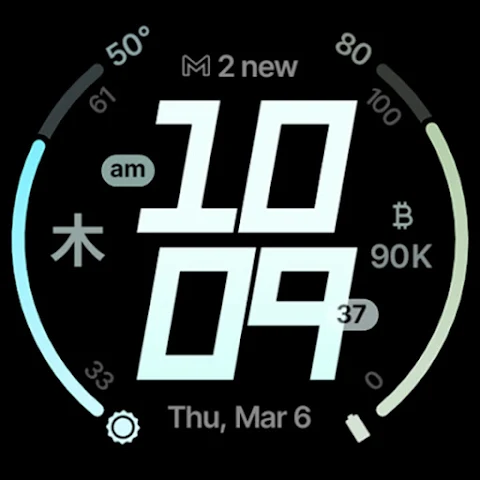
The app allows you to create properly implemented custom complication layouts and manage progress bars with adjustable min-max values. You can also choose from five different digital clock fonts and turn on an optional seconds indicator if you prefer a more precise time display. There is even a leading zero option you can toggle for a cleaner look.
As the app evolves, it also supports flavors feature support, particularly with Wear OS 5. You can enjoy multilanguage support, material color themes, and the ability to combine themes, backgrounds, fonts, and custom complications, making this watch face uniquely yours.
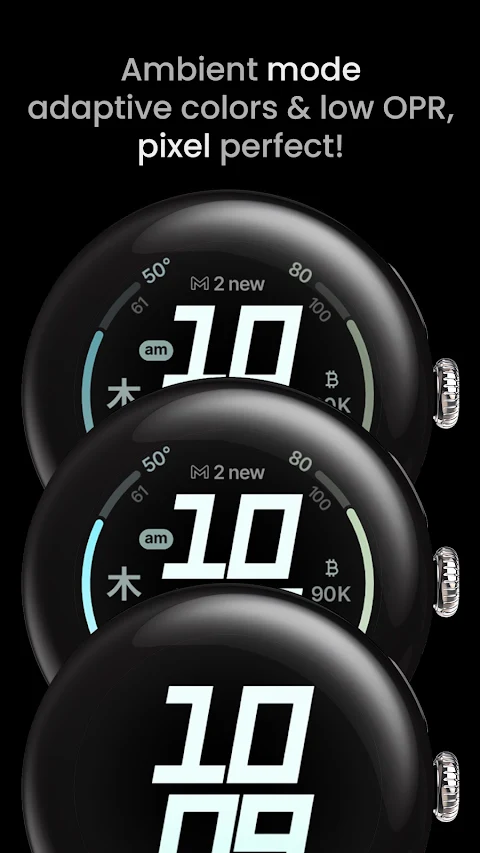
For displays, you will find three distinct AOD (always-on display) styles, ensuring you can view the time and information easily without using too much battery. Additionally, phone notifications support keeps you in the loop with alerts right on your watch.
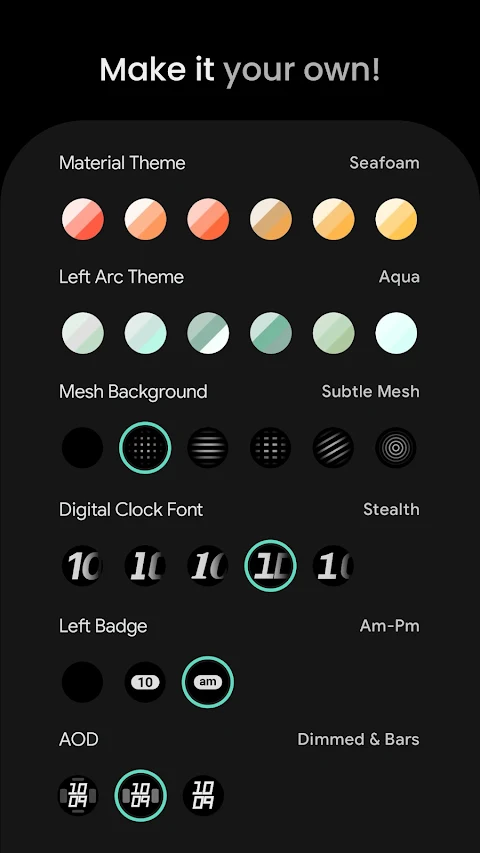
For those with multiple devices, the Compact Watch Face offers a dual phone battery layout, allowing you to check both your phone and watch battery levels at a glance. To customize your watch further, you have options for Material Theme configurations, Left Arc Theme configurations, and Right Arc Theme configurations, which all help in crafting a personal touch.
The app also lets you explore different Mesh Background options and provides various configurations for Left and Right Badges. These badges can display different types of information, like None, Am-Pm, Unread Notifications, or Seconds, making it easy to personalize your display further.
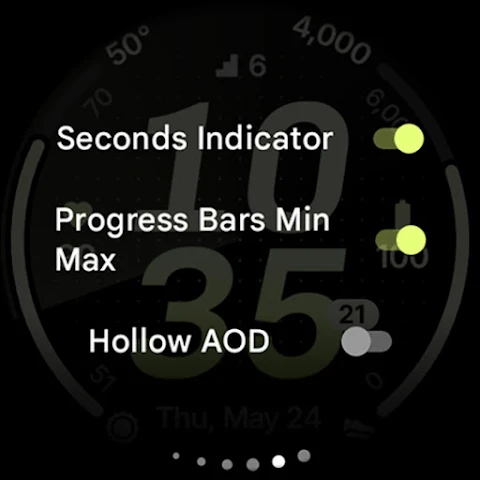
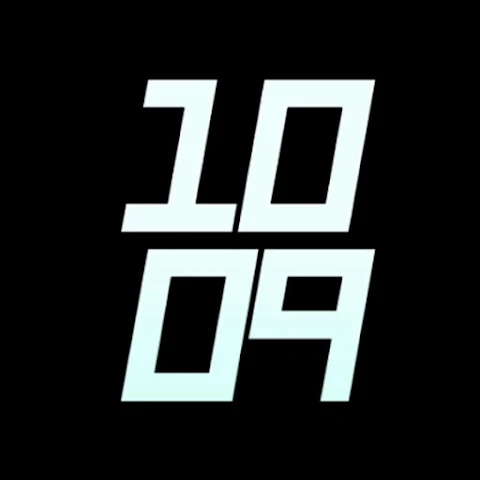
When it comes to AOD styles, you can choose from Dimmed, Dimmed & Bars, or Time Only settings for the always-on display. You can toggle the seconds indicator on or off, turn progress bars on or off, and even choose to have a Hollow AOD for a different aesthetic. The leading zero option is also customizable and can be easily toggled.
If you're looking for help or instructions, an installation and troubleshooting guide is available at amoledwatchfaces.com/guide. The support team is ready to assist with any issues you might encounter; you can reach them at support@amoledwatchfaces.com.
For those who want to connect with other users, you can join our live support and discussion group on Telegram at t.me/amoledwatchfaces. Additionally, you can sign up for our newsletter on the amoledwatchfaces.com site to stay updated on the latest features and offerings.
In summary, Compact Watch Face is a versatile app built for Wear OS 4+ users, packed with many customization options and features that let you tailor your smartwatch to your preferences. Whether you’re looking for a modern style, specific complication types, or advanced settings, this app has you covered.
You can access the app and its features at amoledwatchfaces.com. One exciting offer for new users is the "Buy One Get One" deal, which you can find detailed on the website. Additionally, amoledwatchfaces.com offers a selection of custom complication apps that can expand what you can do with your watch face.
Compact Watch Face includes eight custom complication slots, allowing you to personalize your device to suit your needs. It offers a stock-like watch face experience that supports various complication types such as SHORT_TEXT, LONG_TEXT, RANGED_VALUE, MONOCHROMATIC_ICON, and SMALL_IMAGE. This means you can easily show important information in ways that make sense to you.
The app allows you to create properly implemented custom complication layouts and manage progress bars with adjustable min-max values. You can also choose from five different digital clock fonts and turn on an optional seconds indicator if you prefer a more precise time display. There is even a leading zero option you can toggle for a cleaner look.
As the app evolves, it also supports flavors feature support, particularly with Wear OS 5. You can enjoy multilanguage support, material color themes, and the ability to combine themes, backgrounds, fonts, and custom complications, making this watch face uniquely yours.
For displays, you will find three distinct AOD (always-on display) styles, ensuring you can view the time and information easily without using too much battery. Additionally, phone notifications support keeps you in the loop with alerts right on your watch.
For those with multiple devices, the Compact Watch Face offers a dual phone battery layout, allowing you to check both your phone and watch battery levels at a glance. To customize your watch further, you have options for Material Theme configurations, Left Arc Theme configurations, and Right Arc Theme configurations, which all help in crafting a personal touch.
The app also lets you explore different Mesh Background options and provides various configurations for Left and Right Badges. These badges can display different types of information, like None, Am-Pm, Unread Notifications, or Seconds, making it easy to personalize your display further.
When it comes to AOD styles, you can choose from Dimmed, Dimmed & Bars, or Time Only settings for the always-on display. You can toggle the seconds indicator on or off, turn progress bars on or off, and even choose to have a Hollow AOD for a different aesthetic. The leading zero option is also customizable and can be easily toggled.
If you're looking for help or instructions, an installation and troubleshooting guide is available at amoledwatchfaces.com/guide. The support team is ready to assist with any issues you might encounter; you can reach them at support@amoledwatchfaces.com.
For those who want to connect with other users, you can join our live support and discussion group on Telegram at t.me/amoledwatchfaces. Additionally, you can sign up for our newsletter on the amoledwatchfaces.com site to stay updated on the latest features and offerings.
In summary, Compact Watch Face is a versatile app built for Wear OS 4+ users, packed with many customization options and features that let you tailor your smartwatch to your preferences. Whether you’re looking for a modern style, specific complication types, or advanced settings, this app has you covered.

TAG HEUER CARRERA 2 Watch Face
LIBERTY WATCH FACES™
$0.99
$0.29

WAW018 Exclusive Analog Face
WAW Watch Faces
$0.99
$0.49
Turqoise – Icon Pack
Panoto Gomo
$0.99