

$2.99
FREE
100% Off
ComicBook!
3DTOPO Inc.

About the App
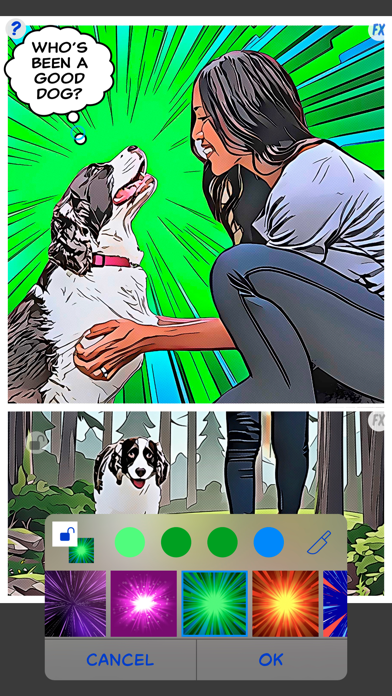
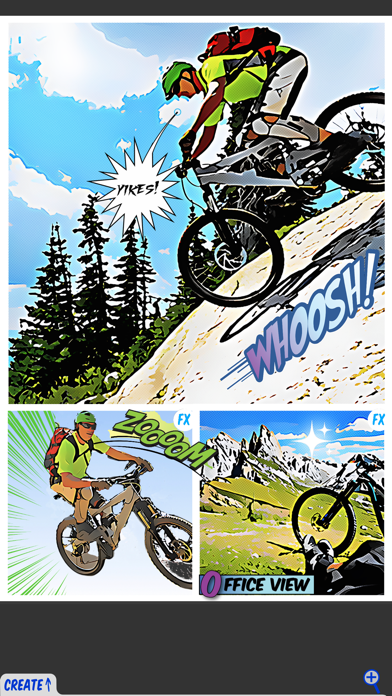
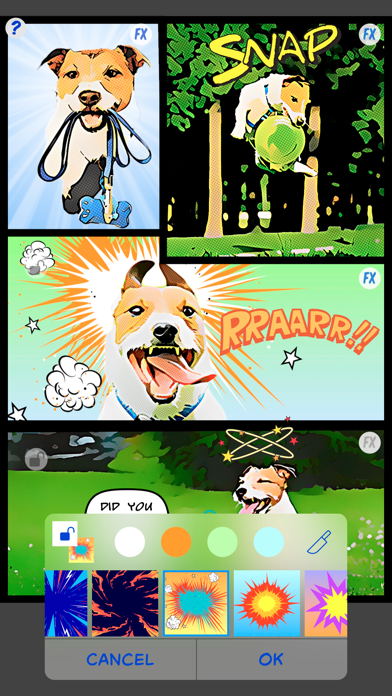
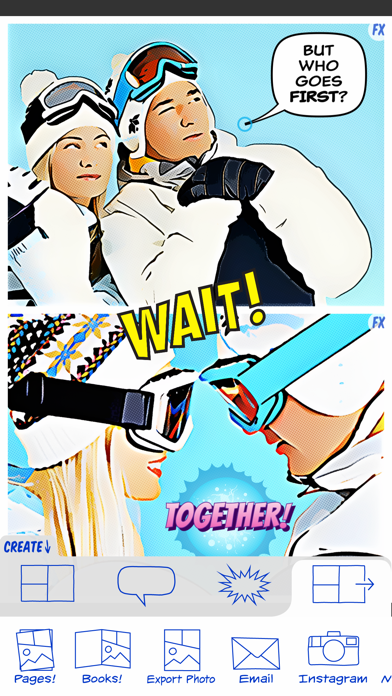
ComicBook! is an amazing comic book creation app that empowers you to turn ordinary images into extraordinary comic stories. The app is designed for anyone who wants to give their pictures a creative twist, making it simple and fun to share your stories with the world. With ComicBook!, you have everything you need, from graphic effects tools to a large collection of unique features.
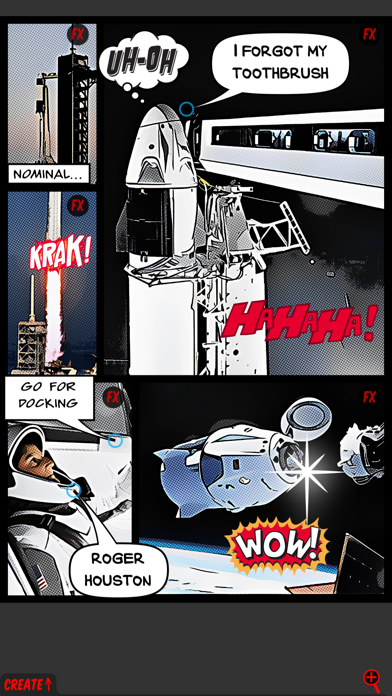
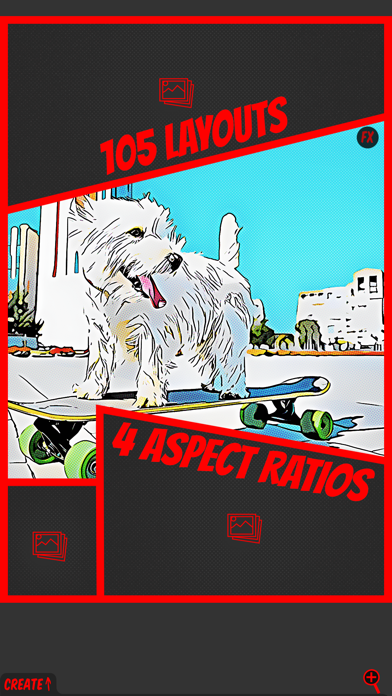
You can easily import images from your library or directly from Flickr. You can even capture new images right within the app. Once your images are in ComicBook!, you can use image scaling and rotation to get them just right. It offers a fantastic range of layout options for comics, including different aspect ratios like 1:1, 3:2, 4:3, and 16:9, so you can choose the best fit for your work.
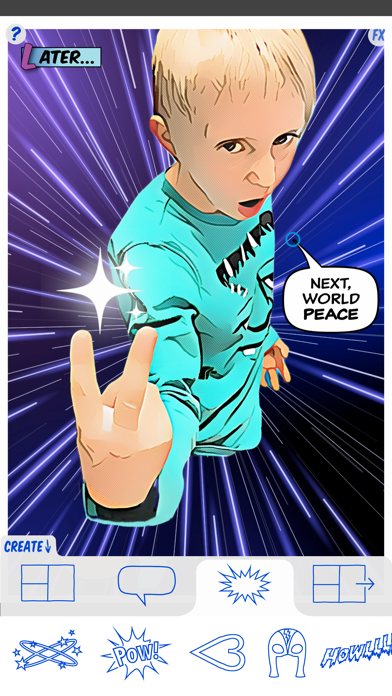
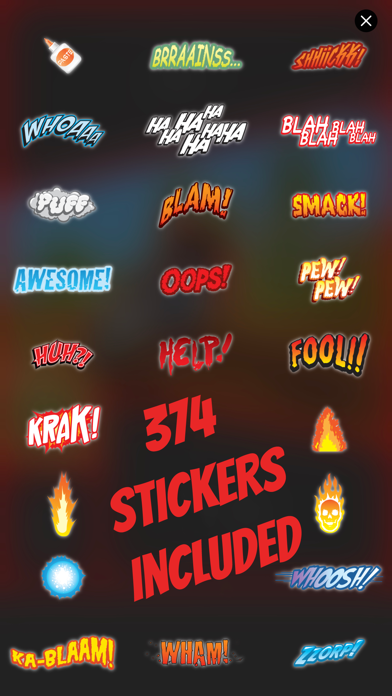
One of the standout features is the collection of 374 hand-drawn comic stickers. Many of these stickers were lovingly created by Joanna Mulder, allowing you to add a personal touch to your comics. You can also create custom stickers from your own images, position, and even mirror them. Optional drop shadow effects enhance your stickers, making them pop even more.
ComicBook! also provides various comic image filters, helping you achieve the look you want. There are classic comic styles and even Manga comic styles, all with adjustable comic styles to suit your preference. You’ll find ten legacy image FX filters, including photo adjustment filters and unique styles like Noir and Poster effects.
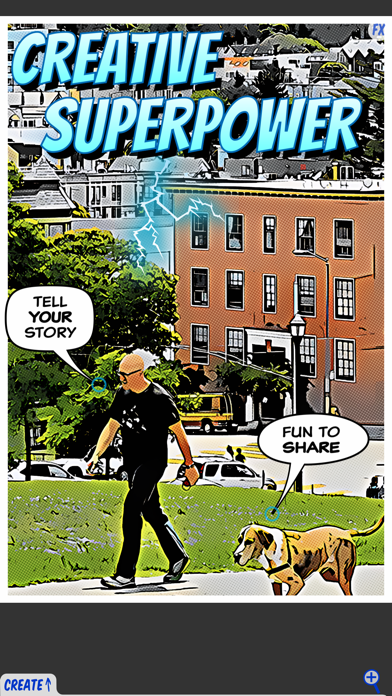
When it comes to adding text, ComicBook! includes captions with unique styles that come in small, medium, and large fonts. You can customize caption background colors and text colors to match your comic's theme. The app also has curved pointers to guide your readers’ attention, making your captions even more effective.
If you’re looking to share your creations, ComicBook! has built-in sharing options. You can share on Twitter, use sharing support for Facebook, or post directly to Instagram. There’s even the option to email your comics as JPG or PDF files. Plus, you can print your comics directly from the app.
For users who want to save their projects, ComicBook! allows you to save to photo library or to editable PDF project files. You can then copy these PDF files to your computer and open them in any application that supports PDFs. The app also features comprehensive project management, allowing you to save and restore your projects easily.
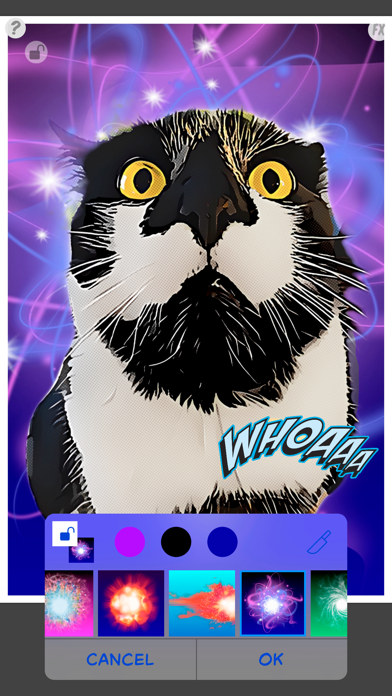
The new SuperFX feature takes your comic creation to the next level. This optional tool offers high-definition visual effects and improved resolution effects that are generated directly on your device. SuperFX comes with a free trial and is fully automatic, with many styles to choose from. It also ensures total privacy since no internet connection is required.
ComicBook! is built for usability, featuring online help for users and parental controls to make it safe for all ages. The app also supports native Retina resolution, ensuring your comics look stunning on any device.
Whether you're a beginner or an experienced comic creator, ComicBook! equips you with everything you need to unleash your creativity. You'll find fun photo portrait options and various selectable layout styles that help you design portrait layouts perfectly suited for your story. With ComicBook!, the possibilities are endless. So grab your creativity and start making comics today!
You can easily import images from your library or directly from Flickr. You can even capture new images right within the app. Once your images are in ComicBook!, you can use image scaling and rotation to get them just right. It offers a fantastic range of layout options for comics, including different aspect ratios like 1:1, 3:2, 4:3, and 16:9, so you can choose the best fit for your work.
One of the standout features is the collection of 374 hand-drawn comic stickers. Many of these stickers were lovingly created by Joanna Mulder, allowing you to add a personal touch to your comics. You can also create custom stickers from your own images, position, and even mirror them. Optional drop shadow effects enhance your stickers, making them pop even more.
ComicBook! also provides various comic image filters, helping you achieve the look you want. There are classic comic styles and even Manga comic styles, all with adjustable comic styles to suit your preference. You’ll find ten legacy image FX filters, including photo adjustment filters and unique styles like Noir and Poster effects.
When it comes to adding text, ComicBook! includes captions with unique styles that come in small, medium, and large fonts. You can customize caption background colors and text colors to match your comic's theme. The app also has curved pointers to guide your readers’ attention, making your captions even more effective.
If you’re looking to share your creations, ComicBook! has built-in sharing options. You can share on Twitter, use sharing support for Facebook, or post directly to Instagram. There’s even the option to email your comics as JPG or PDF files. Plus, you can print your comics directly from the app.
For users who want to save their projects, ComicBook! allows you to save to photo library or to editable PDF project files. You can then copy these PDF files to your computer and open them in any application that supports PDFs. The app also features comprehensive project management, allowing you to save and restore your projects easily.
The new SuperFX feature takes your comic creation to the next level. This optional tool offers high-definition visual effects and improved resolution effects that are generated directly on your device. SuperFX comes with a free trial and is fully automatic, with many styles to choose from. It also ensures total privacy since no internet connection is required.
ComicBook! is built for usability, featuring online help for users and parental controls to make it safe for all ages. The app also supports native Retina resolution, ensuring your comics look stunning on any device.
Whether you're a beginner or an experienced comic creator, ComicBook! equips you with everything you need to unleash your creativity. You'll find fun photo portrait options and various selectable layout styles that help you design portrait layouts perfectly suited for your story. With ComicBook!, the possibilities are endless. So grab your creativity and start making comics today!

Collect – Photo Journal, Diary
Stuart Watson
$2.99

HEIC Images Batch Converter
Aliaksandr Melnikau
$1.29
Free

Photo Stitch!
Thanh Hai Le
$2.99