

$1.49
$0.29
81% Off
Colorful Transparent Icon Pack
GomoTheGom

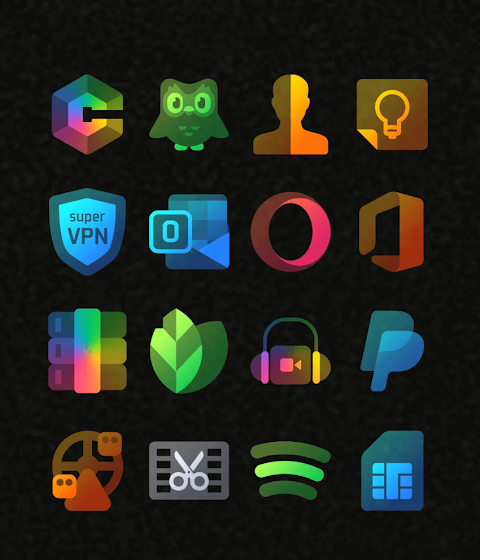


About the App
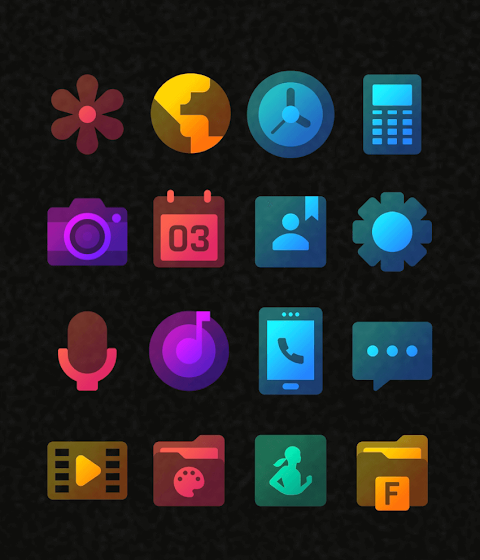
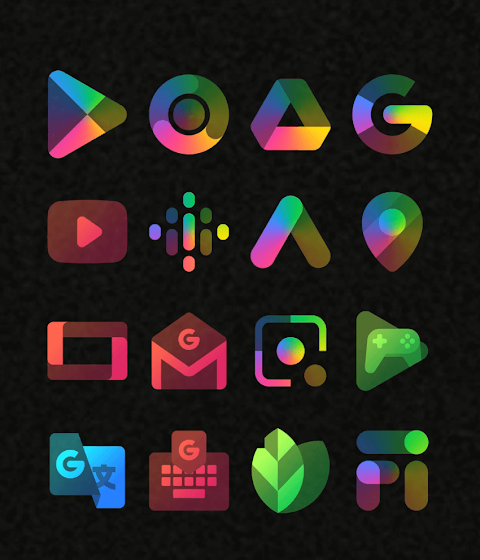
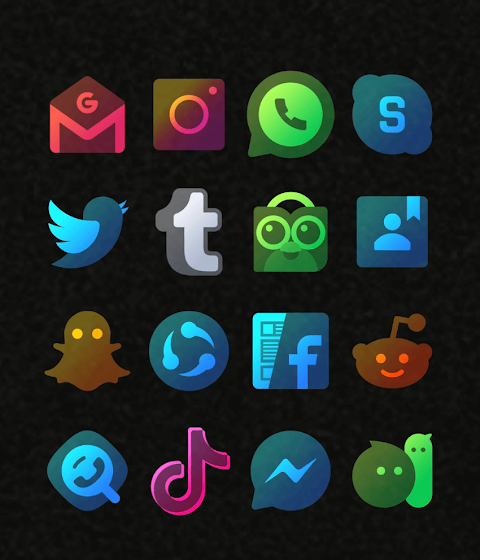
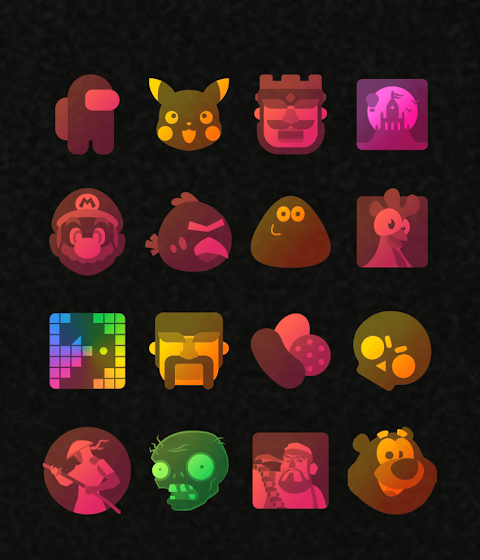
Elevate the look of your device with Colorful Transparent Icon Pack. This app makes your screen look fresh and stylish, supporting both dark and light backgrounds beautifully. With over 3,500 high quality icons at 254x254 pixels, the collection is still growing with regular updates. You'll also find downloadable high quality wallpapers to give your home screen an extra flair.
One of the standout features of Colorful Transparent Icon Pack is the ability to request icons for any missing apps at no cost. The app includes a user-friendly dashboard for easy icon pack management, allowing you to explore its features effortlessly. You can even see how the icons will look against your current wallpaper using the dashboard preview pane.
To get started, install a recommended launcher like Nova or Lawnchair. Once installed, open Colorful Transparent Icon Pack and apply it directly. If your launcher isn’t on the list, no worries! You can change your icon pack settings through your phone's launcher theme or icon change screen, where Colorful Transparent Icon Pack will appear in the options.
This icon pack offers frequent updates and long-term support, ensuring that your icons stay up-to-date and continue to look great. It also supports several launchers for easy customization, including Poco Launcher, Apex Launcher, and Smart Launcher, among others. Each of these launchers has different features, such as the ability to customize icon shapes and settings.
If you encounter any issues, don’t hesitate to reach out. We promise to respond quickly to any launcher support queries you may have. For best results, the Candybar Dashboard feature is available for easy application and management of your icons.
Colorful Transparent Icon Pack also ensures compatibility with popular options like Go Launcher, Lg Home Launcher, Mini Launcher, and ZenUI Launcher. You can enjoy the app with your preferred setup without any hassles.
If you notice that Go Launcher is not changing icons as expected, you can adjust the icon pack settings. If some default icons remain unchanged, simply long-press the icon and select the replace option.
Remember, when using Nova Launcher, icons may appear rounded by default. You can modify this in the Nova theme menu by turning off the option for changing icon shapes.
With Colorful Transparent Icon Pack, your screen can truly reflect your style. Enjoy the simplicity and customization this app brings, and let your device shine!
One of the standout features of Colorful Transparent Icon Pack is the ability to request icons for any missing apps at no cost. The app includes a user-friendly dashboard for easy icon pack management, allowing you to explore its features effortlessly. You can even see how the icons will look against your current wallpaper using the dashboard preview pane.
To get started, install a recommended launcher like Nova or Lawnchair. Once installed, open Colorful Transparent Icon Pack and apply it directly. If your launcher isn’t on the list, no worries! You can change your icon pack settings through your phone's launcher theme or icon change screen, where Colorful Transparent Icon Pack will appear in the options.
This icon pack offers frequent updates and long-term support, ensuring that your icons stay up-to-date and continue to look great. It also supports several launchers for easy customization, including Poco Launcher, Apex Launcher, and Smart Launcher, among others. Each of these launchers has different features, such as the ability to customize icon shapes and settings.
If you encounter any issues, don’t hesitate to reach out. We promise to respond quickly to any launcher support queries you may have. For best results, the Candybar Dashboard feature is available for easy application and management of your icons.
Colorful Transparent Icon Pack also ensures compatibility with popular options like Go Launcher, Lg Home Launcher, Mini Launcher, and ZenUI Launcher. You can enjoy the app with your preferred setup without any hassles.
If you notice that Go Launcher is not changing icons as expected, you can adjust the icon pack settings. If some default icons remain unchanged, simply long-press the icon and select the replace option.
Remember, when using Nova Launcher, icons may appear rounded by default. You can modify this in the Nova theme menu by turning off the option for changing icon shapes.
With Colorful Transparent Icon Pack, your screen can truly reflect your style. Enjoy the simplicity and customization this app brings, and let your device shine!

Bronze Copper Icon Pack
PizzApp Design
$0.99
$0.69
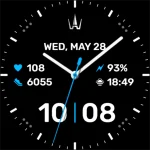
WAW011 Minimal & Customizable
WAW Watch Faces
$3.49
$0.49

Helmet Icon Pack
PizzApp Design
$0.99
$0.69