

$1.49
$0.29
81% Off
Circle Crop – Icon Pack
GomoTheGom





About the App
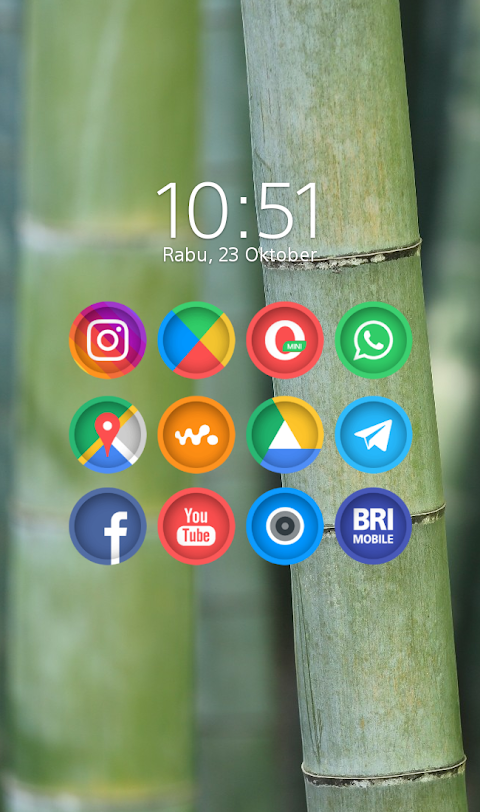
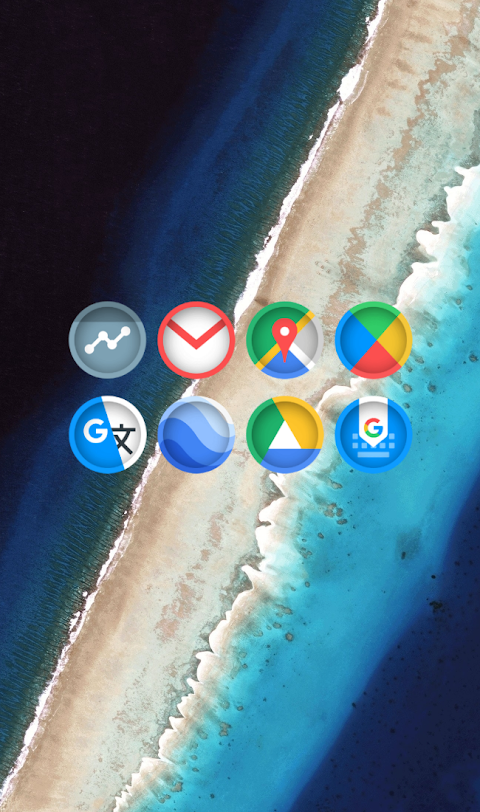
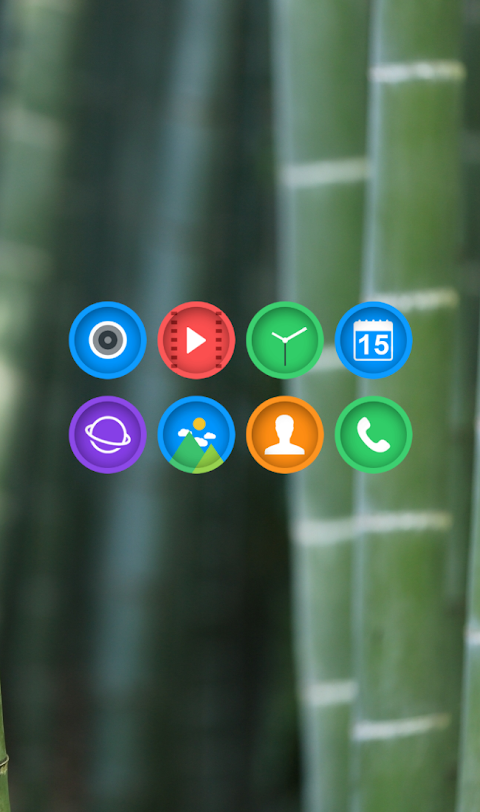
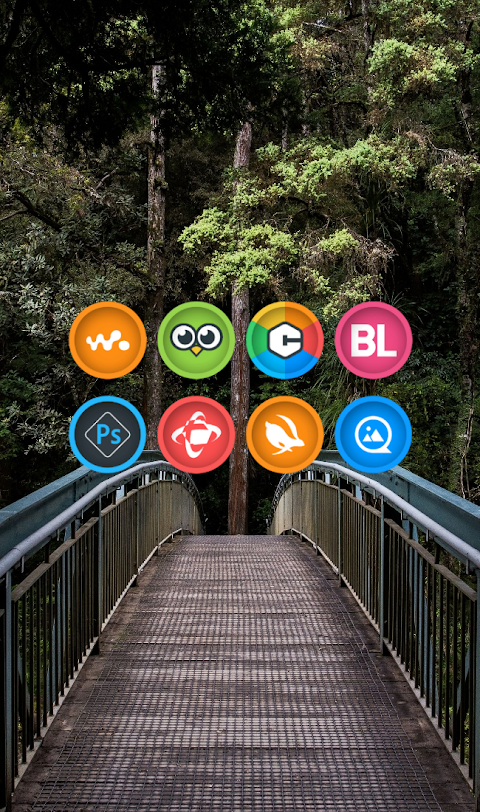
Circle Crop is a unique icon pack that features circle-shaped icons with an eye-catching cut-effect inside each icon. It offers a beautiful color palette, making it a stylish choice for anyone wanting to personalize their device. This icon pack is part of the Circle series of cuticon designs and is great for users looking to enhance their mobile experience.
Applying the Circle Crop Icon Pack is simple and works with many popular launchers. If you have Nova Launcher or Evie Launcher, you can follow these easy steps to apply the icons:
1. Open the Circle Crop Icon Pack app.
2. Go to the Apply Icon Pack screen.
3. You will see a list of supported launchers. Choose the Nova Launcher installed on your device.
4. The app will automatically apply the icons from the Circle Crop icon pack for Nova Launcher.
If your launcher doesn’t appear while trying to apply from the app, you can also apply it directly through the launcher settings.
For users with Sony Xperia Home Launcher, there’s a way to apply the Circle Crop icon pack even if it doesn’t show up in the app. Here’s how to do it:
1. Long press on your main screen.
2. Open the settings.
3. Scroll down and select the appearance icon setting.
4. Choose the Circle Crop icon pack.
5. Done! Your Sony Xperia will now be customized with the Circle Crop icons.
Please note that the Circle Crop icon pack is only supported on Sony Xperia Home Launcher version 10.0.A.0.8 or newer.
This icon pack is compatible with several other launchers as well. You can use it with Apex Launcher, ADW Launcher, ABC Launcher, Next Launcher, Holo Launcher, Lucid Launcher, M Launcher, Action Launcher, Smart Launcher, Go Launcher, and Zero Launcher. However, Go Launcher and Zero Launcher do not support icon masking.
Circle Crop has a lot to offer with over 5000 icons and counting, ensuring plenty of choices for your device. Additionally, there are HD wallpapers available that can add even more style to your home screen. You can also find alternate icons and make use of an icon request feature, allowing you to ask for any specific icons you may need. Each icon in this pack is designed with a high resolution of 192x192px, ensuring they look sharp and clear on your screen.
For users wanting to maintain a consistent look, there’s an option for a custom icon back for unthemed icons. This helps make everything match nicely. The application of this icon pack allows for easy launcher icons customization, providing a unique user interface that reflects your personal style.
You can explore more design information through various platforms like Google+, Instagram, and Twitter, where updates and additional designs are shared.
With Circle Crop, enjoy the fun of mobile launcher themes while tapping into the latest design aesthetics to make your device truly yours. Whether you’re new to icon packs or a seasoned user, Circle Crop brings a fresh look that enhances the overall experience of using your Android device.
Applying the Circle Crop Icon Pack is simple and works with many popular launchers. If you have Nova Launcher or Evie Launcher, you can follow these easy steps to apply the icons:
1. Open the Circle Crop Icon Pack app.
2. Go to the Apply Icon Pack screen.
3. You will see a list of supported launchers. Choose the Nova Launcher installed on your device.
4. The app will automatically apply the icons from the Circle Crop icon pack for Nova Launcher.
If your launcher doesn’t appear while trying to apply from the app, you can also apply it directly through the launcher settings.
For users with Sony Xperia Home Launcher, there’s a way to apply the Circle Crop icon pack even if it doesn’t show up in the app. Here’s how to do it:
1. Long press on your main screen.
2. Open the settings.
3. Scroll down and select the appearance icon setting.
4. Choose the Circle Crop icon pack.
5. Done! Your Sony Xperia will now be customized with the Circle Crop icons.
Please note that the Circle Crop icon pack is only supported on Sony Xperia Home Launcher version 10.0.A.0.8 or newer.
This icon pack is compatible with several other launchers as well. You can use it with Apex Launcher, ADW Launcher, ABC Launcher, Next Launcher, Holo Launcher, Lucid Launcher, M Launcher, Action Launcher, Smart Launcher, Go Launcher, and Zero Launcher. However, Go Launcher and Zero Launcher do not support icon masking.
Circle Crop has a lot to offer with over 5000 icons and counting, ensuring plenty of choices for your device. Additionally, there are HD wallpapers available that can add even more style to your home screen. You can also find alternate icons and make use of an icon request feature, allowing you to ask for any specific icons you may need. Each icon in this pack is designed with a high resolution of 192x192px, ensuring they look sharp and clear on your screen.
For users wanting to maintain a consistent look, there’s an option for a custom icon back for unthemed icons. This helps make everything match nicely. The application of this icon pack allows for easy launcher icons customization, providing a unique user interface that reflects your personal style.
You can explore more design information through various platforms like Google+, Instagram, and Twitter, where updates and additional designs are shared.
With Circle Crop, enjoy the fun of mobile launcher themes while tapping into the latest design aesthetics to make your device truly yours. Whether you’re new to icon packs or a seasoned user, Circle Crop brings a fresh look that enhances the overall experience of using your Android device.
S4U Mystique – Gold watch face
styles4you
$1.99
$0.60

OMG 326 – Digital Watch Face
OMG Watch Faces™
$1.49
$0.49

Radiance KWGT
Zeffi Setups
$0.99
$0.49