
$1.99
$0.99
50% Off
CFS145 Weather Window
CFS Creative Face Studio

About the App
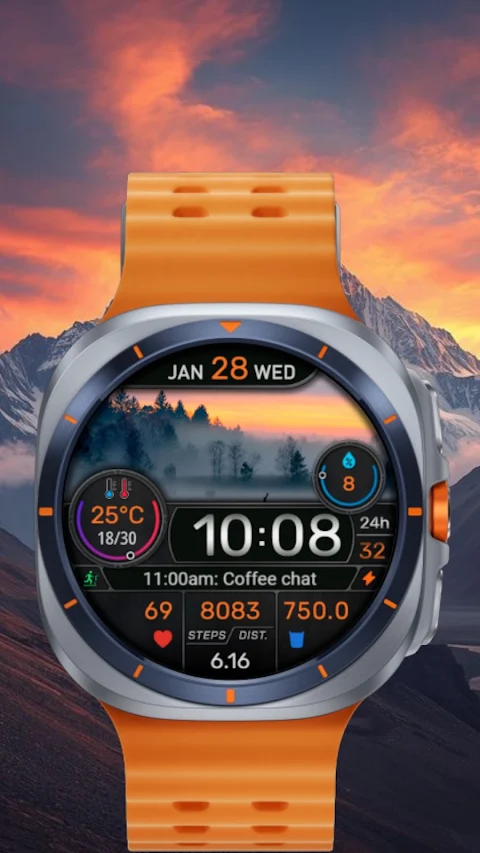
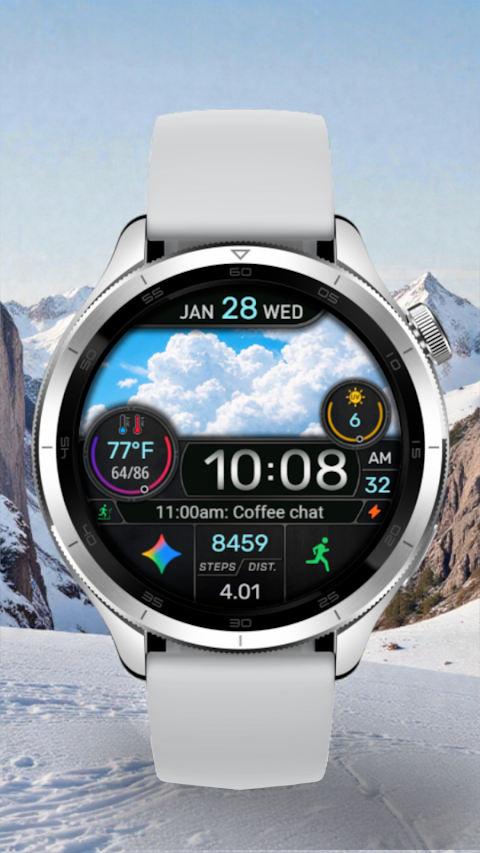
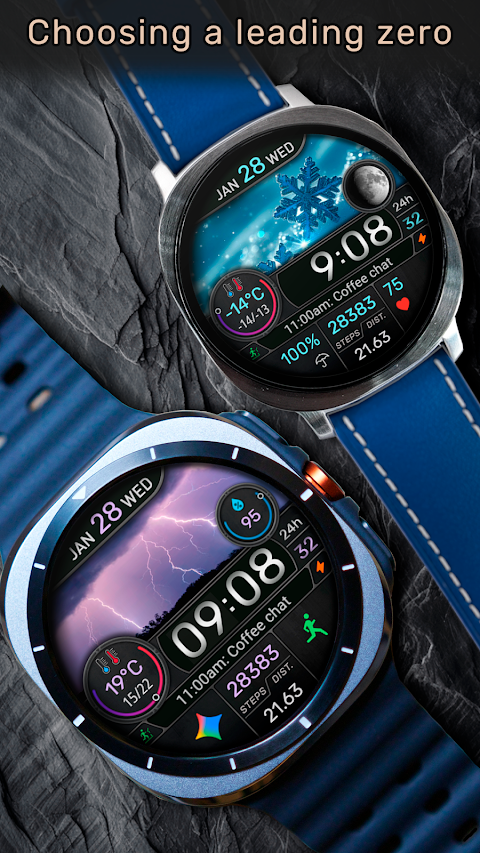
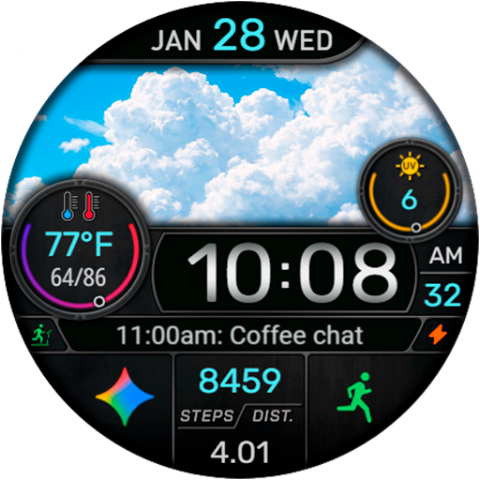
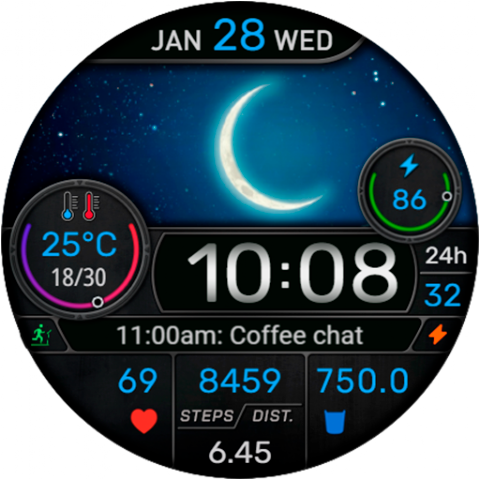
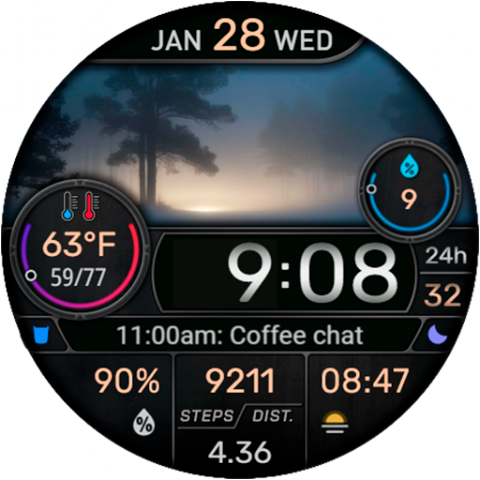
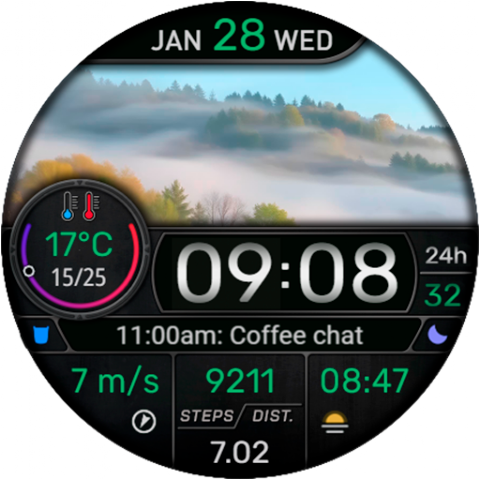
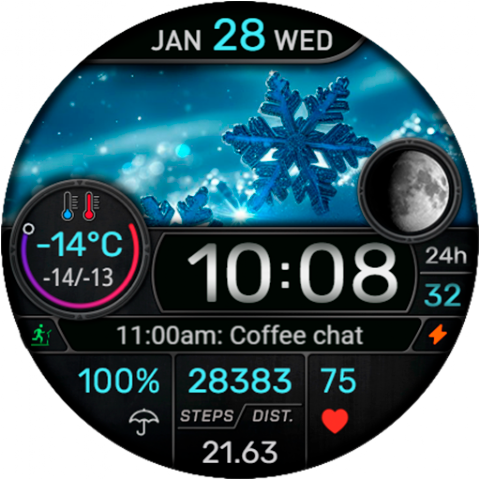
CFS145 Weather Window is a user-friendly Wear OS watch face designed with you in mind. This watch face features a large digital time display that makes it easy to read at a glance. You can choose between a 12/24 hour format based on your phone settings, and there's even an optional leading zero for those who prefer it.
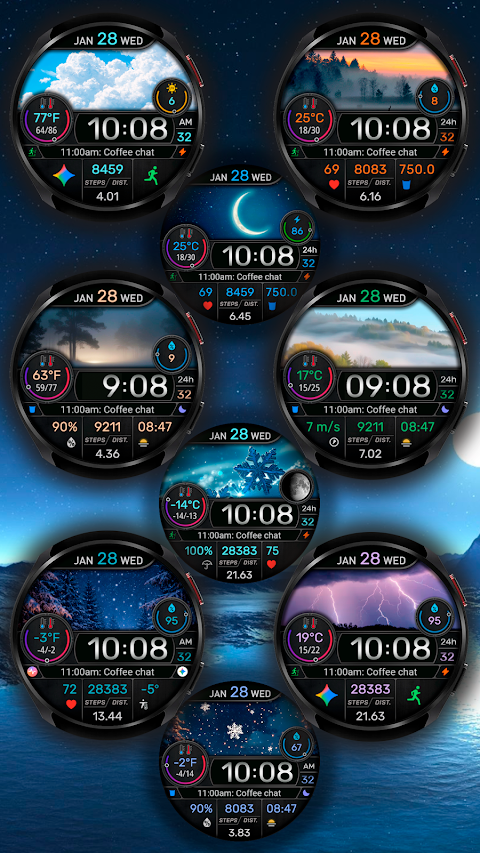
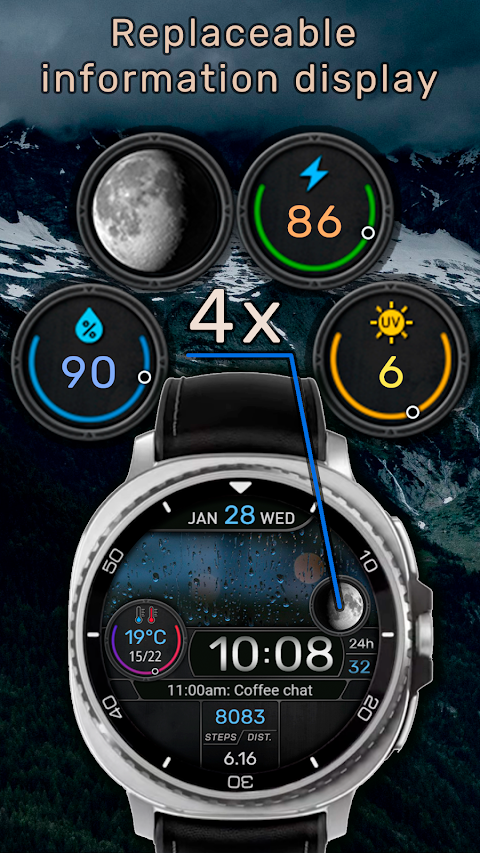
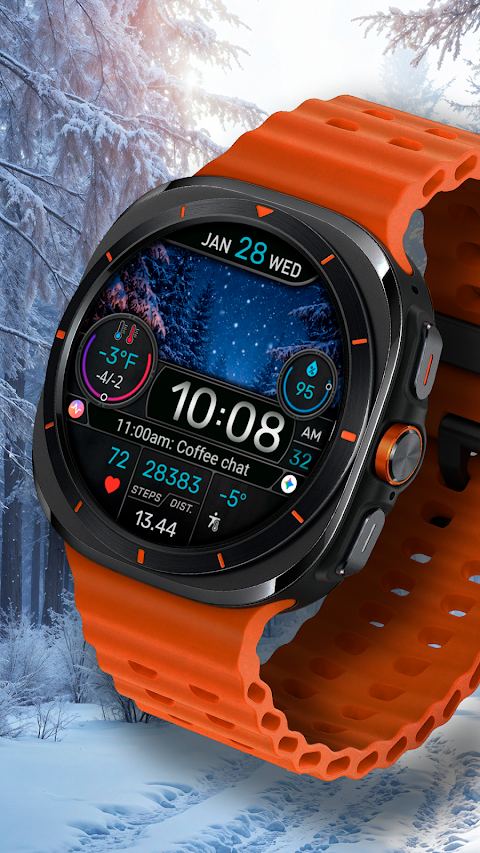
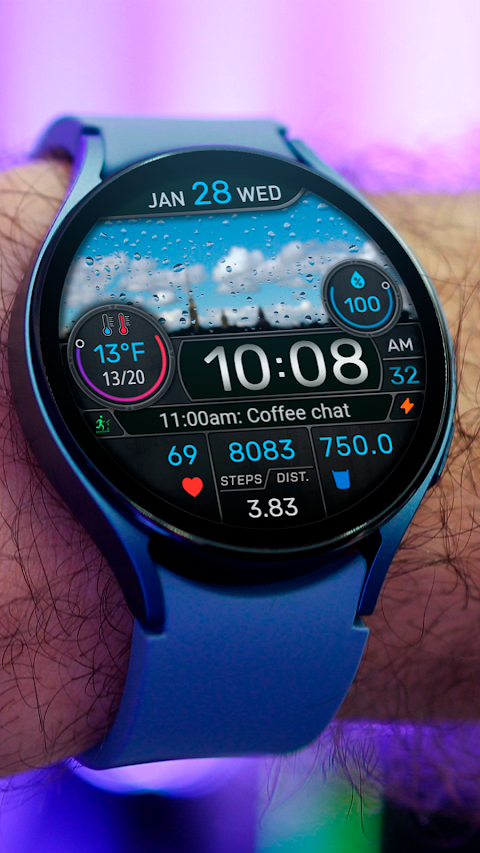
One of its standout features is the integrated weather window, providing real-time weather data. This makes it simple for you to check the current weather conditions throughout your day. Alongside this, the customizable information display allows you to see important data such as the date, steps tracking feature, and distance traveled in KM/MI. You can adjust the watch face settings to select what information appears, personalizing your watch face to meet your needs.
With its structured data layout, the CFS145 Weather Window keeps your daily data organized and easy to check. You can also enjoy multiple color schemes to customize how it looks on your wrist, helping you match it to your personal style. The practical watch face design is both functional and visually appealing, so you'll be happy to wear it every day.
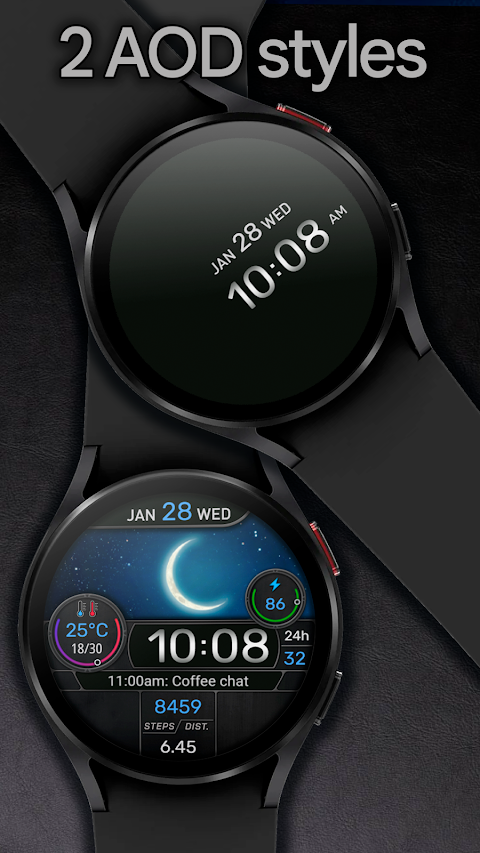
In addition to these features, you can explore complications support and a custom shortcuts option that allows quick access to the apps or functions you use often. The watch face also offers minimum AOD brightness and full AOD with multiple brightness levels, ensuring clarity whether it's day or night.
When setting up your watch face, you may want to keep in mind that the distance traveled can be set to either kilometers or miles, depending on your preference. The watch has built-in calculations that determine your distance based on steps, with 1 km equating to 1312 steps and 1 mile to 2100 steps.
Before customizing, it's helpful to know that the Galaxy Wearable app may not always support the customization of complex watch faces perfectly. To avoid issues, it's recommended to make these adjustments directly on the watch. Simply press and hold the watch screen to open the watch face settings. Please note that interactive touch zones are guaranteed to work only on Samsung watches.
If you ever have trouble or questions while using the watch face, don't hesitate to reach out for help. You can contact us at seslihediyye@gmail.com, and we’ll do our best to assist you. For installation instructions, customization tips, and any additional information you may need, please visit our website at https://cfswatchfaces.com.
Thank you for choosing the CFS145 Weather Window. Enjoy a dynamic watch arrangement that complements your lifestyle!
One of its standout features is the integrated weather window, providing real-time weather data. This makes it simple for you to check the current weather conditions throughout your day. Alongside this, the customizable information display allows you to see important data such as the date, steps tracking feature, and distance traveled in KM/MI. You can adjust the watch face settings to select what information appears, personalizing your watch face to meet your needs.
With its structured data layout, the CFS145 Weather Window keeps your daily data organized and easy to check. You can also enjoy multiple color schemes to customize how it looks on your wrist, helping you match it to your personal style. The practical watch face design is both functional and visually appealing, so you'll be happy to wear it every day.
In addition to these features, you can explore complications support and a custom shortcuts option that allows quick access to the apps or functions you use often. The watch face also offers minimum AOD brightness and full AOD with multiple brightness levels, ensuring clarity whether it's day or night.
When setting up your watch face, you may want to keep in mind that the distance traveled can be set to either kilometers or miles, depending on your preference. The watch has built-in calculations that determine your distance based on steps, with 1 km equating to 1312 steps and 1 mile to 2100 steps.
Before customizing, it's helpful to know that the Galaxy Wearable app may not always support the customization of complex watch faces perfectly. To avoid issues, it's recommended to make these adjustments directly on the watch. Simply press and hold the watch screen to open the watch face settings. Please note that interactive touch zones are guaranteed to work only on Samsung watches.
If you ever have trouble or questions while using the watch face, don't hesitate to reach out for help. You can contact us at seslihediyye@gmail.com, and we’ll do our best to assist you. For installation instructions, customization tips, and any additional information you may need, please visit our website at https://cfswatchfaces.com.
Thank you for choosing the CFS145 Weather Window. Enjoy a dynamic watch arrangement that complements your lifestyle!

PRADO 78 Digital Watch Face
PRADO DESIGN ® Watch Faces
$1.99
$1.39

Glow Digital: Watch face
amoledwatchfaces™
$1.49
$0.75
DADAM67: Classic Watch Face
DADAM Watch Faces
$1.89
$0.19