
$1.99
$1.00
50% Off
CELEST5572 Data Hub Watch
CELEST Watches



About the App
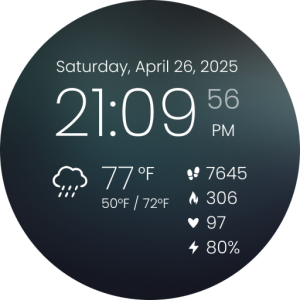
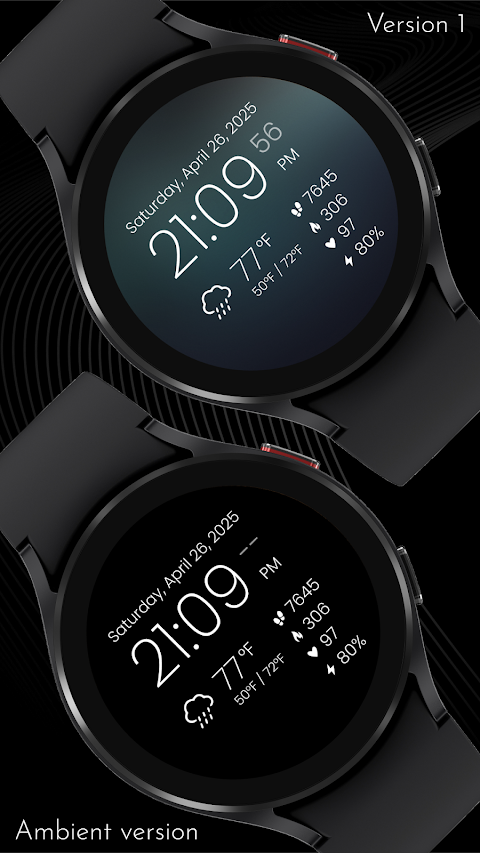
With the CELEST5572 Data Hub Watch, you can easily monitor important information right from your wrist. Please note that you need Wear OS 5+ for this custom watch face to work properly.
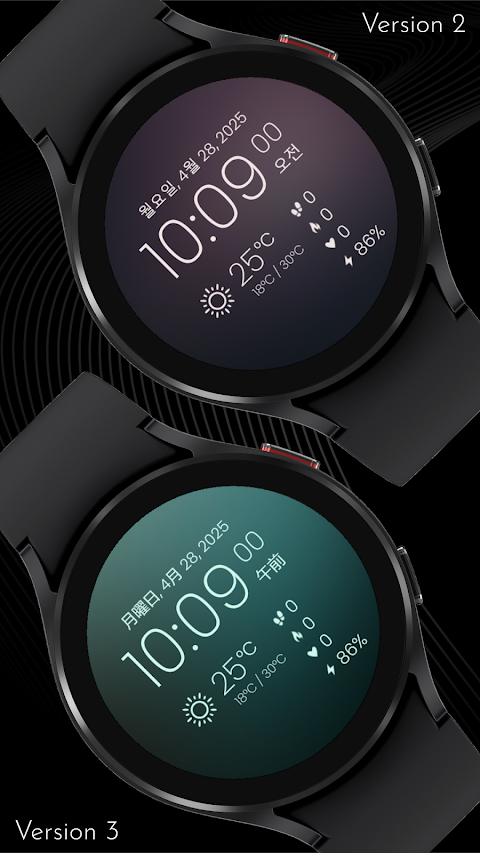
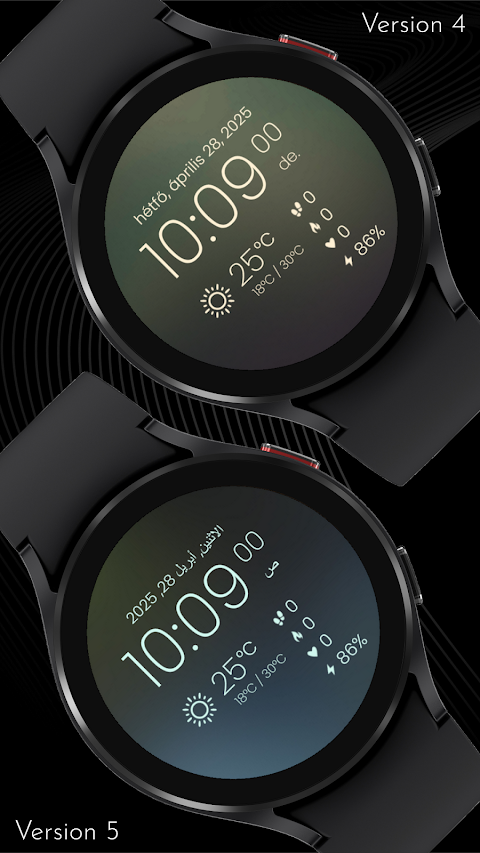
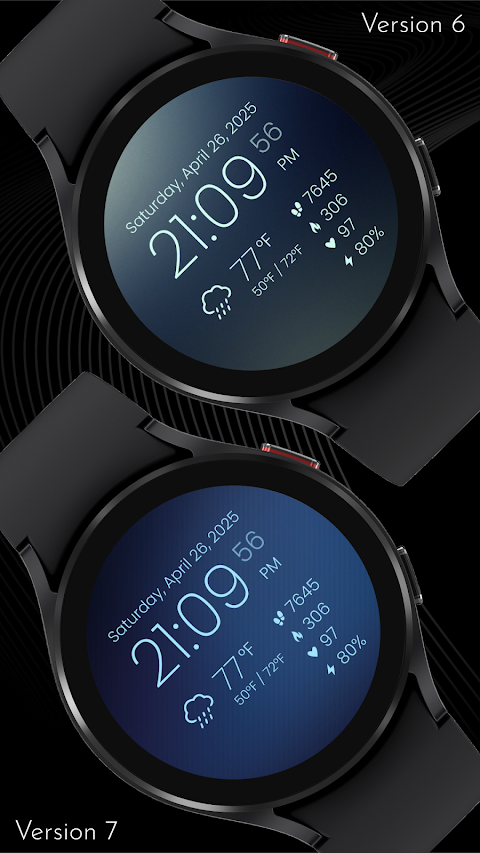
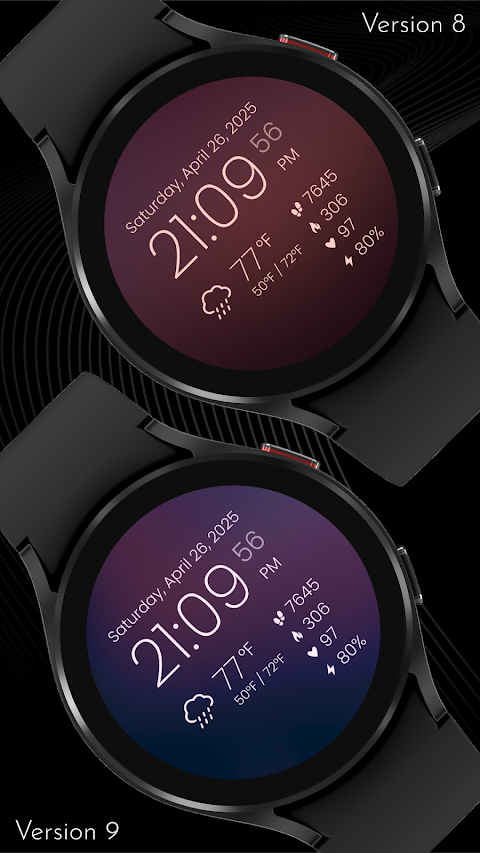
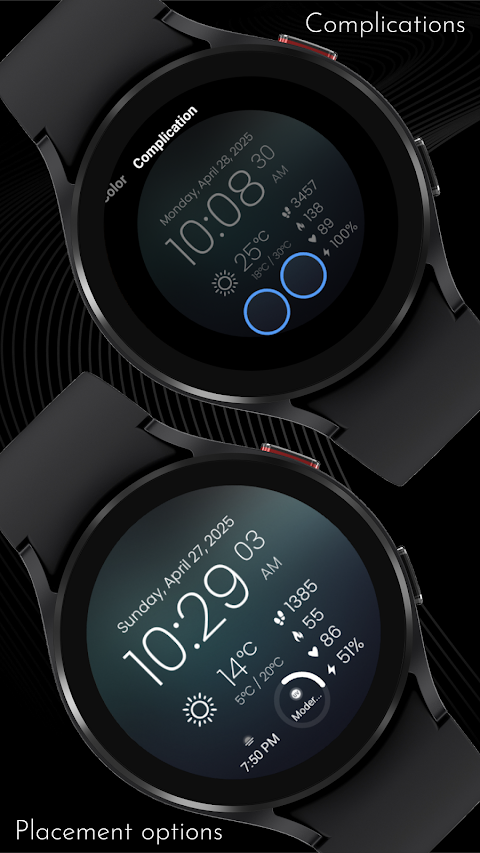
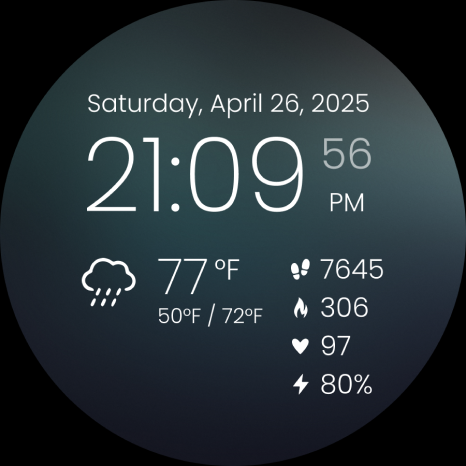
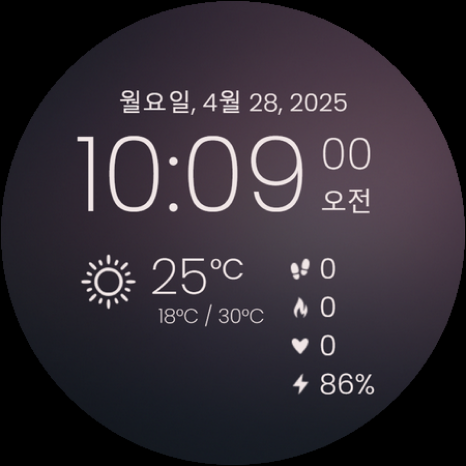
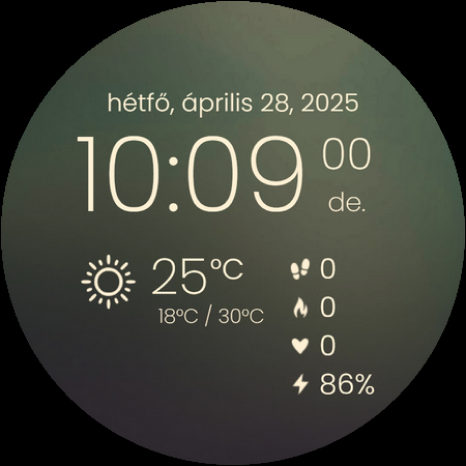
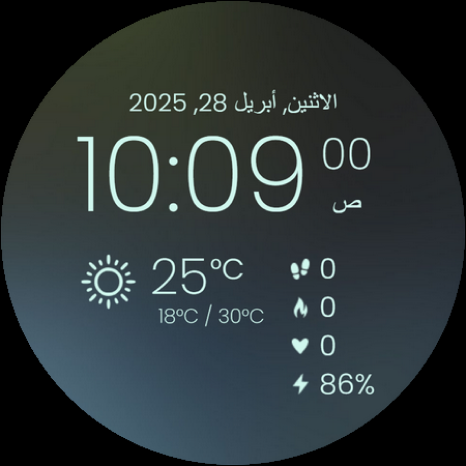
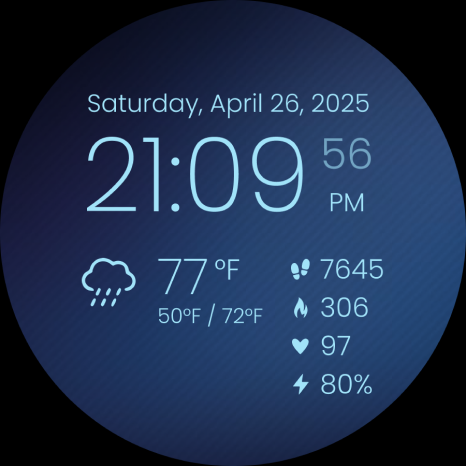
This watch face offers full multilingual support, allowing you to view information in the language that you prefer. You’ll be able to keep track of essential details such as weather updates, heart rate monitoring, steps tracking, calories burned, and battery level display—all at a glance. Plus, you can customize your look with 10 background designs and 20 color variations to suit your style. If you want to add even more data, there are two circular complications available. These can show information like sunrise/sunset times or UV index tracking, providing insights that are easy to access.
If you're facing challenges installing the CELEST5572 Data Hub Watch from the Google Play Store, don’t worry! We have created a smooth setup guide to help you. Sometimes the watch face may appear installed on your phone but not on your watch. This usually happens when the Play Store installs a companion app instead.
To install directly on your watch, open the Google Play Store on your smartwatch, search for the watch face name, and install it directly. Alternatively, you can use the dropdown menu on your phone. Just tap the small triangular icon next to the "Install" button, and select your watch as the target device. You can also use a PC browser to access the Play Store, where you can manually choose your watch for installation.
If the CELEST5572 Data Hub Watch doesn’t show up on your device, check your watch's companion app, especially for Samsung devices. This is typically done through the Galaxy Wearable app. Once there, navigate to the Downloaded section under watch faces. You should find the watch face listed, and you can then tap to install it.
Should you still need assistance, feel free to reach out to us at info@celest-watches.com. We're here to help you resolve any issues quickly.
Customization options are a key feature of the CELEST5572 Data Hub Watch. You can choose from various backgrounds and colors. Plus, you have the option to set up app shortcuts with three invisible line complications, making it easy to access your favorite apps for weather, steps, calories, or whatever else you choose.
Don’t forget to explore more! We have an extensive catalog available, along with exclusive discounts specifically for Wear OS users. Check out our website to browse through our offerings.
Stay connected with us on social media to get updates and see what’s new. You can find us on Instagram, Facebook, Twitter, Threads, Pinterest, TikTok, Tumblr, and even through Telegram. We’re always happy to engage with our community!
The CELEST5572 Data Hub Watch truly enhances your fitness tracking experience and is a perfect addition for anyone looking to customize their smartwatch. With various style customization features, it’s designed to fit your needs. Enjoy the benefits of wearable technology with this versatile watch face.
This watch face offers full multilingual support, allowing you to view information in the language that you prefer. You’ll be able to keep track of essential details such as weather updates, heart rate monitoring, steps tracking, calories burned, and battery level display—all at a glance. Plus, you can customize your look with 10 background designs and 20 color variations to suit your style. If you want to add even more data, there are two circular complications available. These can show information like sunrise/sunset times or UV index tracking, providing insights that are easy to access.
If you're facing challenges installing the CELEST5572 Data Hub Watch from the Google Play Store, don’t worry! We have created a smooth setup guide to help you. Sometimes the watch face may appear installed on your phone but not on your watch. This usually happens when the Play Store installs a companion app instead.
To install directly on your watch, open the Google Play Store on your smartwatch, search for the watch face name, and install it directly. Alternatively, you can use the dropdown menu on your phone. Just tap the small triangular icon next to the "Install" button, and select your watch as the target device. You can also use a PC browser to access the Play Store, where you can manually choose your watch for installation.
If the CELEST5572 Data Hub Watch doesn’t show up on your device, check your watch's companion app, especially for Samsung devices. This is typically done through the Galaxy Wearable app. Once there, navigate to the Downloaded section under watch faces. You should find the watch face listed, and you can then tap to install it.
Should you still need assistance, feel free to reach out to us at info@celest-watches.com. We're here to help you resolve any issues quickly.
Customization options are a key feature of the CELEST5572 Data Hub Watch. You can choose from various backgrounds and colors. Plus, you have the option to set up app shortcuts with three invisible line complications, making it easy to access your favorite apps for weather, steps, calories, or whatever else you choose.
Don’t forget to explore more! We have an extensive catalog available, along with exclusive discounts specifically for Wear OS users. Check out our website to browse through our offerings.
Stay connected with us on social media to get updates and see what’s new. You can find us on Instagram, Facebook, Twitter, Threads, Pinterest, TikTok, Tumblr, and even through Telegram. We’re always happy to engage with our community!
The CELEST5572 Data Hub Watch truly enhances your fitness tracking experience and is a perfect addition for anyone looking to customize their smartwatch. With various style customization features, it’s designed to fit your needs. Enjoy the benefits of wearable technology with this versatile watch face.
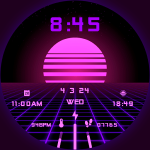
Vaporwave Watch Face
RazorSharp Design Studio
$2.29
$0.49

Pixel Analog 2 Watch Face
amoledwatchfaces™
$1.49
$0.75
Chester Modern watch face
CHESTER WATCH FACES
$0.99
$0.49