
$1.99
$1.00
50% Off
CELEST5562 Retro Digital Watch
CELEST Watches




About the App
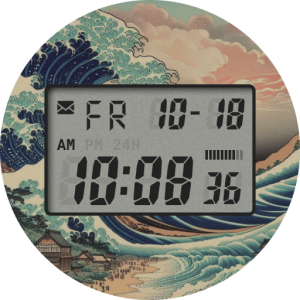
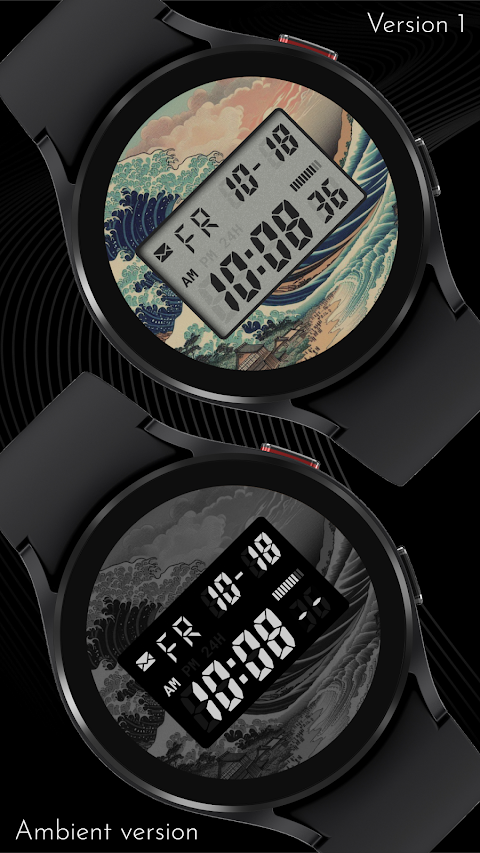
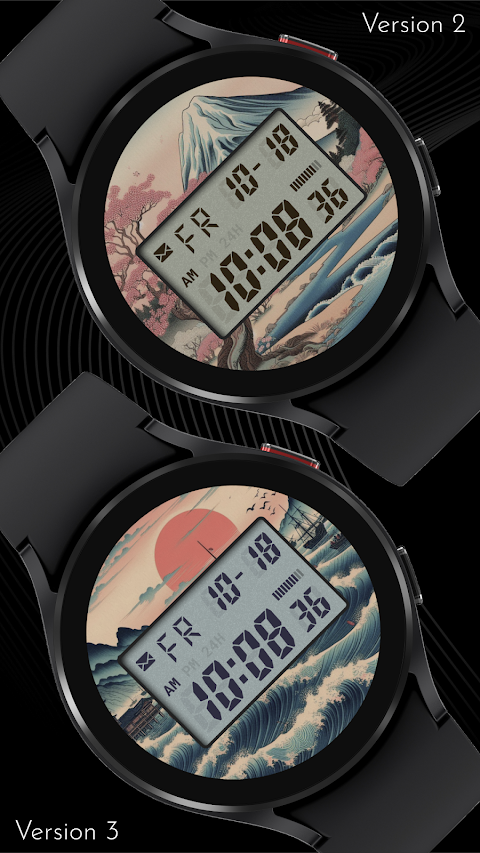
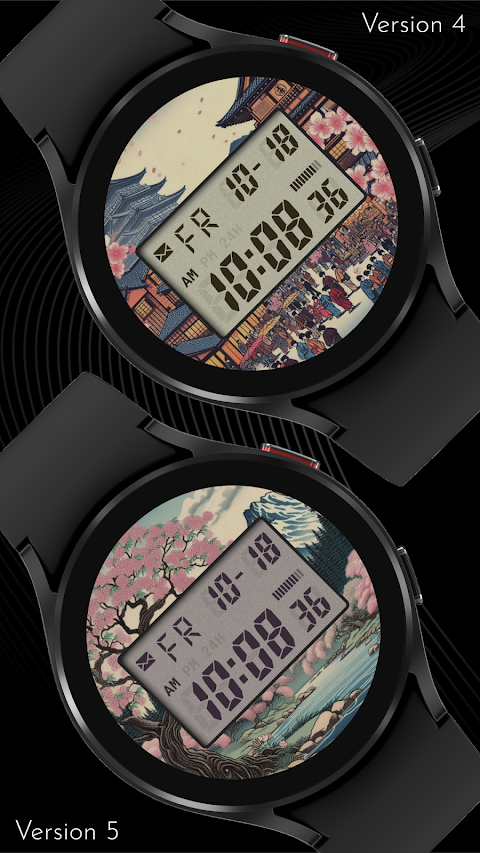
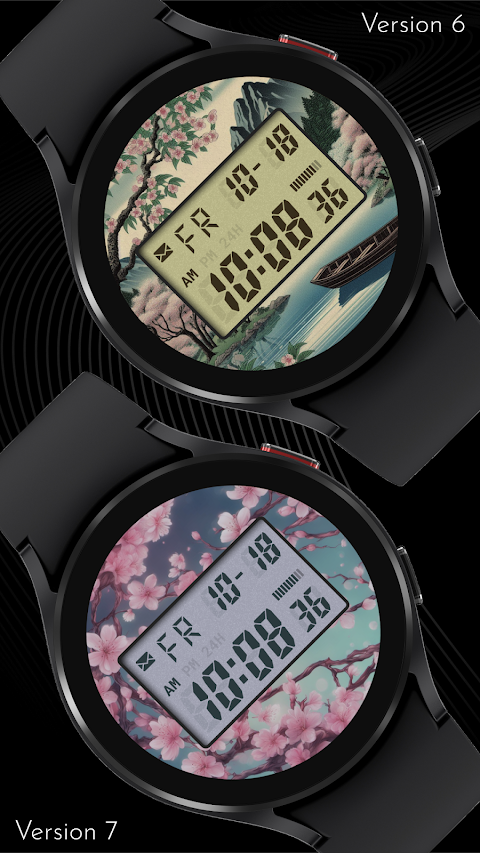
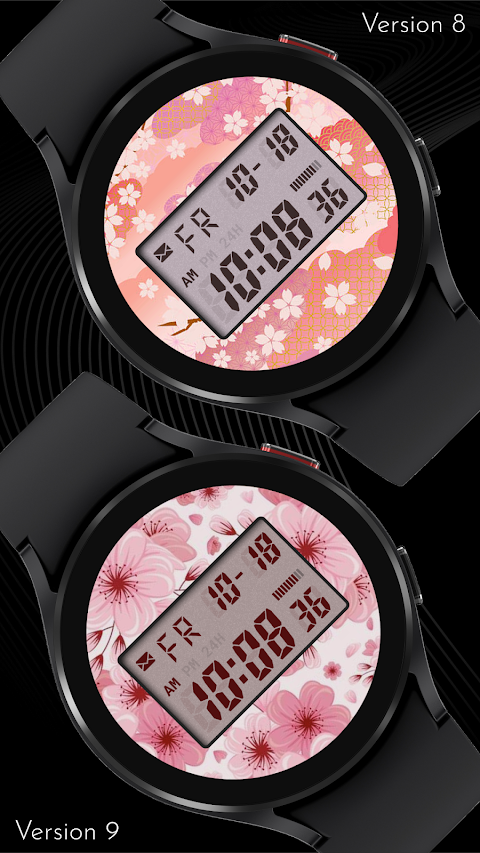
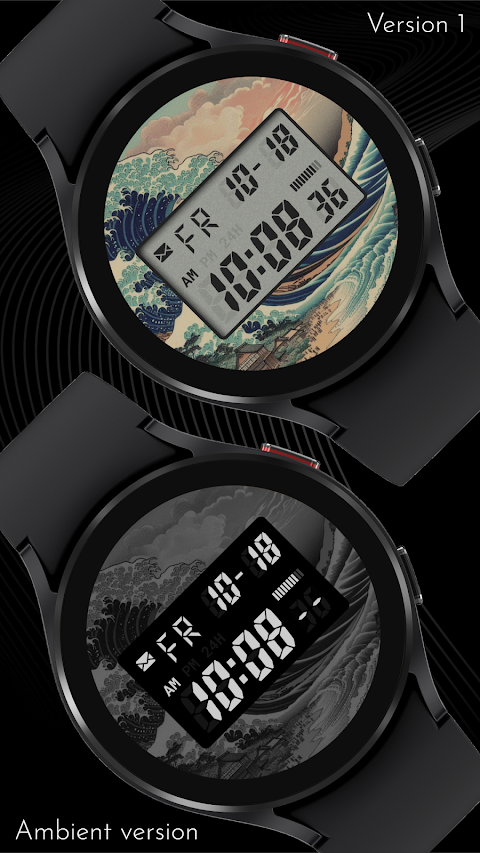
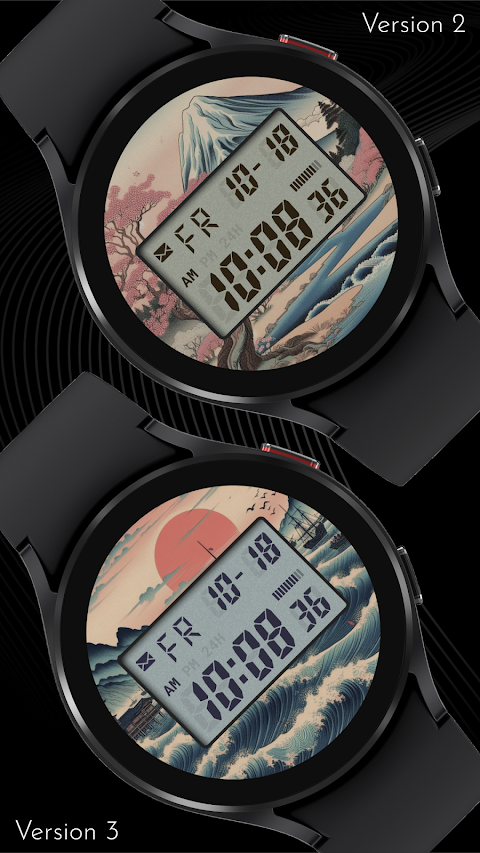
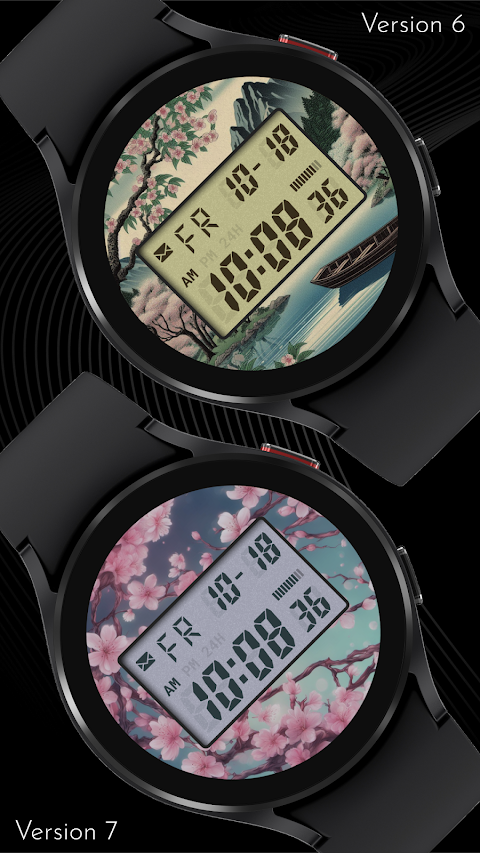
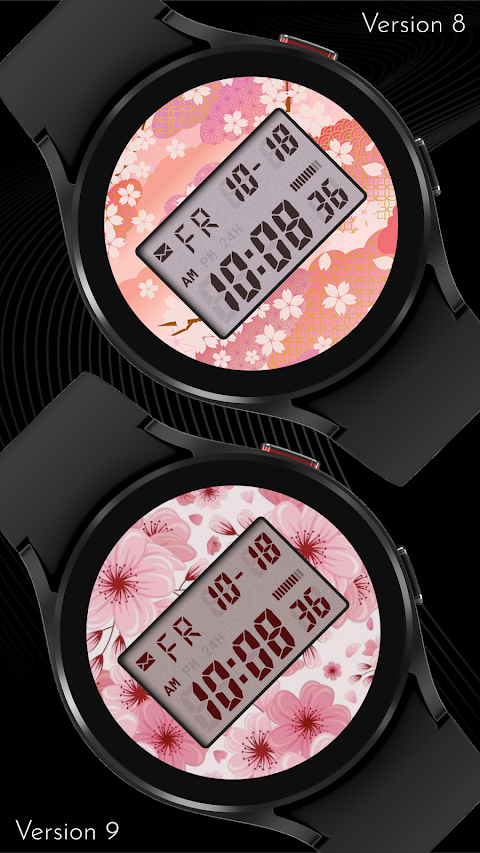
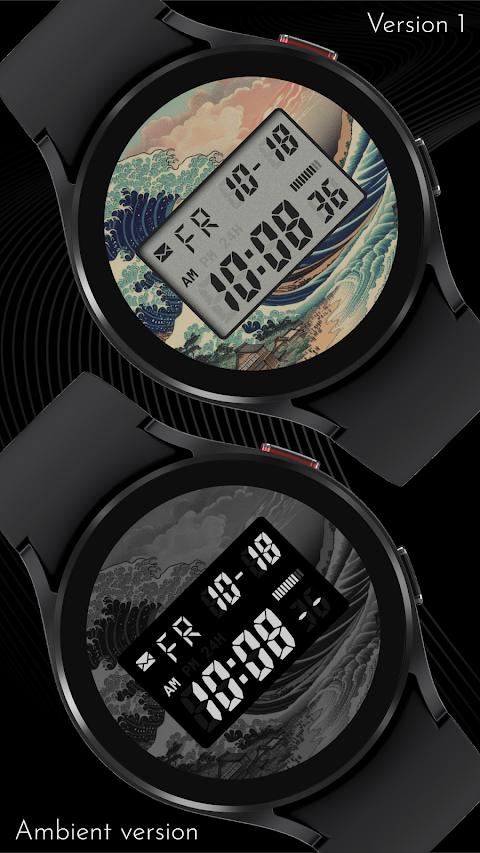
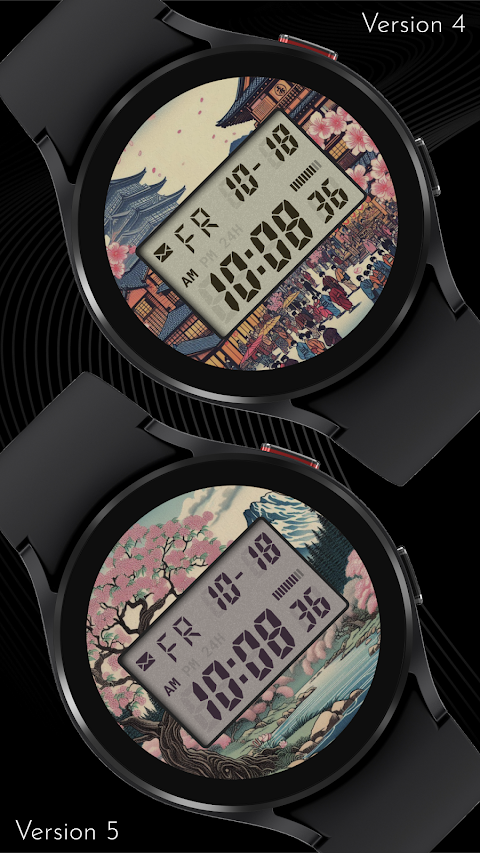
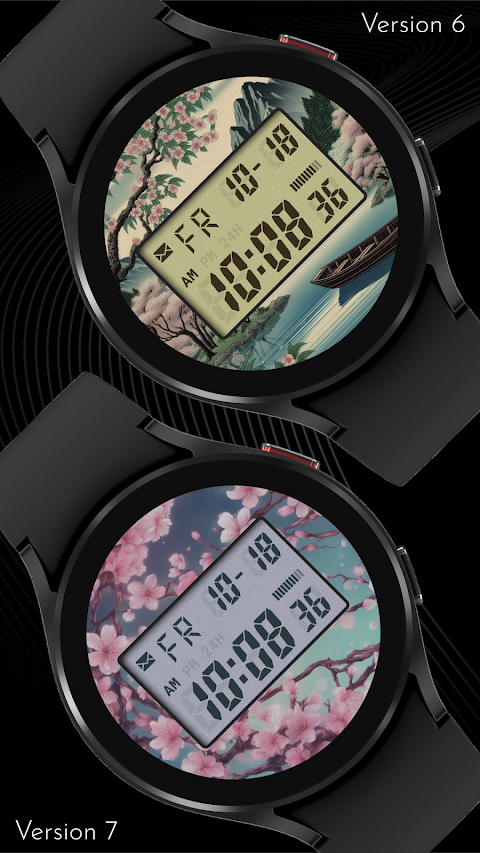
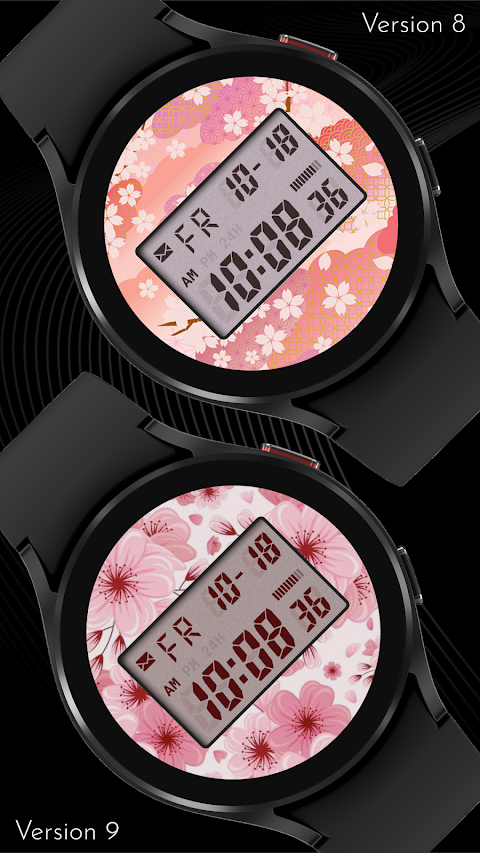
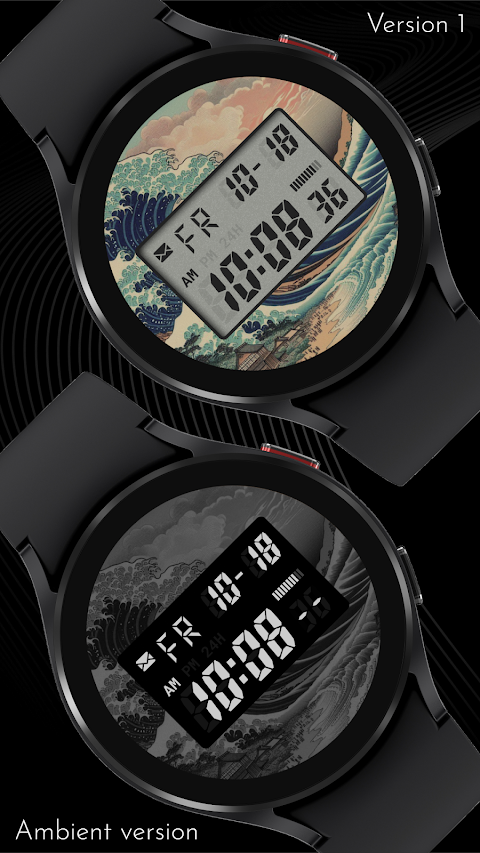
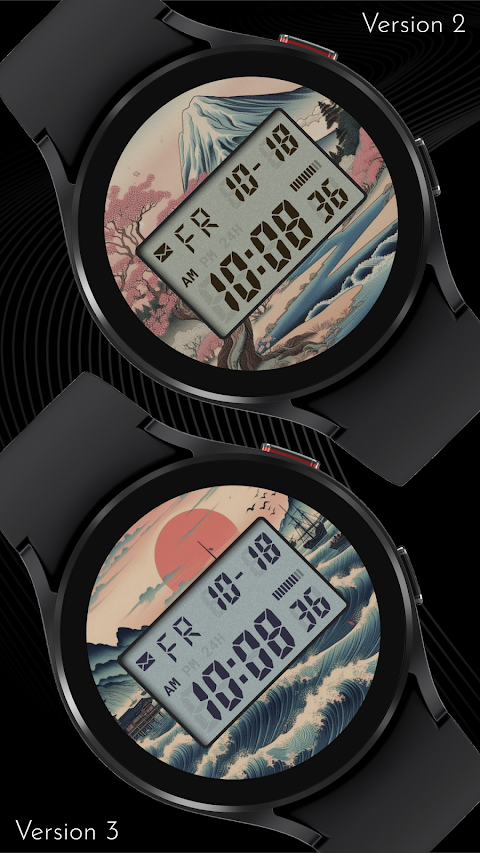
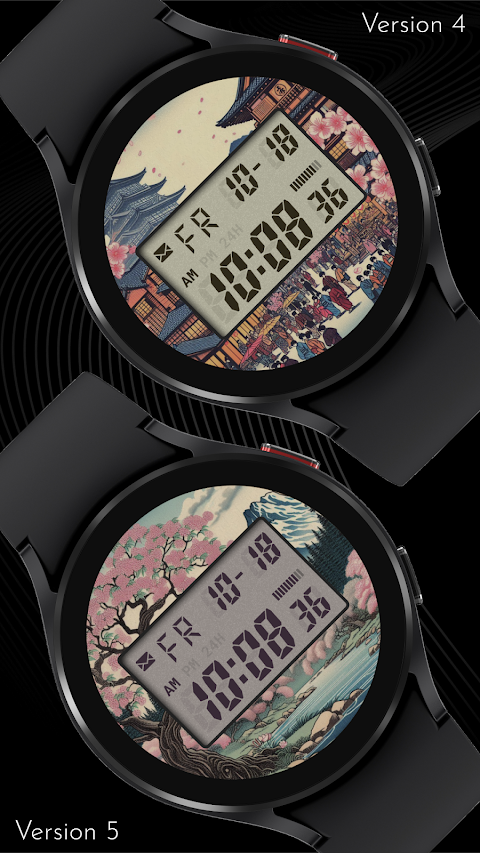
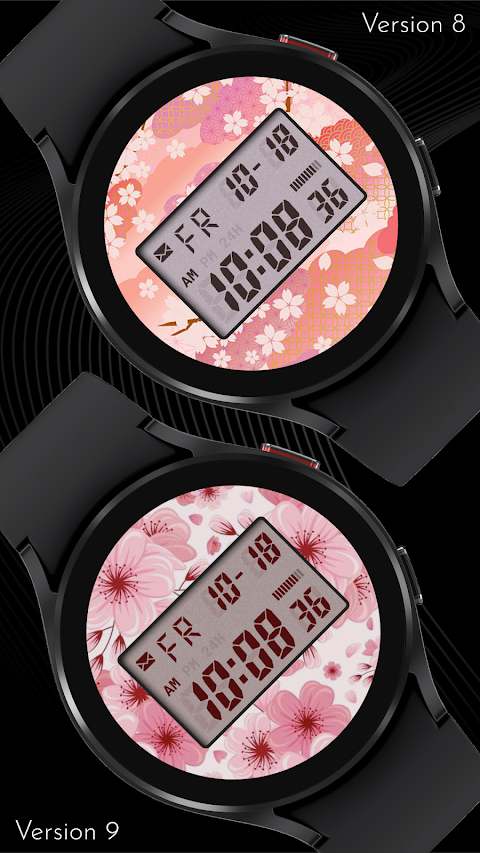
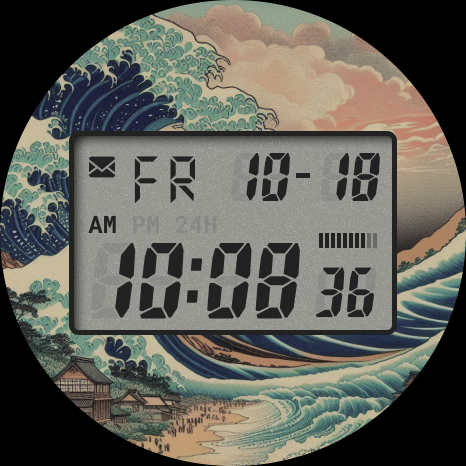
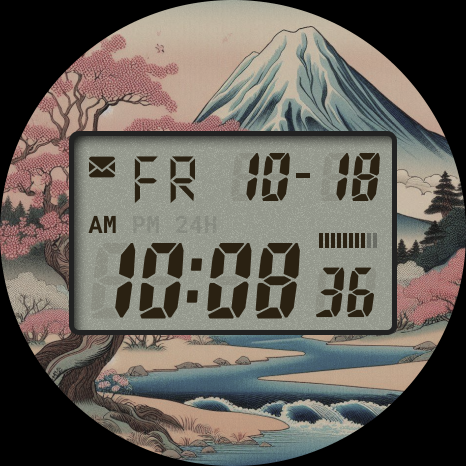
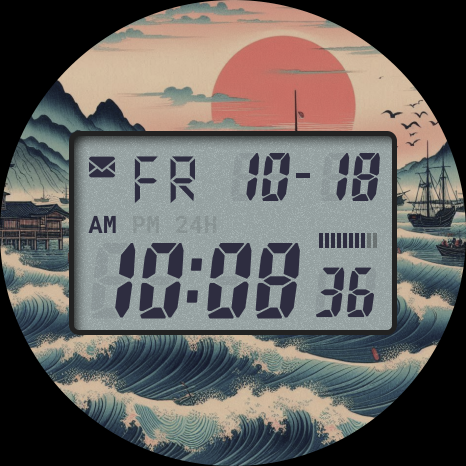
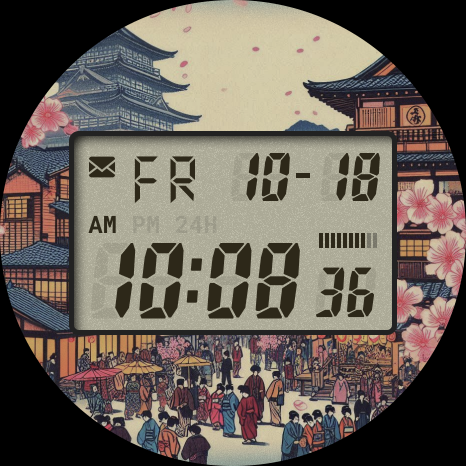
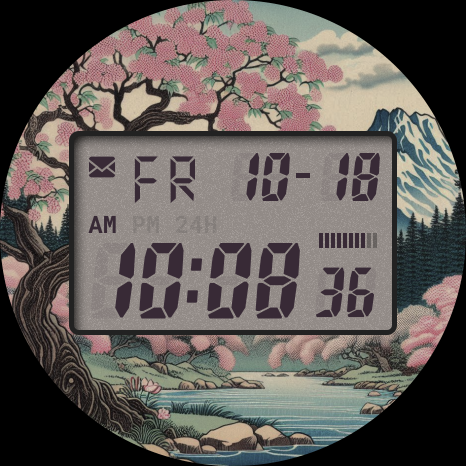
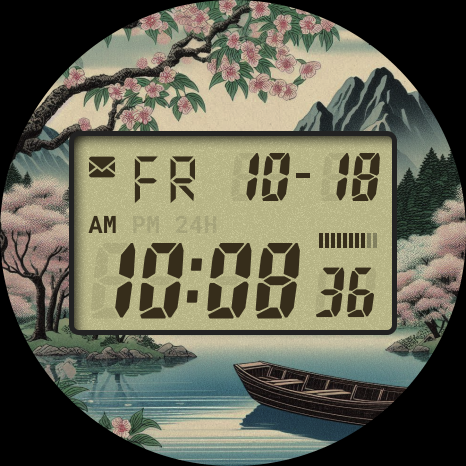
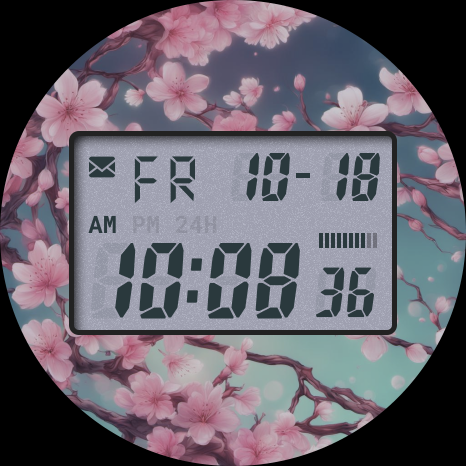
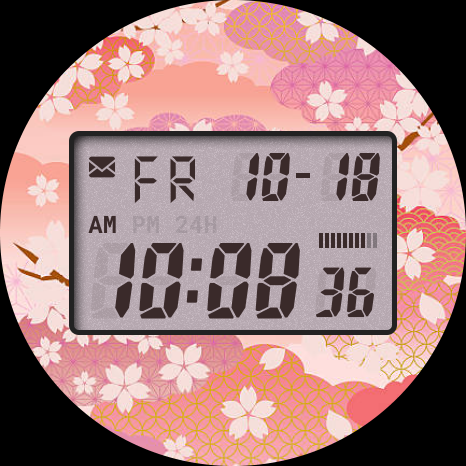
Dive into the serene beauty of traditional Japanese art with the CELEST5562 Retro Digital Watch. This unique watch face is inspired by classic Japanese woodblock prints, capturing the tranquility of nature through gentle waves and soft colors. You can enjoy this timeless art directly on your wrist, with ten distinct variations that echo the skillful artistry of the originals. Each detail is designed to create a calming aesthetic, allowing you to feel a subtle yet meaningful connection to the natural world.
The CELEST5562 watch face does not just look good; it also offers a lot of customization options to fit your personal style and needs. You can choose from ten vibrant LCD background colors to find the perfect match for your mood or outfit. This watch face makes it easy to enhance your daily efficiency with four invisible circular complications, allowing for quick access to your most-used applications. This blend of artistic beauty and practical utility ensures you stay on time while expressing your individuality.
If you have trouble installing your CELEST5562 watch face from the Google Play Store, we've got you covered with an easy watch face installation guide. If your watch face is installed on your phone but not on your watch, it may be due to a companion app installation issue. To install it directly on your watch, open Google Play on your smartwatch, search for the CELEST5562 Retro Digital Watch, and install it there. Alternatively, on your phone, you can use the Play Store dropdown menu to select your watch as the target device.
If the watch face still doesn’t show up, open your watch’s companion app on your phone, such as the Galaxy Wearable app for Samsung devices. Locate the Downloaded section for watch faces, find the CELEST5562, and tap to install it.
In case you need more help, feel free to reach out to us at info@celest-watches.com, and we’ll make sure to assist you swiftly.
Customization options for the CELEST5562 include various features such as background images, where you can choose from ten options. You also have the flexibility to adjust the LCD text color and apply AOD background dim options that help with battery conservation. Disabling the AOD background is another way to extend battery life.
Explore the features that make this custom watch face unique, such as the watch face variations that reflect traditional Japanese art. With captivating nature elements and vibrant color options, you can create a truly personalized experience. The setup of complications allows you to integrate app shortcuts for efficiency, making it a great fit for any modern smartwatch user.
Enjoy the art and utility fusion that the CELEST5562 Retro Digital Watch brings. It's an excellent way to incorporate traditional aesthetics into your daily life while ensuring you have convenient access to your personal style. Whether you want to reflect your preference through six unique color themes or appreciate the artistic design inspiration, this watch face caters to all your needs.
Experience the stability of a reliable digital watch face as you explore its numerous features. The CELEST5562 enhances your daily efficiency and keeps you connected with the serene nature connection that its design evokes. Upgrade your Wear OS experience with this stunning watch face today.
The CELEST5562 watch face does not just look good; it also offers a lot of customization options to fit your personal style and needs. You can choose from ten vibrant LCD background colors to find the perfect match for your mood or outfit. This watch face makes it easy to enhance your daily efficiency with four invisible circular complications, allowing for quick access to your most-used applications. This blend of artistic beauty and practical utility ensures you stay on time while expressing your individuality.
If you have trouble installing your CELEST5562 watch face from the Google Play Store, we've got you covered with an easy watch face installation guide. If your watch face is installed on your phone but not on your watch, it may be due to a companion app installation issue. To install it directly on your watch, open Google Play on your smartwatch, search for the CELEST5562 Retro Digital Watch, and install it there. Alternatively, on your phone, you can use the Play Store dropdown menu to select your watch as the target device.
If the watch face still doesn’t show up, open your watch’s companion app on your phone, such as the Galaxy Wearable app for Samsung devices. Locate the Downloaded section for watch faces, find the CELEST5562, and tap to install it.
In case you need more help, feel free to reach out to us at info@celest-watches.com, and we’ll make sure to assist you swiftly.
Customization options for the CELEST5562 include various features such as background images, where you can choose from ten options. You also have the flexibility to adjust the LCD text color and apply AOD background dim options that help with battery conservation. Disabling the AOD background is another way to extend battery life.
Explore the features that make this custom watch face unique, such as the watch face variations that reflect traditional Japanese art. With captivating nature elements and vibrant color options, you can create a truly personalized experience. The setup of complications allows you to integrate app shortcuts for efficiency, making it a great fit for any modern smartwatch user.
Enjoy the art and utility fusion that the CELEST5562 Retro Digital Watch brings. It's an excellent way to incorporate traditional aesthetics into your daily life while ensuring you have convenient access to your personal style. Whether you want to reflect your preference through six unique color themes or appreciate the artistic design inspiration, this watch face caters to all your needs.
Experience the stability of a reliable digital watch face as you explore its numerous features. The CELEST5562 enhances your daily efficiency and keeps you connected with the serene nature connection that its design evokes. Upgrade your Wear OS experience with this stunning watch face today.
【Hybrid】Flat Small Clock
ZKin
$2.99
Black & White HD -Icon Pack
Olivera Onias Design
$0.99
$0.20
Symmetrical Watch Face
amoledwatchfaces™
$1.79
$0.90