
$1.99
$1.00
50% Off
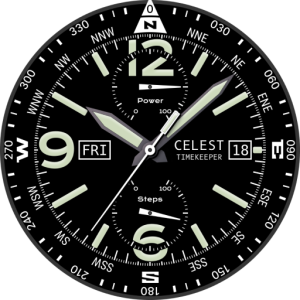
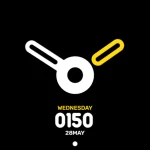
CELEST1771 Smart Analog Watch
CELEST Watches








About the App
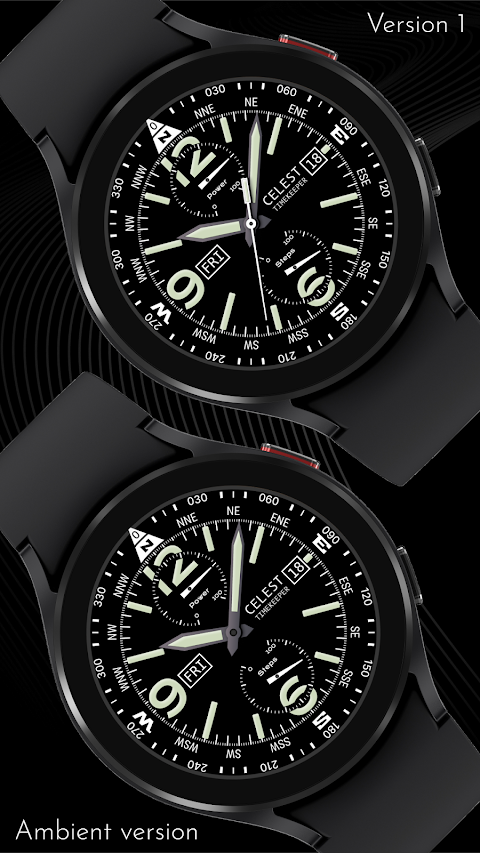
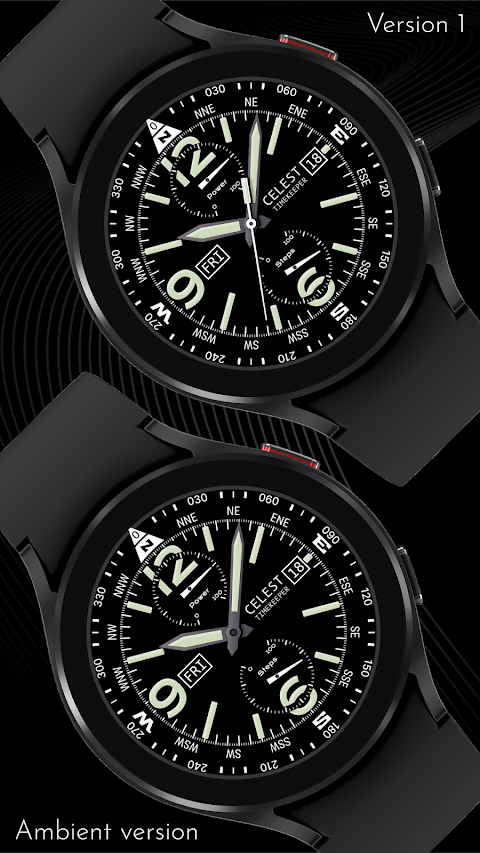
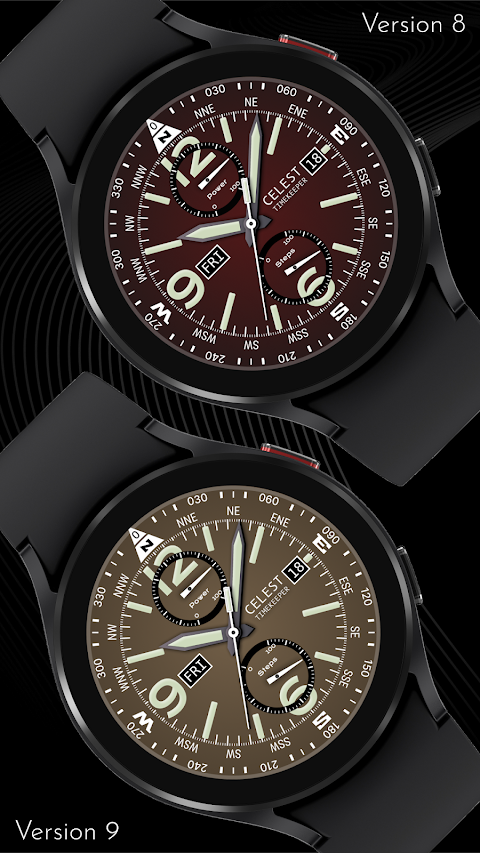
The CELEST1771 Smart Analog Watch is more than just a timepiece; it is an expression of your individual style. While it features a compass, please note that it is purely decorative and does not function.
When you want to showcase your unique watch face, you might need some guidance. This is where the installation guide for smartwatches comes in handy. If you are trying to install a watch face using the Google Play Android app, you might face some challenges.
If you find that the watch face is installed on your phone but not on your watch, don't worry. The developer has created a companion app for installation. This app helps improve visibility on the Play Store. You can uninstall this companion app if it's not needed anymore. To continue with your installation, look for a small triangular symbol next to the Install button in the Play Store app. This symbol opens a dropdown menu where you can select your watch as the target device for installation.
For added convenience, you can also open the Play Store in a web browser on your laptop, Mac, or PC. This way, you can easily select the correct device for installation. If, after following these steps, the watch face still doesn't appear on your watch, you can resolve this through the Galaxy Wearable app. Go to the Downloaded section in this app, and you should find your watch face there. Just click on it to initiate the installation.
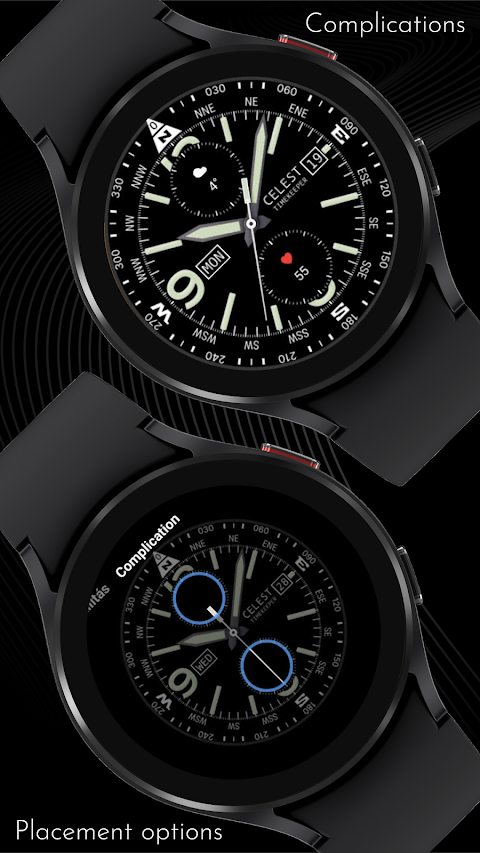
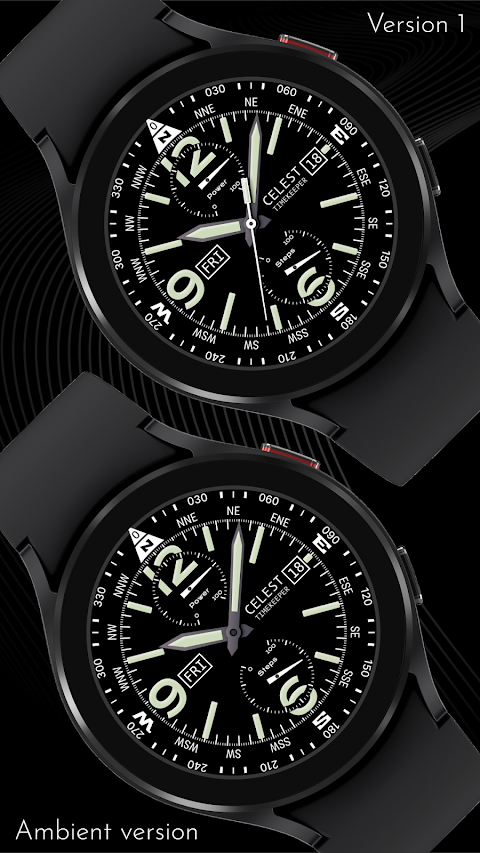
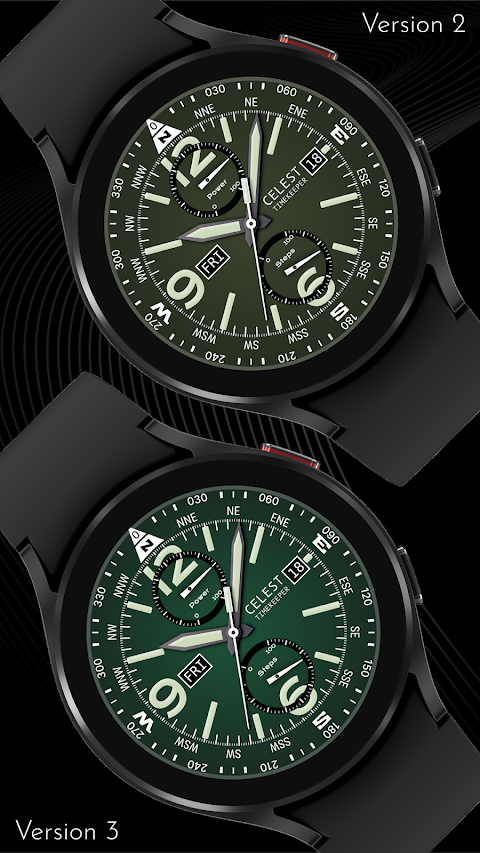
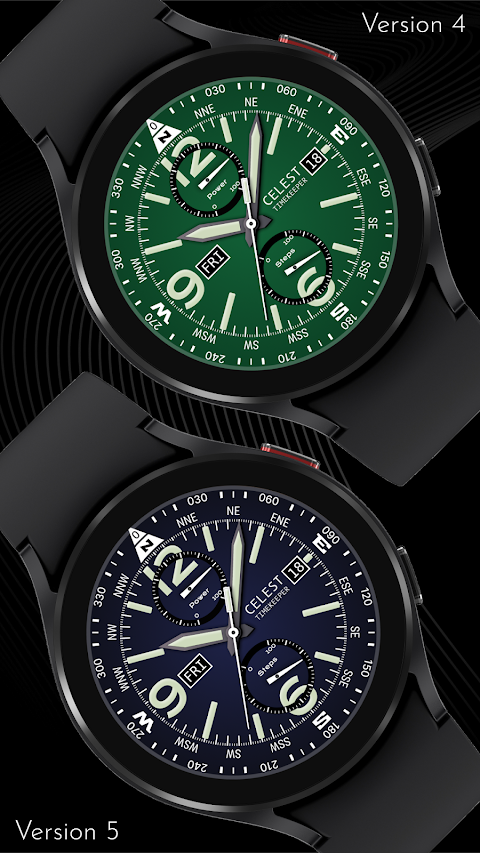
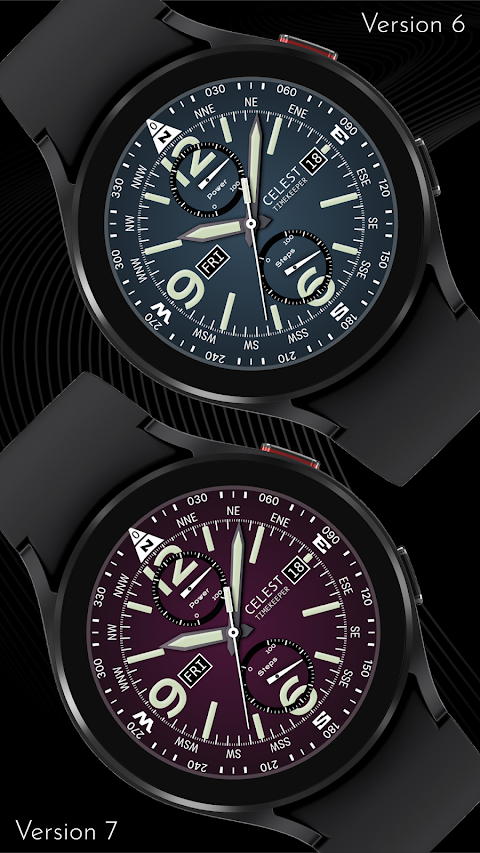
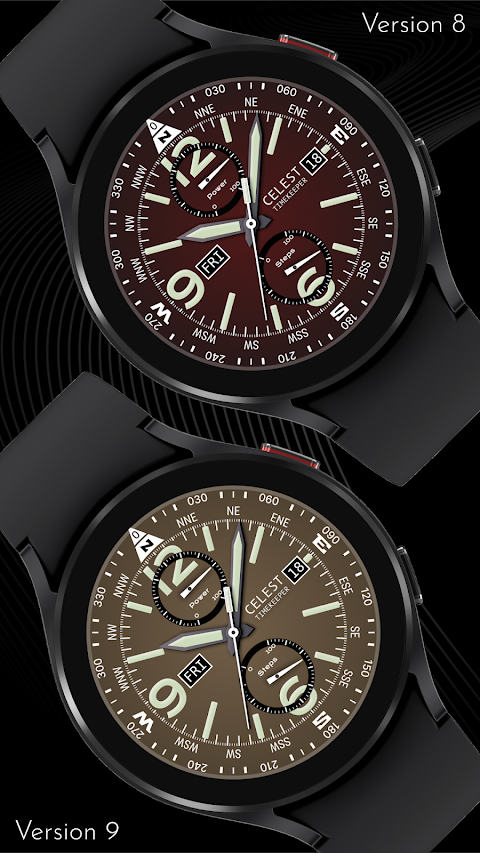
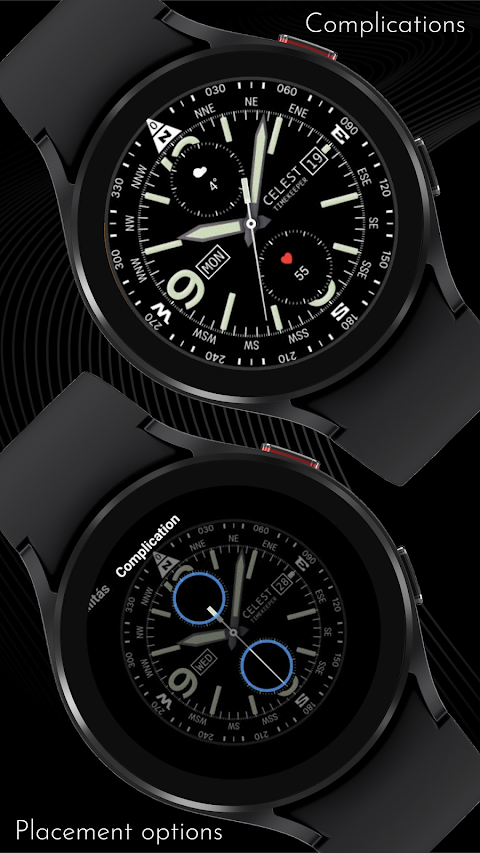
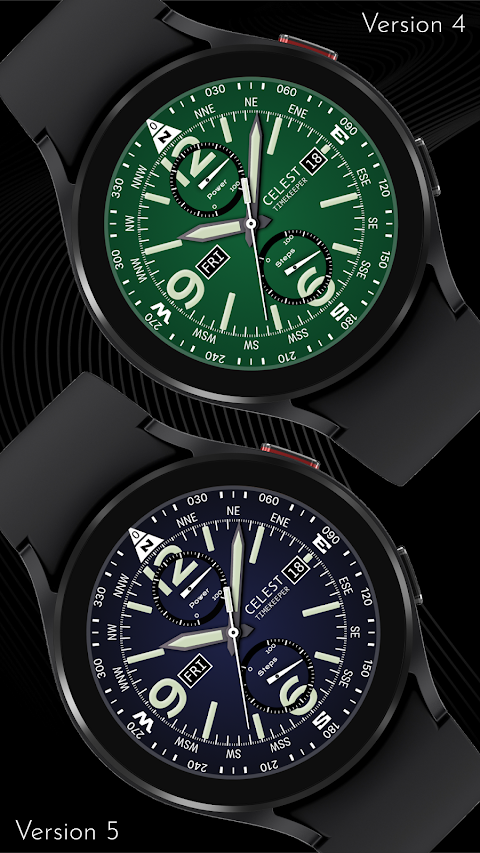
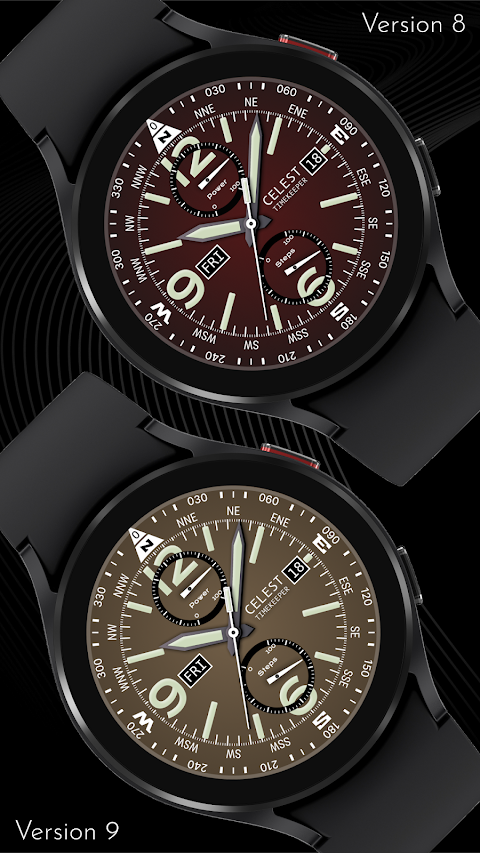
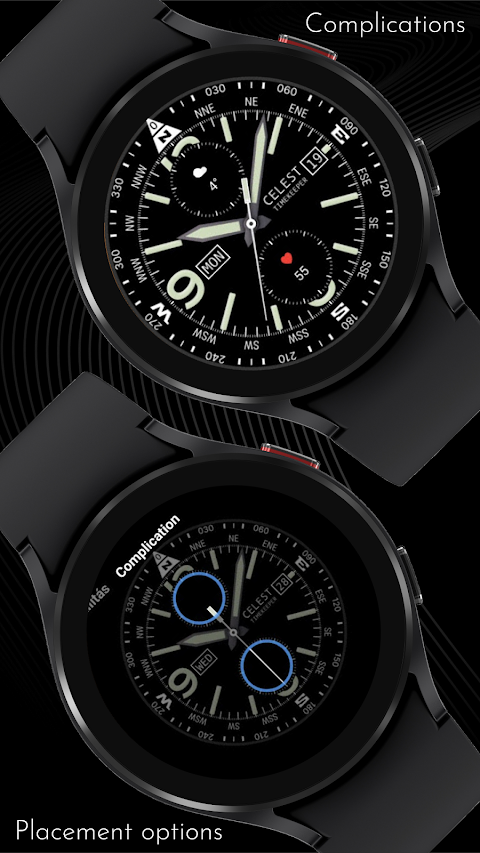
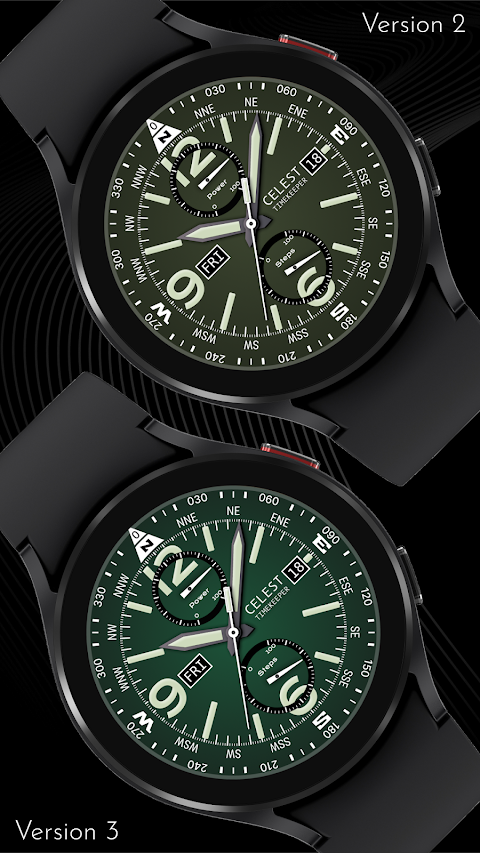
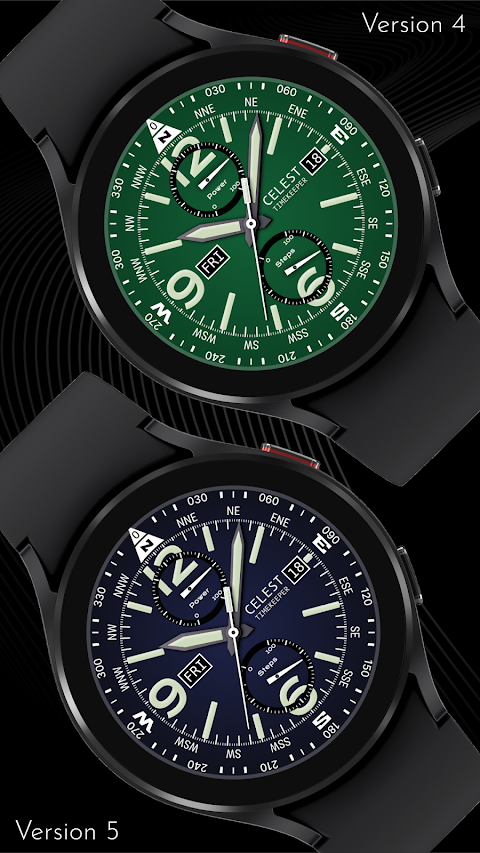
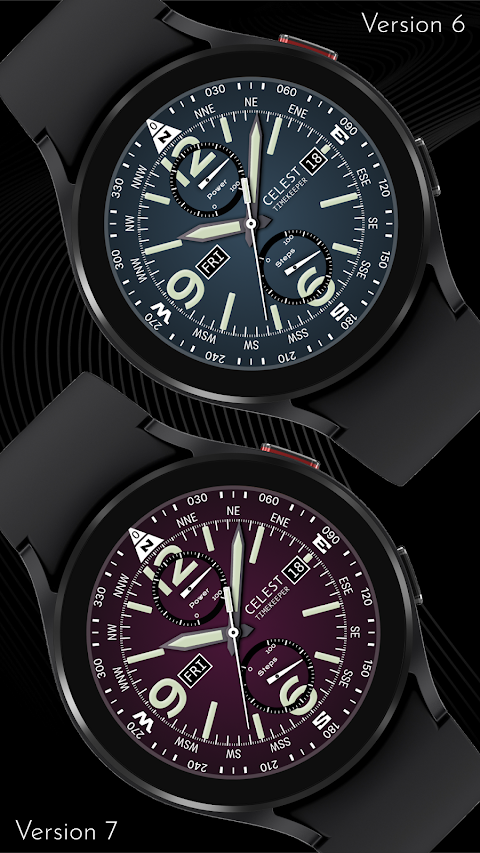
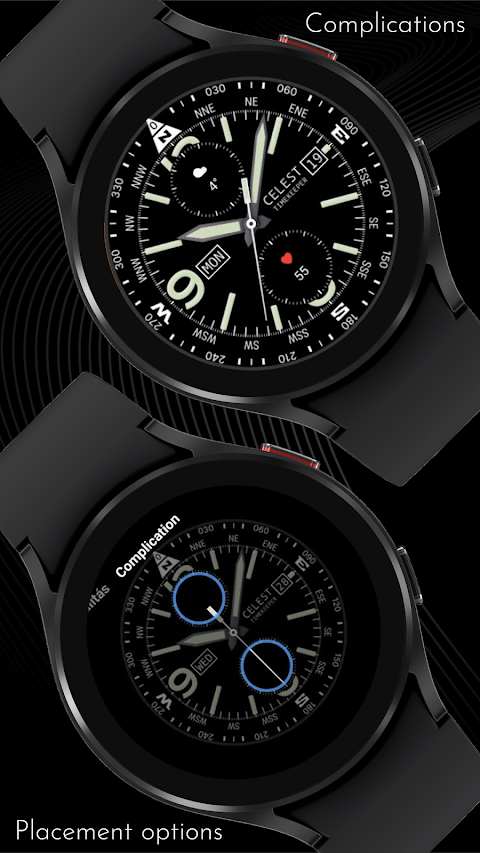
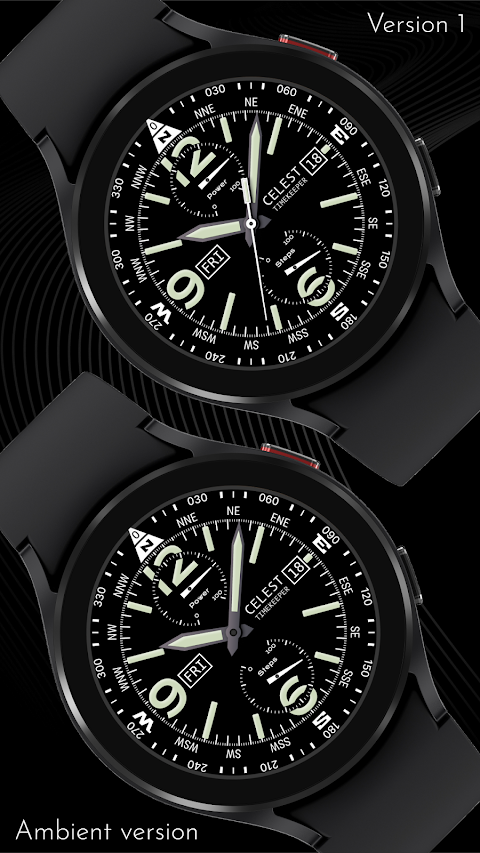
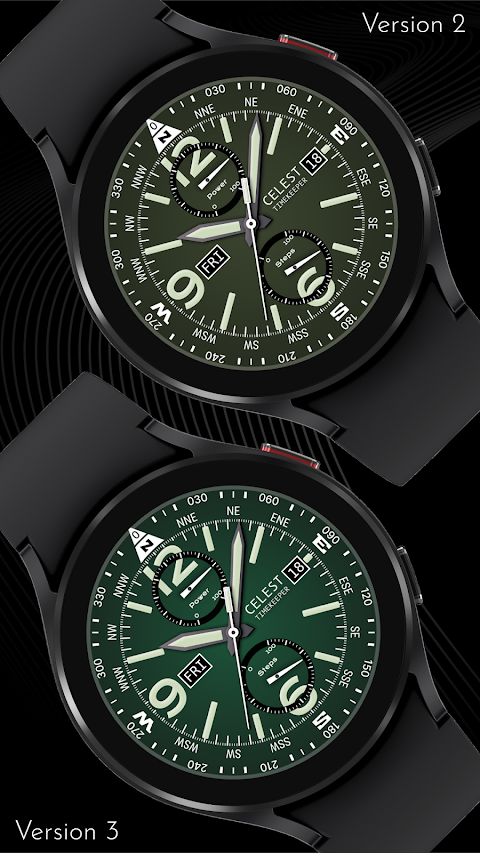
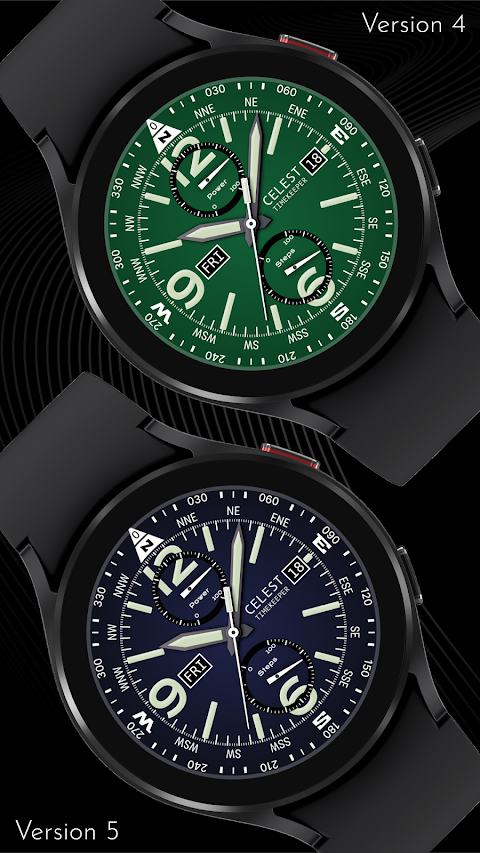
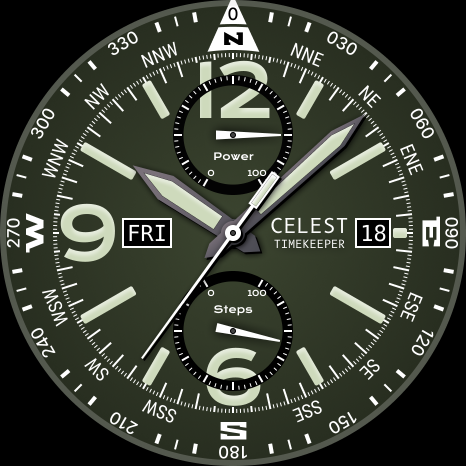
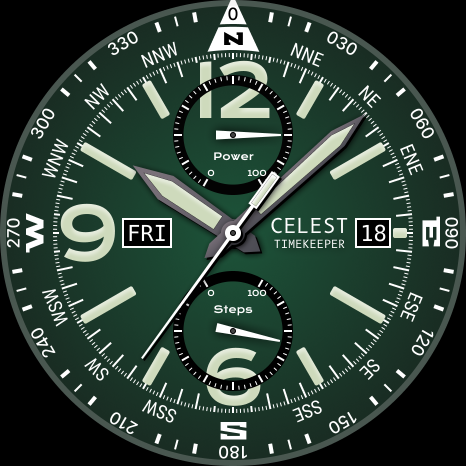
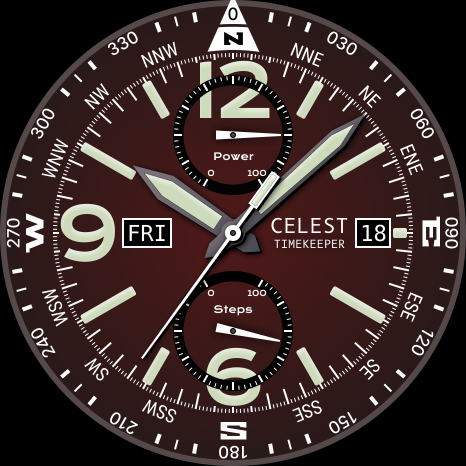
Now, let's talk about the details of the watch face. First, remember that the compass is just a cosmetic feature. The CELEST1771 Smart Analog Watch allows for significant customization. You can choose from nine background color variations to match your personal style. There are also two options for circular complication placement, making it easy to personalize your layout. If the Always-On Display (AOD) screen is too bright for your liking, you can adjust the brightness with four dimming options: 0%, 25%, 50%, or 75%.
During customization, you have the freedom to add a custom background image for your top and bottom circular complications. This lets you hide the default power and steps dials, providing a cleaner look.
If you're looking for more options, check our online catalog of watch faces. We offer a range of unique designs suitable for Wear OS. Additionally, keep an eye out for discounts for Wear OS users, making it more affordable to upgrade your style.
Engage with us on social media to stay updated on the latest CELEST Watches news and designs. You can follow us on Instagram, Facebook, Twitter, and Telegram. We are here to enhance your personalized smartwatch experience with our stylish watch face offerings.
In summary, the CELEST1771 Smart Analog Watch combines functionality and style, perfect for anyone looking to express themselves through their watch. Enjoy the benefits of customization and keep your watch face looking fresh!
When you want to showcase your unique watch face, you might need some guidance. This is where the installation guide for smartwatches comes in handy. If you are trying to install a watch face using the Google Play Android app, you might face some challenges.
If you find that the watch face is installed on your phone but not on your watch, don't worry. The developer has created a companion app for installation. This app helps improve visibility on the Play Store. You can uninstall this companion app if it's not needed anymore. To continue with your installation, look for a small triangular symbol next to the Install button in the Play Store app. This symbol opens a dropdown menu where you can select your watch as the target device for installation.
For added convenience, you can also open the Play Store in a web browser on your laptop, Mac, or PC. This way, you can easily select the correct device for installation. If, after following these steps, the watch face still doesn't appear on your watch, you can resolve this through the Galaxy Wearable app. Go to the Downloaded section in this app, and you should find your watch face there. Just click on it to initiate the installation.
Now, let's talk about the details of the watch face. First, remember that the compass is just a cosmetic feature. The CELEST1771 Smart Analog Watch allows for significant customization. You can choose from nine background color variations to match your personal style. There are also two options for circular complication placement, making it easy to personalize your layout. If the Always-On Display (AOD) screen is too bright for your liking, you can adjust the brightness with four dimming options: 0%, 25%, 50%, or 75%.
During customization, you have the freedom to add a custom background image for your top and bottom circular complications. This lets you hide the default power and steps dials, providing a cleaner look.
If you're looking for more options, check our online catalog of watch faces. We offer a range of unique designs suitable for Wear OS. Additionally, keep an eye out for discounts for Wear OS users, making it more affordable to upgrade your style.
Engage with us on social media to stay updated on the latest CELEST Watches news and designs. You can follow us on Instagram, Facebook, Twitter, and Telegram. We are here to enhance your personalized smartwatch experience with our stylish watch face offerings.
In summary, the CELEST1771 Smart Analog Watch combines functionality and style, perfect for anyone looking to express themselves through their watch. Enjoy the benefits of customization and keep your watch face looking fresh!

Neo Launcher Hyperion Prime
App Mania Software Development
$3.99
$2.00
Nova : Minimal Watch Face
JustWatch - Premium Watch Faces
$1.49
$0.49

DADAM25: Modern Watch Face
DADAM Watch Faces
$1.49
$0.15