

$0.99
FREE
100% Off
Carrot – Orange icon pack
Panoto Gomo


About the App
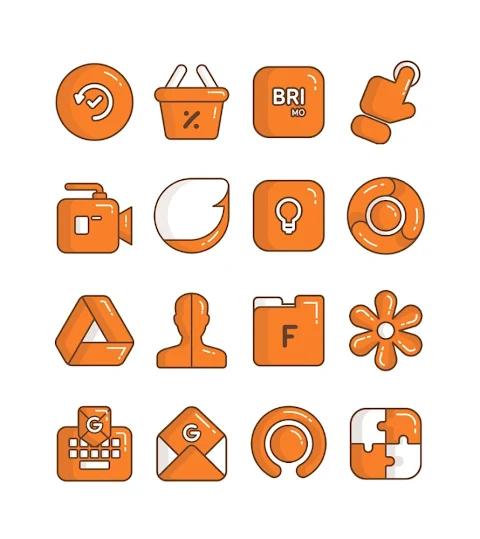
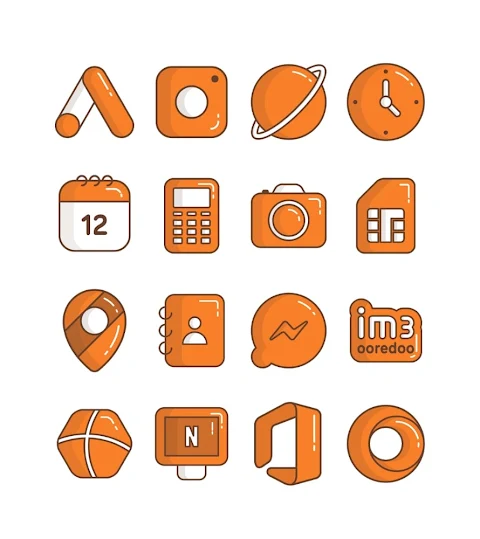
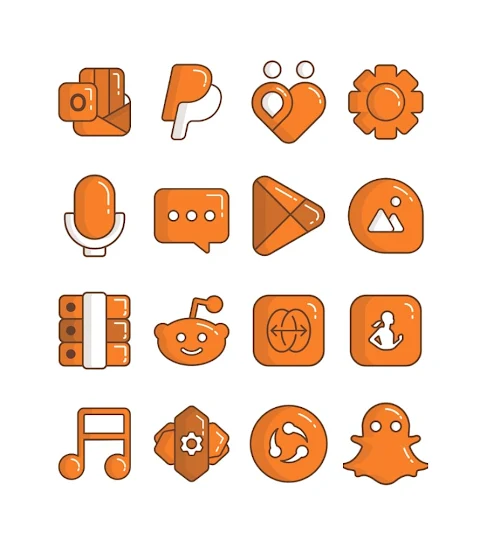
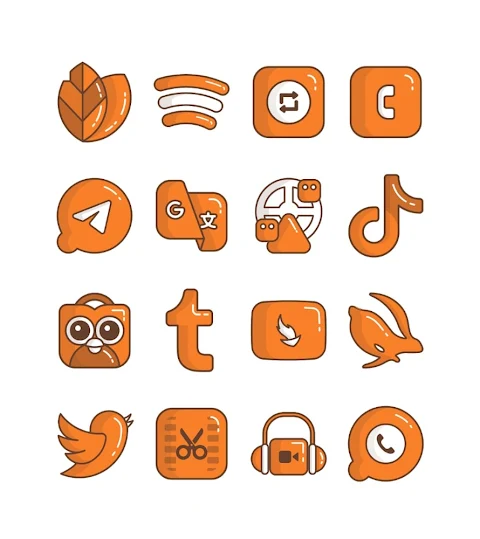
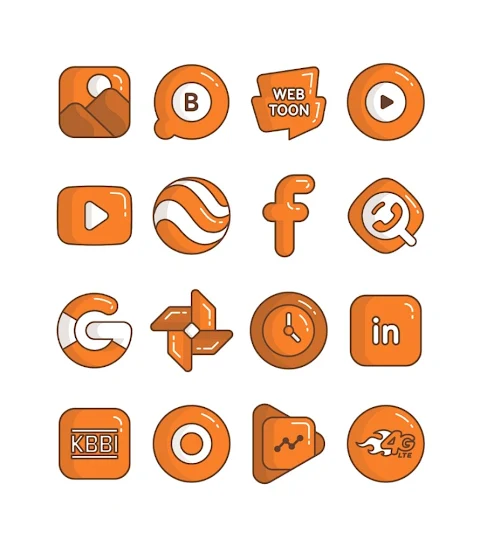
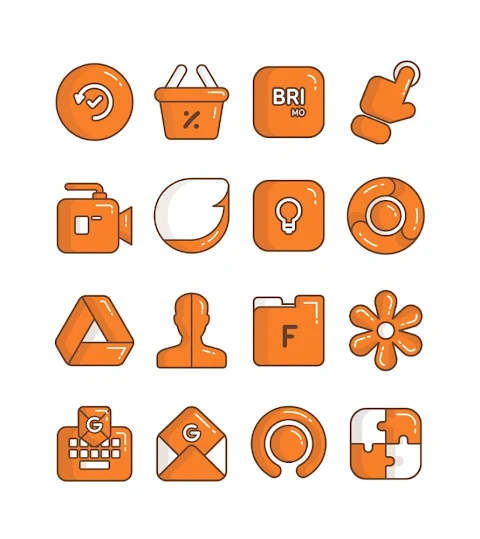
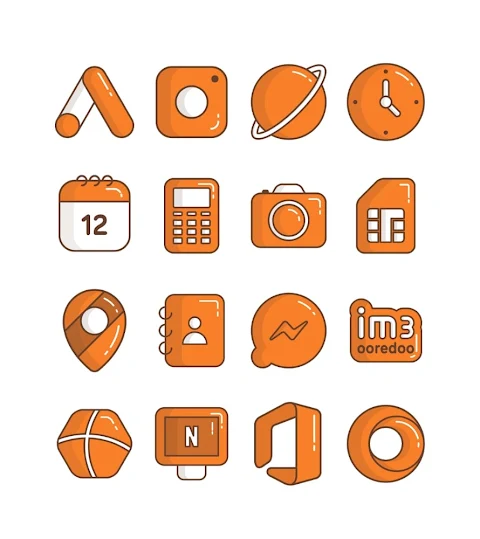
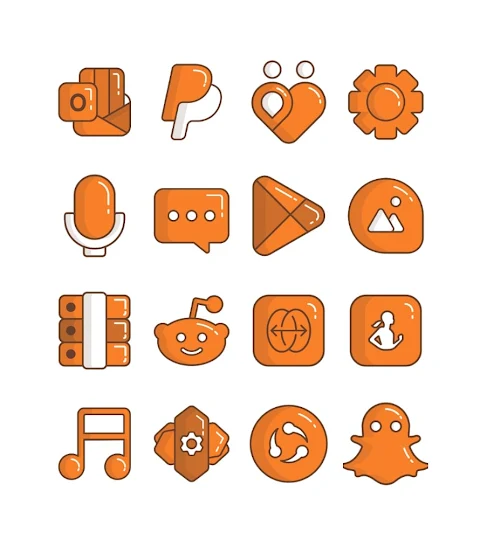
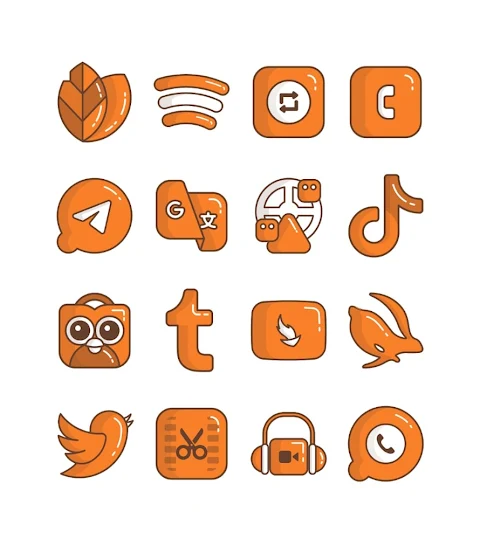
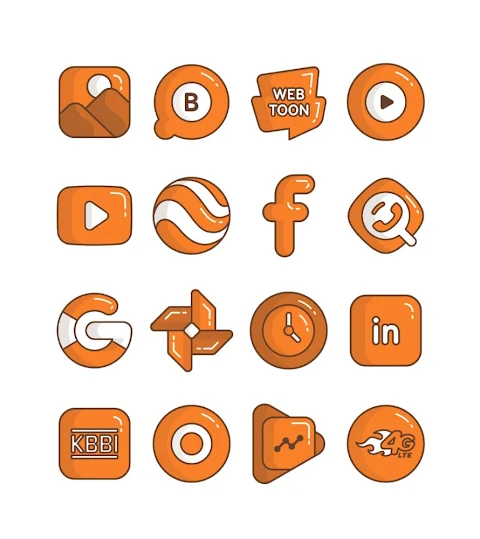
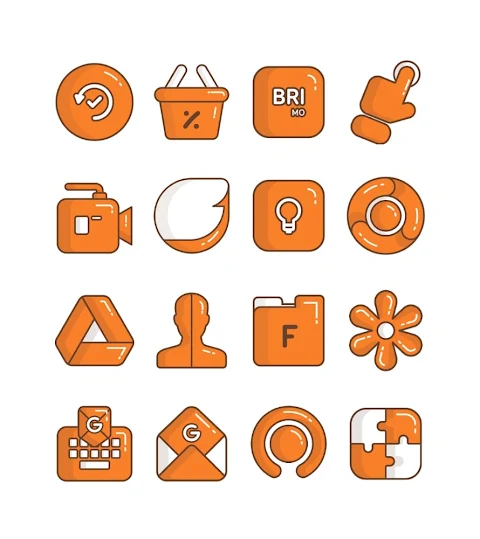
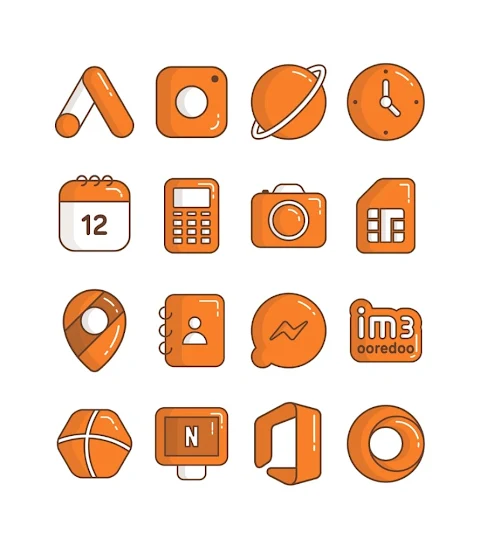
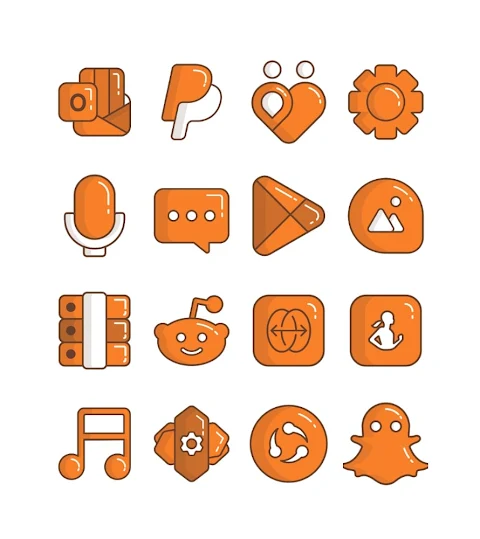
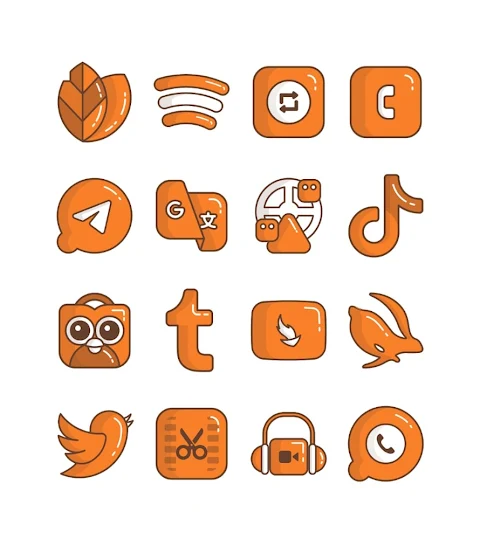
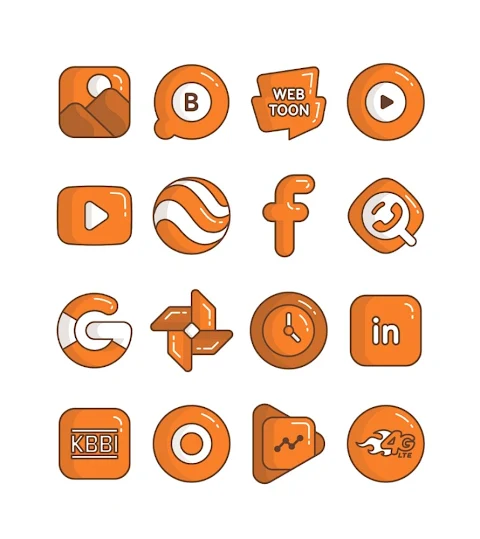
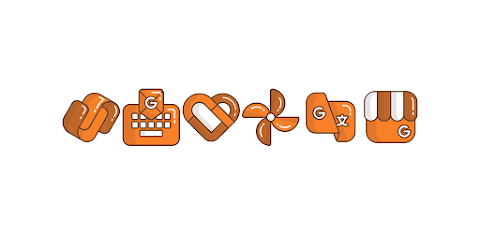
Carrot is an entertaining icon pack featuring an Orange cartoon-ish design. It offers over 3000 icons, ensuring a vibrant and playful way to customize your mobile experience. The icons have a high-definition resolution of 256x256px, delivering sharp and clear visuals for your home screen.
In addition to the extensive collection of icons, Carrot includes wallpaper support, allowing you to enhance your device's look even further. If you have a specific design in mind, you can use the Icon Request feature to suggest new icons, helping the pack grow and evolve.
To apply the Carrot icon pack, follow these straightforward steps. First, open the Carrot app. Then, navigate to the Apply Icon Pack screen. Here, you will see a list of supported launchers, including Nova Launcher support, Apex Launcher, ADW Launcher, Evie Launcher, Next Launcher, Holo Launcher, Lucid Launcher, M Launcher, Action Launcher, Sony Xperia Home Launcher, Aviate Launcher, Smart Launcher, Go Launcher support, and Zero Launcher support. Simply select the Nova Launcher installed on your phone to automatically apply the Carrot icons.
If you find that your launcher doesn’t appear while trying to apply the pack, you can also apply it directly from the launcher itself. For those using Sony Xperia Home Launcher, you can still make use of Carrot by following specific settings. Just long press on your main screen, open the launcher settings, scroll down to the appearance icon settings, and choose the Carrot icon pack. Keep in mind that this is only compatible with Sony Xperia Home Launcher versions 10.0.A.0.8 or later.
Carrot is perfect for anyone looking to customize their home screen. With its launcher integration, you can easily explore different themes and styles. The icon pack is designed for mobile customization, making it a great choice for those who want to bring a unique touch to their device.
For more design inspiration and updates, you can follow Carrot on social media through Google+, Instagram, and Twitter. Special thanks to Dani Mahardika for the Candybar dashboard, which helps in creating this fun and lively icon pack. Enjoy transforming your mobile experience with Carrot!
In addition to the extensive collection of icons, Carrot includes wallpaper support, allowing you to enhance your device's look even further. If you have a specific design in mind, you can use the Icon Request feature to suggest new icons, helping the pack grow and evolve.
To apply the Carrot icon pack, follow these straightforward steps. First, open the Carrot app. Then, navigate to the Apply Icon Pack screen. Here, you will see a list of supported launchers, including Nova Launcher support, Apex Launcher, ADW Launcher, Evie Launcher, Next Launcher, Holo Launcher, Lucid Launcher, M Launcher, Action Launcher, Sony Xperia Home Launcher, Aviate Launcher, Smart Launcher, Go Launcher support, and Zero Launcher support. Simply select the Nova Launcher installed on your phone to automatically apply the Carrot icons.
If you find that your launcher doesn’t appear while trying to apply the pack, you can also apply it directly from the launcher itself. For those using Sony Xperia Home Launcher, you can still make use of Carrot by following specific settings. Just long press on your main screen, open the launcher settings, scroll down to the appearance icon settings, and choose the Carrot icon pack. Keep in mind that this is only compatible with Sony Xperia Home Launcher versions 10.0.A.0.8 or later.
Carrot is perfect for anyone looking to customize their home screen. With its launcher integration, you can easily explore different themes and styles. The icon pack is designed for mobile customization, making it a great choice for those who want to bring a unique touch to their device.
For more design inspiration and updates, you can follow Carrot on social media through Google+, Instagram, and Twitter. Special thanks to Dani Mahardika for the Candybar dashboard, which helps in creating this fun and lively icon pack. Enjoy transforming your mobile experience with Carrot!

Ghost Boo Icon Pack
PizzApp Design
$0.99
$0.69
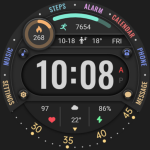
Colored Arc Text ZKin Watch
ZKin
$2.99
$0.99

WAW038 Dynamic Digital Watch
WAW Watch Faces
$1.99
$0.49